Help us make the Firewalla Gold 10Gbit Unit


-
instructions on ssh here https://help.firewalla.com/hc/en-us/articles/115004397274-How-to-access-Firewalla-using-SSH
-

The FWG Pro arrived today via USPS; no issues with packaging and the unit looks great. The initial installation under transparent bridge mode was very fast and easy, took less than 10 minutes to adopt it using my Samsung Galaxy S22 Ultra and creating 3 bridges for my VLANs. Am achieving full line rate of 5gbps up/down. Just need to create rules now along with re-naming ~80 devices. I'll be running it in transparent bridge mode for awhile and then change it to router mode and putting it out in front of my network and testing that for awhile.
 .
. -

@Benjamin Achtenberg
After you purchase you fill out a survey. It is then a weighted process based on when you preordered and how you answered the preorder survey. From there it is still “random” per se and hence folks that ordered later could still get selected from someone that ordered day 1 when the preorder went live. It is also dependent on how many preorder units are available too obviously.
If you look back on this thread I am pretty sure they explain it.
-

I'm having issues connecting to an AnyConnect VPN client on Firewalla Gold Pro. It fails to connect, and when trying to view logs, it stays stuck on trying to view the logs, so I have to completely close the Firewalla beta app Version 1.62 (67) on iOS. The client I'm connecting to has 2FA enabled. Perhaps that's what is causing the issue.
Like everyone who received their device, the setup process was a breeze. Migrating the configuration was no issue, and I was up and running in about five minutes.
-

@Firewalla I have an idea!
What if I let your people to remotely config the Gold Pro and run tests as you please?
I can use my unlimited data plan on my phones and tablets
and hotspot the laptop.
Finland, Oulu, is yours!
I can attach the old TP-Link Touch P5 first.
Then the new Archer BE900.
We will see what is the VPN speed of the Gold Pro? Was it 500-600Mbps? Then a 600M connection is sufficient. -

Powered up the box! Migration went smoothly, do you need to re-add the new gold pro to early access (alpha)?
never mind - I enabled in app by tapping 10x on the join beta option
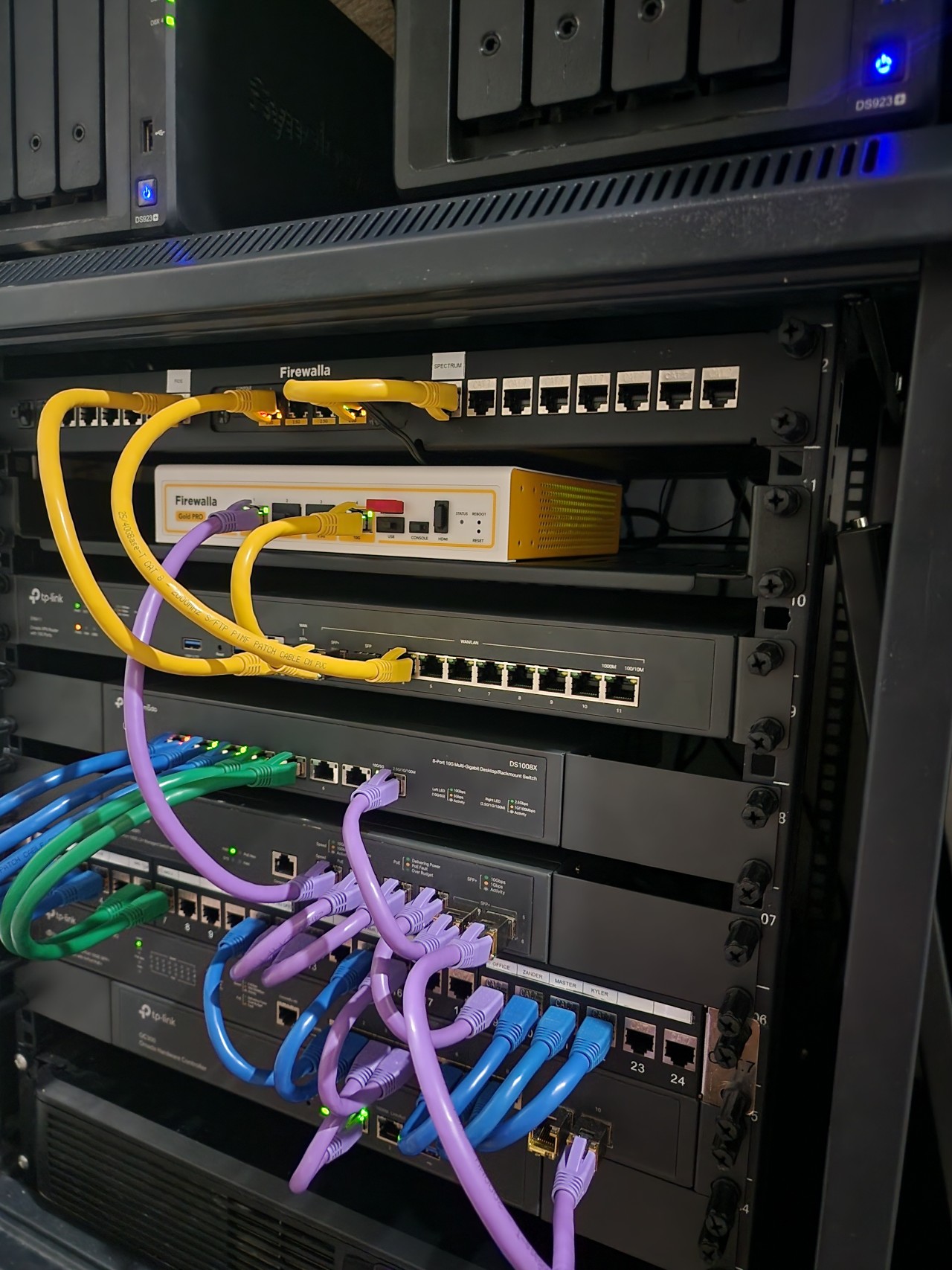
pic (pardon the mess): -
@Gavin: I like the idea of a Purple Pro for those that only need two ports, but don't let my photo be representative of why. For me, as I'm currently testing the Pro in transparent bridge mode, I'm only using the 10gbe ports since my LAN backbone is all 10gbe. Once I switch to router mode and put it out in front, I'll use the 10gbe ports for both my WAN 1 link (5gbe service) and for the connection back to my core switch, and then one 2.5gbe port for my WAN 2 link (1gbe service).
-
@Eibensl:
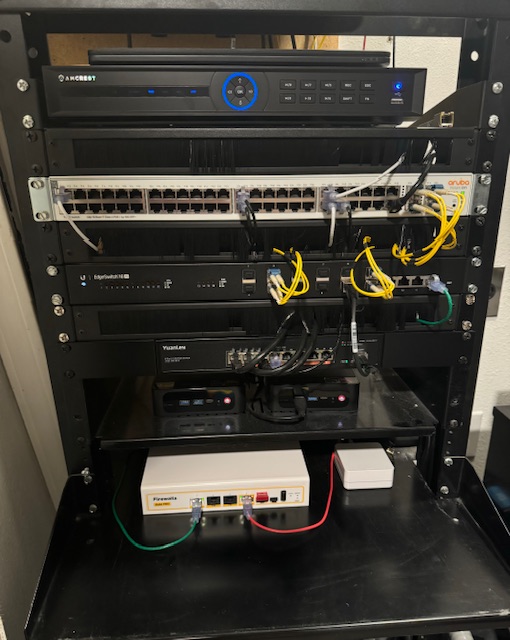
I was more joking than anything. With that being said I will use all the ports on my Pro. I’ll swap the WAN to one of the 2.5 gig ports (I “only” have 1 gig fiber). I’ll then hang two of my access points off of the 10 gig ports so they will have the 10 gig backhaul between them. I have a third access point but it will be wirelessly connected. The final 2.5 gig I’ll connect to my powerline.




Please sign in to leave a comment.
Comments
876 comments