Any way to pair Firewalla Gold Pro with iPad app running on Vision Pro?

Ran the iPad app on my Vision Pro but the Firewalla wasn't found event though I was no more than 3 feet away from the FW.
Went to the app on my iPhone "Allow Additional Pairing" which has a QR code.
Scanned the code with my iPad camera. It opened up google search with a very long text string staring with {"ek";.... which was not found.
Is there any way to get the iPad app to run on my Vision Pro?
-
Yes, the VP is running the iPad Firewalla app.
Tis a bit confusing with all of the devices involved. So in the VP I hit the "Add New" in the FW app, select "Gold Pro" and it isn't found.
So I go to the FW app on my iPhone, select "Allow Additional Pairing" which gives me a QR code. Scan the code with my iPad and it takes me to Google search.
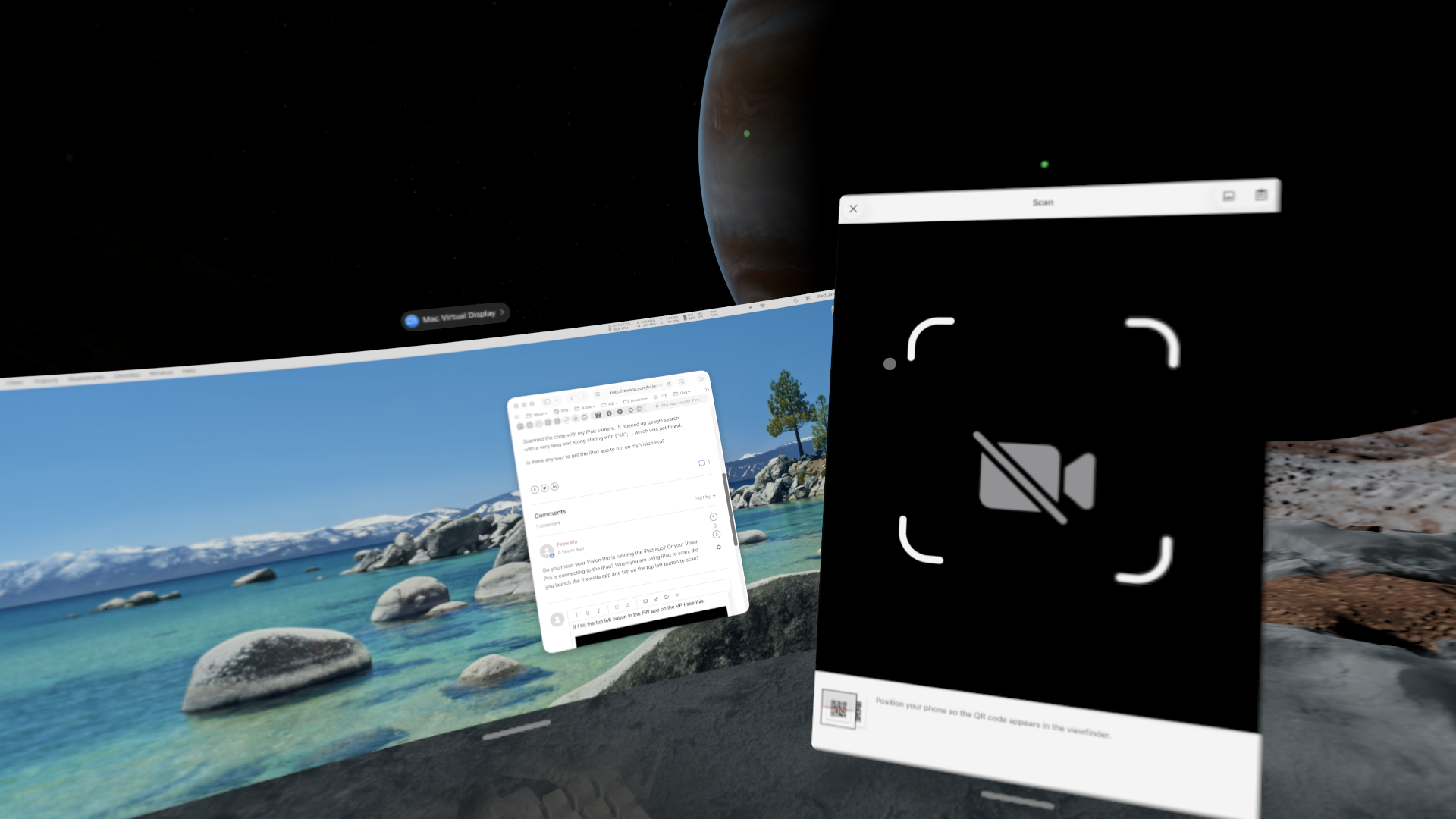
If I hit the top left button in the FW app on the VP I see this:
-

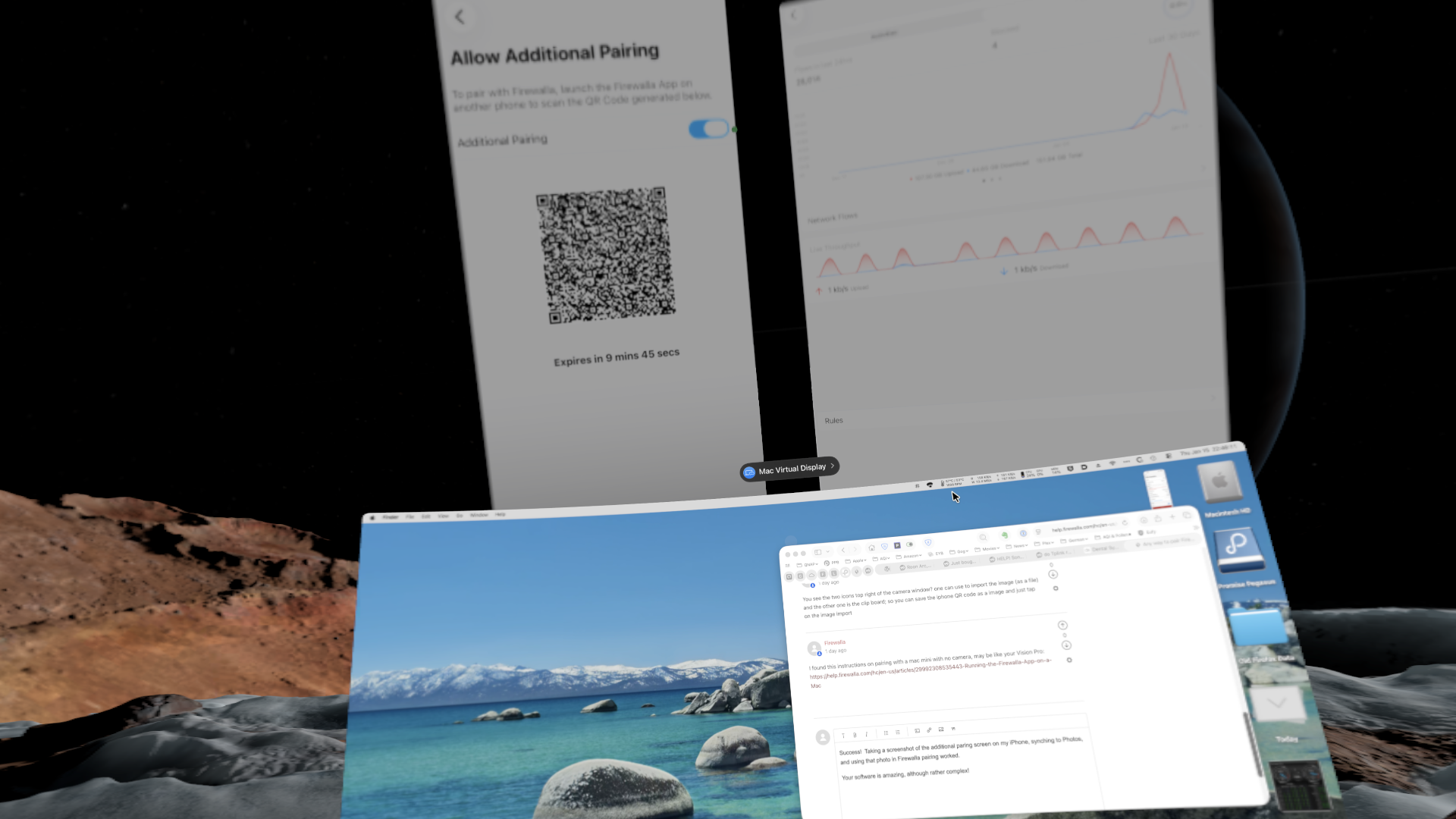
I found this instructions on pairing with a mac mini with no camera, may be like your Vision Pro: https://help.firewalla.com/hc/en-us/articles/29992308535443-Running-the-Firewalla-App-on-a-Mac
Please sign in to leave a comment.
Comments
6 comments