Unable to login to Web interface Firewalla Gold Pro

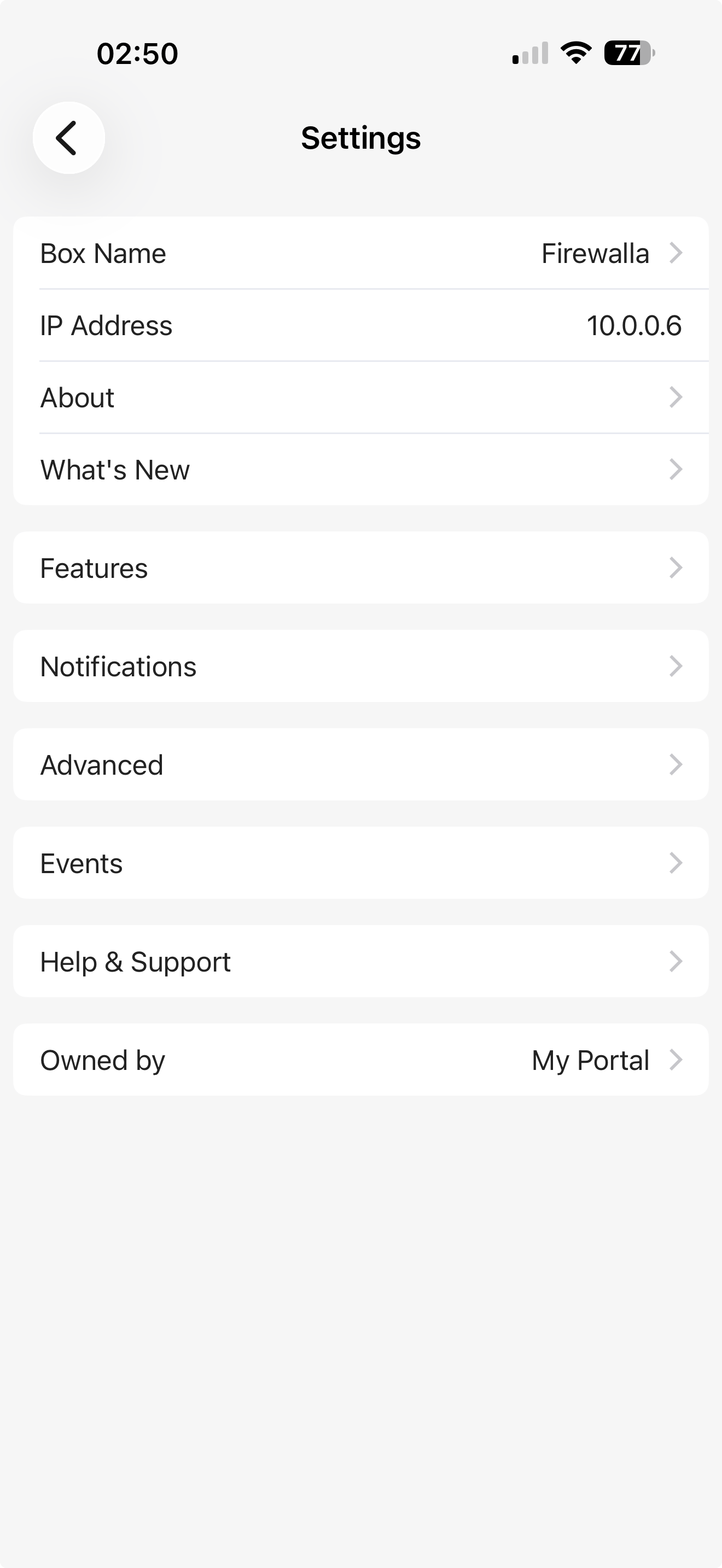
I'm on a Mac 26.2. The QR code to login says "Go to box settings on the Firewalla App, tap open in Desktop Browser".
This option does not exist under settings.
MSP portal does see the device.
-

Once a Firewalla Box is linked with the MSP instance, it cannot be managed by my.firewalla.com. You'll need to use your MSP portal to manage your box from the web. (Or, you can remove your box from MSP to use my.firewalla.com, but you will lose your box's flow data beyond the last 24 hours.)
More on MSP here: https://help.firewalla.com/hc/en-us/articles/4409866753427-Firewalla-Managed-Security-Portal-Introduction
-
They're similar, but not identical. We have a quick comparison chart here: https://firewalla.net/plans
- MSP is a full management interface with email-based logins and support for managing multiple boxes. It includes up to 180 days of flow history (vs. 24 hours) and adds features like Reports, IPsec VPN, advanced search & filters, and more.
- My.firewalla.com is more of a companion to the mobile app. You can use this interface if you don't need extended flow history or the extra MSP features. Here's a quick overview of what's included: https://help.firewalla.com/hc/en-us/articles/360052779253-The-Firewalla-Web-Interface
Please sign in to leave a comment.
Comments
3 comments