CONTEST: Show us your Firewalla setup! (2025)
Featured
UPDATE 8/11/2025: Contest closed! Thank you to everyone who participated and shared your unique setups! The Firewalla team is happy to announce the top submissions for the Firewalla Setup Contest 2025!
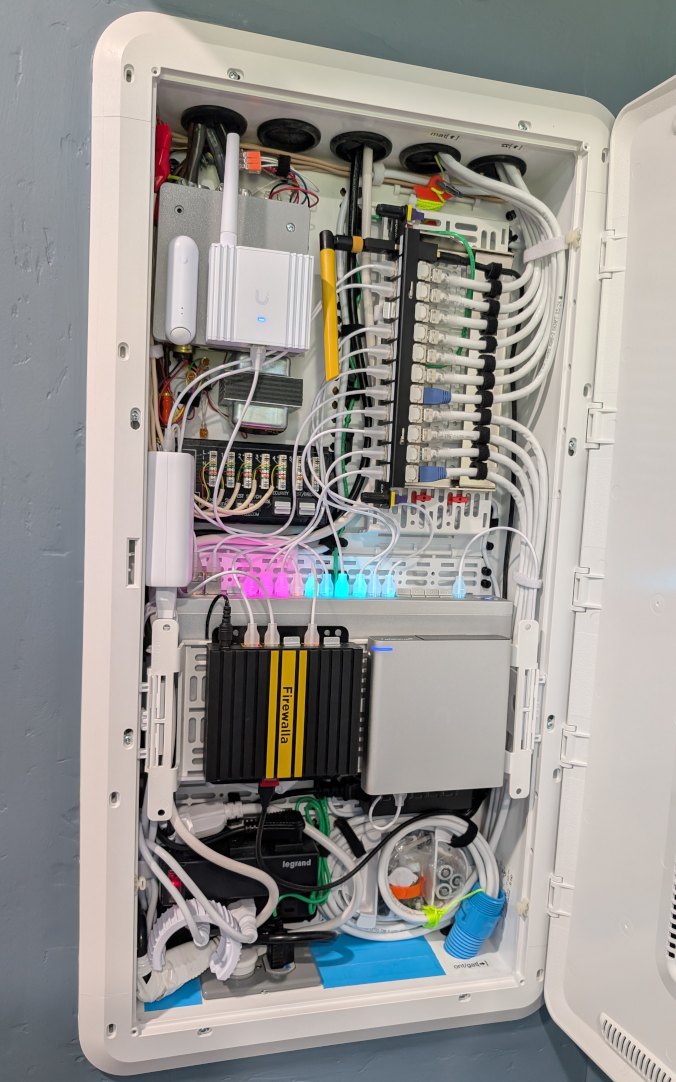
1st Place:
- Andy Camara https://help.firewalla.com/hc/en-us/community/posts/42589603312659-CONTEST-Show-us-your-Firewalla-setup-2025?page=3#community_comment_42710256813843
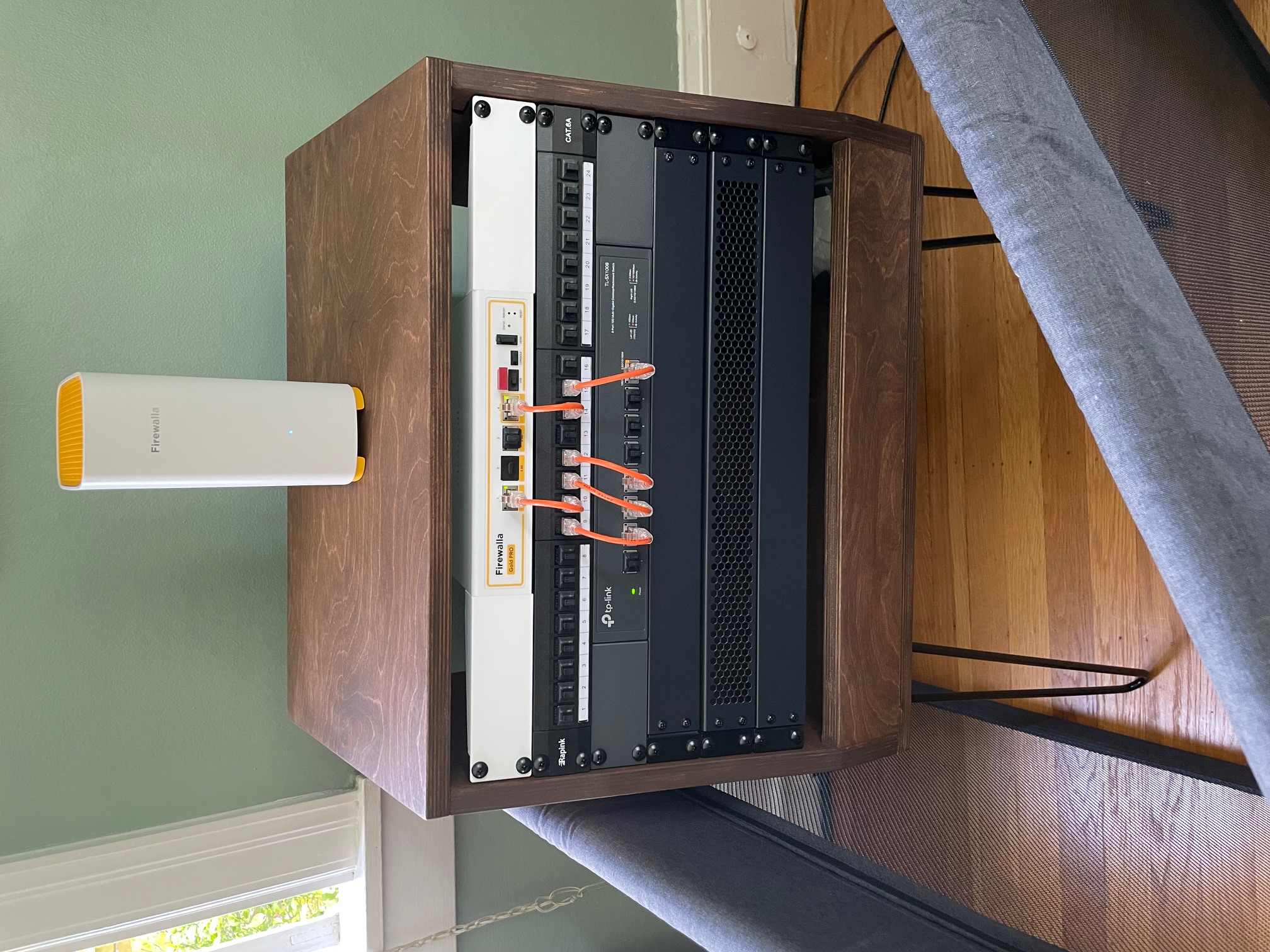
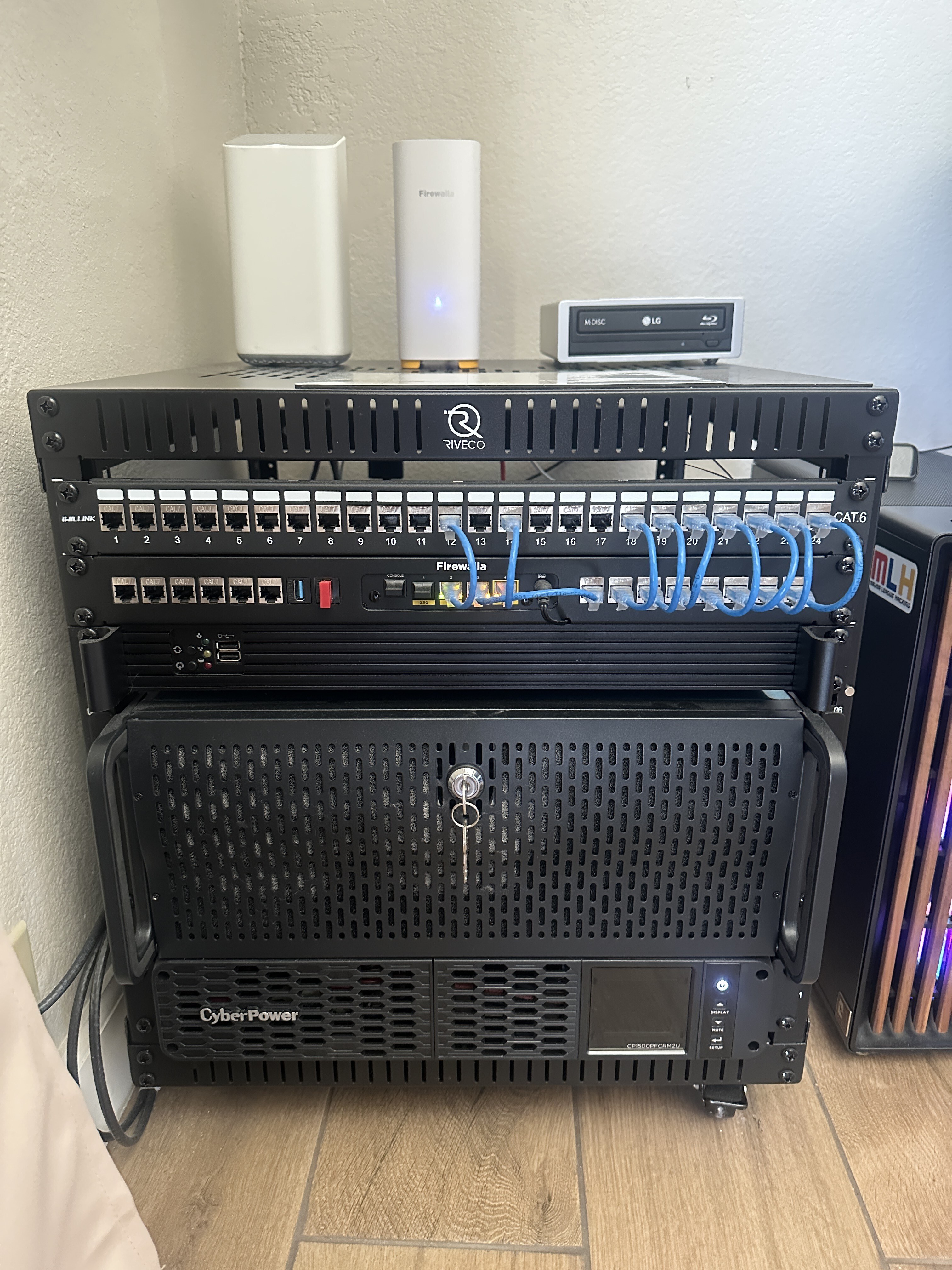
2nd Place:
- twiny2 https://help.firewalla.com/hc/en-us/community/posts/42589603312659-CONTEST-Show-us-your-Firewalla-setup-2025?page=3#community_comment_42677270637203
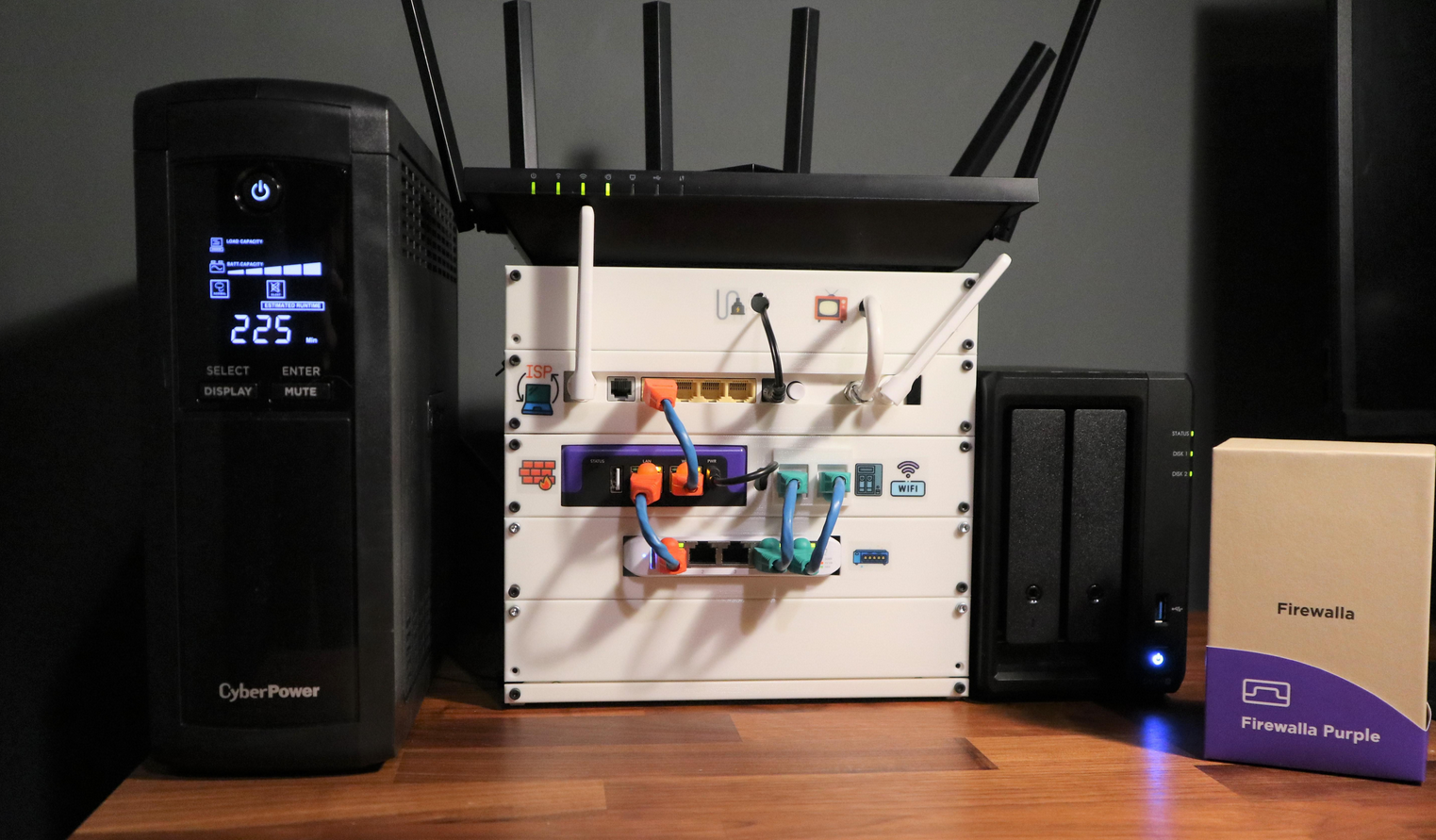
3rd Place:
- Gociu Mihai https://help.firewalla.com/hc/en-us/community/posts/42589603312659-CONTEST-Show-us-your-Firewalla-setup-2025?page=1#community_comment_42613941675795
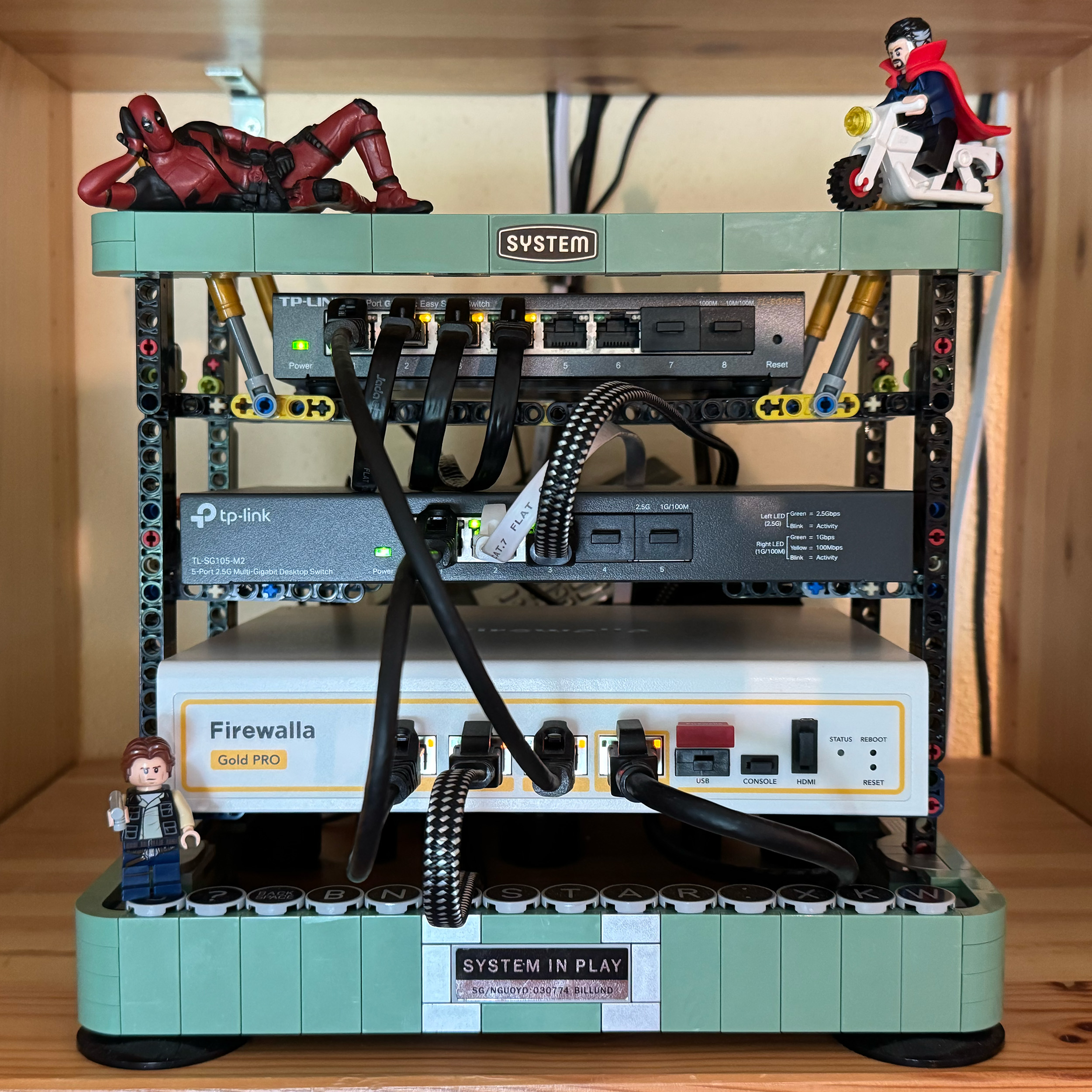
Winners have been contacted individually about their prizes.
---
We want to see how you’re using your Firewalla products! Whether you’ve placed them in a clever spot, built custom fittings, or just have an artistically messy setup…
Prizes:
- Grand Prize (1 winner): Firewalla Gold Plus + Gold Rack Mount + Wi-Fi SD
- Or 2 Firewalla AP7s instead (if based in the USA)
- Second Prize (2 winners): Firewalla Gold SE
- Or 1 Firewalla AP7 instead (if based in the USA)
- Third Prize (2 winners): Purple SE
Winners can choose alternate products of equal or lesser value. Top entries may be featured on our website and in Firewalla marketing materials!
How to Vote:
- Scroll down (there are multiple pages).
- Vote for your favorites by clicking the up arrow next to the comment (login required)

How to enter:
- Post a photo of your setup as a comment below (login required)
- Must include at least one Firewalla box.
- If you’ve entered a past Firewalla contest, please submit a new, original photo.
- If you're entering from a mobile device, you may need to request the desktop version of this site to see the option to add an image to your comment.
- We’ll also accept photos of a standalone AP7 Desktop or Ceiling if they are interesting!
- (Optional) Include a short paragraph describing your setup and one or two software features that made a difference.
Winner Selection:
- 10 finalists: 5 based on submission votes, and 5 chosen by the Firewalla team.
- Finalists will enter a final voting round through our communities.
- The top 5 submissions with the most votes will determine our winners.
- We have the right to remove submissions that don't meet the requirements or appear to have fraudulent votes.
Timing:
- Submissions & preliminary voting: June 30–July 15th, 2025
- Final voting round: July 21–July 31, 2025
- Winners will be announced and contacted via email starting on August 1, 2025.
Important:
- Please do not post any sensitive information. We reserve the right to remove unoriginal or offensive content.
- By entering, you agree to allow Firewalla to use your photos in future marketing materials (emails, articles, product pages, etc.)
- By posting or voting, you will automatically sign up for the Firewalla weekly newsletter; this is to notify you of voting times and winners.
- To keep contest entries clean, we will delete non-submission posts occasionally.
Check out our previous Firewalla contests for some inspiration!
- 2024: Show us your “lifestyle” Firewalla Contest https://help.firewalla.com/hc/en-us/community/posts/24294588856083-Show-us-your-lifestyle-Firewalla-Contest
- 2023: Show us your Network Rack and Win Big https://help.firewalla.com/hc/en-us/community/posts/18333572629267-Show-Us-Your-Network-Rack-and-Win-Big
-

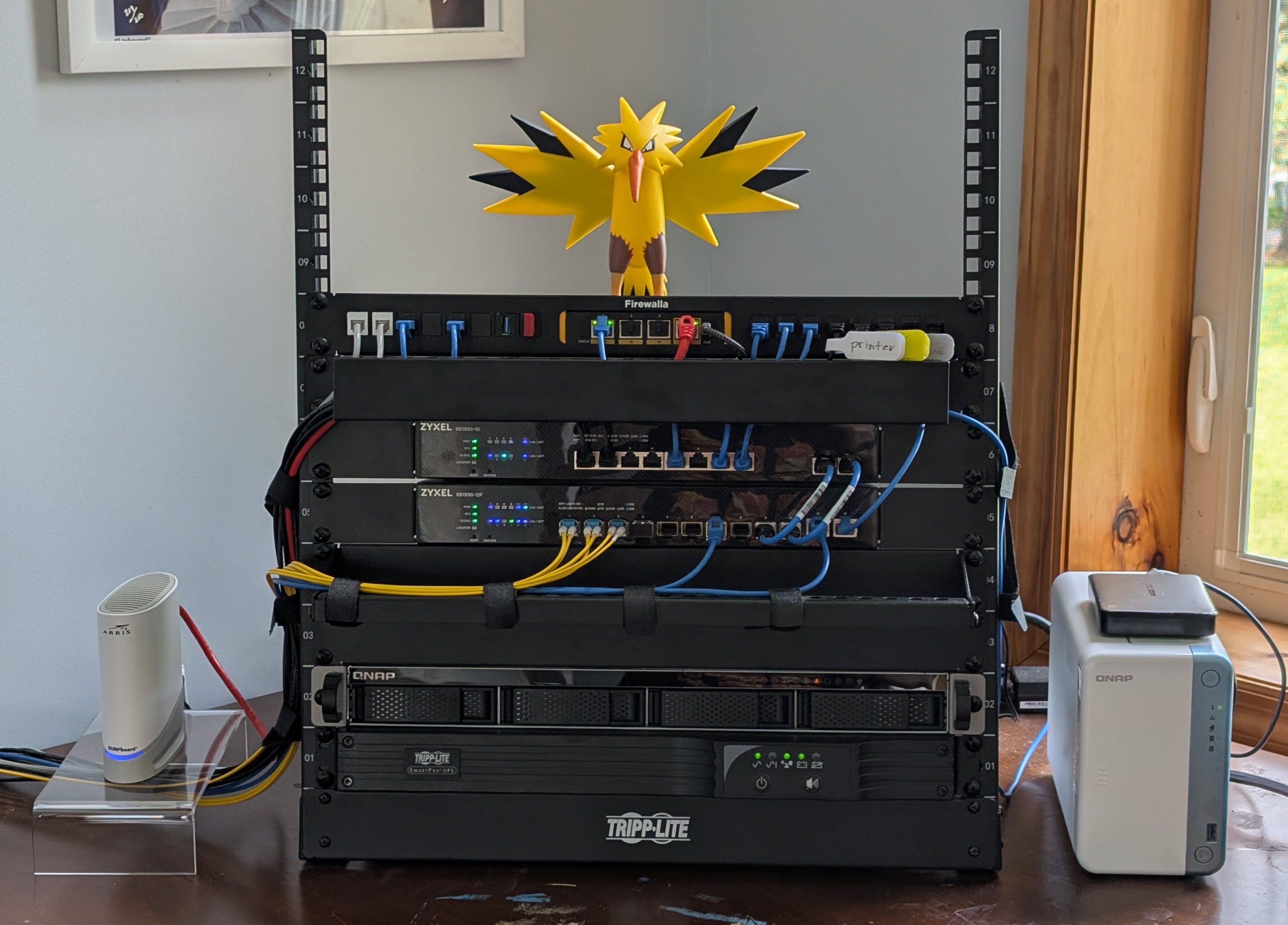
Zapdos and Firewalla protect my home network!!
The Firewalla is a Gold SE because the fastest internet available here is 1G/35M cable, but I haven't let that slow me down on the LAN side! 10GbE to anything that supports it, including fiber links to other rooms of the house, and SSD cache on the NAS units to push transfers to wire speed.
I call the Firewalla "my panopticon". Shortly after getting it, my son (4th grade) said he was going to do his homework in his room. 2 minutes later I get a Firewalla alert he's watching YouTube. I had to call him on it, and remind him: "I'm not just dad, I'm your network administrator."
It's also been great for diagnosing all manner of connectivity problems. My poor ISP.... "Hey, guys, I'm seeing like 0.5% upstream packet loss, but only when my modem is using the 14 MHz upstream channel. Can you send a tech out?" But hey, they seem to have fixed it!
-

Firewalla Gołd+ and AP7. Keeping our nations networks safe from threat actors.
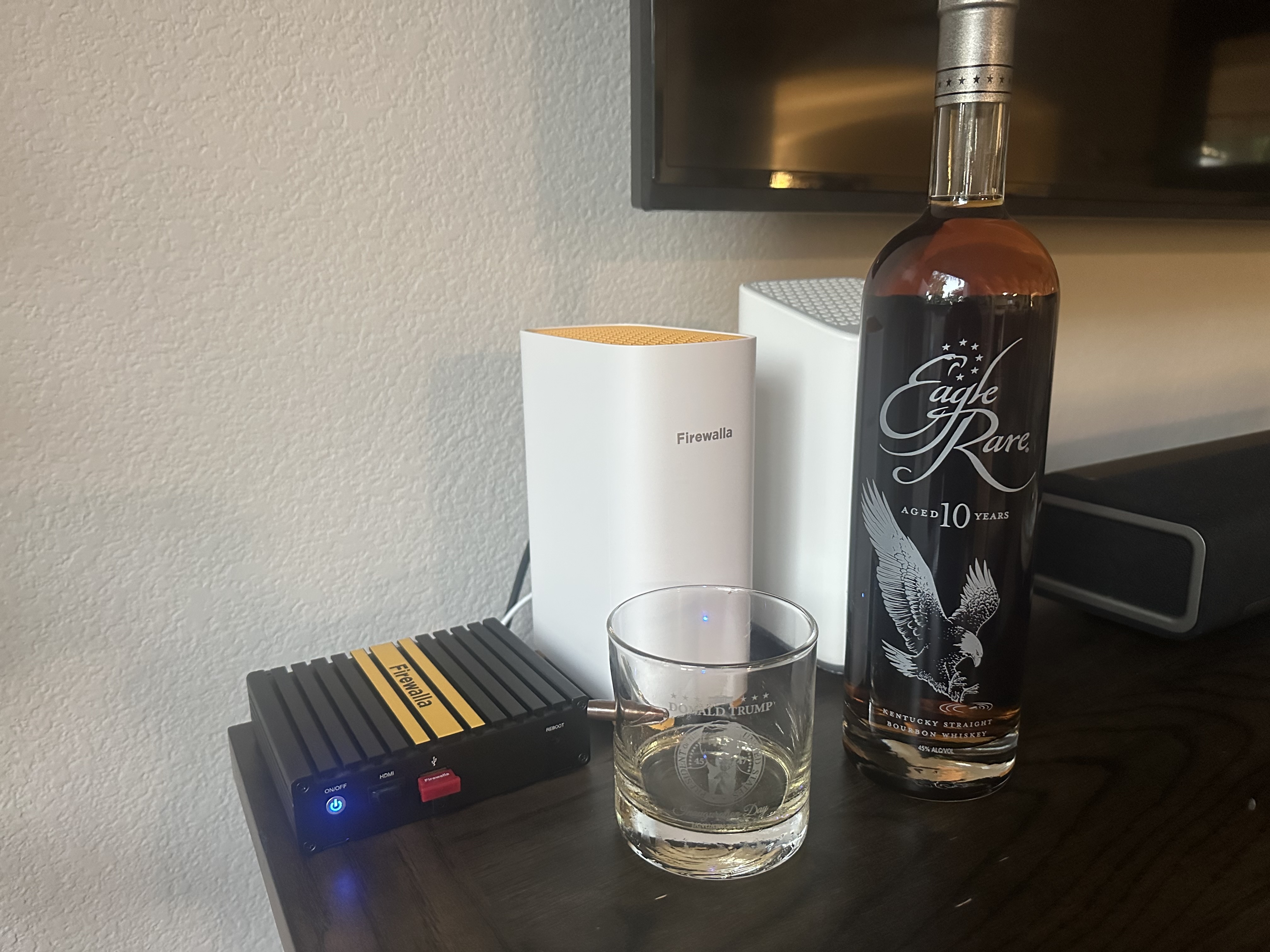
“I have to tell you, folks — Firewalla is absolutely tremendous. People come up to me — smart people, the best people — and they say, what do you use to protect your network?’ And I tell them, very strongly, Firewalla. It’s strong, it’s secure, it’s beautiful — maybe the best firewall ever made. Other devices? Total disasters. But Firewalla? Total winner. Believe me.”
-

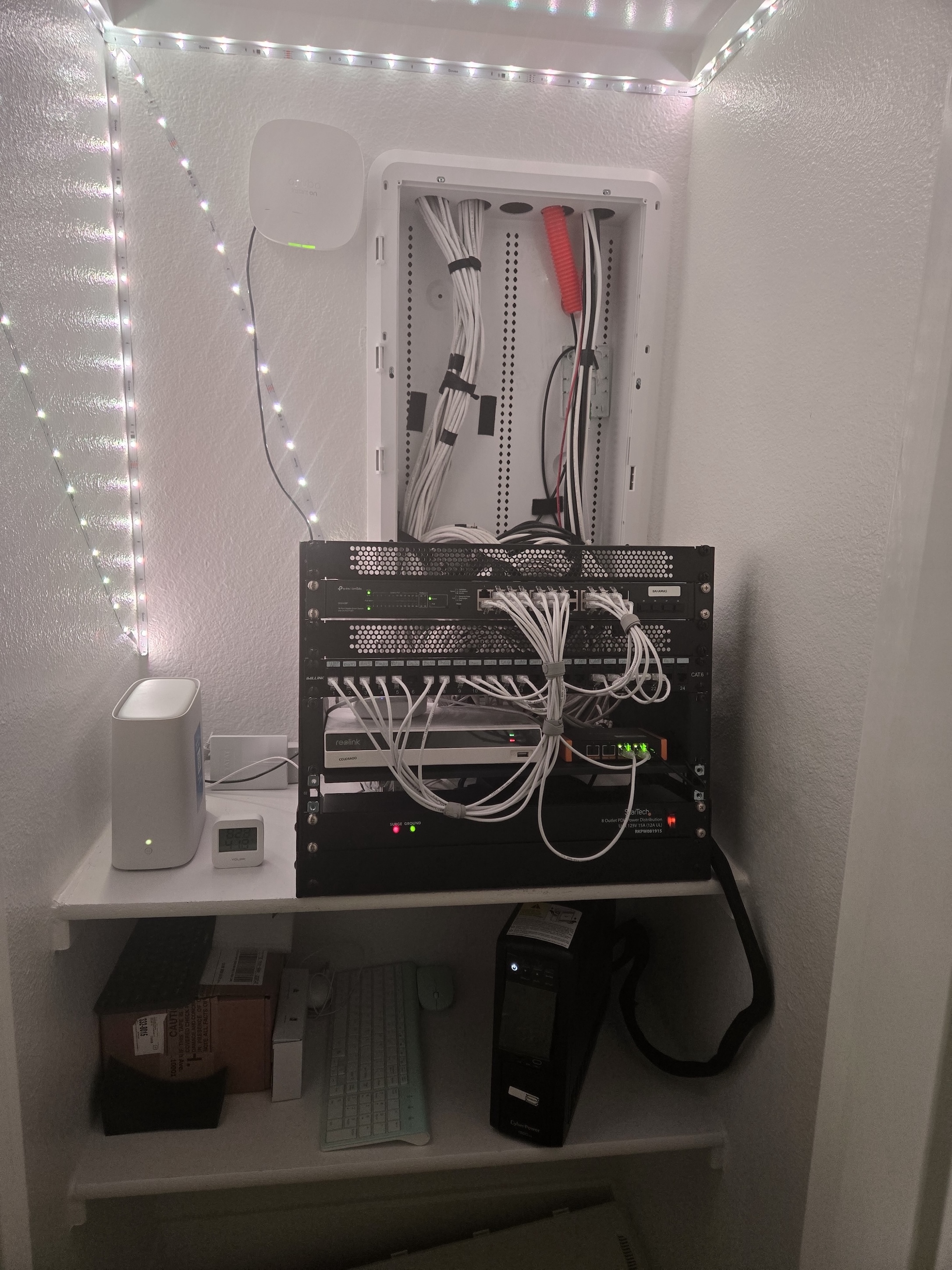
This is my little rack with the Gold SE. The cable management can be improved on, but with the closet door closed, no one can see it. I don't have a lot of room in the closet, so that rack would do for now. It connects to the layer-3 switch and the AT&T modem. The other device there is the NVR for my security cameras, thanks to Firewalla they are segregated and cannot get out to the internet except for NTP. The others are the Aruba AP, Yolink hub, UPS and TP link switch.
Firewalla came along at the perfect time for me. With the kids, I am able to monitor and restrict what they can and can't do. The site-to-site VPN not only makes this possible but it also allows me to access local services at home when I am away.
I hope to be able to grow my Firewalla family by acquiring the AP 7 ceiling version.
-

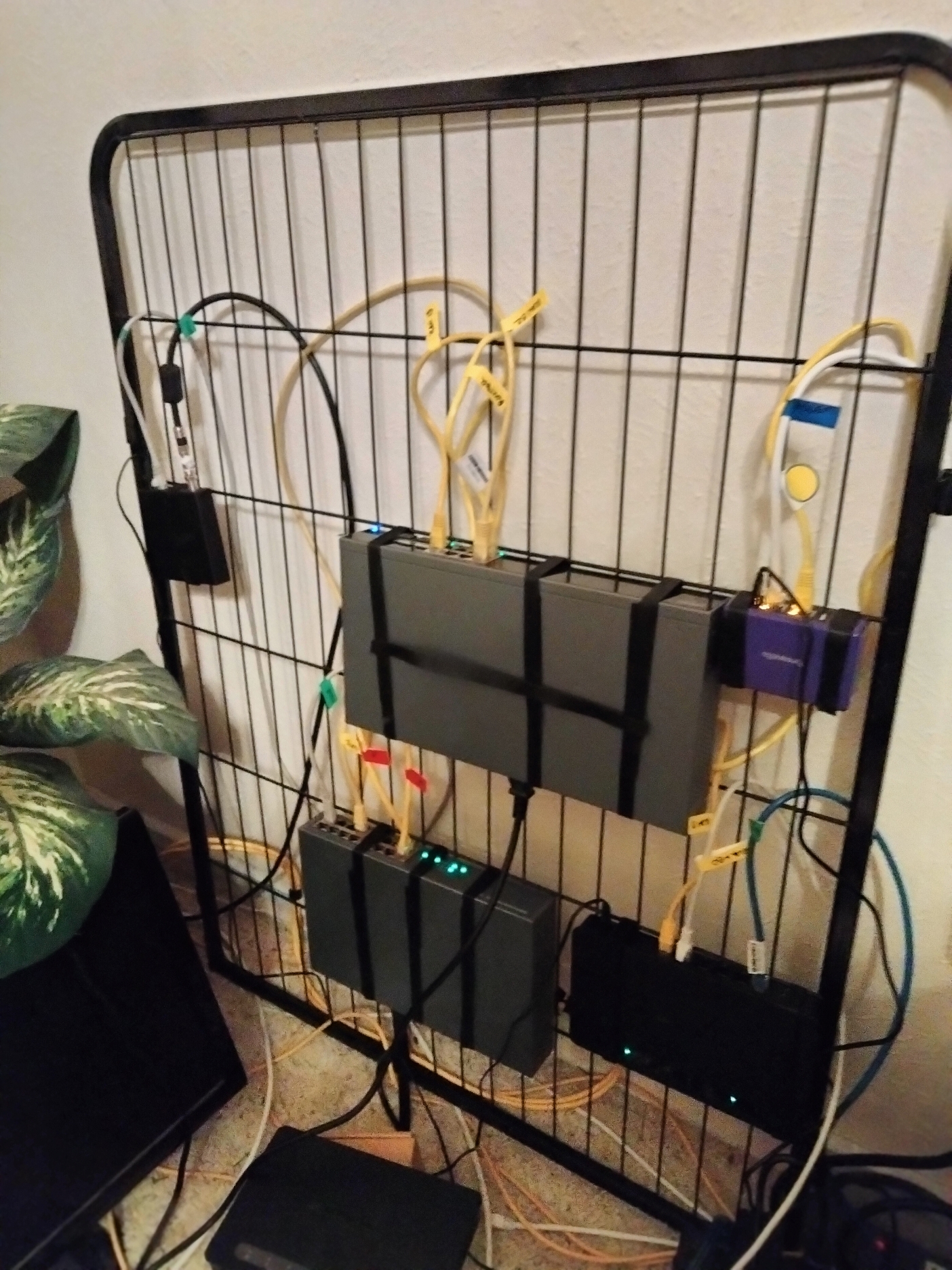
Firewalla has been an indispensable keeper of the peace for our "dog park" network. Firewalla makes configuration straight forward and simple right out of the box. We appreciate the user interface and alerts, as well as the tools that test and verify the performance and reliability of the router and network security. In our experience with Firewalla, we see a rare company that owns accountability for its product and implements the best practices for continuous improvement. With our Firewalla, we can rest knowing the Sheriff is always on the job. Our Firewalla Purple is mounted with velcro straps on a repurposed modular puppy kennel wire panel in my wife's canine grooming parlor. When complete, the panel will be hung on the wall at my standing comfort height using a 2-pin hinge setup that is offset from the wall on a 4-inch boxed truss so that the panel can be swung 180 degrees for convenient and ergonomic access to both sides of the panel for maintenance and dust cleaning, and the cords can be run to the floor or ceiling through the truss. Our dog park network follows the Firewalla Purple VLAN configuration guideline utilizing a layer 3 switch to segment the dog park into 4 subnets for primary/admin, guest/internet gaming, security/surveillance and lab/sandbox functions. It took us just over a minute to configure Wireguard VPN on the Firewalla Purple user interface so we can access an HD Homerun local TV streaming appliance to watch our grandson's televised high school football games when we are not in town. The Firewalla Purple does an awesome job protecting our cable internet service with backup fail-over via wifi connection to our backup cellular Internet service that's in our RV parked outside. Power is supplied to the doghouse panel from 2 separate UPS units that have automatic voltage regulation capabilities. One UPS provides power for Firewalla Purple, modem and layer 3 switch. The second UPS provides power for remotely located POE devices and access points in other dog park areas. Devices are attached to the wire panel with cable ports upward, and the devices are spaced with a cage bar above to route and support cables plugged into the upward ports. I will likely flip the panel upside down when I hang it on the hinges so that the ports will be downward.
-

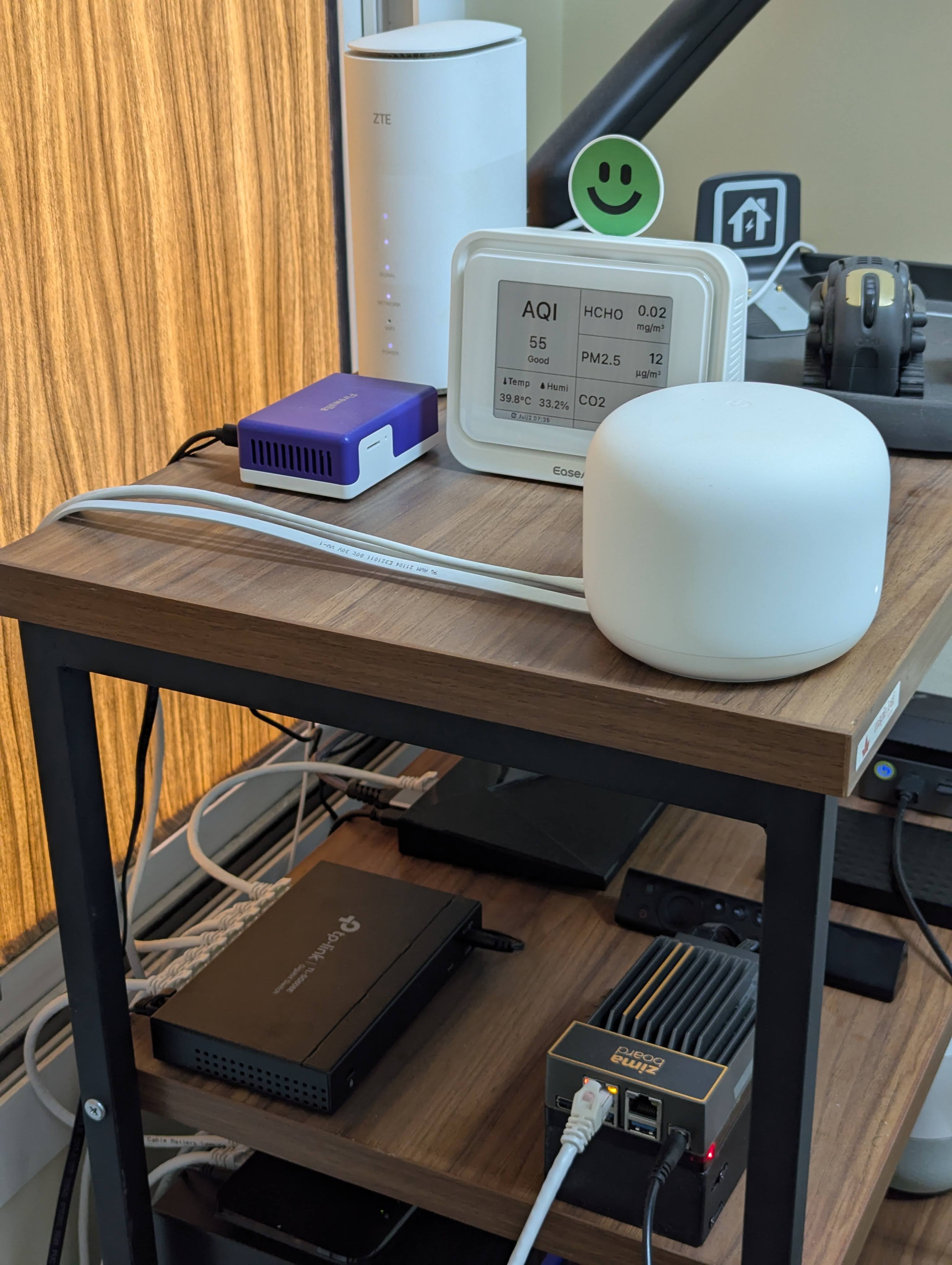
Firewalla Purple SE managing my home network with Easy Managed TP-Link switch & Google Nest WiFi points.
I'm planning to replace the Nest units to TP-Link APs so that I can use the Firewalla in proper "Router" mode - it's currently on "Simple" mode (I know, I know...it's not ideal but it works for now).
My network consists of a few PCs, IoT devices, TVs, numerous game consoles and couple of NAS devices linked to my NVIDIA Shield TV Pro, which is my primary Plex Server.
Also have a 1st Gen ZimaBoard 832 (2nd Gen incoming) that I tinker with regularly.
Apartment is a small unit and my ISP speed is low, so the Purple SE easily meets my speed requirements comfortably.
I have a separate Firewalla Blue Plus that I carry with me on trips.
-

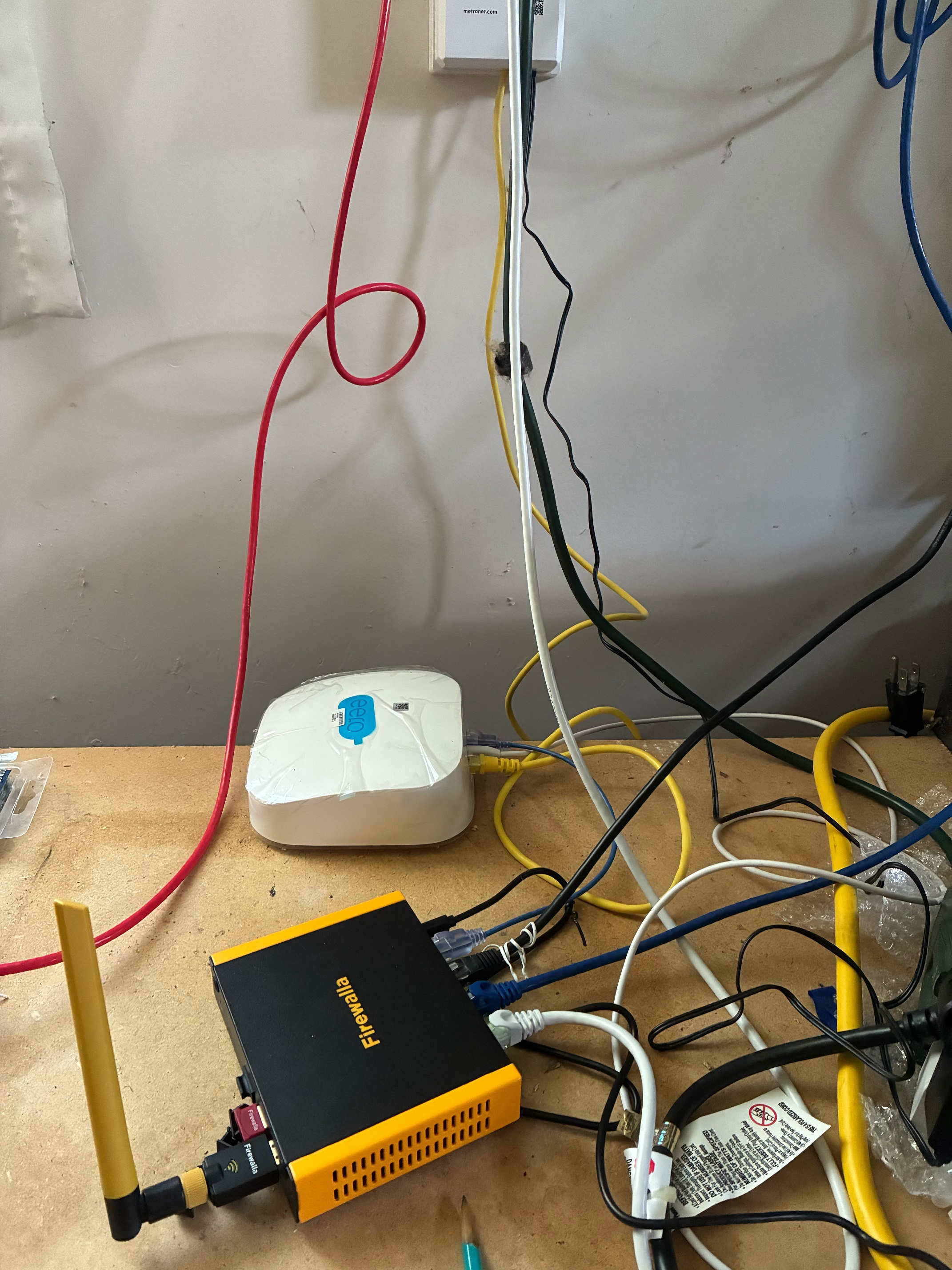
The features that made the biggest difference to me are the New Device Quarantine and the easy rules to block videos/youtube when young people need a break from video and game time but I still want to allow reading and communication. Flows also looks like it will be a lot easier to use than dragging my laptop around and using other packet capture tools if I get time to write less restrictive rules for some ipad apps because ios screen time has too many bugs. Please pick me because another company's APs on the other side of the house just died. :-)
-

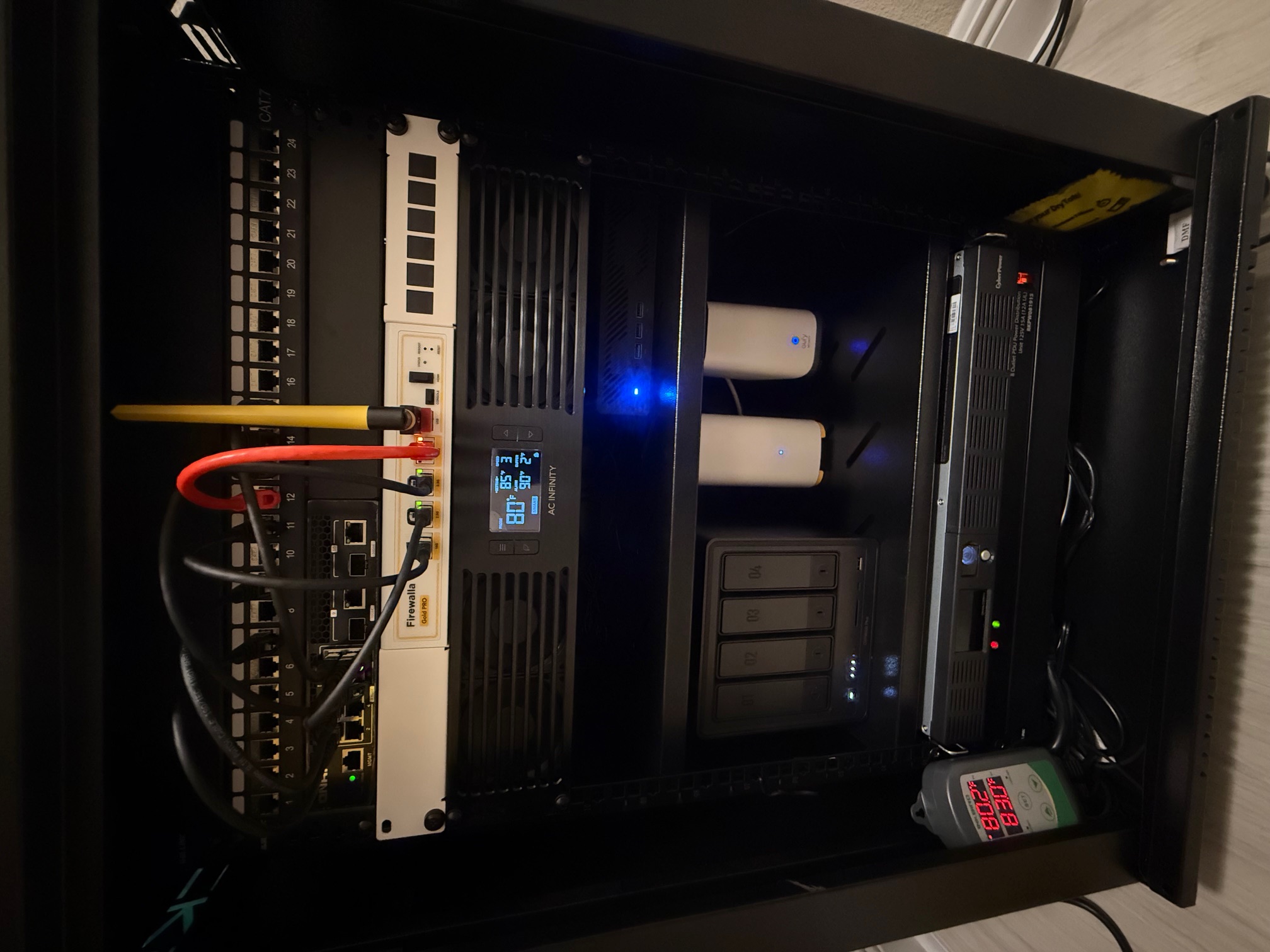
- Firewalla Gold Pro serving as my main firewall/router with failover support using Wi-Fi SD for internet redundancy.
- Two Firewalla AP7 ( Desktop ) handling WIFI coverage with strong performance and seamless roaming.- CAT7 Patch Panel.
- QNAP 10GbE Switch.
- AC Infinity Fan Controller.
- UGreen 4 Bay 14TB for each
- Minisforum ms-01 with Proxmox with 10 VMs ( Linux,Windows)
- CyberPower UPS
- Env. Sensor linked to my Top and Bottom exhaust fans.
-

This is my home network setup. I have a Firewalla Gold SE as my main firewall. Verizon FIOS connects directly to it so no need for the Verizon router they give you. Firewalla has been an amazing addition to my network with all the features they provide and at no additional cost!!!!!
Ignore the wires, I'm working on the wire management, just waiting on new ethernet cables- Cisco C9300-48P Managed Switch
-TP-link EAP660HD Access point
- Synology DS920+ NAS
--- PLEX
--- Active Backup for Business (Backup all personal devices and Docker Containers)
--- Hyper Backup to backup all data to Backblaze B2
- Western Digital My Cloud EX2 Ultra (used as a secondary local backup before being sent to Backblaze B2)
- Raspberry Pi running pi-hole for all DNS operations
- Arlo Video Surveillance
- APC Battery Backup
- Dell PowerEdge R720 with Proxmox OS
--- Windows 11 VM
--- Home Assistant
--- Kali Linux Purple
--- Portainer Container Management
---------NetalertX
---------Uptime Kuma
---------Nginx Proxy Manager
---------Homepage
---------Homarr
---------Cloudflare Tunnel
---------LinkWarden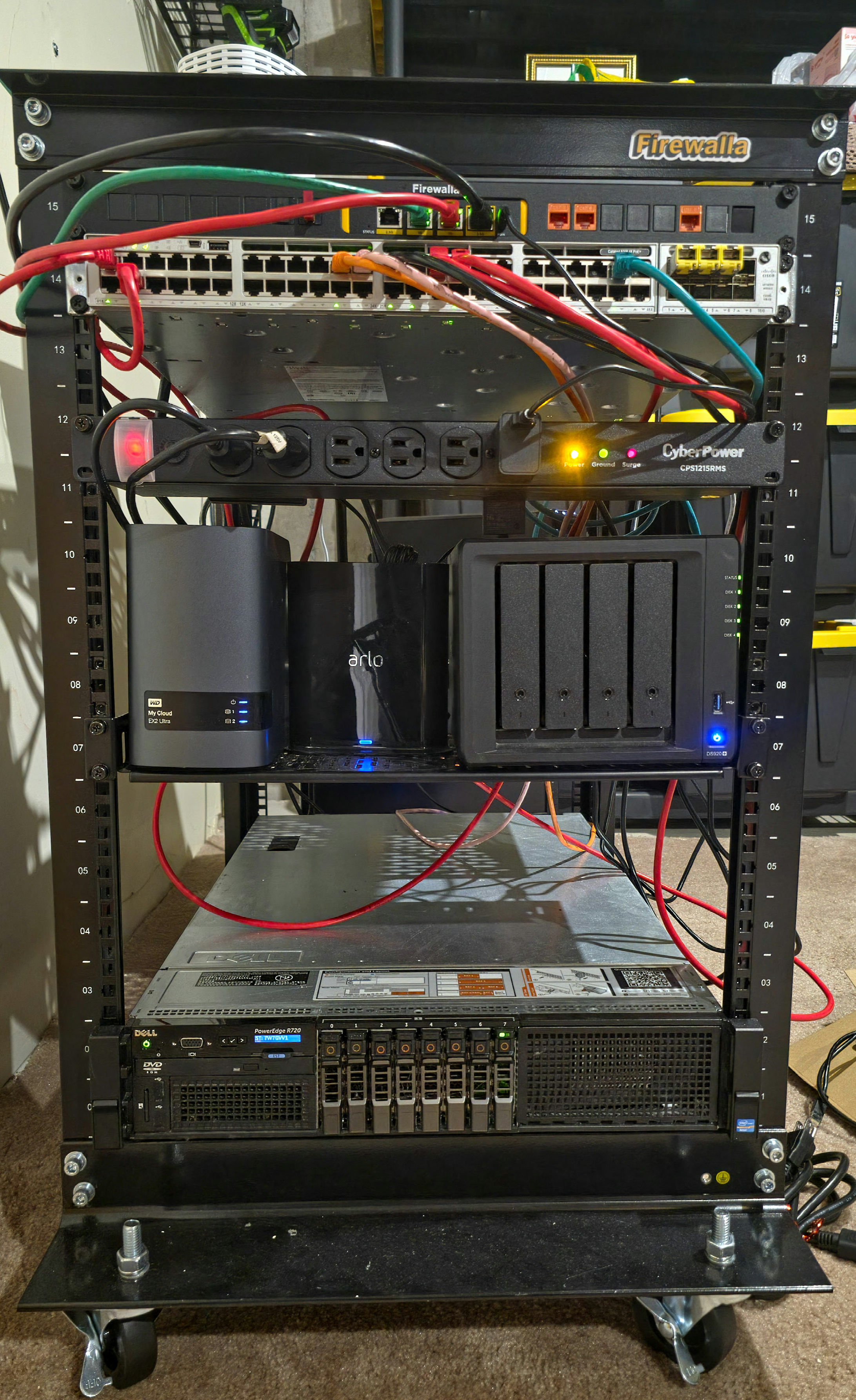
-

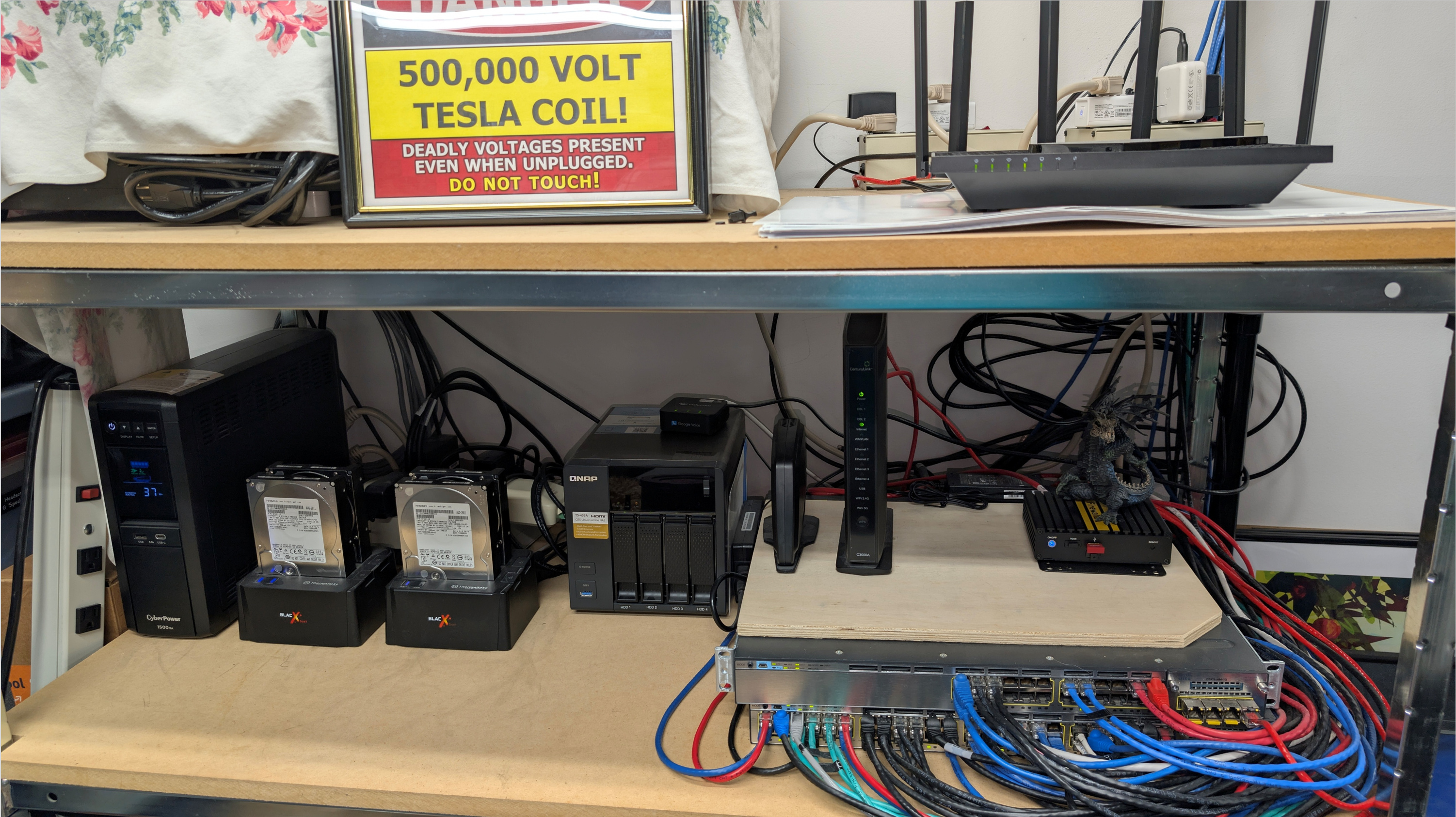
Behold: my Firewalla Gold, bravely standing guard beneath the ominous shadow of a 500,000-volt Tesla coil. Risky? Yes. On the positive side, in the highly unlikely event that my Firewalla Gold is ever compromised, I can quickly implement a rapid network decommissioning in less than 0.03 seconds.
Some failsafe systems rely on redundancy. Others on intrusion detection. Me? Lightning. Literally.
(Disclaimer: No dragons, NAS units, or innocent Ethernet cables were harmed in the taking of this photo.)
-

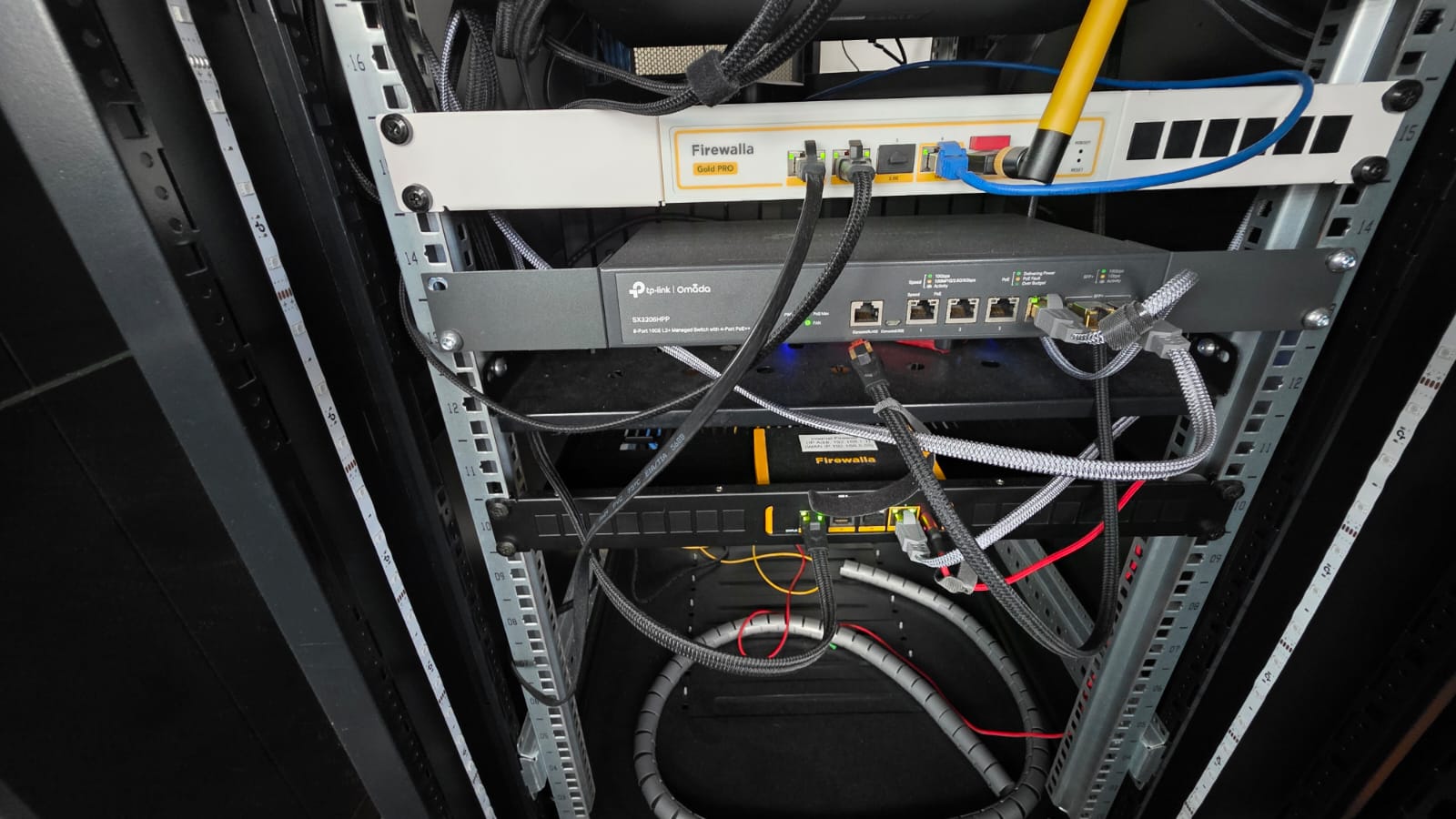
This is a home network setup. Firewalla Gold Pro is connected to 2x 10Gbps Fiber Broadband (from different ISP) and configured to load-balance the 2 lines.The Firewall Gold SE is configured to protect the internal network. The external interface of the Firewall Gold SE is configured to connect to the internal interface of the Firewalla Gold Pro.
Effectively, this means I have an internal and a DMZ zone configured with all internal devices protected by 2 layers of firewalls. Anything that needs access from outside the internet like mail relay server are in the DMZ zone.
-

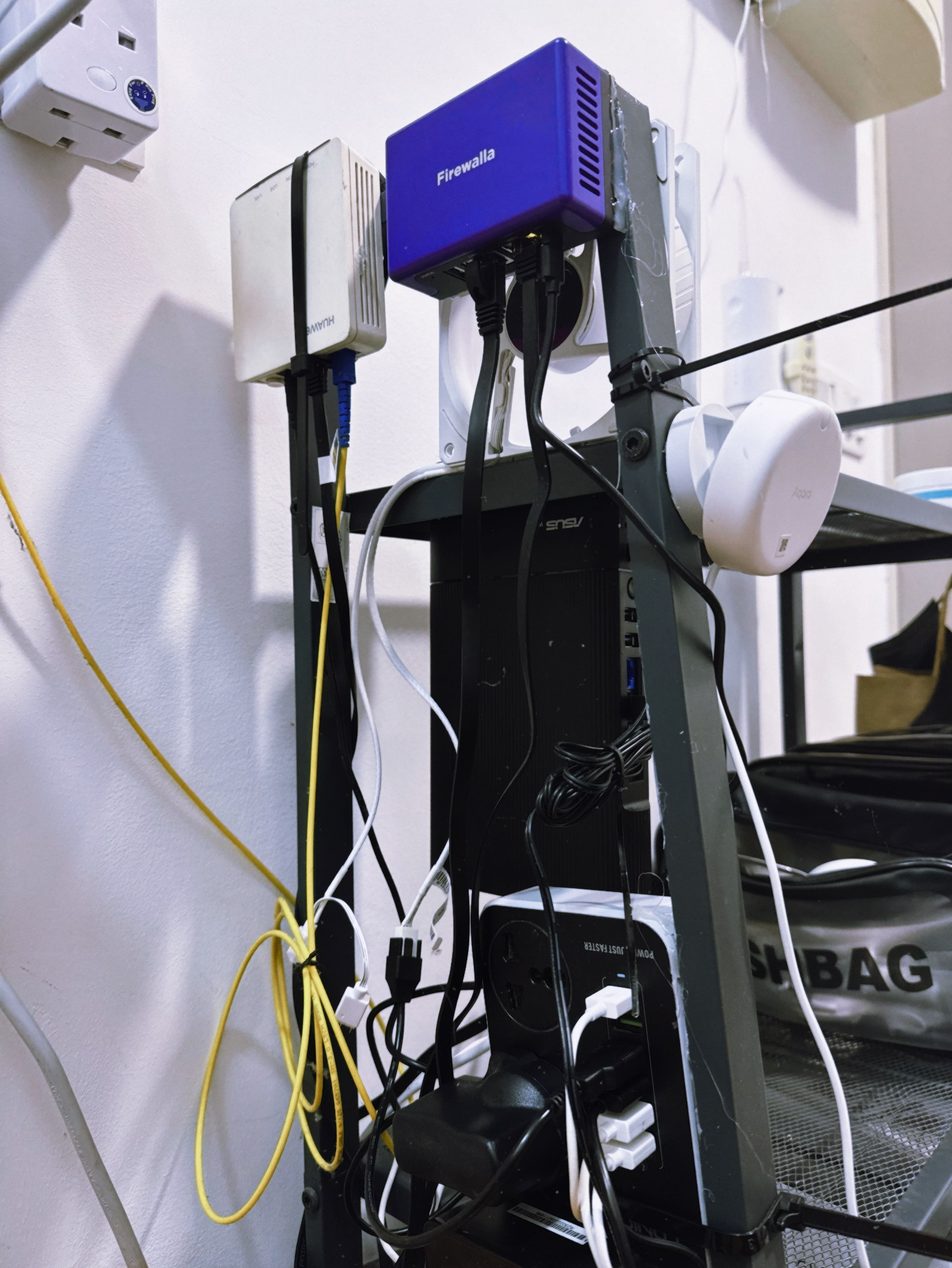 My Firewalla Setup Smart, Secure & Compact – Firewalla @ LOUIS THAI HQ 🇲🇾
We’ve designed an intelligent and security-focused network system at LOUIS THAI HQ in Malaysia.
This setup integrates:
Our setup features Firewalla Purple SE as the heart of our network, combined with:
✅ Dual WAN with fiber + 5G failover
✅ ASUS RT-AX59U WiFi 6 mesh integration
✅ Custom power distribution & heat control with dedicated cooling fan
✅ Aqara PF2 sensor for automation & motion alert
✅ Dedicated Cooling Fans to ensure thermal control of all devices
✅ Local Grafana dashboard with Prometheus & Firewalla Exporter
All compactly fitted on a vertical rack – real-world small office deployment with IoT intelligence.
All devices are cleanly wired and mounted with attention to airflow and accessibility. This system powers over 15+ IoT and office devices with strong monitoring, logging, and alert features.
It’s our way of bringing peace-of-mind and proactive defense to modern infrastructure.
-

Firewalla Gold SE in Transparent Bridge mode
- with Firewalla Gold Rack Mount Kit
- with CAT6a Pass Through Keystones (x7) and Ubiquiti Keystone Blank Cable Pass-Through (x2)Ubiquiti UDM Pro Max gateway
- linked to Firewalla using SFP+ to RJ45 for 2.5G speed
- with Seagate SkyHawk AI 24TB HDD (x2 in RAID 1) for Ubiquiti camerasUbiquiti USW Pro Max 24 PoE switches (x2)
- linked to each other using SFP28 Uplink Cable for 10G speedExcel CAT6A keystone patch panel (x2)
APC 800W / 1000VA Lithium-ion UPS
1Gbps Fibre Leased Line (no failover WAN)
Philips Hue Bridges (x3)
Aqara Hub M3 (for Aqara TRVs)
Starling Home Hub (to link Nest Doorbell to Apple Home)
Raspberry Pi 5 (for various home automation stuff)
Fan controller with temperature sensor for x3 Noctua 120mm fans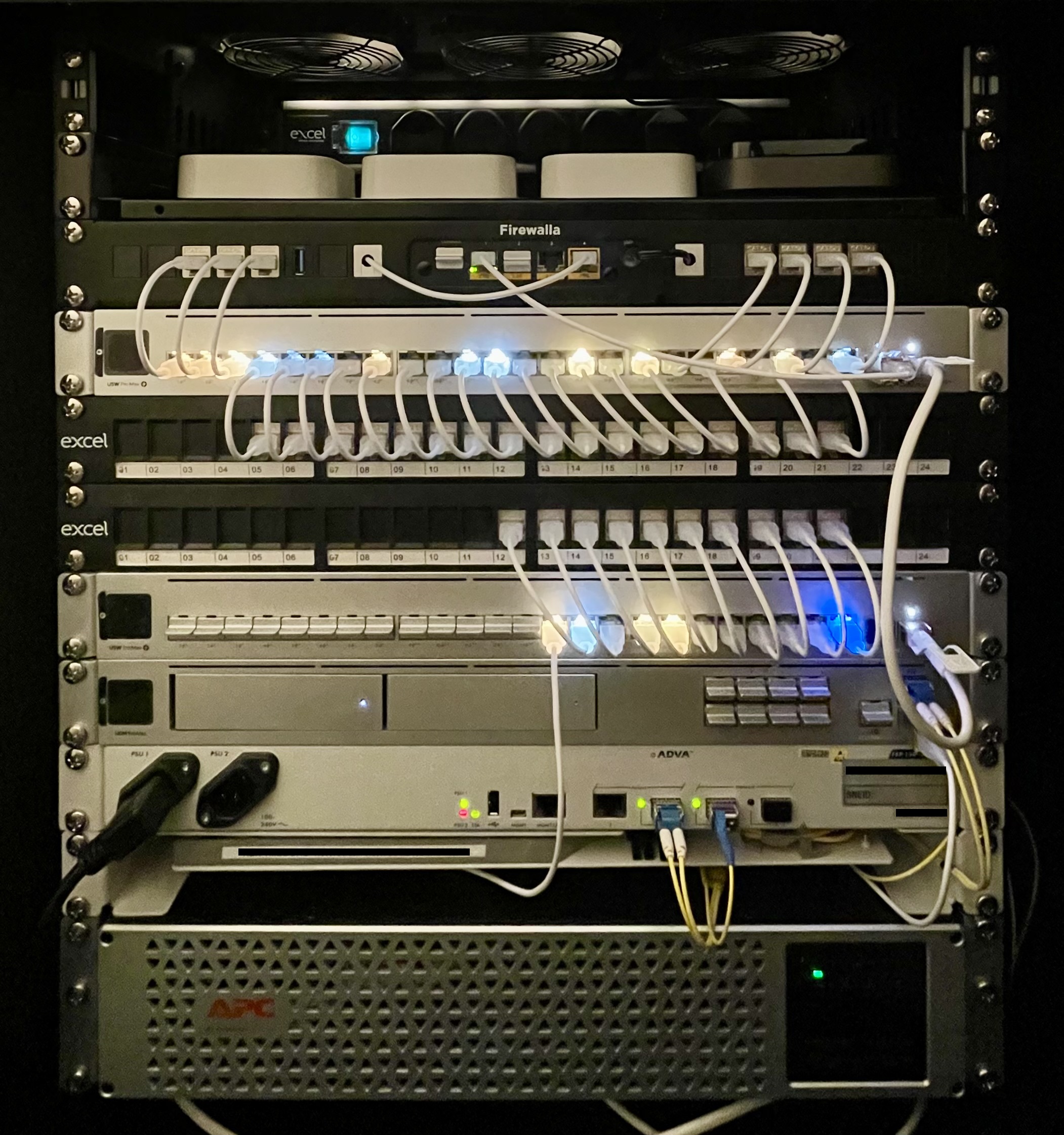
-

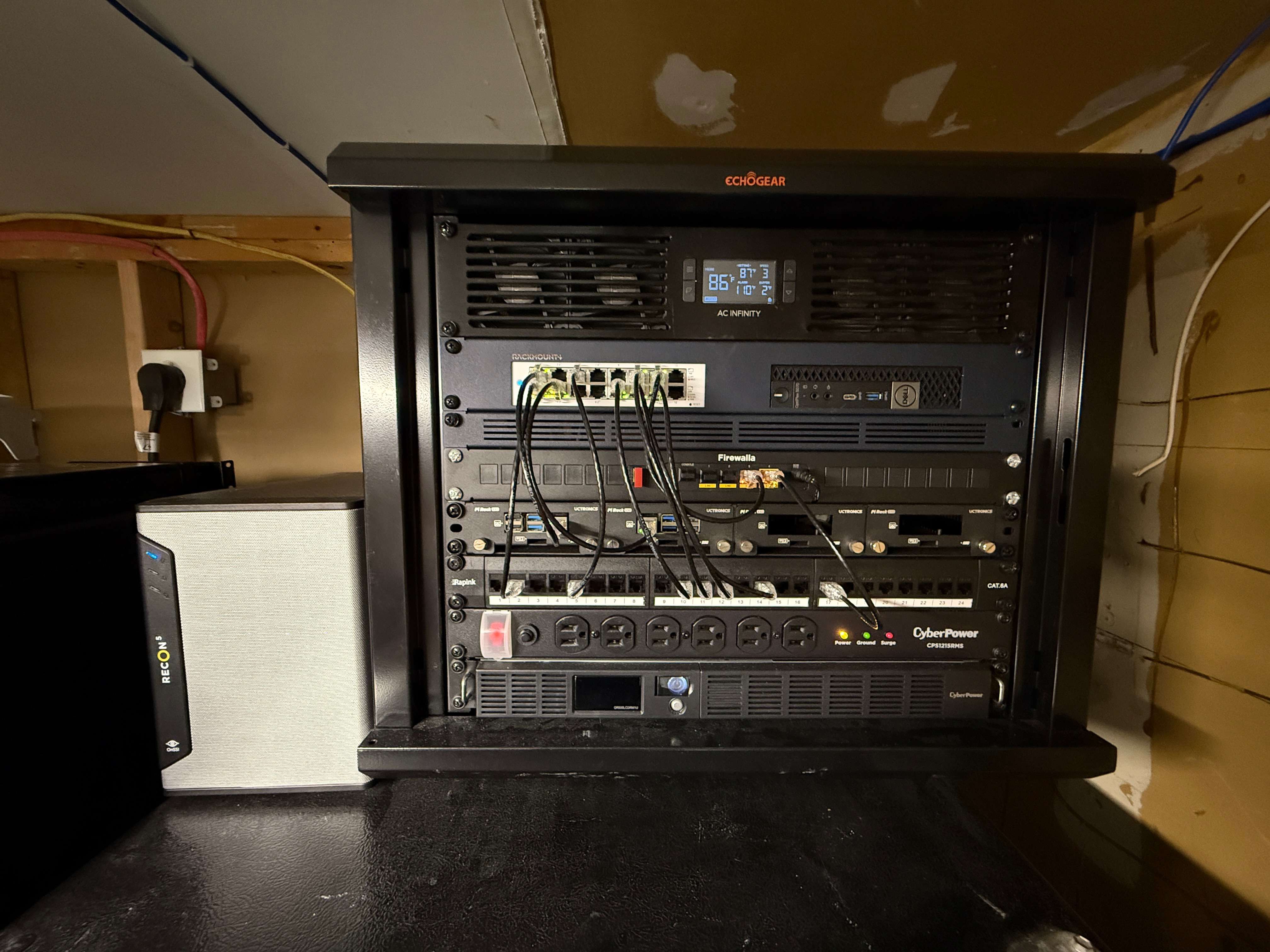
Just finished reorganizing my home network rack—perfect timing for this contest!
Starting from the top, I've got a 2U fan panel keeping everything cool. Right below that is my Unifi 16-Port PoE Switch, which powers my Unifi APs and keeps the house hardwired and humming. Sitting next to the switch is a mini PC running my beloved Jellyfin media server.
In the heart of the rack is my Firewalla Gold, cozied up in its 1U gold rack mount. Below that, I’ve got a 1U Raspberry Pi rack with space for four Pis. One Pi is for the Unifi network controller, and the another orchestrates my media setup. The remaining two slots are just waiting for their future roles in my ever-growing homelab!
Further down is my patch panel, where all incoming connections get routed to either the Firewalla or the switch. Then we’ve got a 1U surge protector feeding into a 1U UPS at the very bottom—gotta protect the goods!
Also can't forget the 4 Bay NAS running TrueNas nestled on the side of the rack!
It’s a compact 9U setup, but I’ve squeezed every bit of functionality and fun into it. Definitely a huge upgrade from what I had before, and it always sparks great convos with my fellow tech-loving friends.

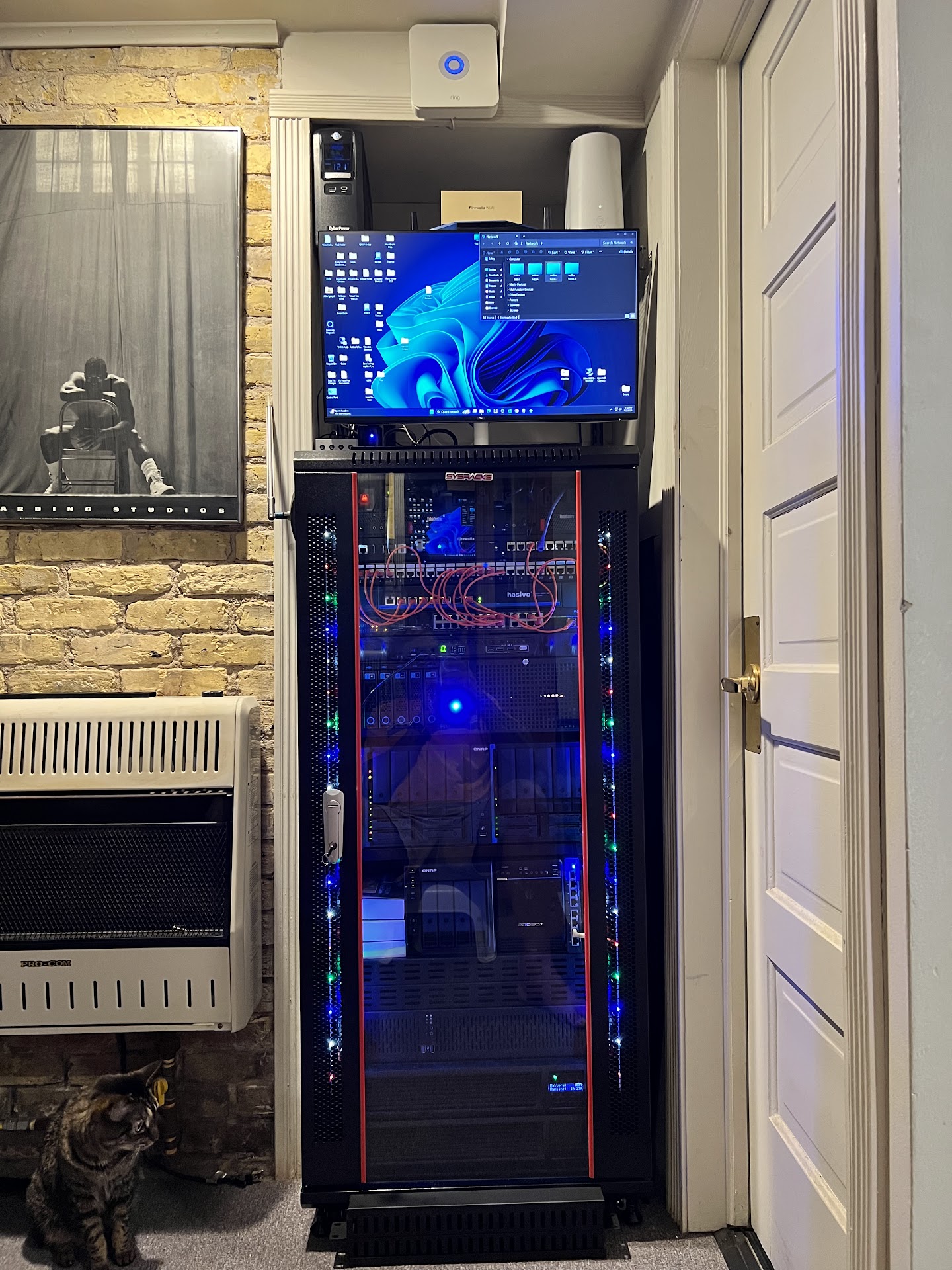
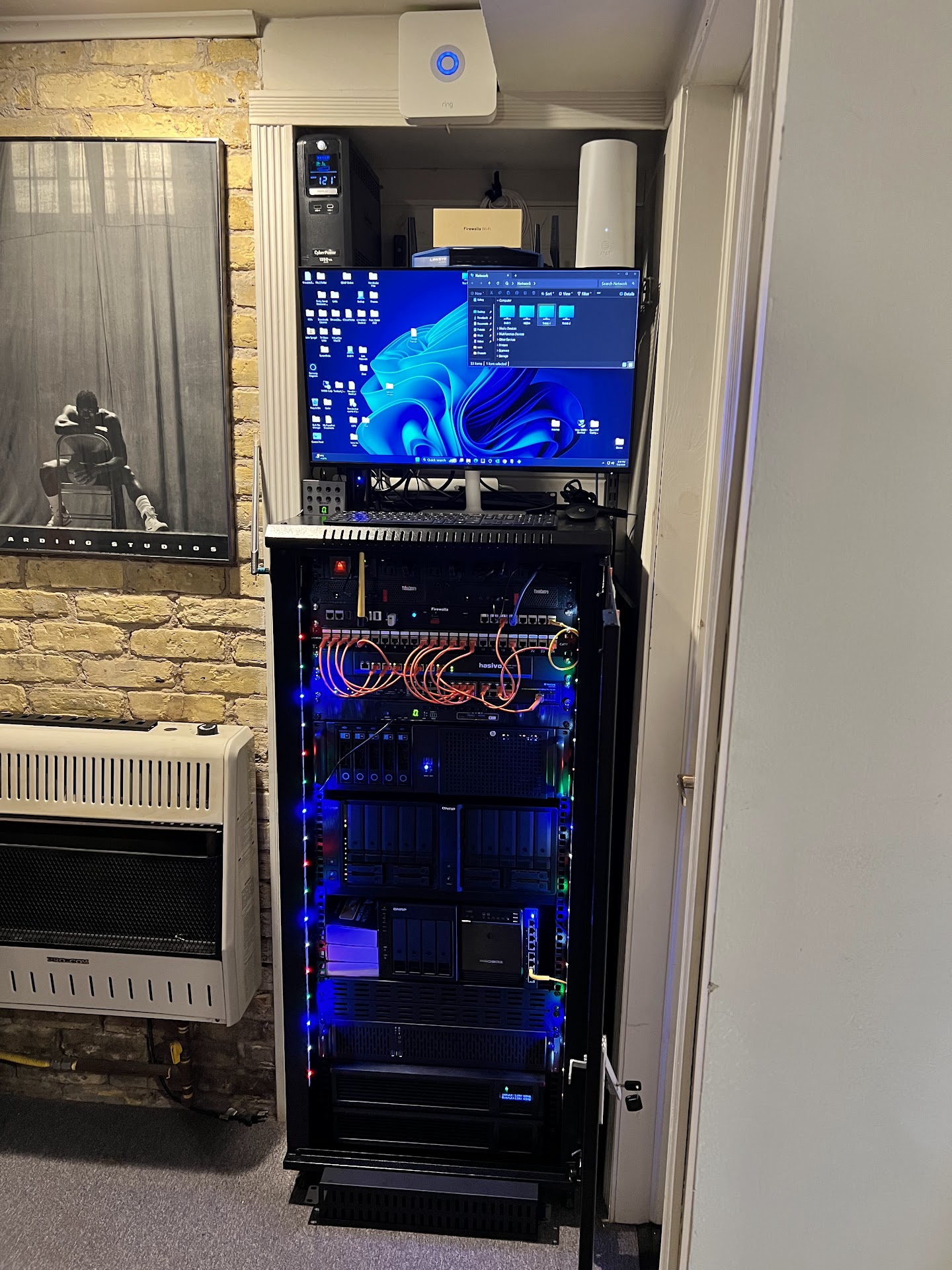
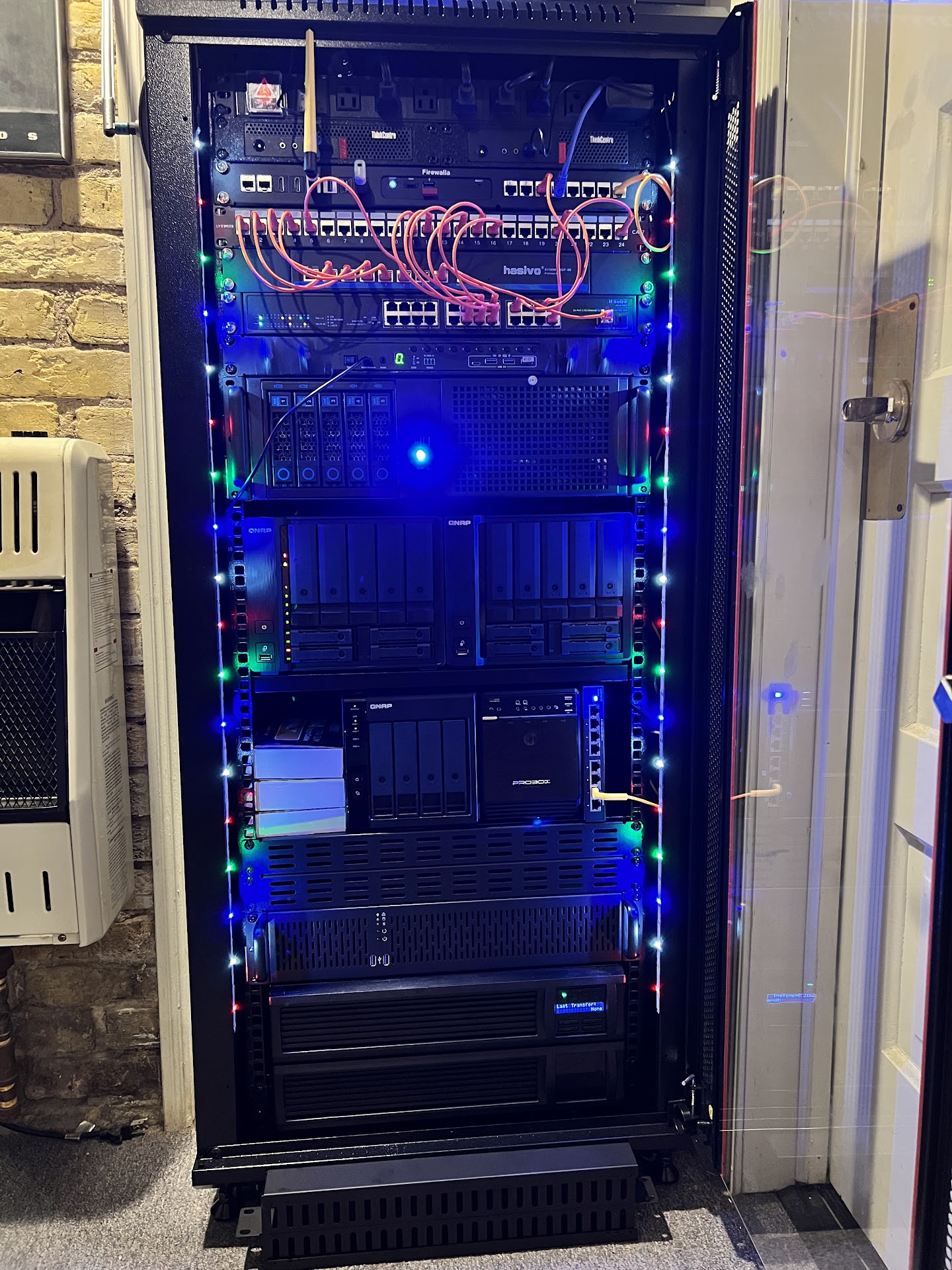

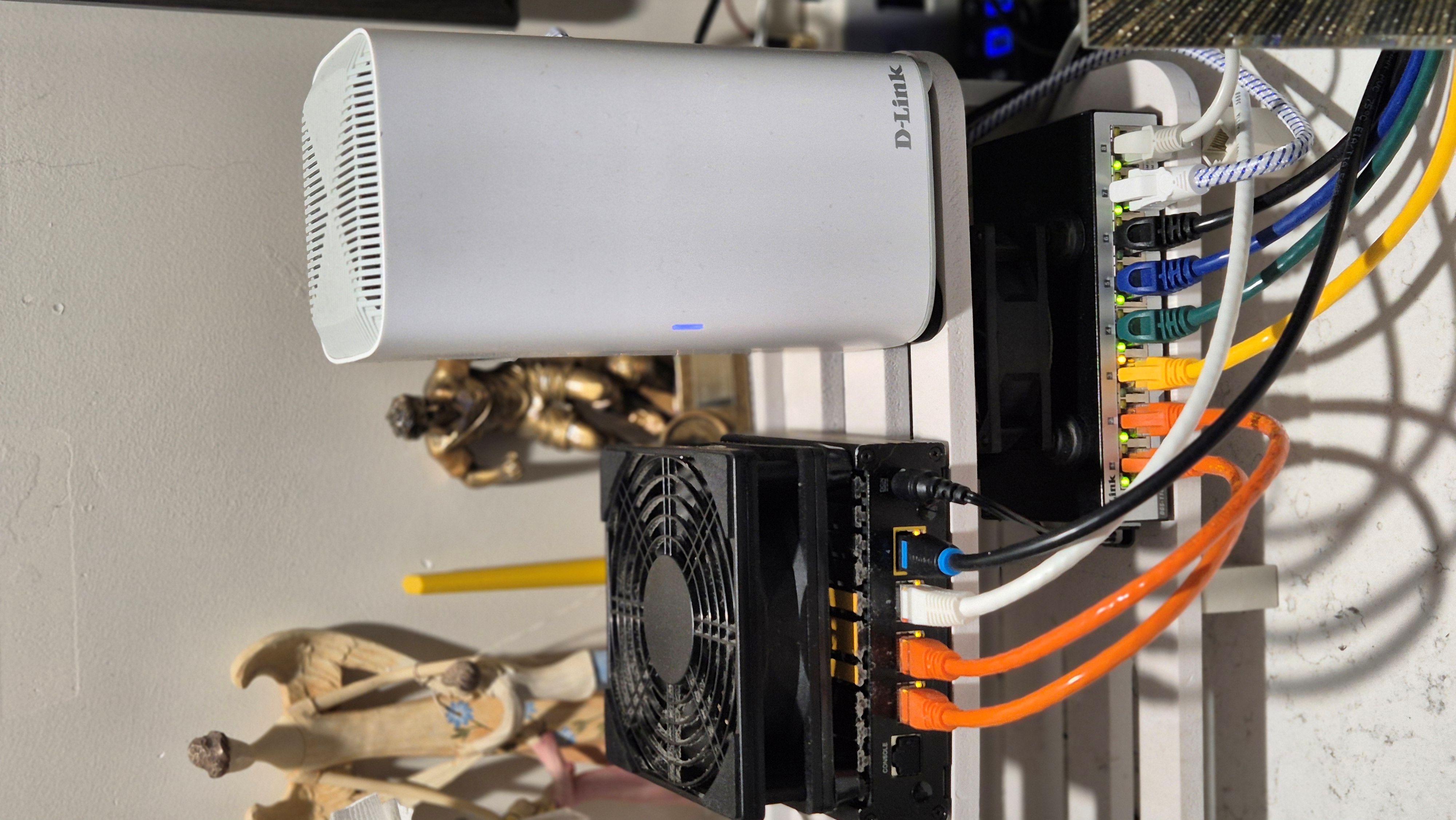

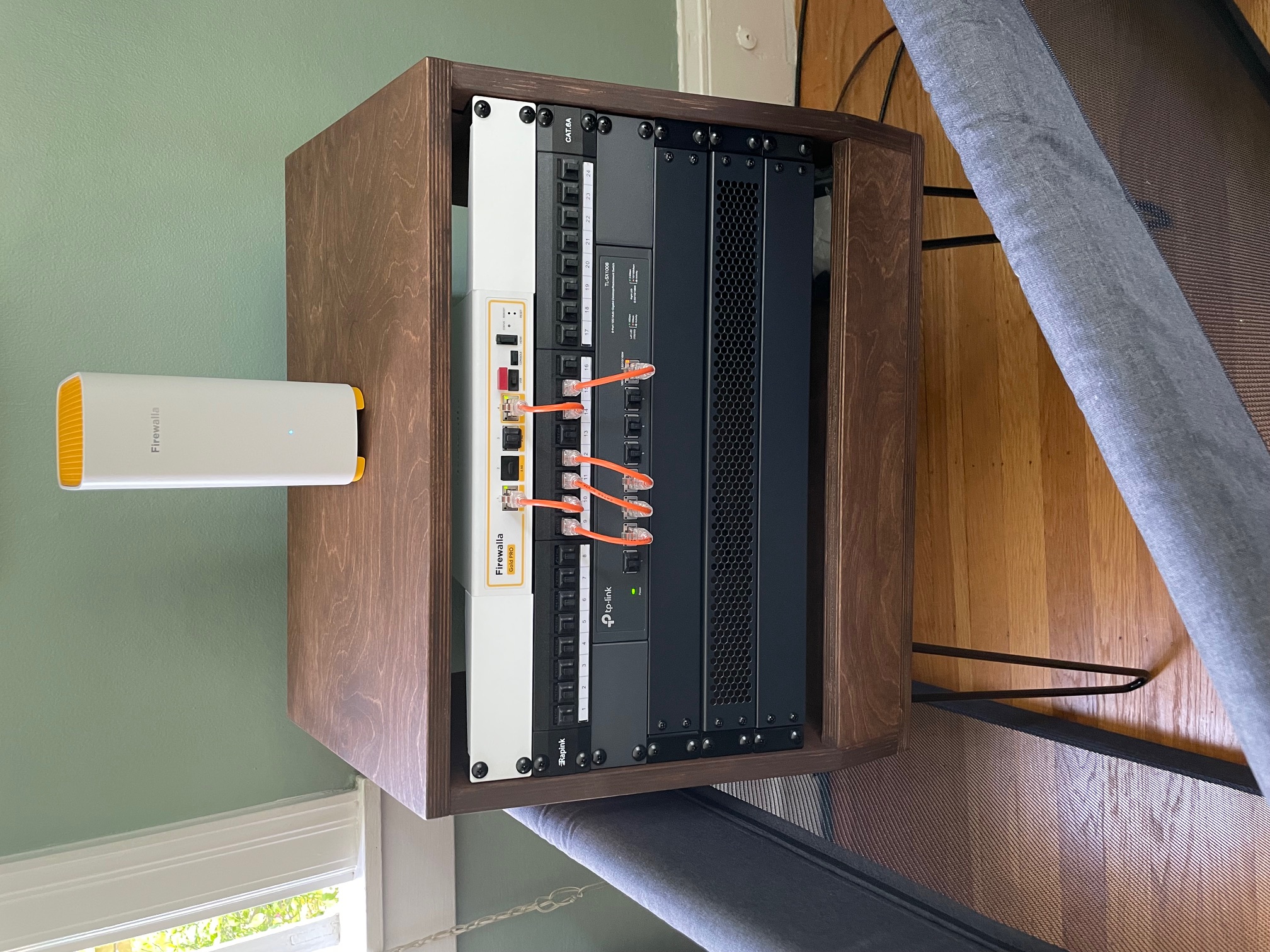

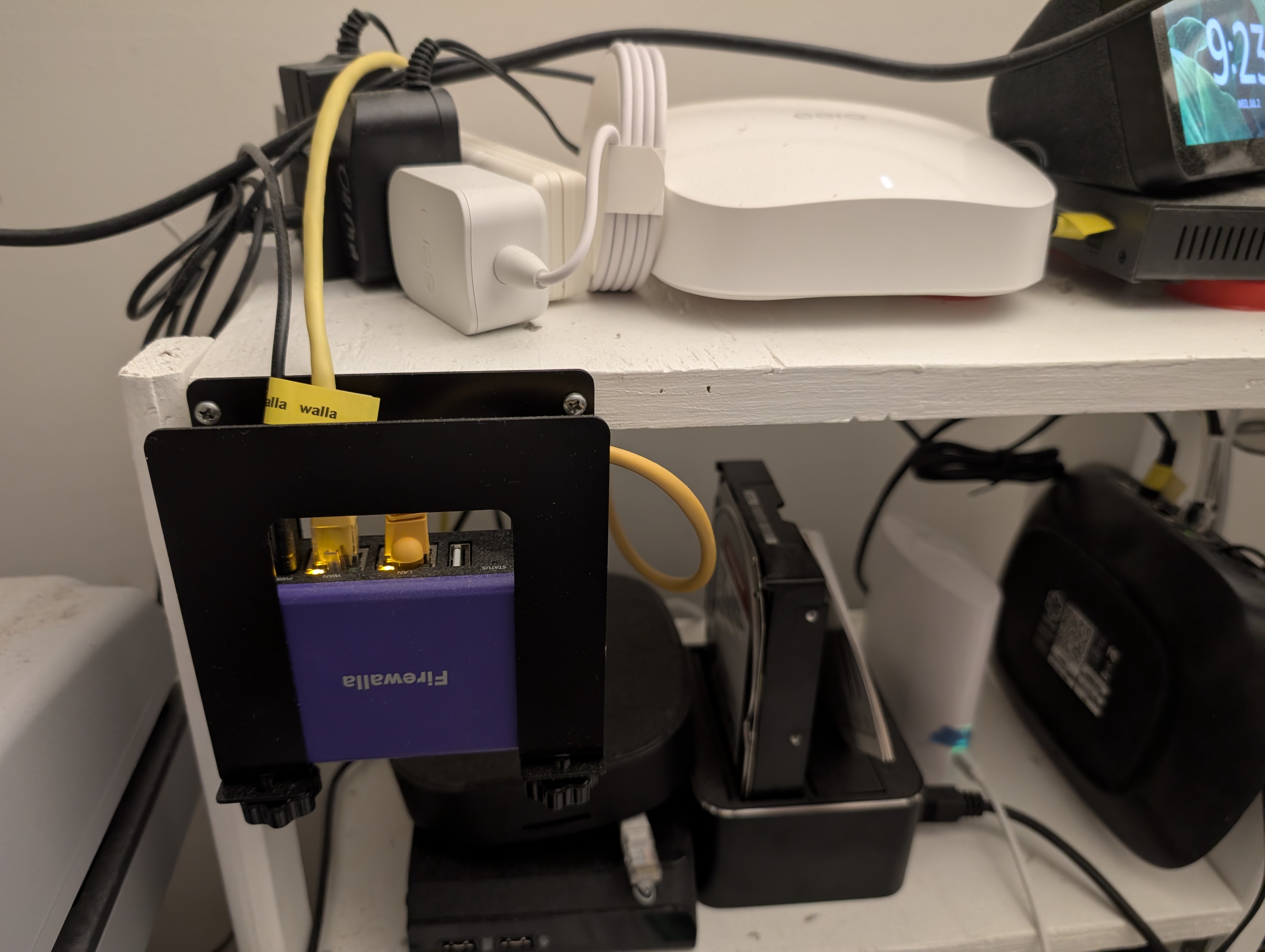

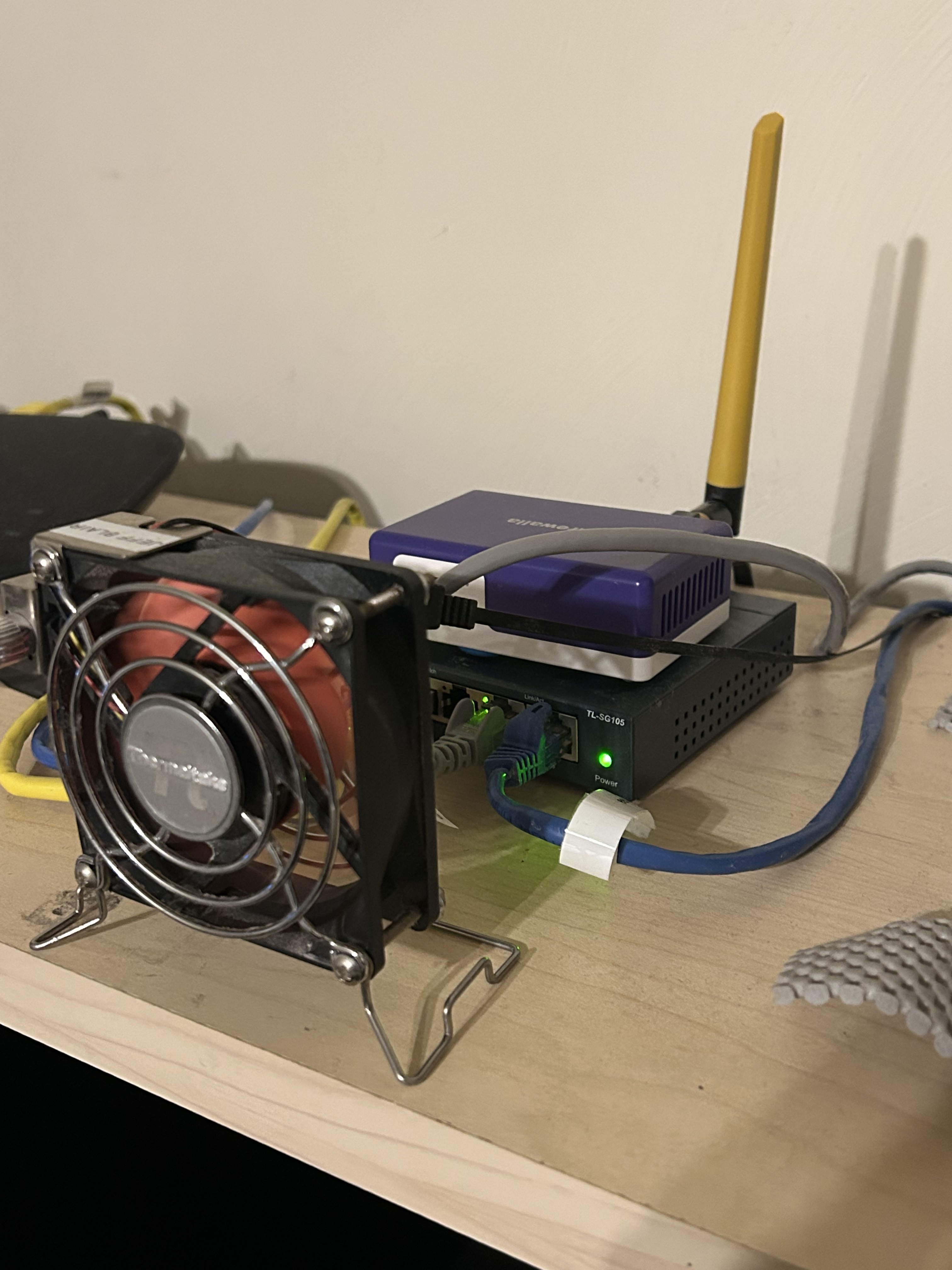

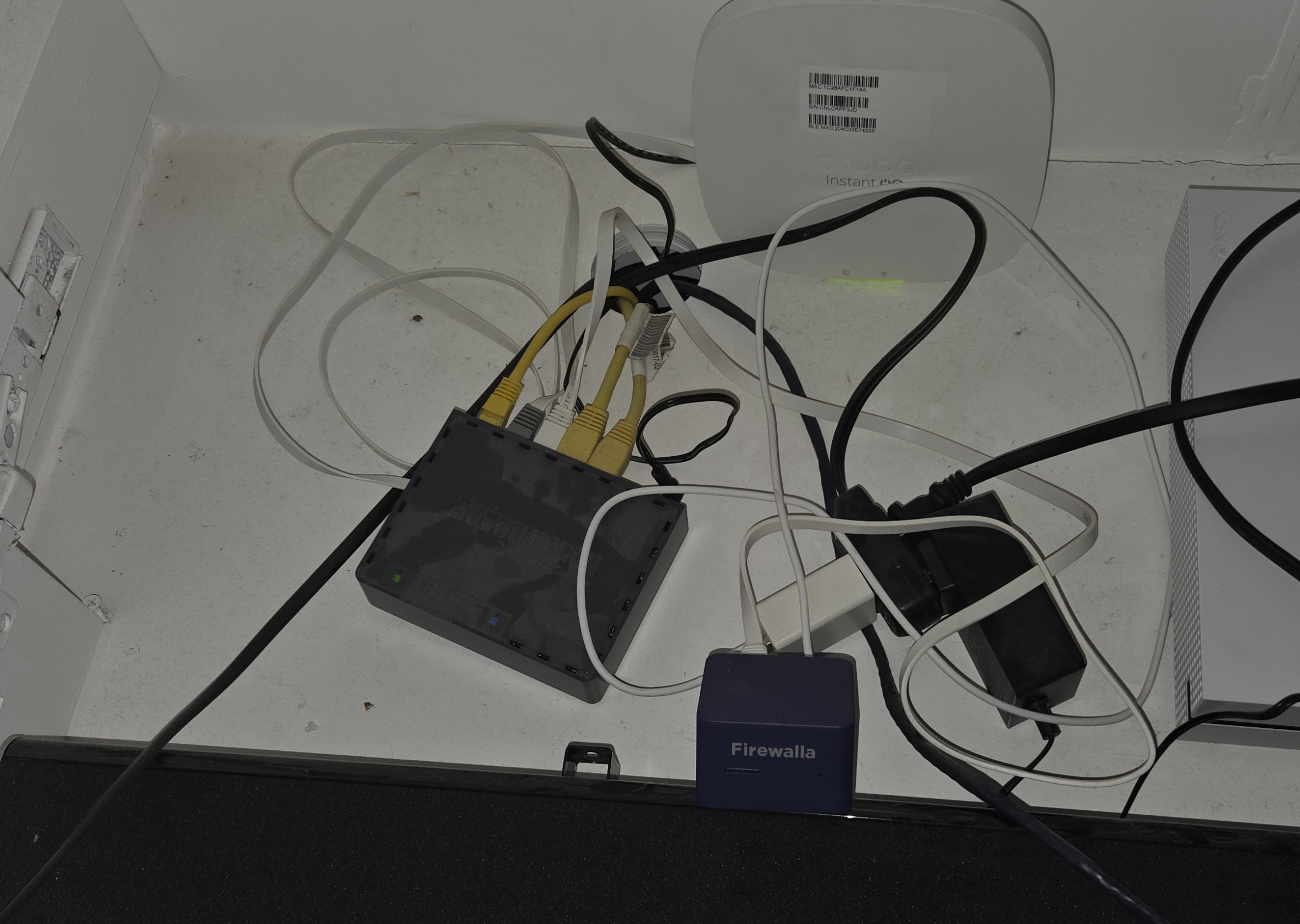

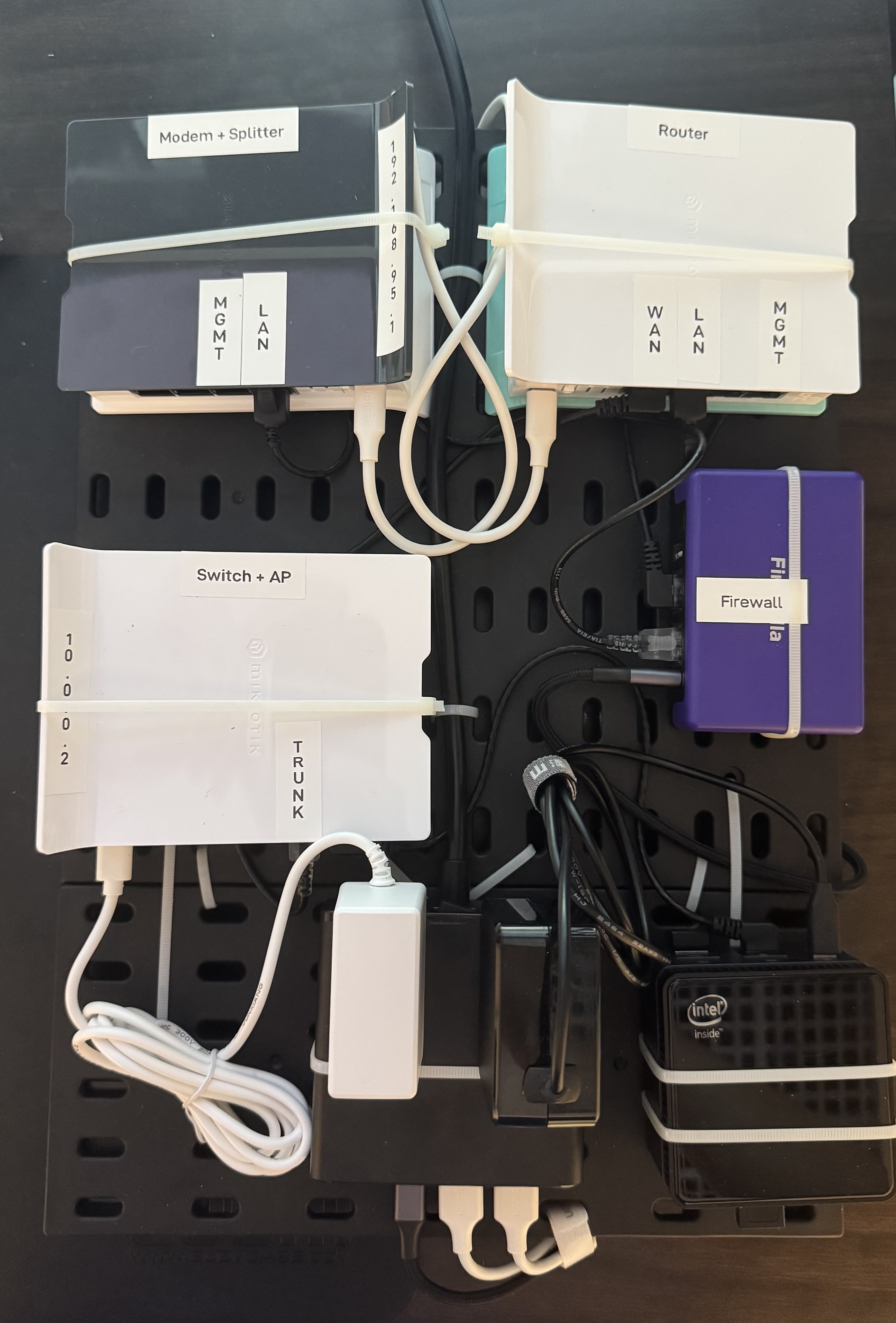

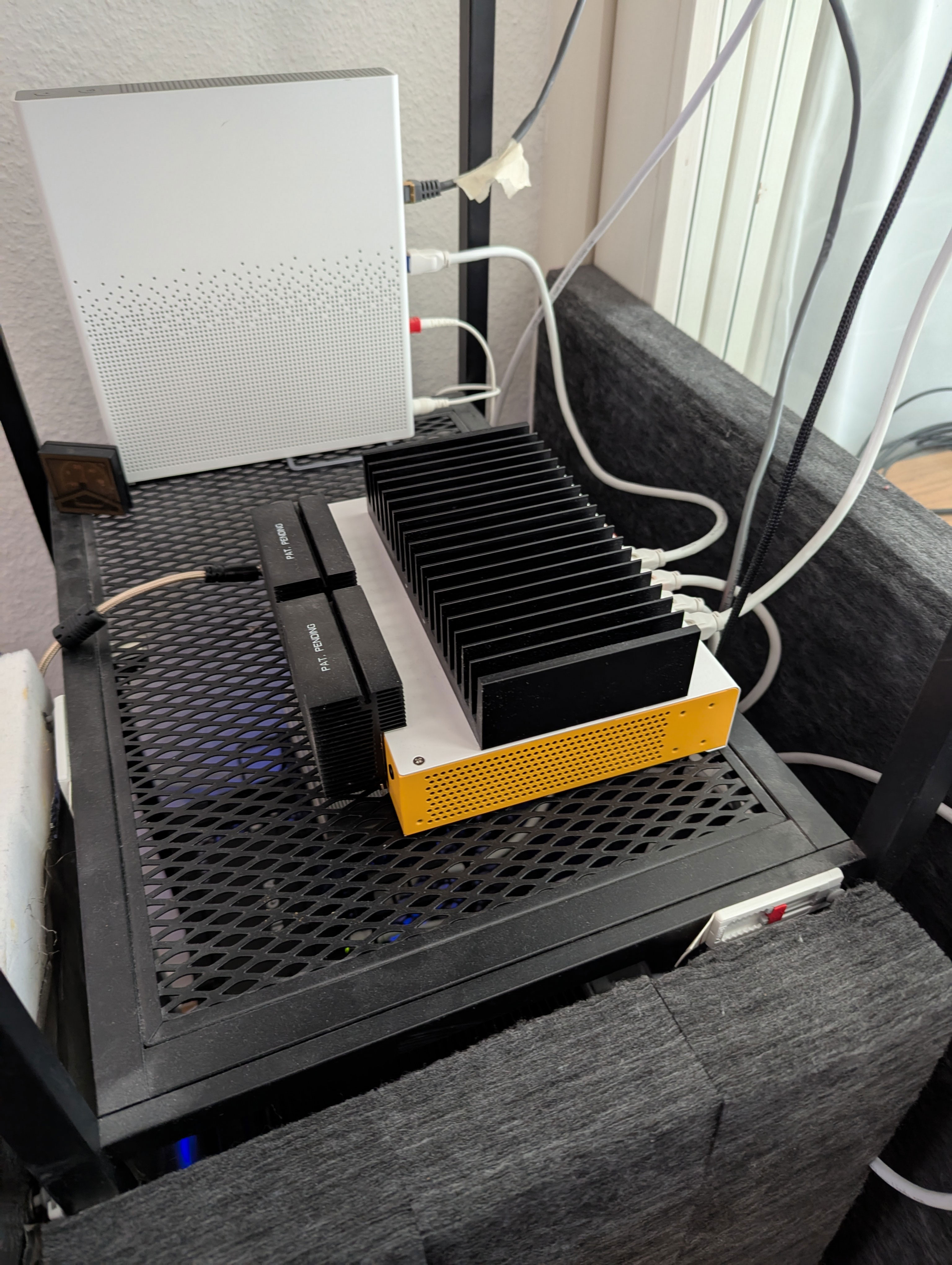

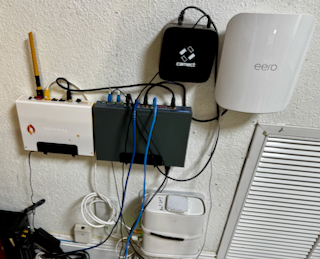

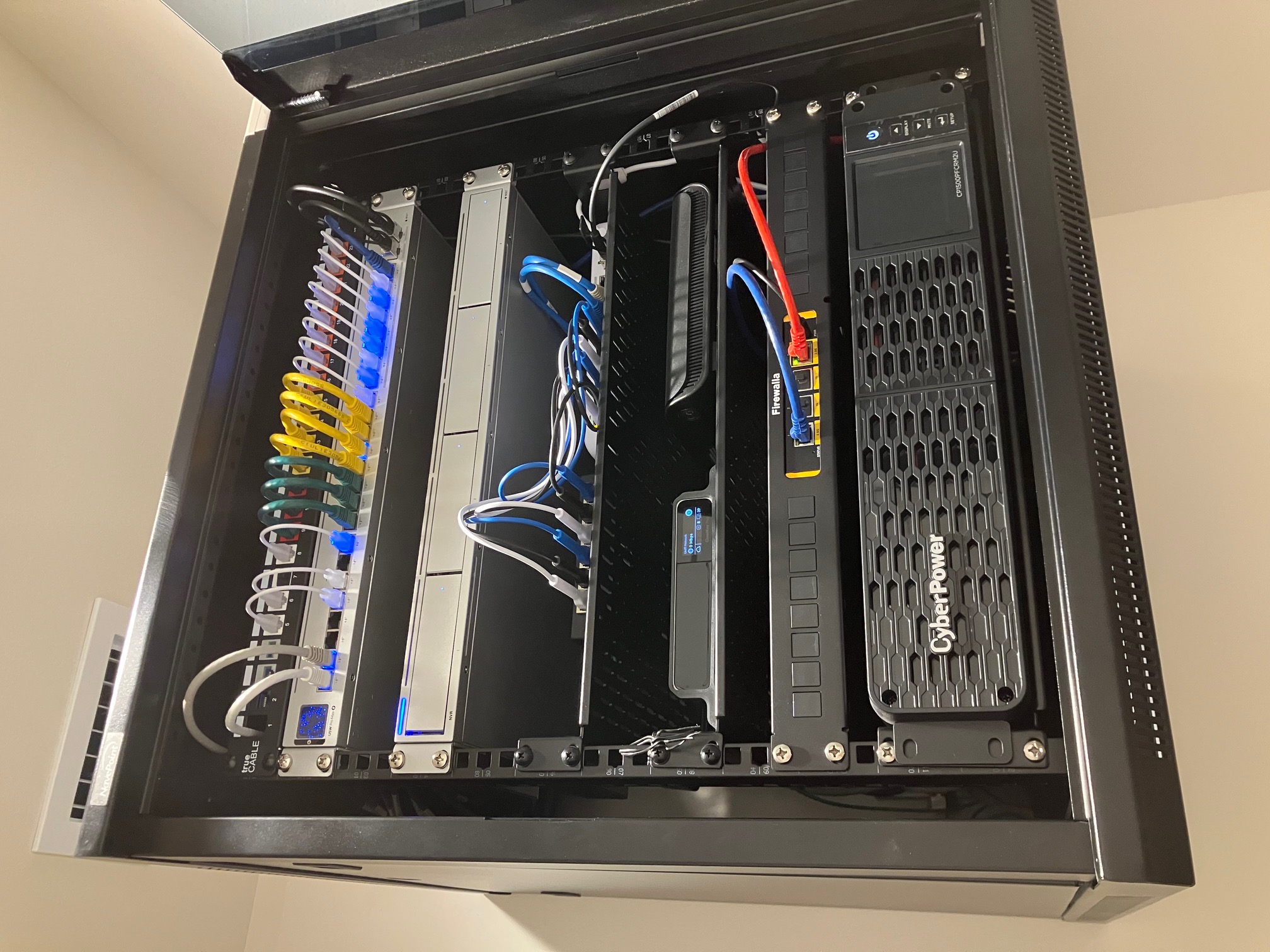

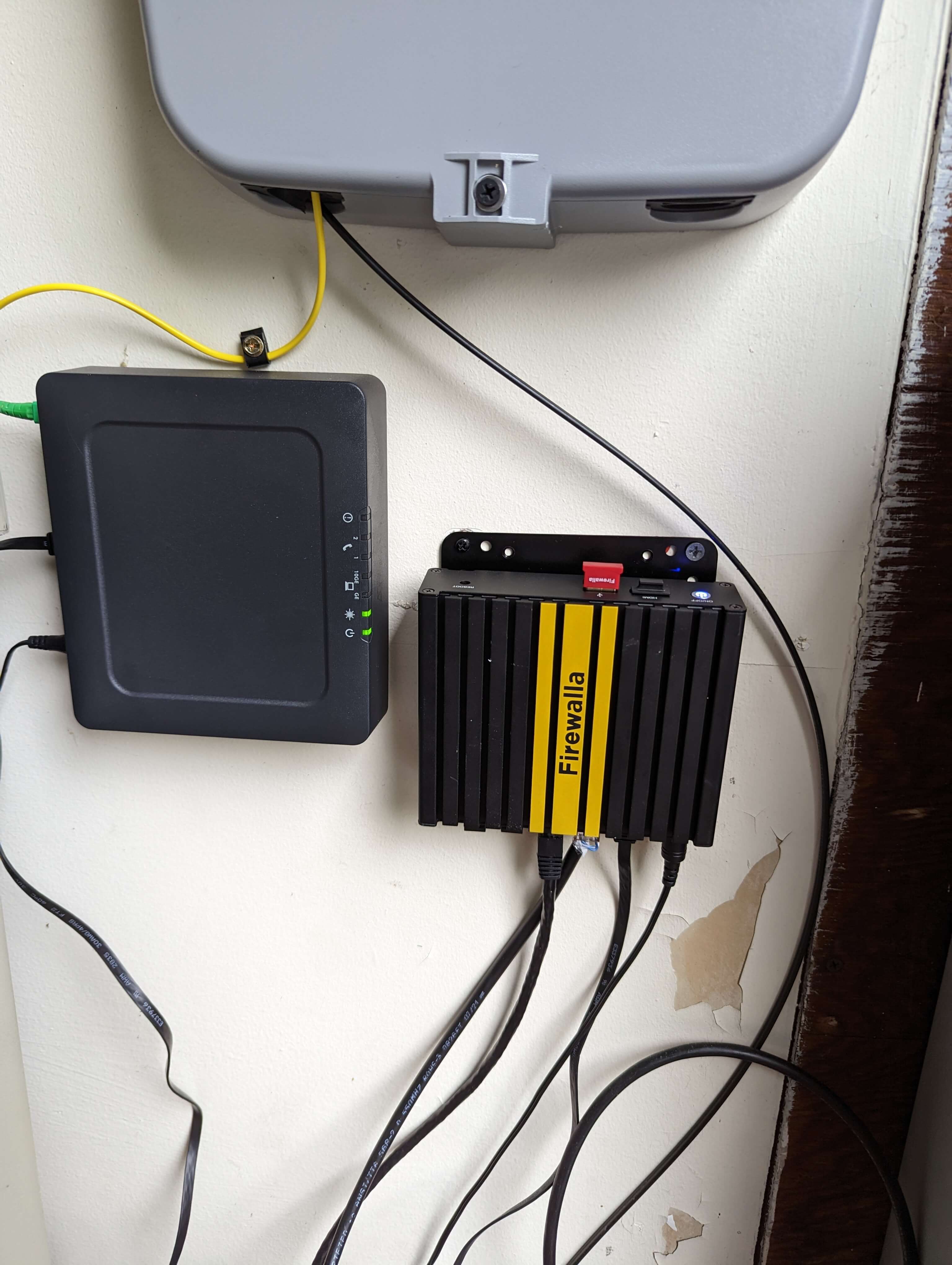

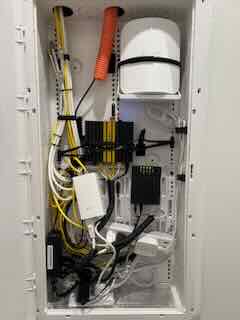

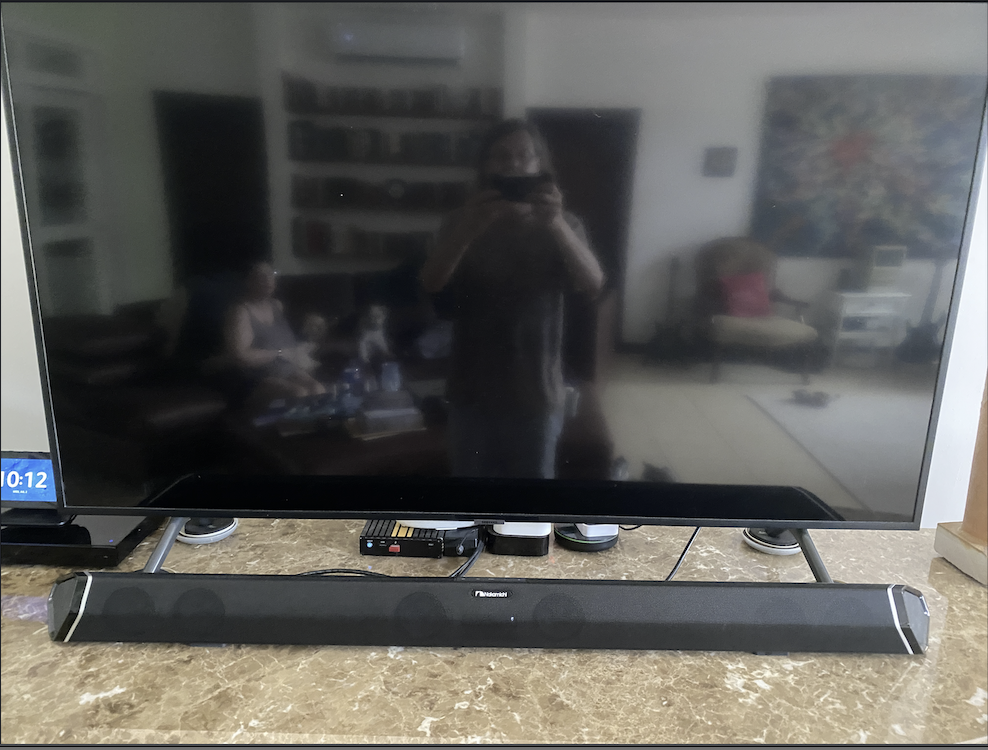
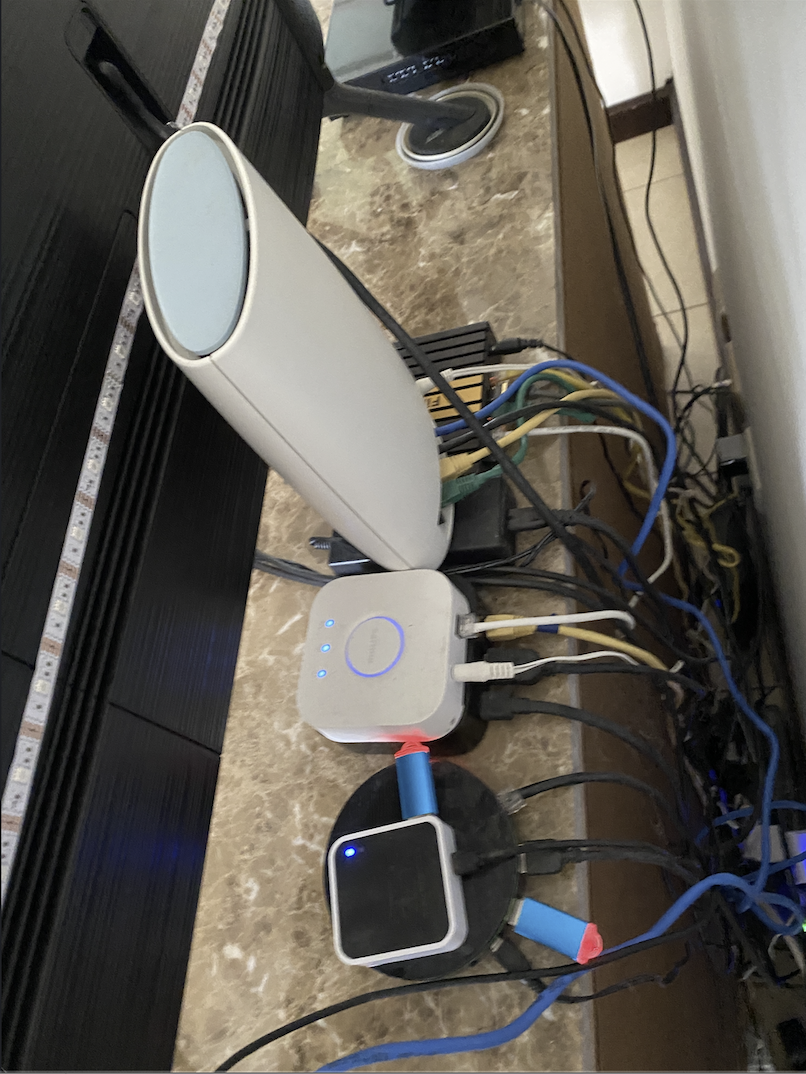

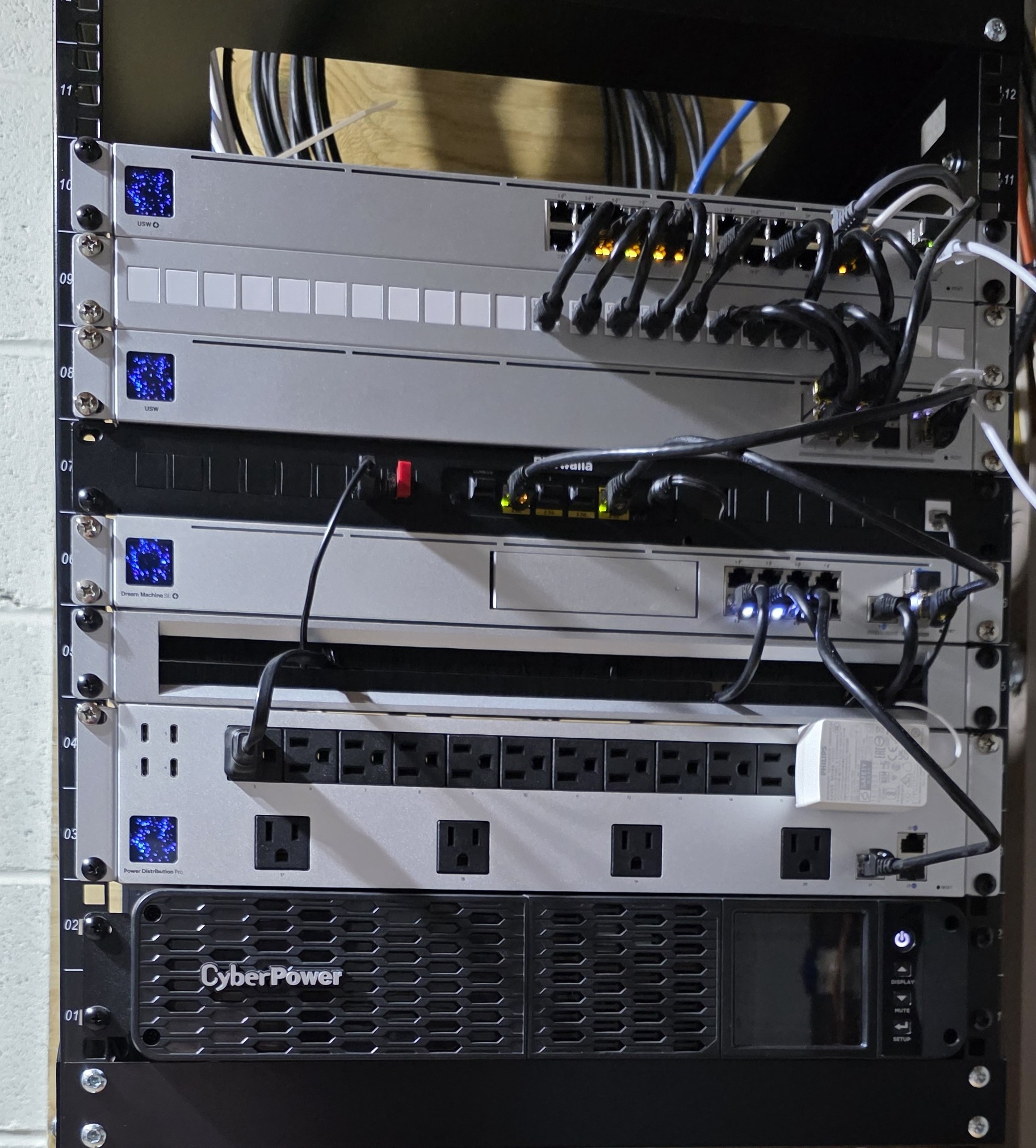

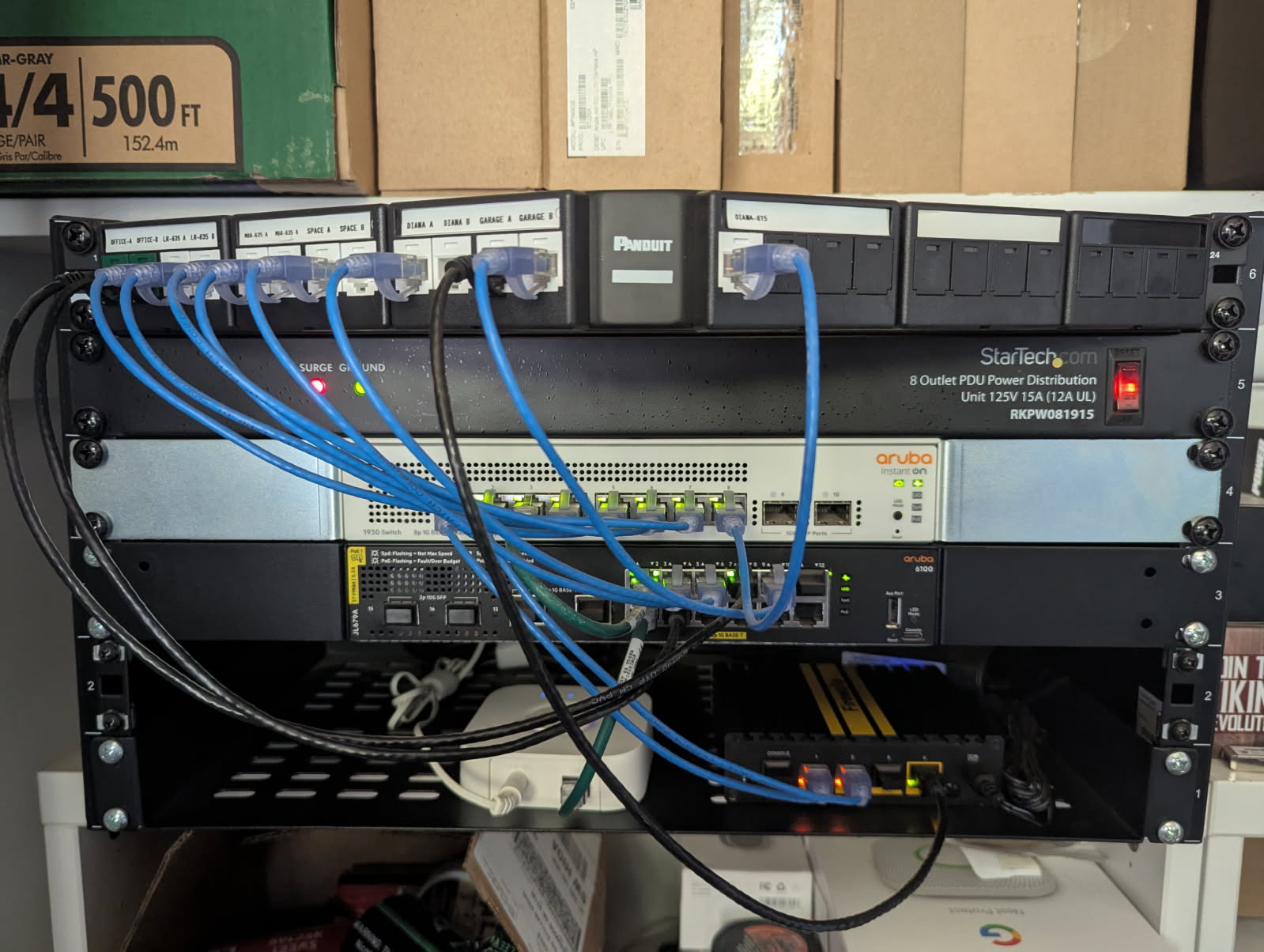 My home network setup with my Firewalla Gold Plus and Aruba Networks switches. I love my Firewalla!

Post is closed for comments.
Comments
152 comments