Show Us Your Network Rack and Win Big

And here are the winners!
- If you are on our email list, we will contact you next week with an email from help@firewalla.com
- We will also officially announce the winners via our weekly newsletter!
Winners Picked by Random Drawing (randomly drawn from the top 20 most voted entries)
#1 https://help.firewalla.com/hc/en-us/community/posts/18333572629267/comments/18392412418067
#2 https://help.firewalla.com/hc/en-us/community/posts/18333572629267/comments/18367820680979
#3 https://help.firewalla.com/hc/en-us/community/posts/18333572629267/comments/18514758246803
Winners Picked by the Firewalla Team
#1: https://help.firewalla.com/hc/en-us/community/posts/18333572629267/comments/18364856154643
#2 https://help.firewalla.com/hc/en-us/community/posts/18333572629267/comments/18568231747475
#3 https://help.firewalla.com/hc/en-us/community/posts/18333572629267/comments/18505161695635
Thank you to everyone who submitted their network rack!
---------------------------------
[You can still submit entries until 23:59pm July 28th Pacific Time]
As we prepare for our release of the Firewalla Rack Mount (pre-registration is open now!), we want to get some inspiration from the community on how to organize hardware better using racks.
It's as simple as snapping a good picture and posting it below as a comment!
(please login to post)
The Prize:
- Two First place winners will each win a Firewalla Gold SE
- Two Second place winners will each win a Firewalla Purple
- Two Third place winners will each win a Firewalla Rack Mount
All winning network racks will be featured in our weekly newsletter!
Timing
- We will accept submissions from now until July 22nd, 2023.
- Voting will end one week after the submission deadline on July 29th, 2023.
- Winners will be announced 96 hours after voting ends.
Entering:
- A Firewalla is NOT required, but submissions with at least one Firewalla box will receive an extra point.
- We encourage all types of setups to apply - show us something cool!
- Optionally, you can add a network diagram clarifying your network topology. We love network diagrams!
- Optionally, if you are doing anything else cool, mention it in your submission.
Voting:
- A login is required for voting.
- Vote for your favorites by clicking the up arrow next to each comment post.
- You can vote for more than one submission.
- Make sure you try to scroll through all of the pages to see everyone’s awesome network setups!
Winner Selection:
- We will select the top 20 entries based on the voting count and subsequently choose the winners through a random draw. The draw will determine 1 First Place winner, 1 Second Place winner, and 1 Third Place winner.
- Additionally, the Firewalla team will independently select their winners, consisting of 1 First Place winner, 1 Second Place winner, and 1 Third Place winner.
Important: Please do not post any sensitive information. Firewalla is not responsible for any submissions in this forum and the content in the posts. Firewalla reserves the right to remove any submissions that are unoriginal or offensive. By entering a submission in the contest, you agree to allow Firewalla INC to use your photos in any future marketing materials. By posting/voting here, you will automatically sign up for the firewalla weekly newsletter.
(We will periodically remove non-rack submissions from the comment section)
If you're trying to enter the contest from your mobile device: you may need to request the desktop version of this site to see the option to add an image to your post.
-

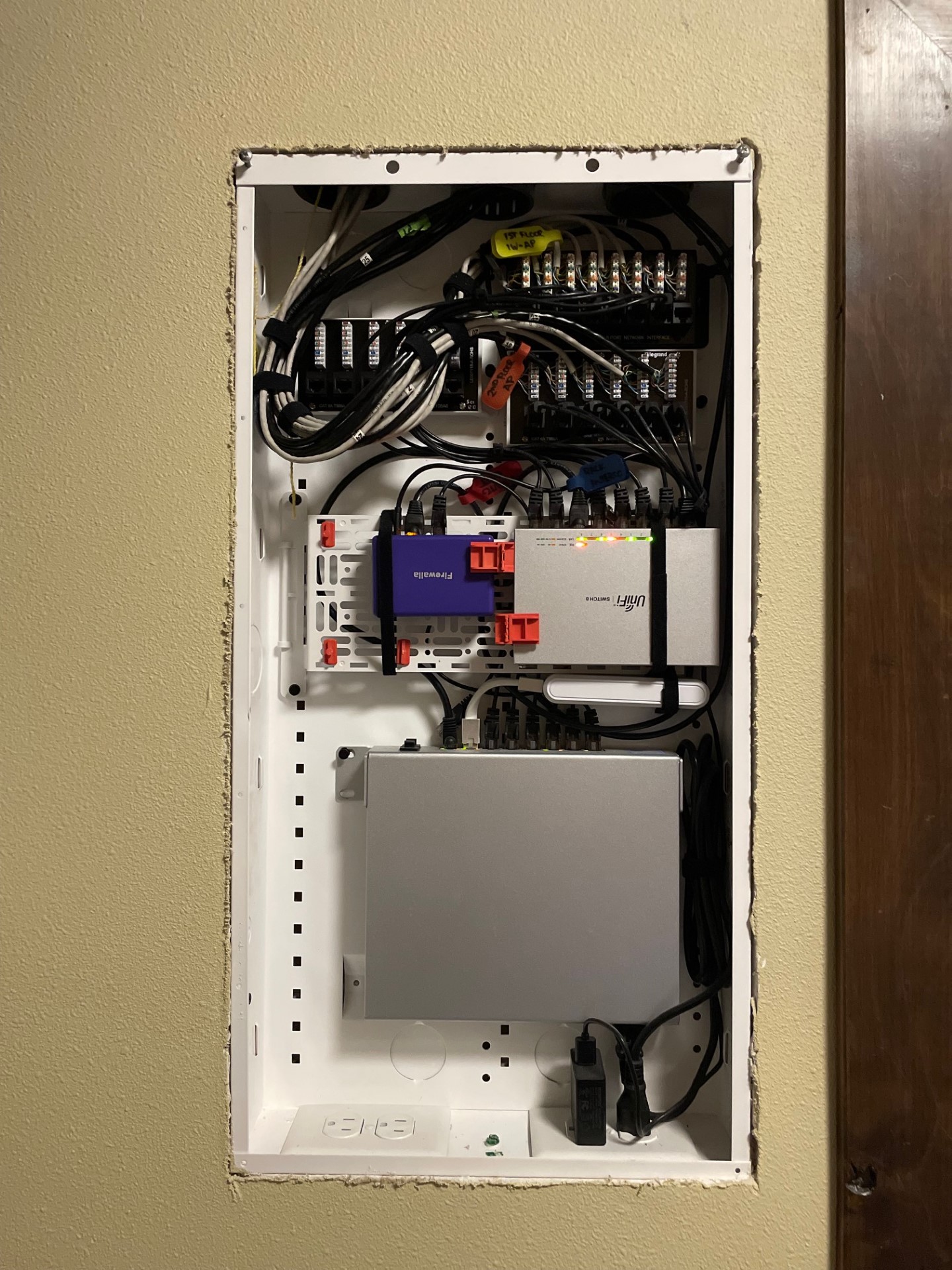
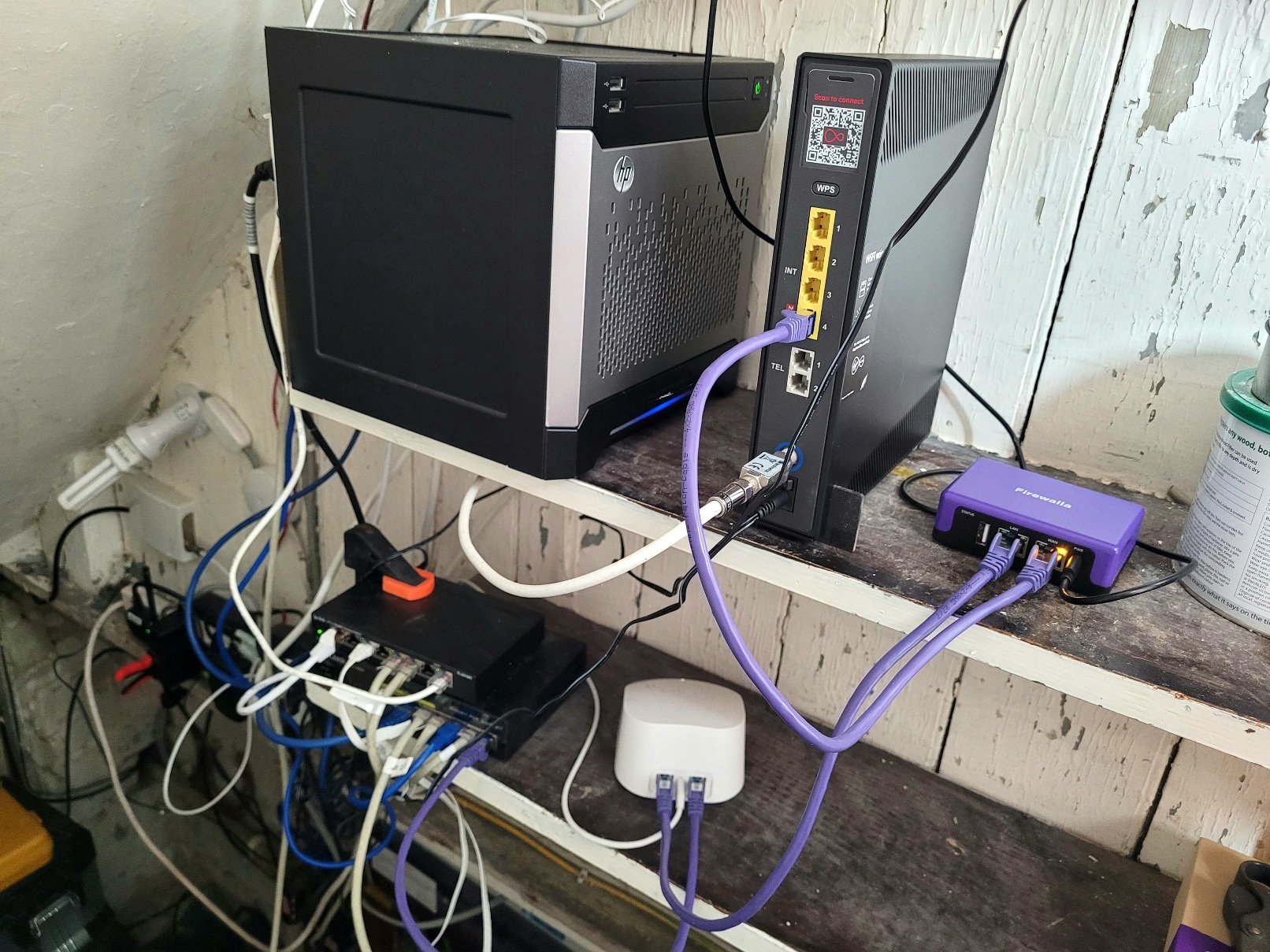
- Firewalla Purple
- Ubiquiti Infrastructure
- HP Gigabit POE Switch
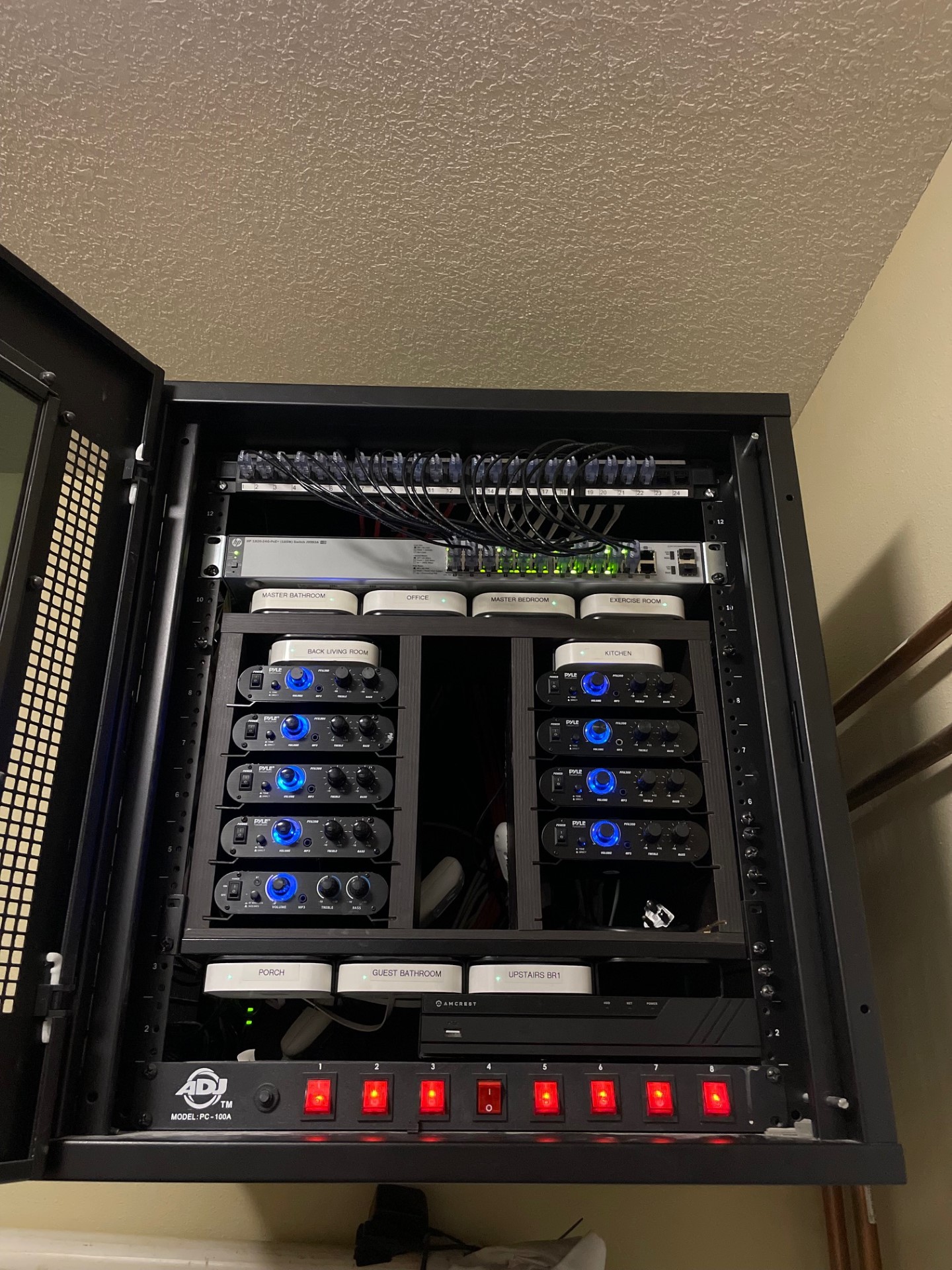
- Every room in the house has two network drops. (1) for network or AP access (1) for segmented media connections
- Every room has Airplay speakers with independent amplifiers and volume control
- 4K POE camera system property wide with 15TB of storage
- NAS file backup 10TB storage
-

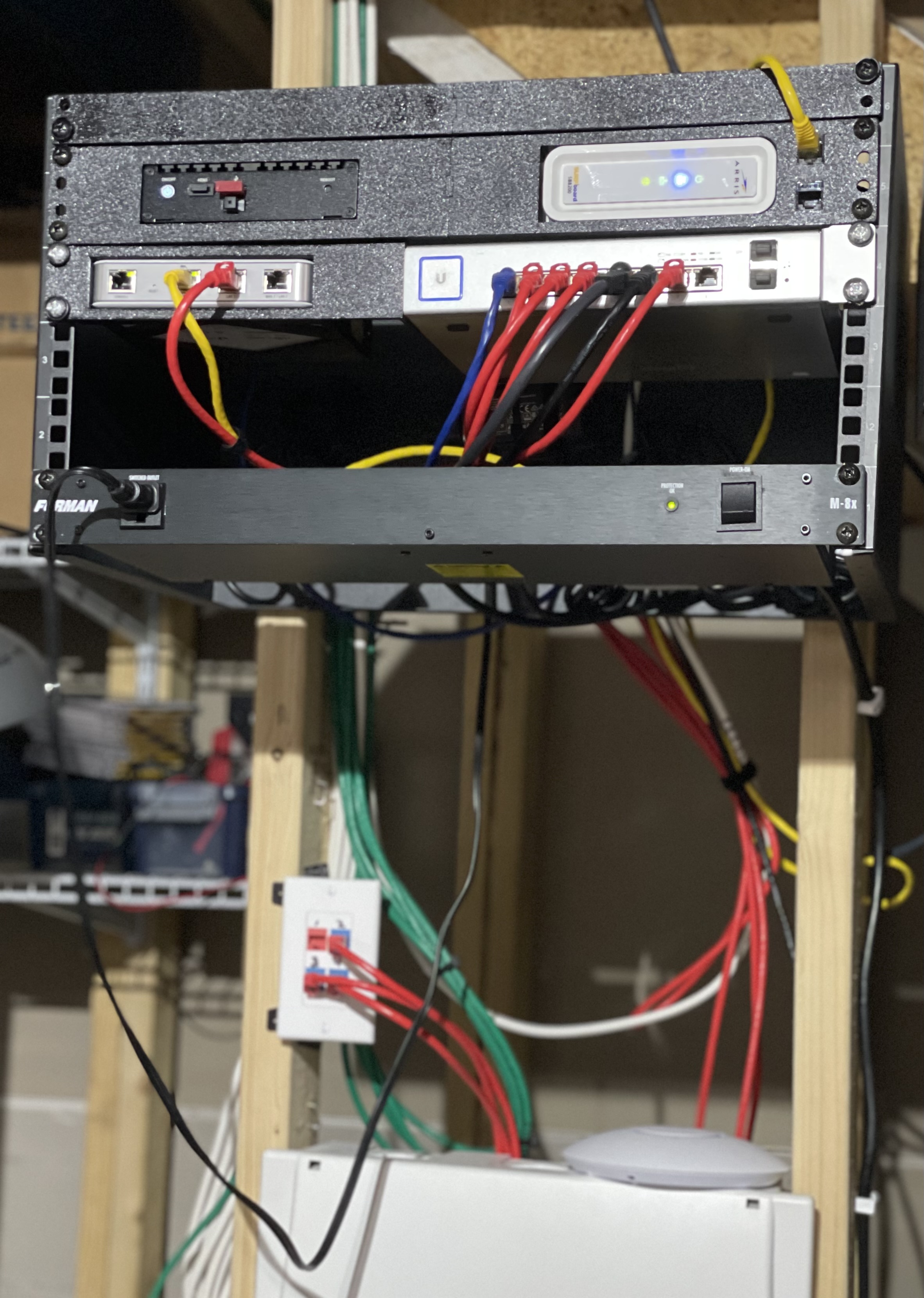
First Pic: Basement Network Rack
- Firewalla Gold (currently in Simple Mode; soon to switch to be Router Mode and USG will be a backup) + Arris Cable Modem
- Unifi USG
- Ubiquiti 8 port PoE switch (Blue cable is FWG, Red Cables go to patch ports + USG, Black cables PoE for 2 APs)
- Furman Power
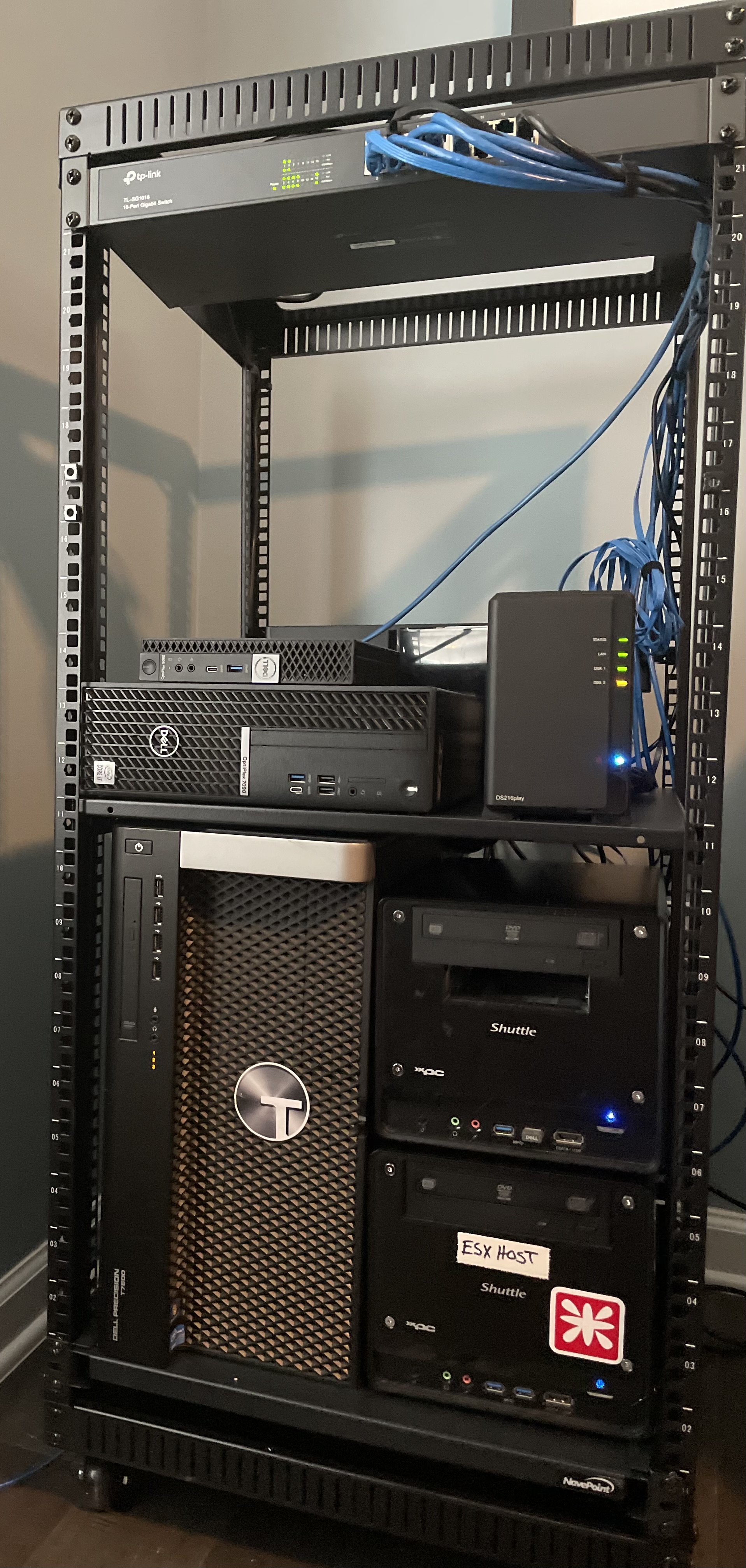
Second Pic: Office Server/Computer Rack
- TPLink 16 port Unmanaged 1GB switch
- Dell Optiplex 5060 (Windows 11 as a dev/eng machine)
- Dell Optiplex 7090 (Windows Server 2022 running Hyper-V Test VMs for work that I buildup/teardown frequently)
- Synology DS216play (not running apps, just doc, photo, and media storage) also has 2x external USB drives attached to them that also have various media and older backups
- Dell T7600 (Currently running ESX and houses my "prod" vms and Unifi controller)
- 2x Shuttle xPC (top is windows 10 "daily" driver, bottom is currently dev ESX server)
-

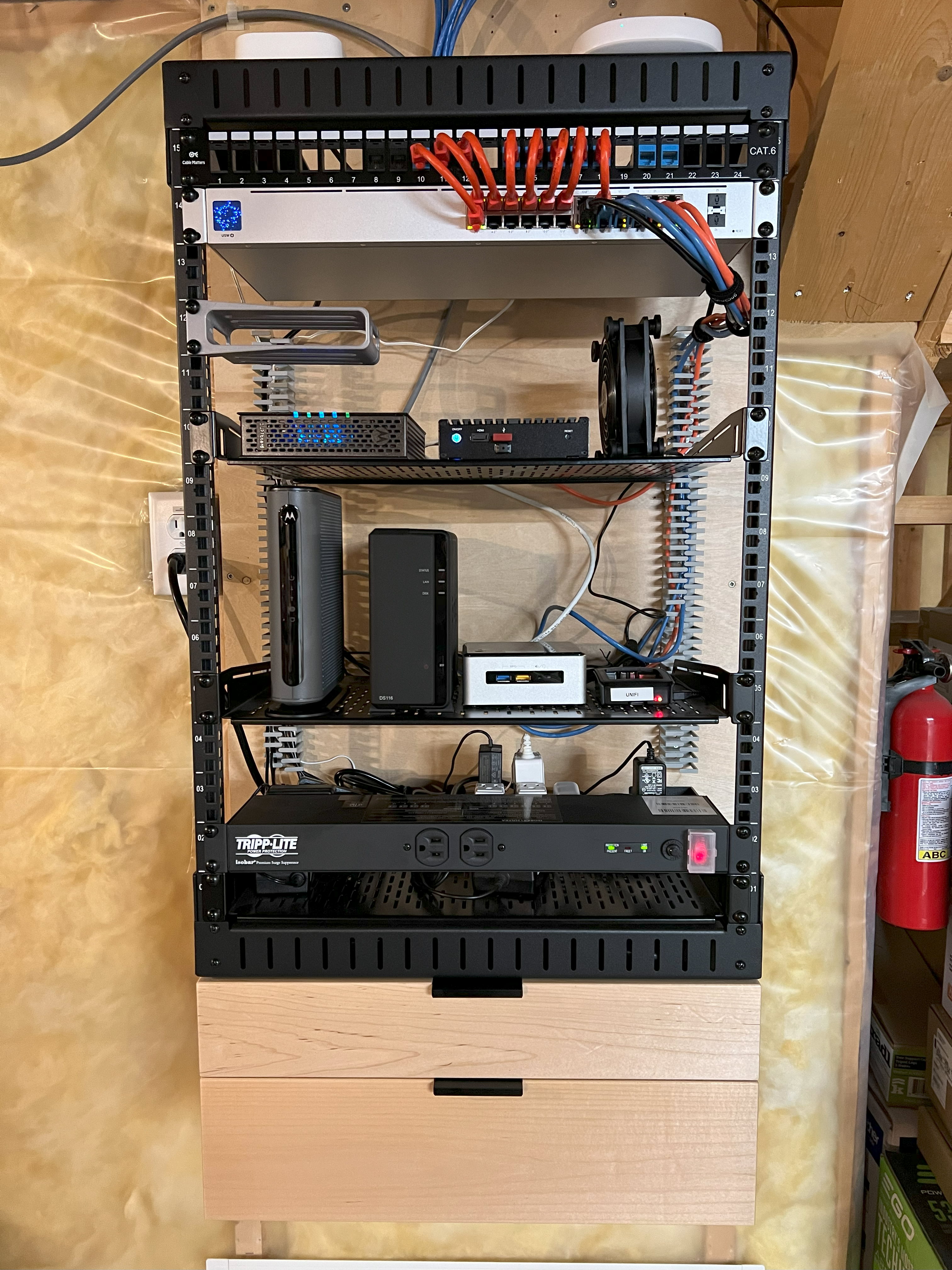
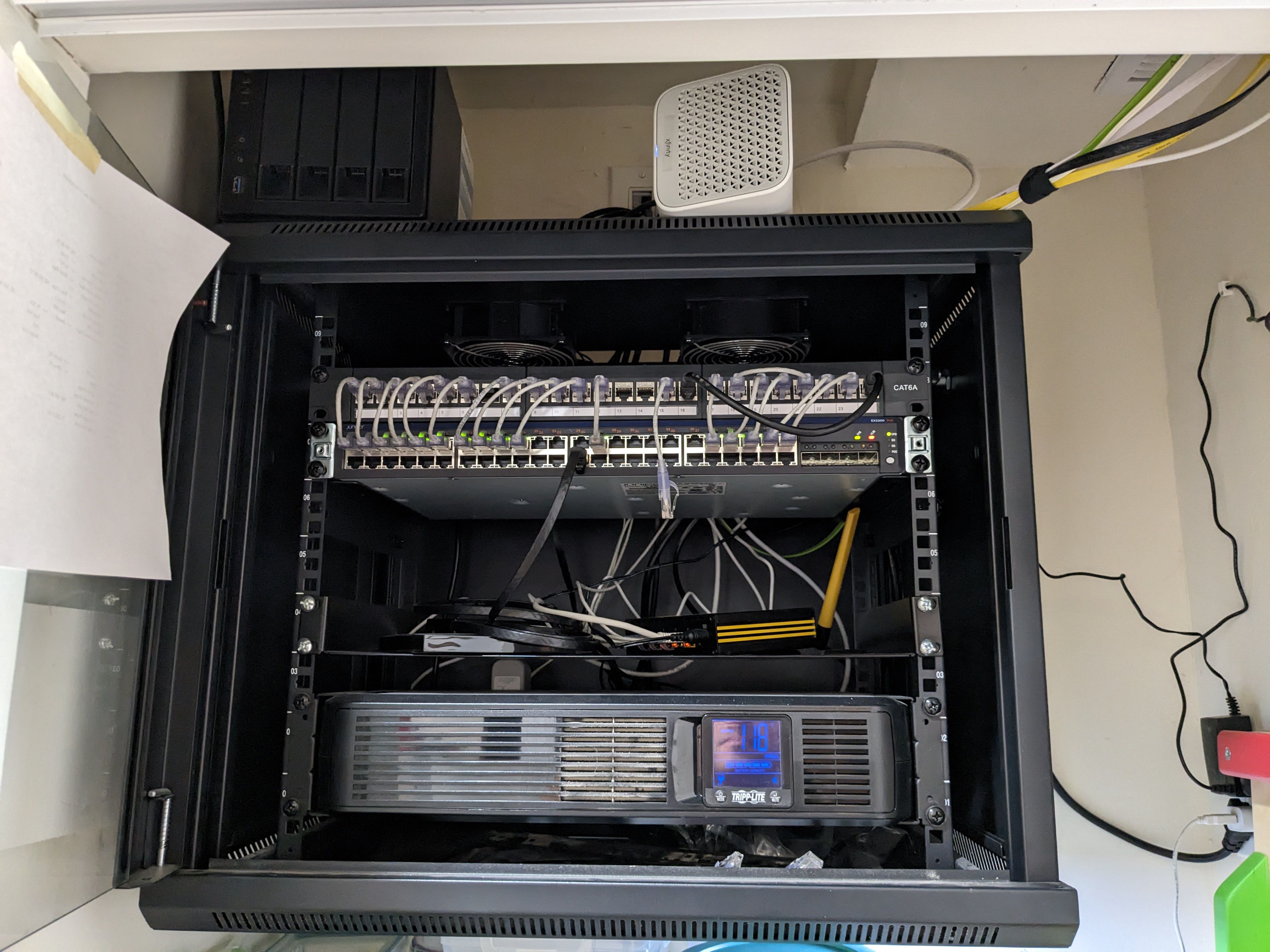
From the top:
- Philips Hue bridge and Samsung Smart Things
- Ubiquiti USW-24-POE switch
- 3D printed mount for a Ubiquiti Cloud Key Gen2 Plus that I don't own yet
- Motorola Surfboard modem (needs replacing - see below)
- Firewalla Gold router
- AC Inifinity USB fan (almost silent and keeps Firewall cool)
- New Motorola modem to support higher internet speeds (fighting with Xfinity to get it activated)
- Synology DS116
- Intel NUC PC
- Raspberry Pi running Ubiquiti Cloud Key (want to switch to a hardware Cloud Key)
- TrippLite Isobar power strip
- Rack is a StarTech 15U. Built like a tank.
- Shelves by AC Infinity
- Custom built maple drawers on the bottom for all my network gear and cables.
It's all overkill, but that's the fun. The rack is extremely quiet and low power. Going forward, I would love to add the hardware Cloud Key and a set of Compute Blades.
-

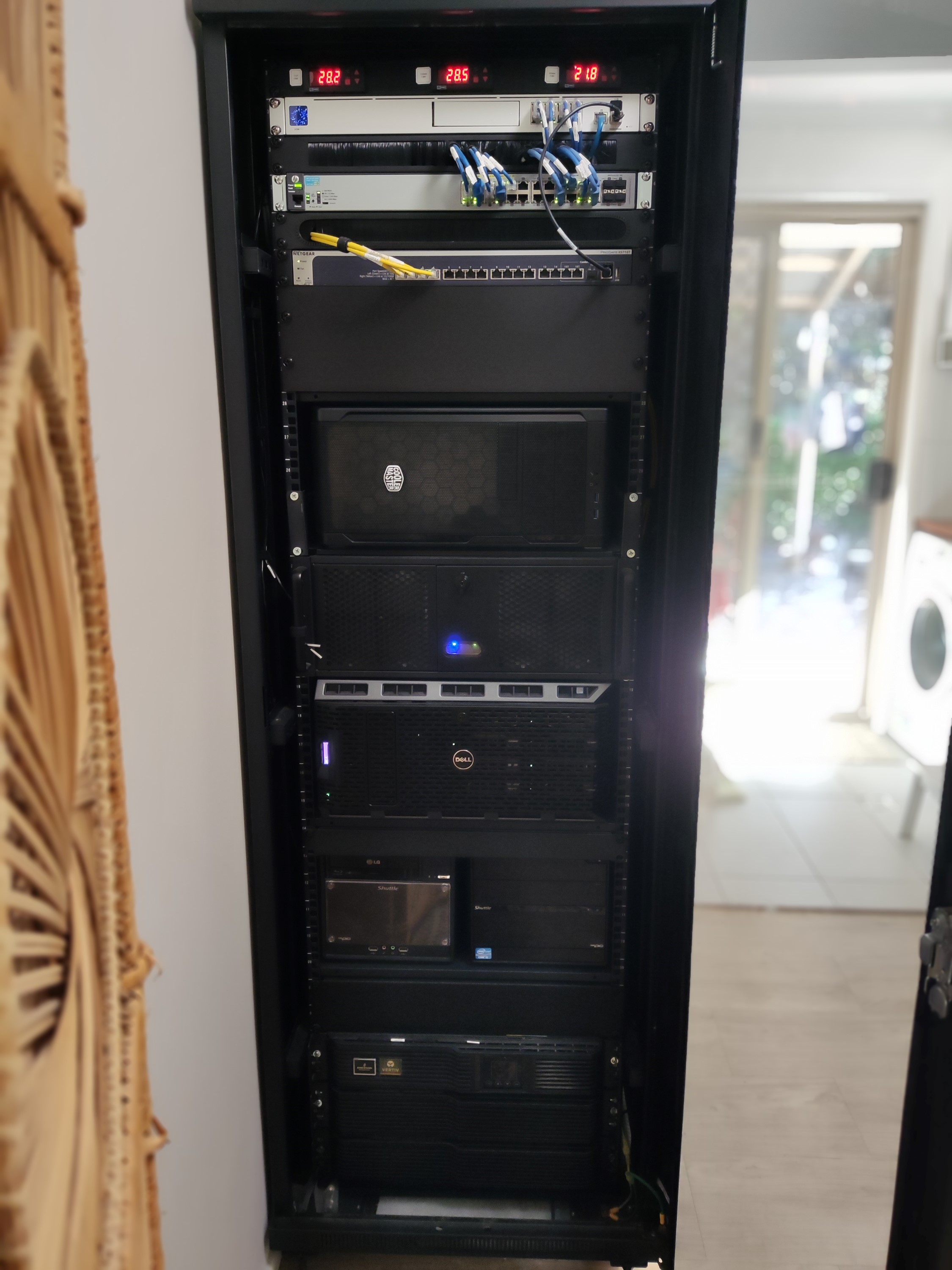
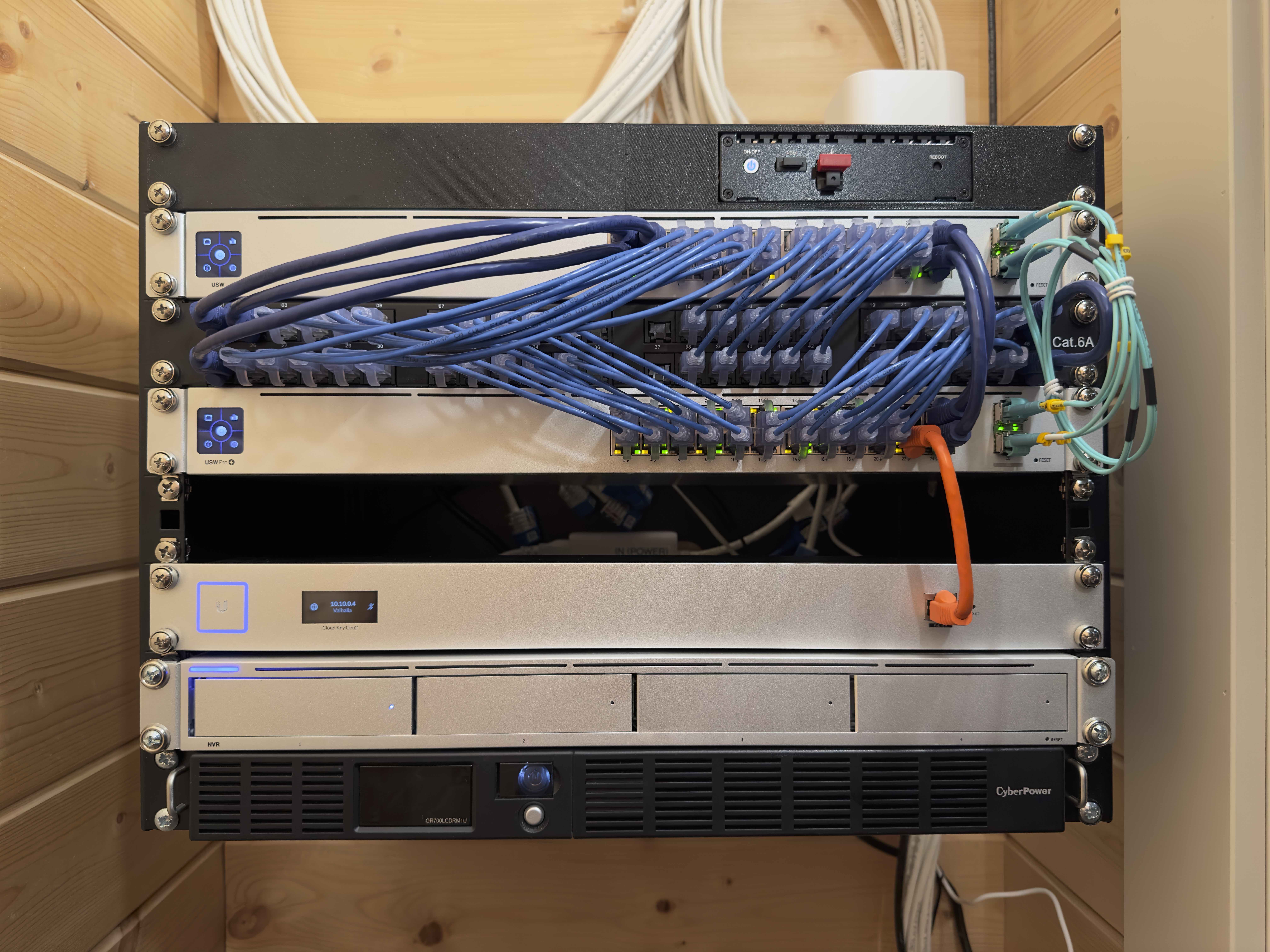
Home office rack pictured below. A lot of the hardware I've accumulated over the last decade with gradual improvements and replacements and keeping an eye out for well priced second-hand items. The Unifi UDMP is one of the few things I bought new. It came from needing a replacement gateway and to upgrade from a motley collection of IP cameras and Zoneminder that was running on an old laptop. I've been longing to get my hands on a piece of Firewalla equipment for some time now as I can see there are better ways to do a number of things.
Rack from top to bottom:
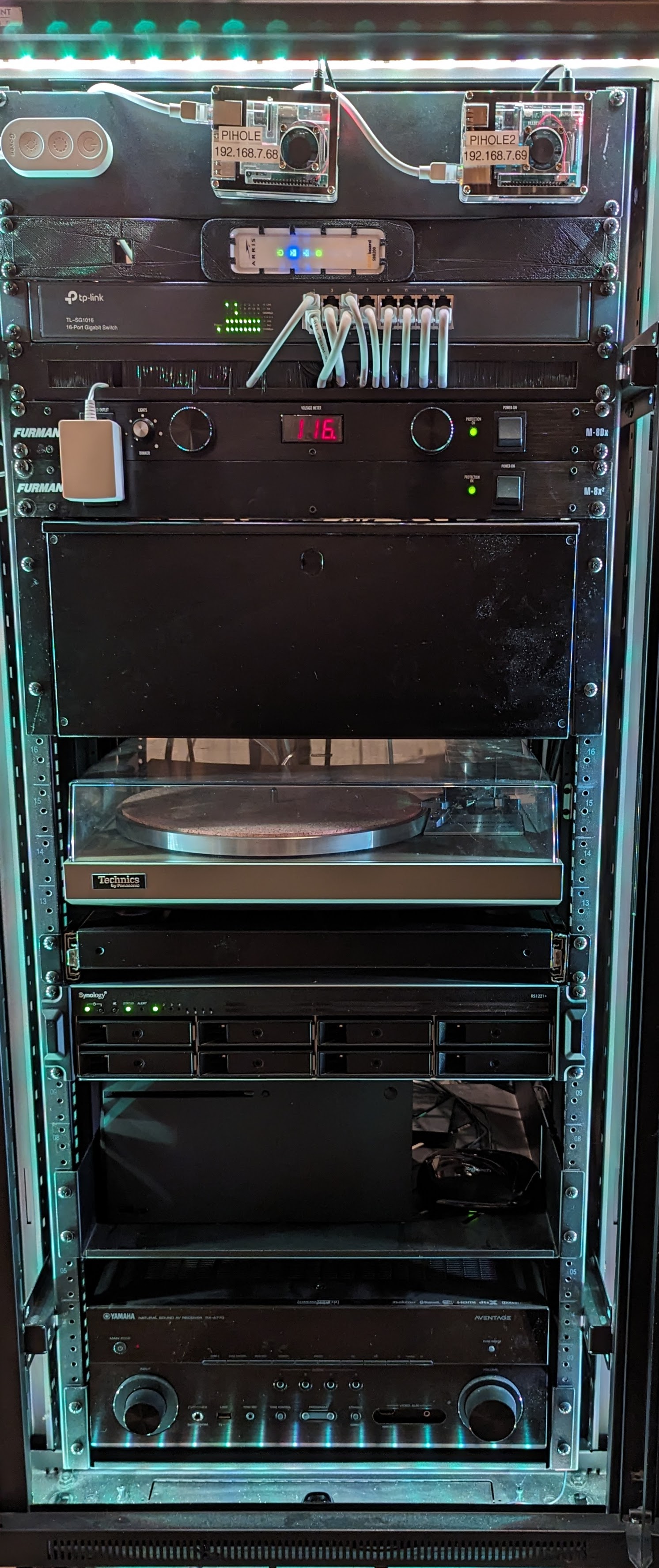
- Rack fan control thermostats (have to keep it quiet for the wife and kids!)
- UDMP - gateway and NVR
- HP 1G POE switch
- Netgear 10G copper switch
- Re-cased HP Z240 for Proxmox node #3
- Custom dual-Xeon server Proxmox node #2 with multiple pass-through GPUs to VMs with HDMI cables going to TV's around the house. Wireless USB media keyboards make this work from the lounge-room etc.
- Dell dual-Xeon Proxmox node #1
- A couple of Shuttle mini-ITX boxes from days of yore. I vow to never part with these :)
- UPS
- Patch panel and UPS bypass switch in the rear of the rack.
Looking to replace the 2 dual-Xeon boxes with something a little more power friendly in the near future. Time to read up on EPYC single-socket boards with OOBM that might be affordable now that they've been around for a number of generations. 7551P definitely have adequate core count on a single socket!
-

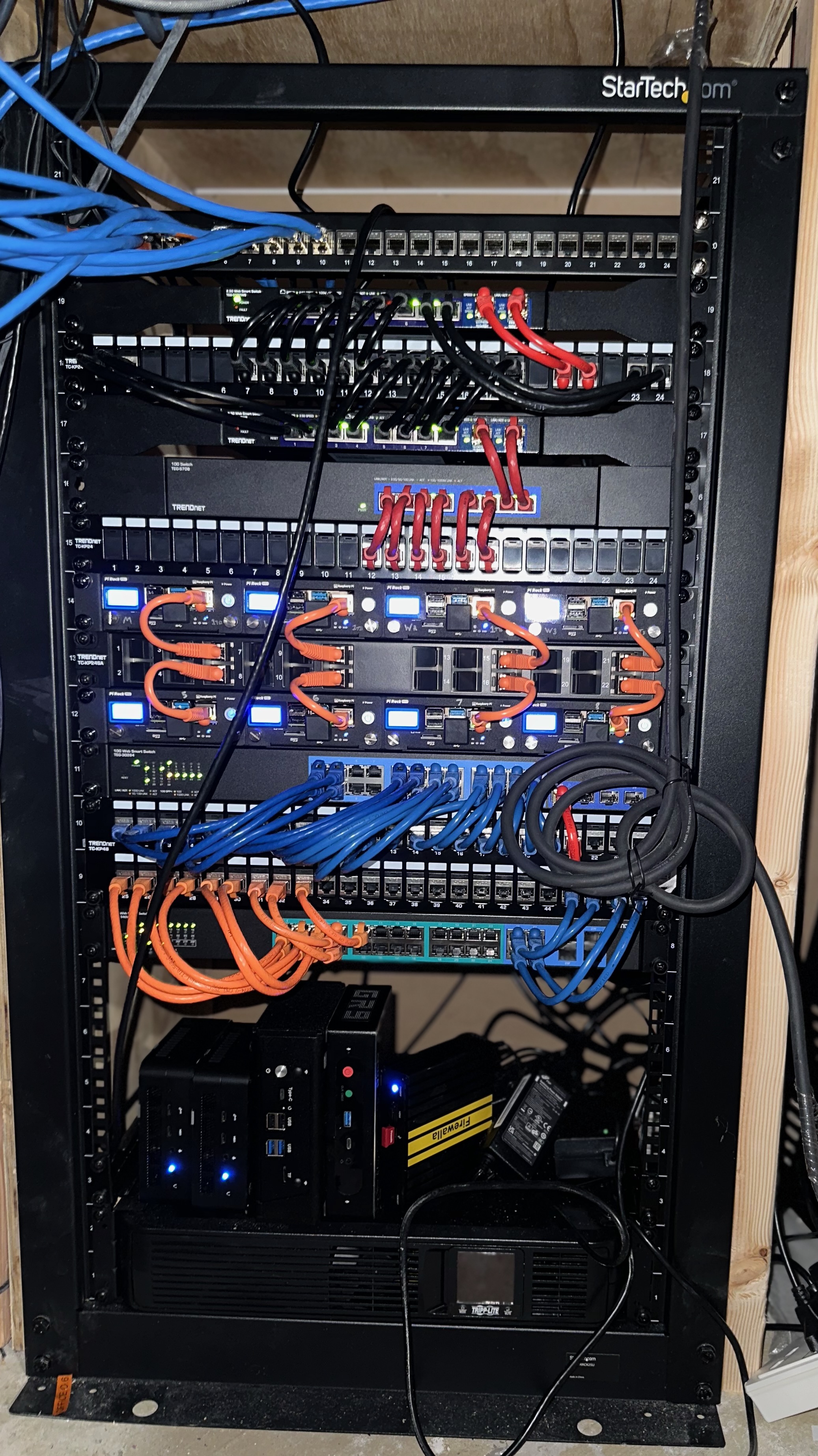
This is my homelab/network rack or as my wife so fondly refers to it "The creature under the stairs". Recently ran ethernet to the 2nd floor bedrooms and office as well as adding a few additional drops into my office.
I have everything color coordinated for 10G, 2.5G, 1G and PoE. Still working on some organization as a few of the old drops were too short to route around the back. And just yesterday I installed my Firewall Gold Plus.
-

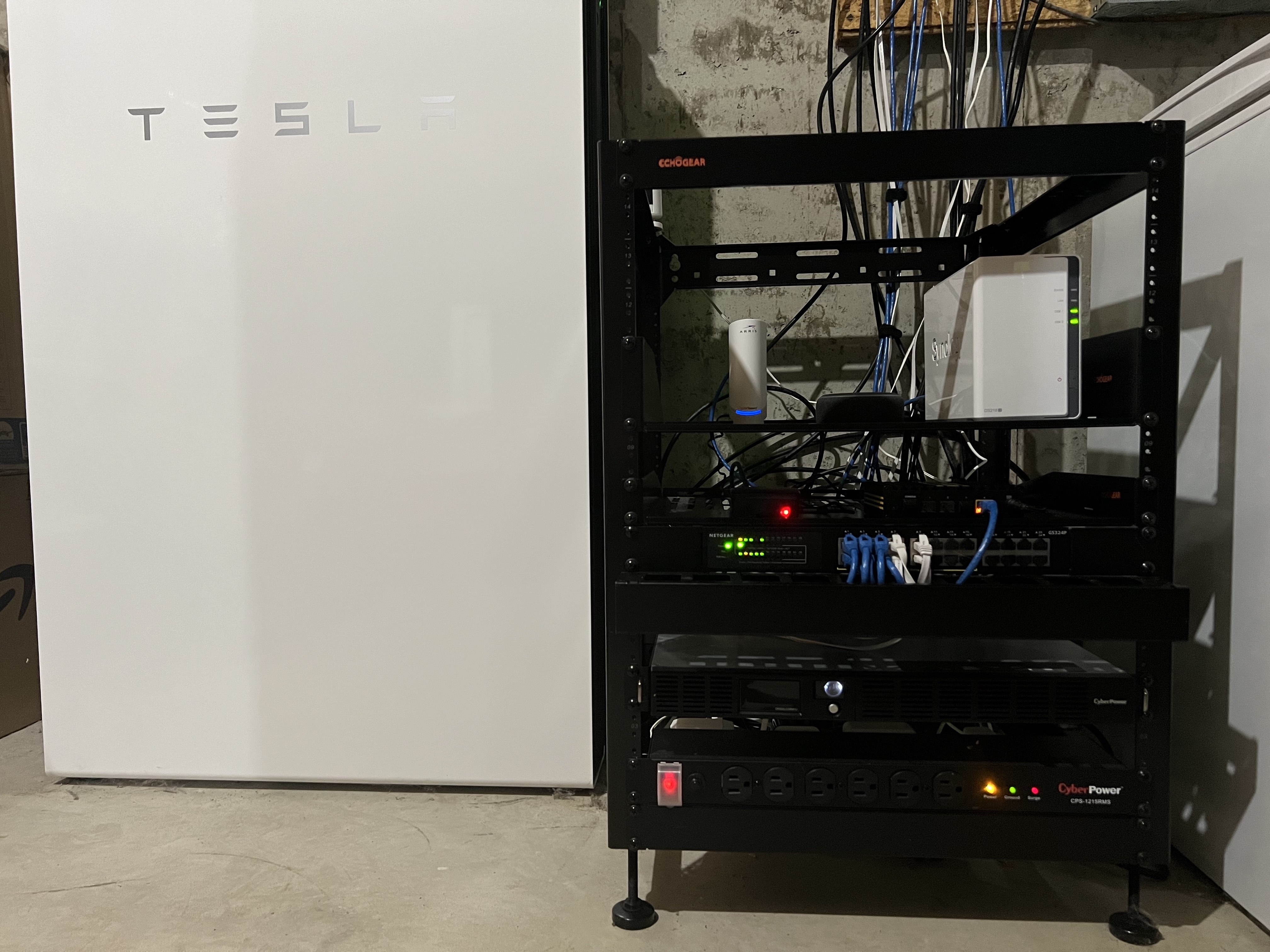
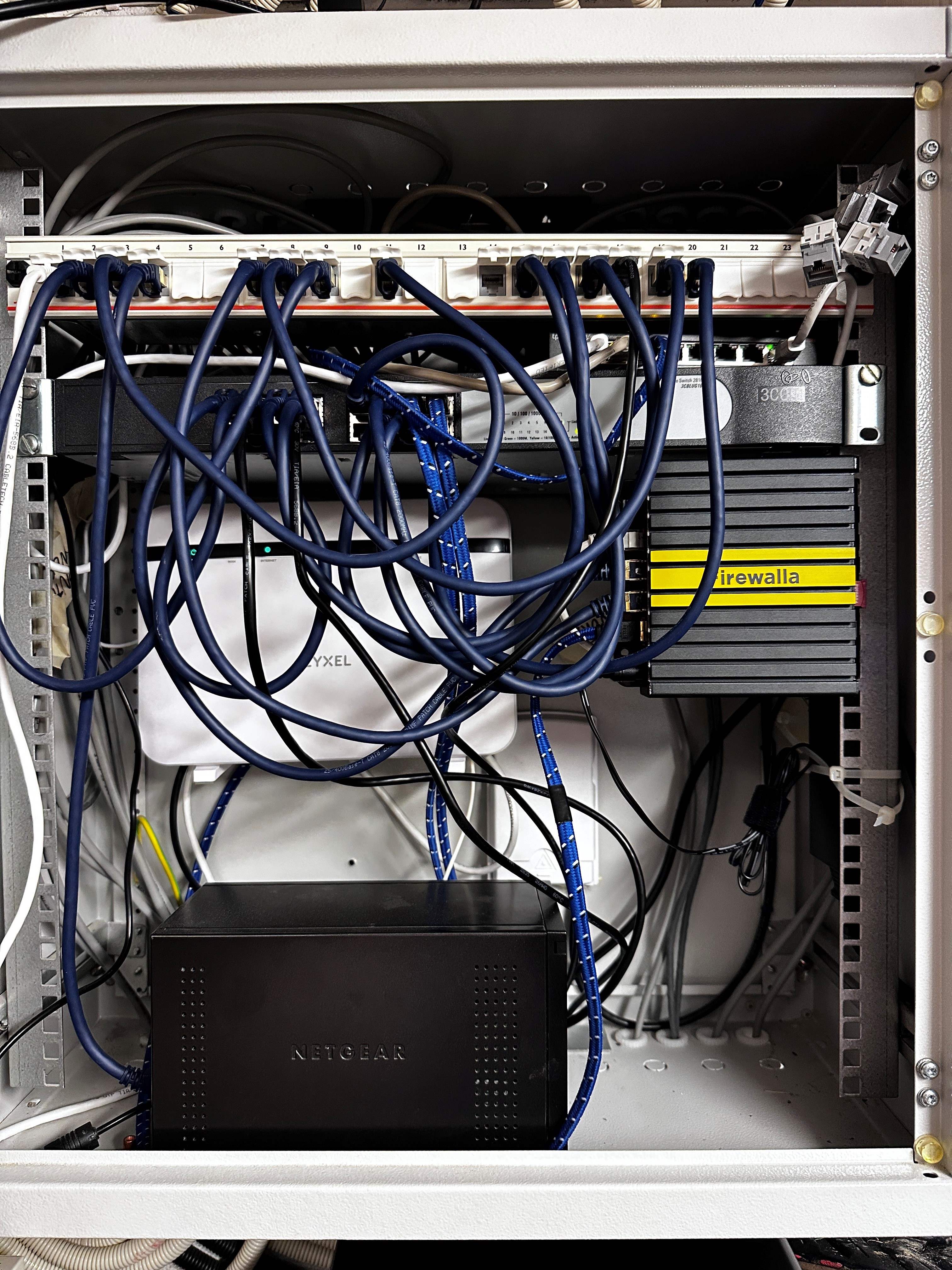
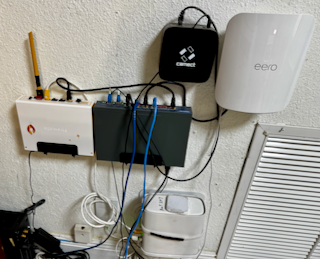
Currently I have Modem > Ring Alarm Pro > Firewalla Gold, POE switch and that branches into the Synology Diskstation server, Homebridge server, some cameras and hardwired connections, and of course the Tesla Powerwall :) Looking to add POE access points in the next few years instead of the current Eero setup. Maybe moving to Eero APs or Ubiquiti APs.
-

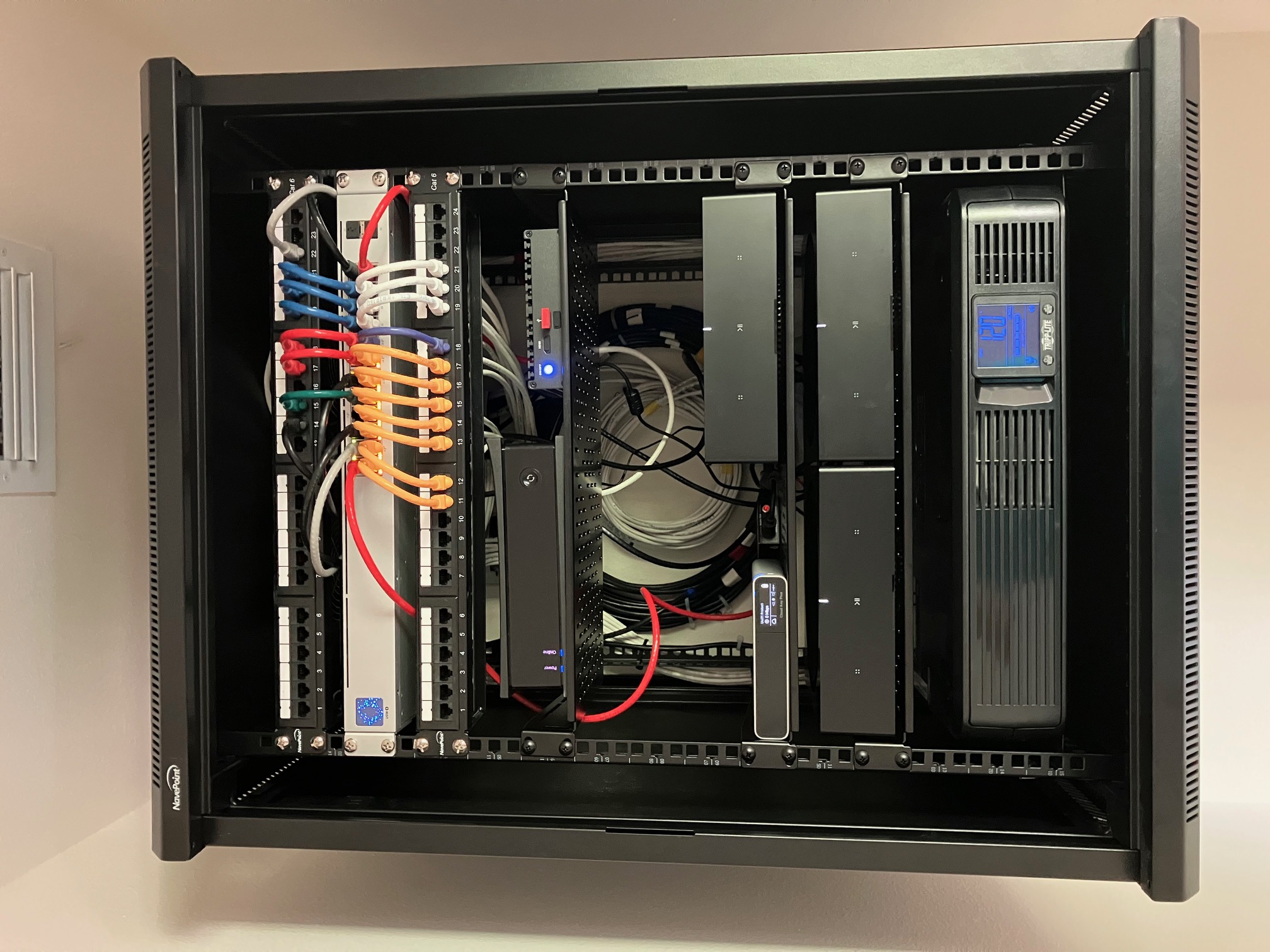
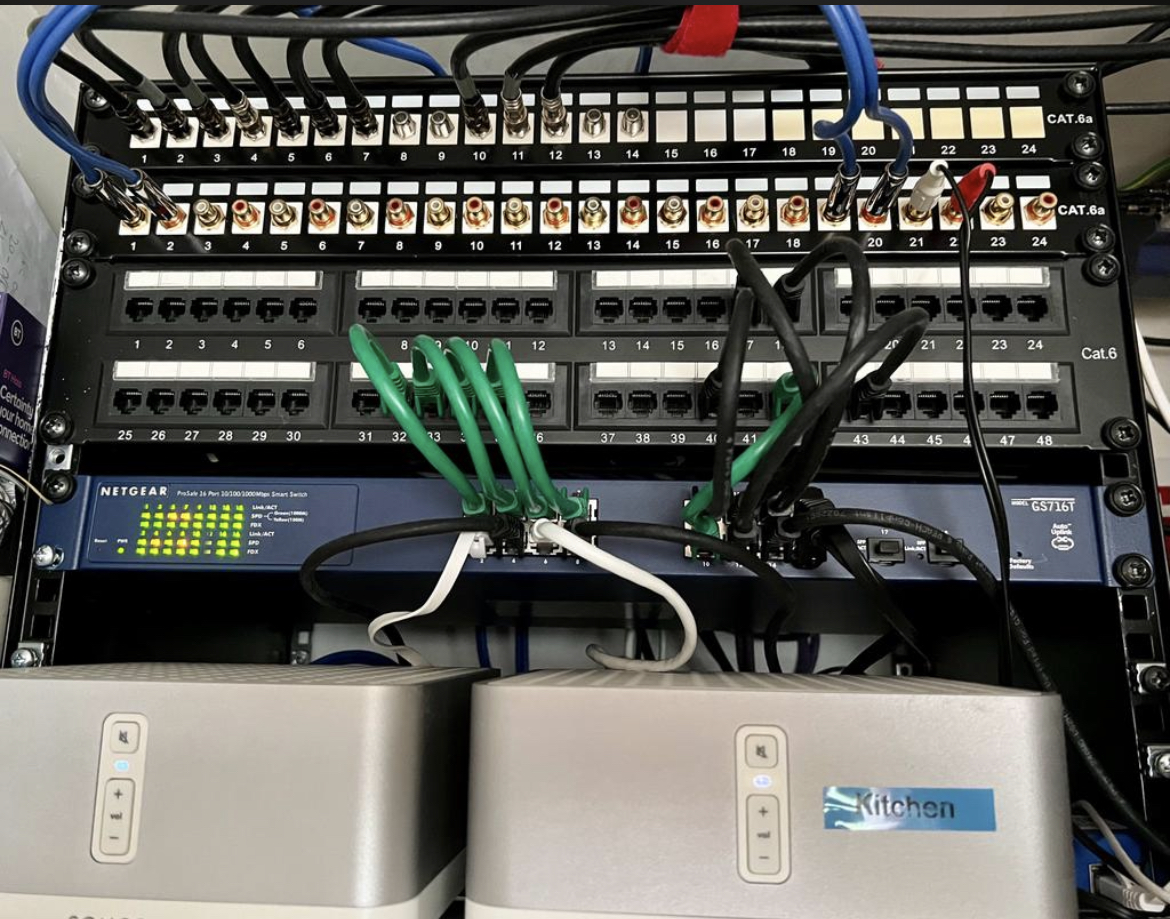
NavePoint 15RU rack in Office Closet with Cat6 patch panels, UniFi 24-Port GigE Switch, Cable Modem, Firewalla Gold Router, UniFi Cloud Key2+, SONOS AMP's, and TrippLite UPS/Battery Back-Up. A few rack spaces left open for future video NVR. Large house with eight (8) GigE connected WiFi Access Points.
-
And here are the winners!
- If you are on our email list, we will contact you next week with an email from help@firewalla.com
- We will also officially announce the winners via our weekly newsletter!
Winners Picked by Random Drawing (randomly drawn from the top 20 most voted entries)
#1 https://help.firewalla.com/hc/en-us/community/posts/18333572629267/comments/18392412418067
#2 https://help.firewalla.com/hc/en-us/community/posts/18333572629267/comments/18367820680979
#3 https://help.firewalla.com/hc/en-us/community/posts/18333572629267/comments/18514758246803Winners Picked by the Firewalla Team
#1: https://help.firewalla.com/hc/en-us/community/posts/18333572629267/comments/18364856154643
#2 https://help.firewalla.com/hc/en-us/community/posts/18333572629267/comments/18568231747475
#3 https://help.firewalla.com/hc/en-us/community/posts/18333572629267/comments/18505161695635Thank you to everyone who submitted their network rack!
-
Here is another chance to win again! https://help.firewalla.com/hc/en-us/community/posts/24294588856083
This time our marketing team is looking for a nice "lifestyle" photo of your setup!

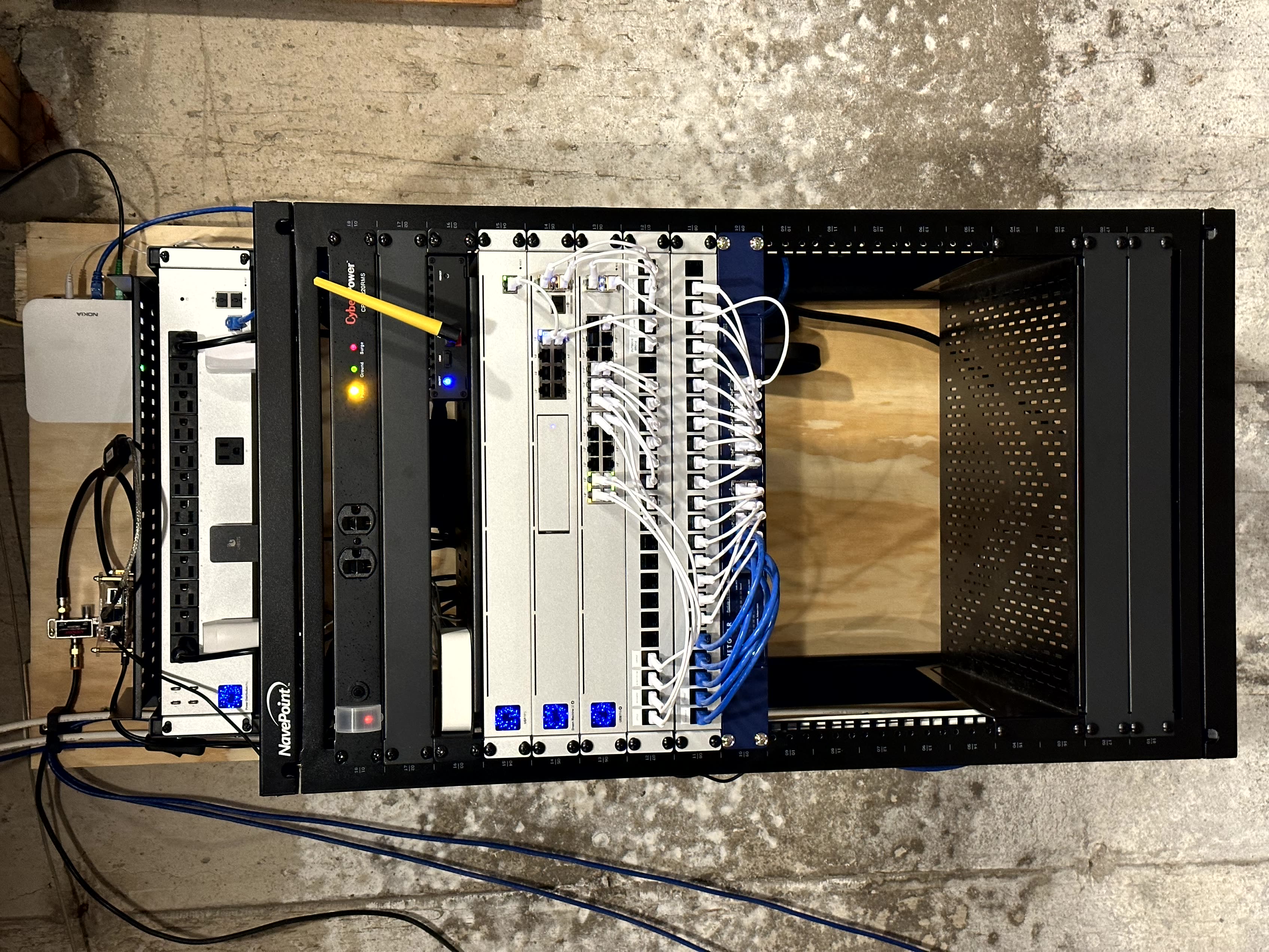

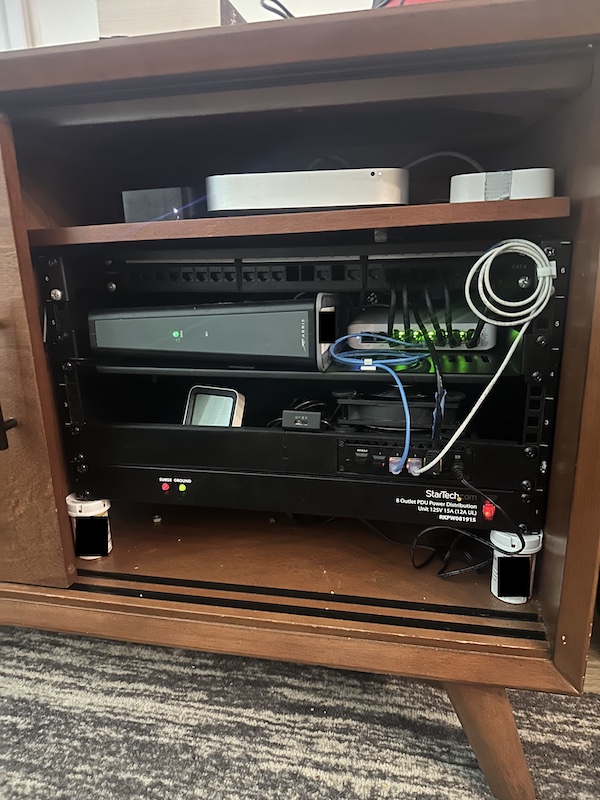








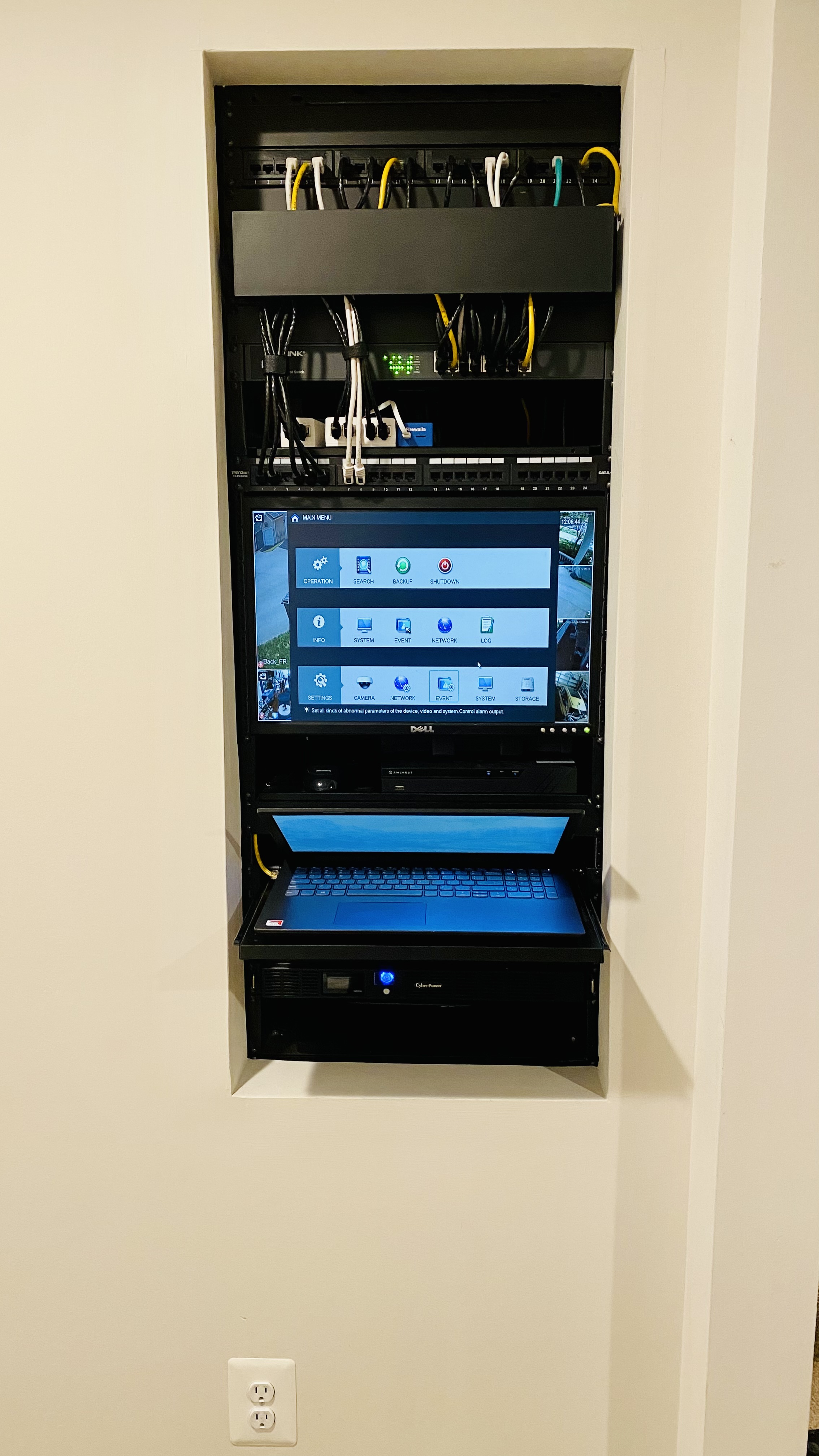
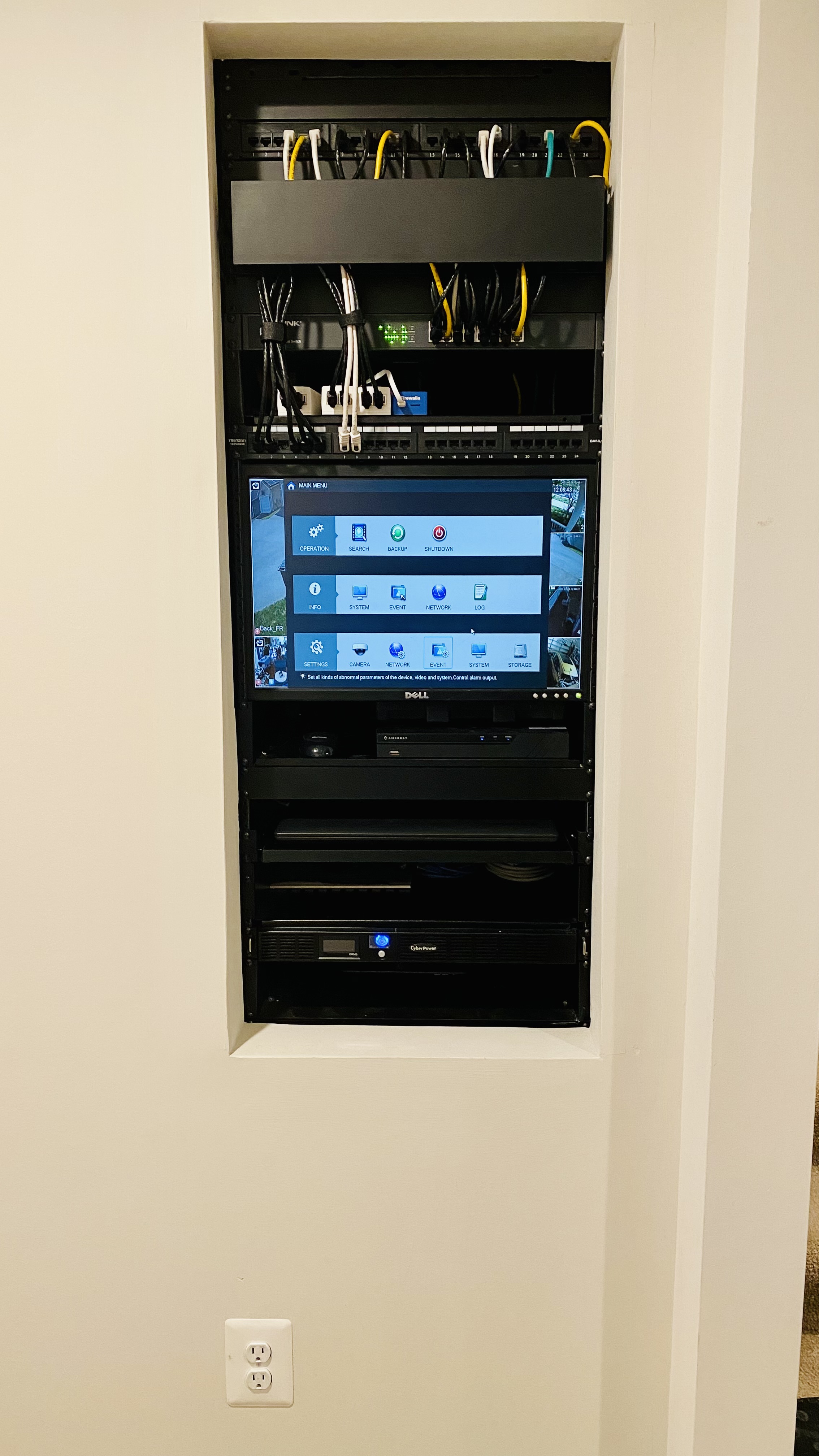

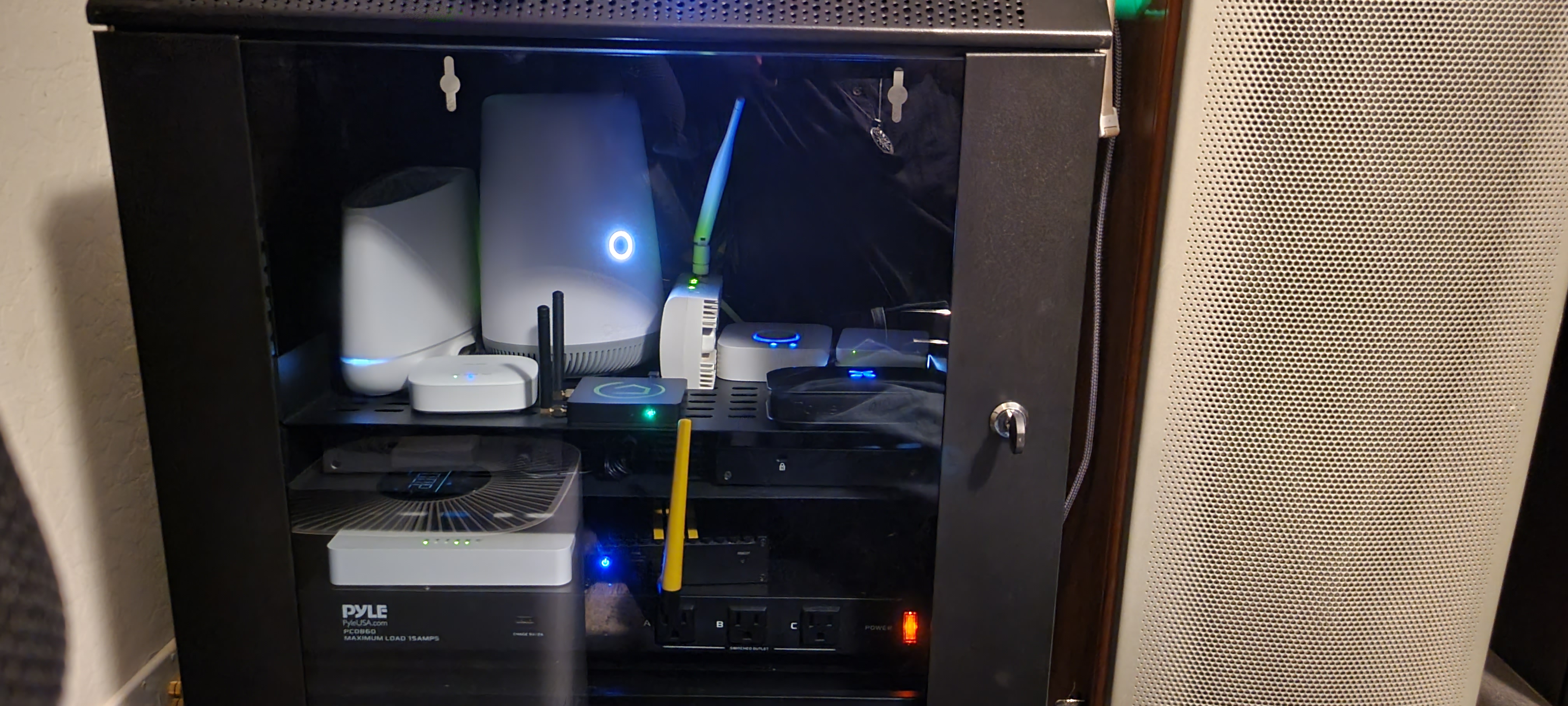
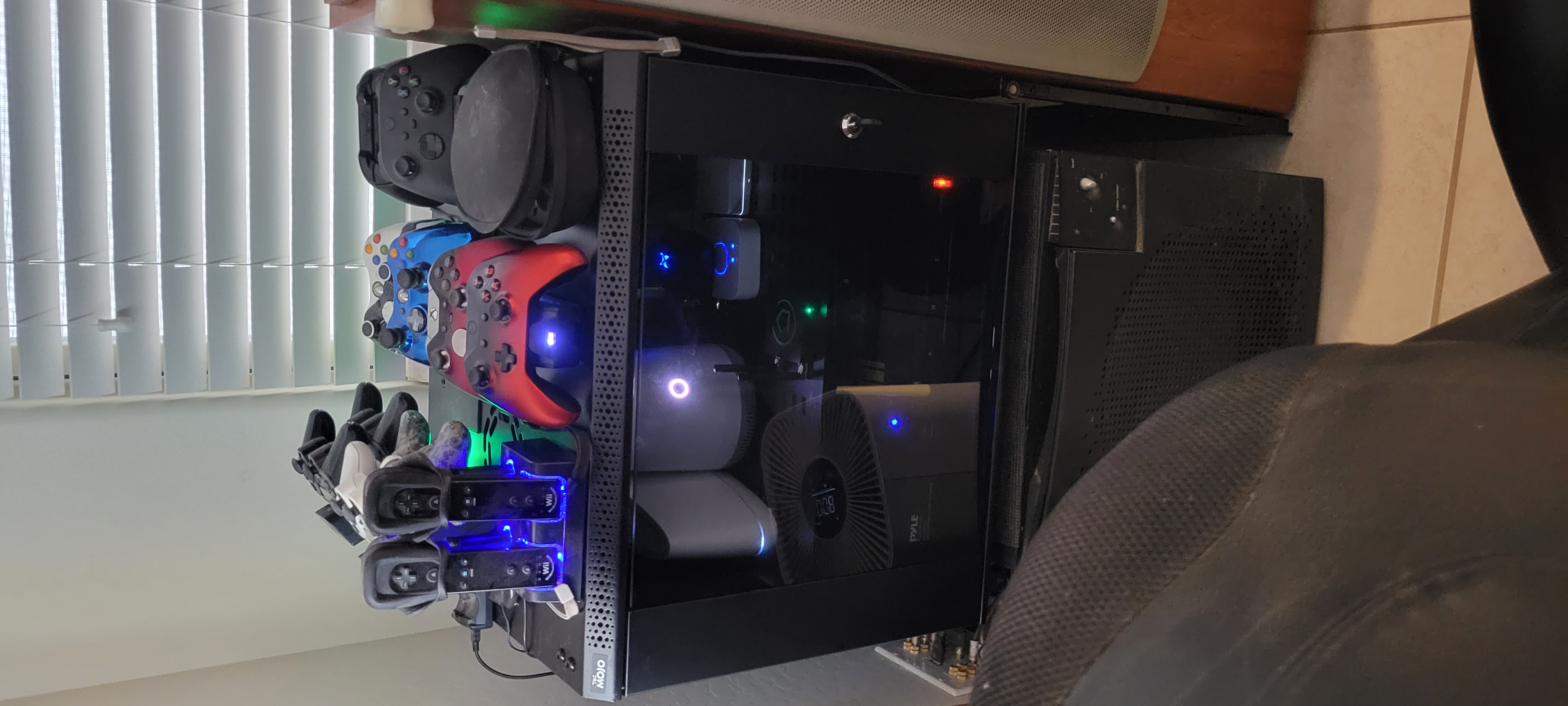

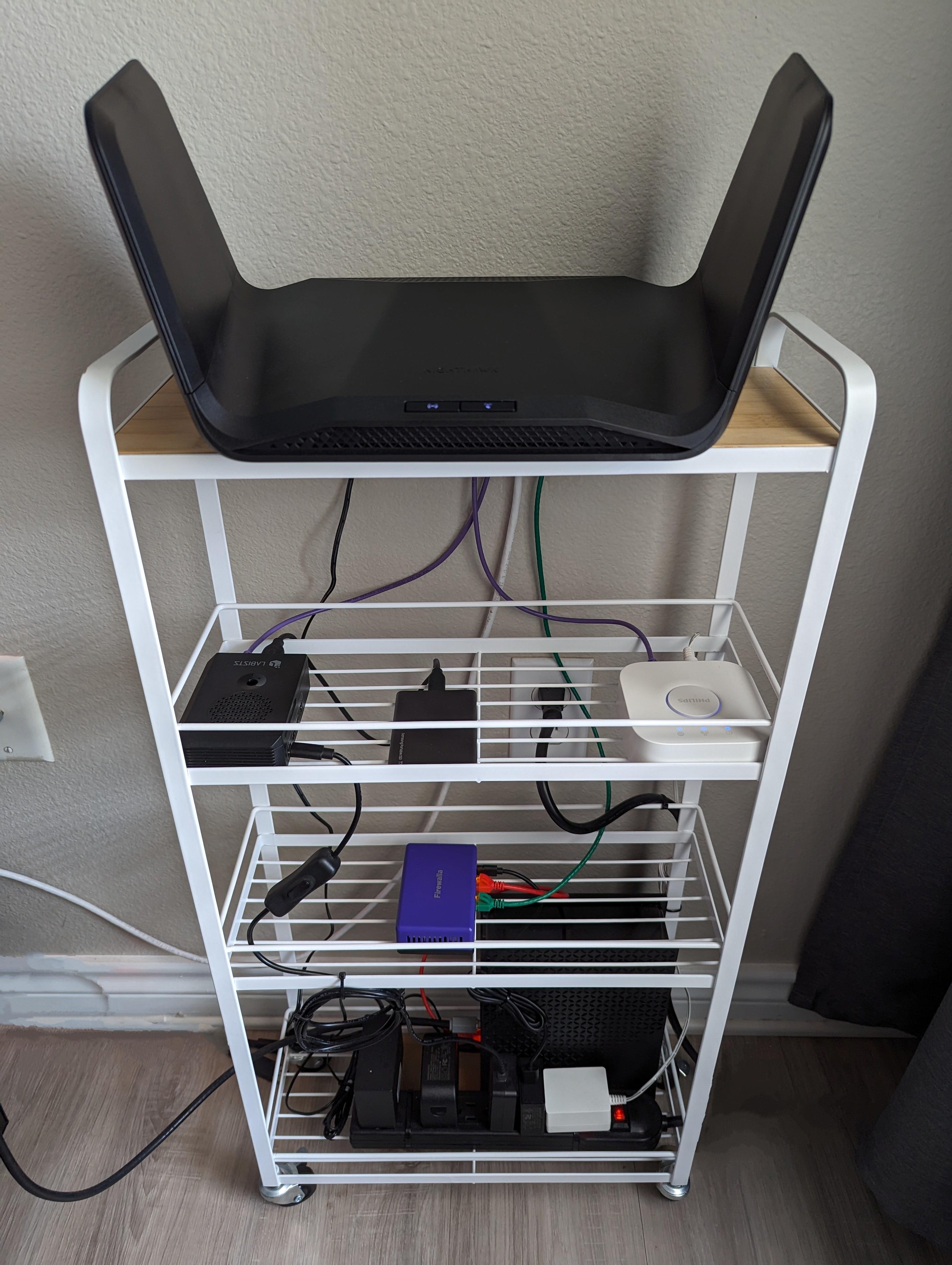

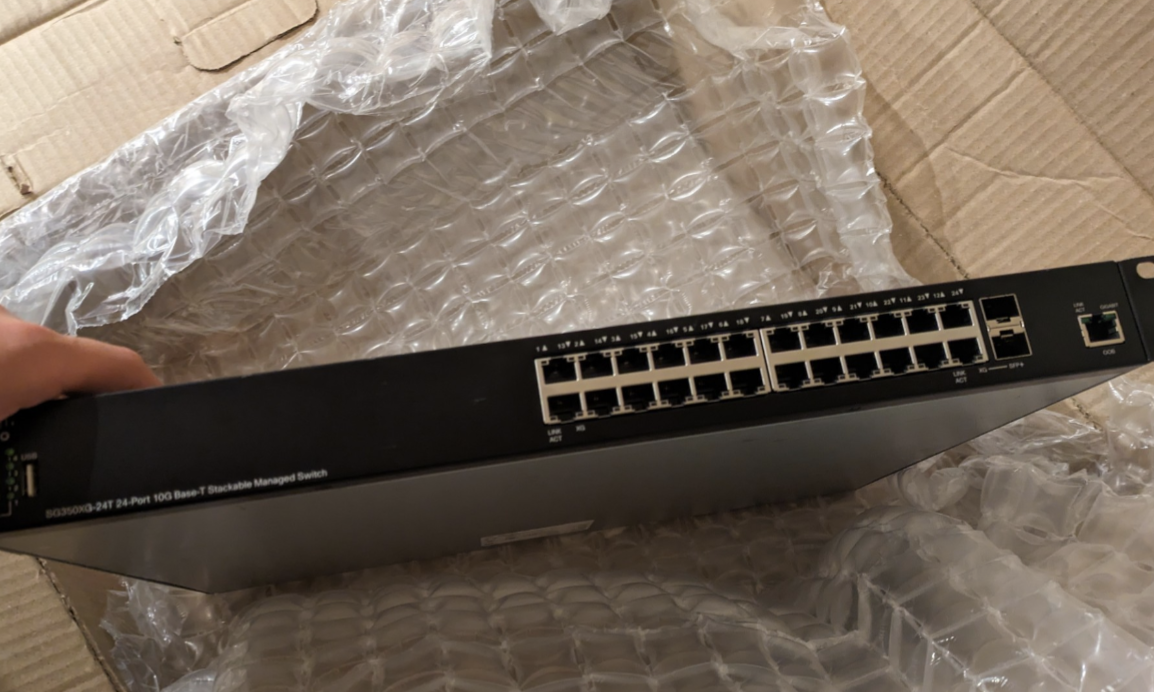 To be installed tomorrow: 24P 10G Cisco switch, with a Firewalla gold+ between the switch and modem/WAN
Please sign in to leave a comment.
Comments
84 comments