Show Us Your Network Rack and Win Big

And here are the winners!
- If you are on our email list, we will contact you next week with an email from help@firewalla.com
- We will also officially announce the winners via our weekly newsletter!
Winners Picked by Random Drawing (randomly drawn from the top 20 most voted entries)
#1 https://help.firewalla.com/hc/en-us/community/posts/18333572629267/comments/18392412418067
#2 https://help.firewalla.com/hc/en-us/community/posts/18333572629267/comments/18367820680979
#3 https://help.firewalla.com/hc/en-us/community/posts/18333572629267/comments/18514758246803
Winners Picked by the Firewalla Team
#1: https://help.firewalla.com/hc/en-us/community/posts/18333572629267/comments/18364856154643
#2 https://help.firewalla.com/hc/en-us/community/posts/18333572629267/comments/18568231747475
#3 https://help.firewalla.com/hc/en-us/community/posts/18333572629267/comments/18505161695635
Thank you to everyone who submitted their network rack!
---------------------------------
[You can still submit entries until 23:59pm July 28th Pacific Time]
As we prepare for our release of the Firewalla Rack Mount (pre-registration is open now!), we want to get some inspiration from the community on how to organize hardware better using racks.
It's as simple as snapping a good picture and posting it below as a comment!
(please login to post)
The Prize:
- Two First place winners will each win a Firewalla Gold SE
- Two Second place winners will each win a Firewalla Purple
- Two Third place winners will each win a Firewalla Rack Mount
All winning network racks will be featured in our weekly newsletter!
Timing
- We will accept submissions from now until July 22nd, 2023.
- Voting will end one week after the submission deadline on July 29th, 2023.
- Winners will be announced 96 hours after voting ends.
Entering:
- A Firewalla is NOT required, but submissions with at least one Firewalla box will receive an extra point.
- We encourage all types of setups to apply - show us something cool!
- Optionally, you can add a network diagram clarifying your network topology. We love network diagrams!
- Optionally, if you are doing anything else cool, mention it in your submission.
Voting:
- A login is required for voting.
- Vote for your favorites by clicking the up arrow next to each comment post.
- You can vote for more than one submission.
- Make sure you try to scroll through all of the pages to see everyone’s awesome network setups!
Winner Selection:
- We will select the top 20 entries based on the voting count and subsequently choose the winners through a random draw. The draw will determine 1 First Place winner, 1 Second Place winner, and 1 Third Place winner.
- Additionally, the Firewalla team will independently select their winners, consisting of 1 First Place winner, 1 Second Place winner, and 1 Third Place winner.
Important: Please do not post any sensitive information. Firewalla is not responsible for any submissions in this forum and the content in the posts. Firewalla reserves the right to remove any submissions that are unoriginal or offensive. By entering a submission in the contest, you agree to allow Firewalla INC to use your photos in any future marketing materials. By posting/voting here, you will automatically sign up for the firewalla weekly newsletter.
(We will periodically remove non-rack submissions from the comment section)
If you're trying to enter the contest from your mobile device: you may need to request the desktop version of this site to see the option to add an image to your post.
-

From top to bottom, left to right:
- Grandstream HT813 as a PTSN output for 3CX, Lutron Bridge, Firewalla Gold
- Netgear unmanaged 24 port switch used as a lab vLAN
- Dell R730, primary virtualization server using Hyper-V. Hosts all production and fully virtualized lab.
- Dell R720, secondary virtualization server using Hyper-V. Mainly hosts Backblaze VM connected to RAID array, secondary DC.
- Synology DS218, used as a monitoring agent for the servers.
- Dual Tripp-Lite UPS systems, each has one of the PDUs up at the top of the rack and then a single PowerEdge server attached. It provides approximately 35 minutes of runtime before the Synology will start powering things down.
Not pictured:
- XB8 Modem from Comcast, mid-split happening any day now.
- Dell X1052p, main switch and provides PoE to all devices throughout the home.

-

Designed this 3d printed Purple bracket for the masses to print on their own. :)
https://www.printables.com/model/133332-firewalla-purple-mounting-bracket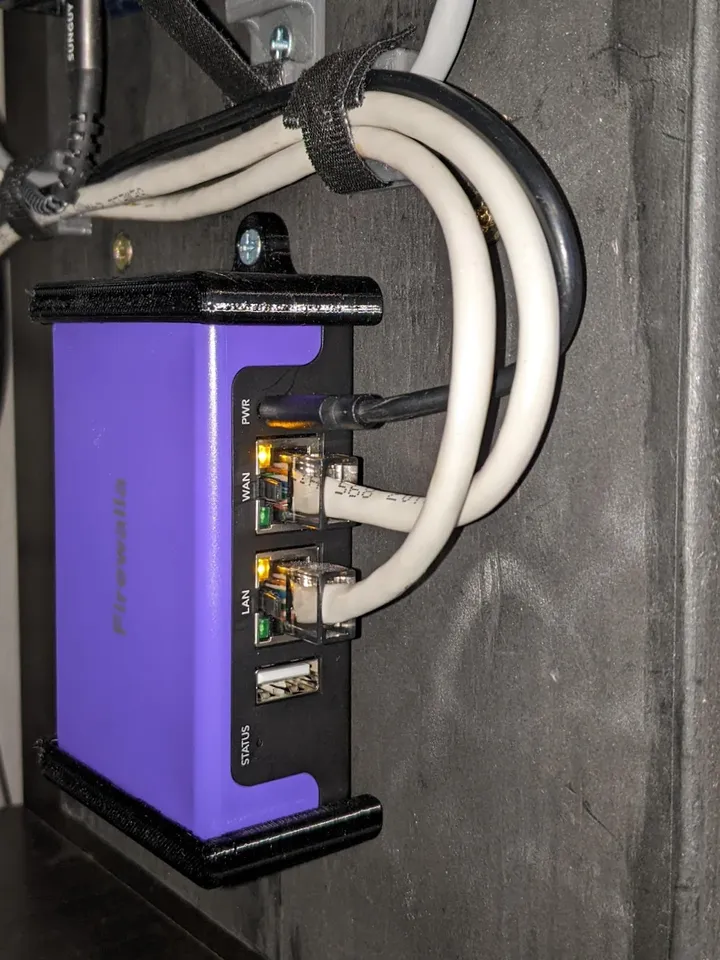
-

Dont drink and network, fellas. This here is a premium setup, got this table at walmart, battery backup from amazon, raspberry pi's from some fella on ebay. I only have wifi for phones, everything else is hardwired and goes through my beloved firewalla gold. (someone please help Im drowning here)

-

I gotta say, ya'll have perfect cable routing, clean edges, no cruff or mess.
I've gone another way: Cut out the drywall under the steps, bodge in some leftover rails from a project, and rackup up a switch-as-a-shelf alongside the home server....It's a mess, but it's all my mess :-)

-

Here's a lil diagram of the physical wired topology without any endpoints and a photo. Not the cleanest setup and mostly home gear but the wife approval factor is high.
The Gold consistently gives me 2G/2G, pretty happy with it.Coolest thing it does right now is all the cameras around the house are analyzed by Tensorflow and detected objects get sent to HomeAssistant. So I can have my lights give me a nightlight automatically. Also garage lights when someone is in there, etc.
Currently in the process of migrating from Hyper-V to Proxmox with shared storage on the Xeon box so that I can have clustering and HA for things.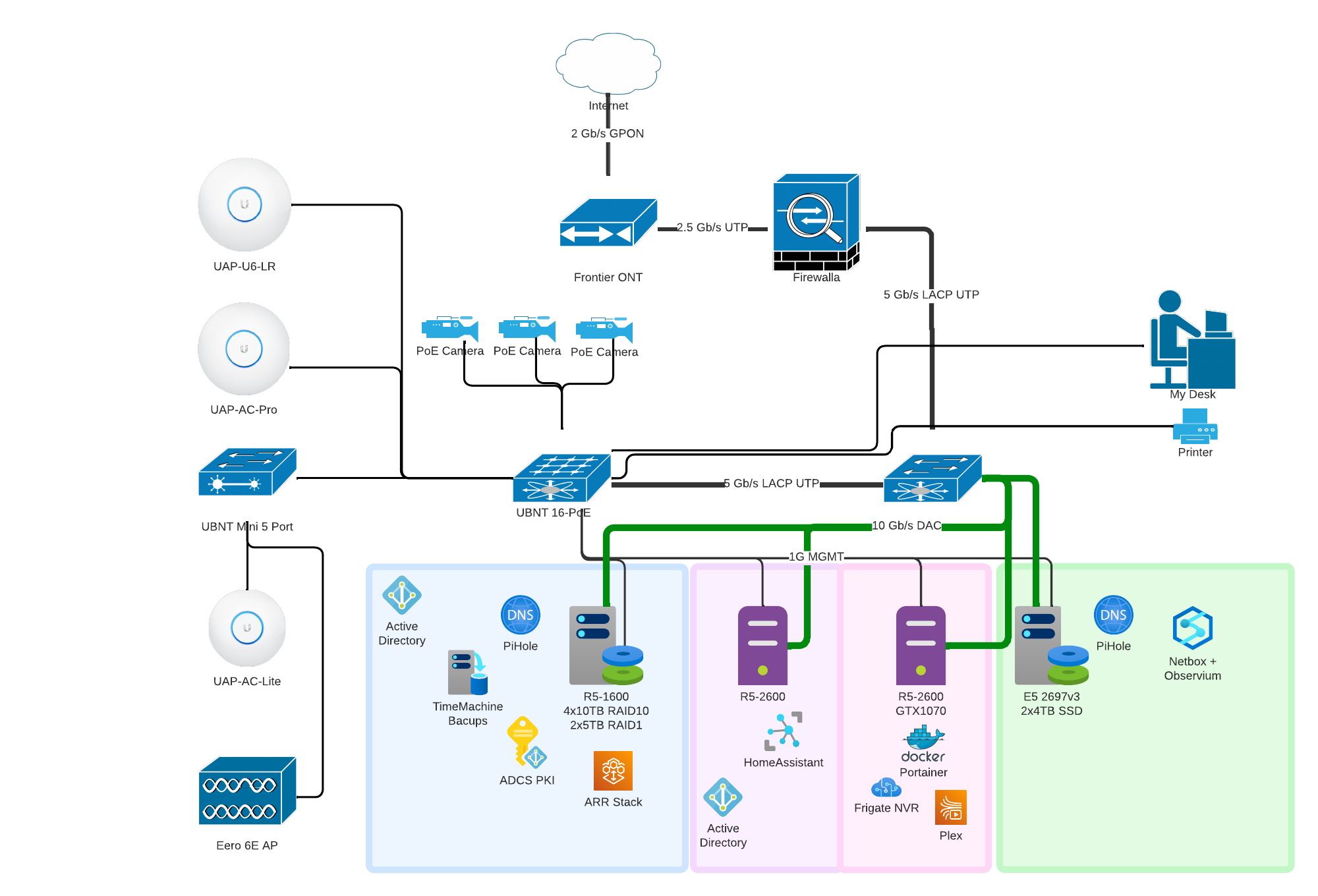

-

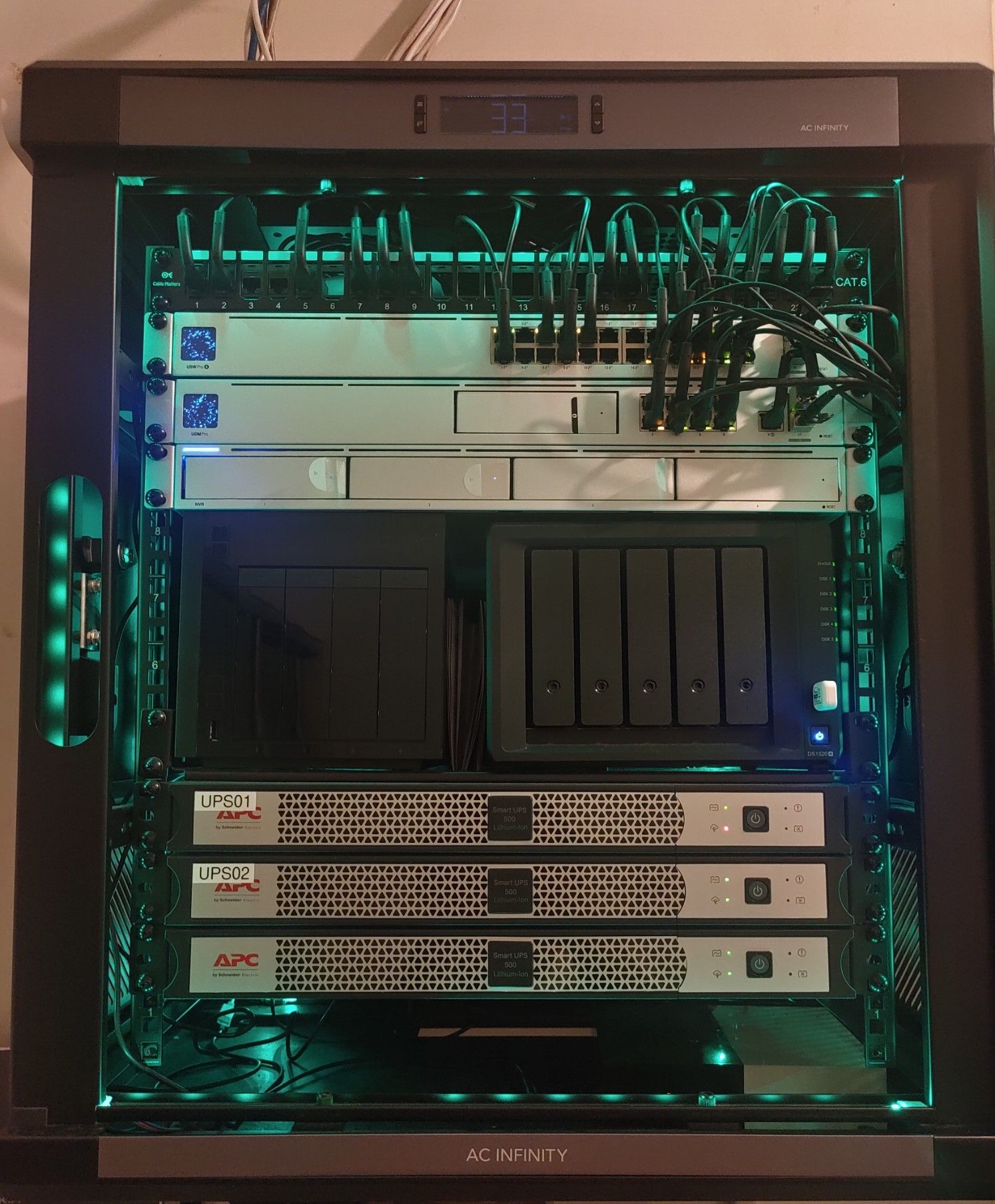
Devices Top to Bottom
Modular Patch Panel
UniFi Dream Machine Pro
UniFi USW-Pro-24-PoE - Core Switch
UniFi USW-Flex - Distribution Switches
UniFi NVR
Seagate 4-Bay NAS Pro (Backup)
Synology 5-Bay NAS DS1520+ (Main)
AC Infinity Rack Shelf
APC 500VA Lithium-Ion Smart-UPS * 3
Abode Home Security (Will eventually get rid because of the direction the company took)
Lutron Caseta Smart Light Controller
Aeotec Z-Stick 7
LinkTap Smart Water Valve Controller
YEEUU H1 Wi-Fi Bridge for Yeeuu Bluetooth Smart Lock BoxesNotes
AC Infinity ARKTICA T12 Rack Cabinet 12U with Smart Cooling and Temperature Display
Govee LED Ligh Strips
Ubiquiti Ultra-Thin Patch Cables
HomeAssistant running in Docker on Synology NASNetwork Related Notes
All Distribution Switches are powered by PoE from the Core Switch
Most of the Distribution switches have Ubiquiti PoE Cameras and Ubiquti Access Points
Normal other devicesVLANs
Main
IoT
Guest
Cameras
Device Mangement (to do)WiFi Networks
Main - Radius Authentication for devices that can use it.
IoT - All devices that cannot use Radius Authentication.Feel free to ask questions.
-

This is my rack. There are many like it, but this one is mine. My rack is my best friend. It is my life. I must master it as I must master my life.
My rack, without me, is useless. Without my rack, I am useless. I must maintain my rack true. I must upgrade faster than my enemy who is trying to outdo me. I must test him before he outtests me.PS: The US Marines ripped me off, not the other way around 🤣🤣I'd love to get any sort of Firewalla for more granular control but the funds manager (aka "The Wife") won't allow it at the moment. 🤣From Top to Bottom:- Linxcom UK - 1U 19" Rack Mount Thermostatic Fan Tray 2x 120mm Fans
- 6 Port Rack PDU
- World of Data 19" Rack Mount Brush Plate 1u
- Equip Cat6 Patch Panel 24-Port for Keystone Jacks with keystone blanks
- Ubiquiti USW-24-PoE 24 port PoE switch
- World of Data 19" Rack Mount Brush Plate 1u
- Ubiquiti Dream Machine Pro
- Buffalo Technology TS5200D NAS / Raspberry pi4 (x2) powered by PoE / Synology DS215J
- Buffalo Technology WS5400R running server 2016
- APC BX1400IU Smart UPS
- Philips Hue Bridge

-

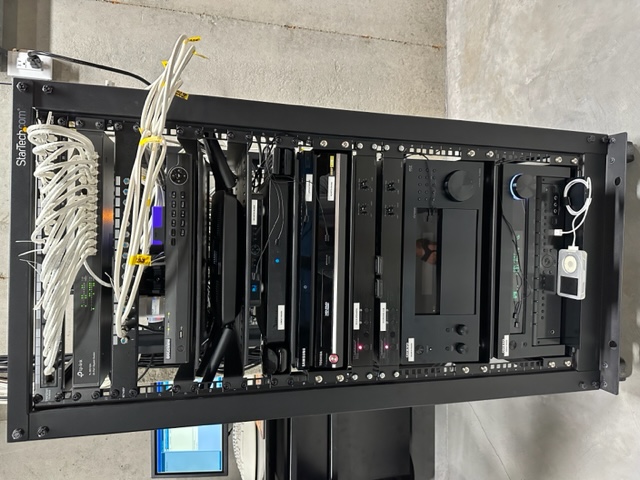
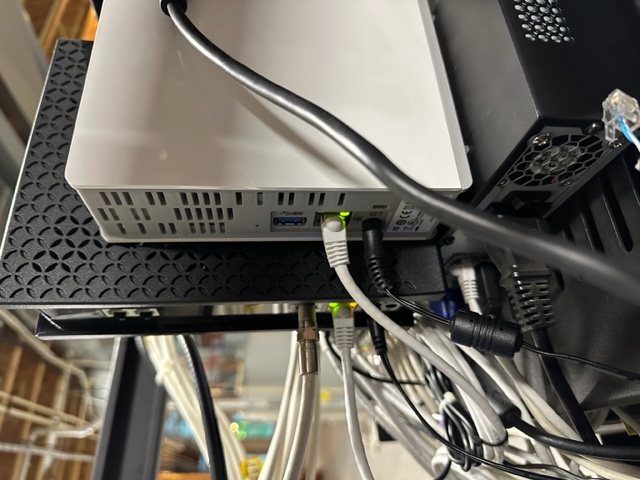
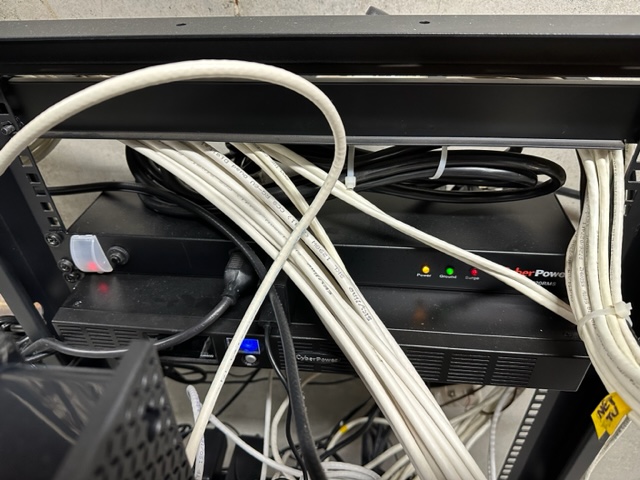
My rack is definitely an all purpose rack. It obviously contains all of my IT equipment but it also contains all of my security, audio and video equipment for my whole house and outside. Included in the rack are the following:
- StarTech 25U 4 post rack (with wheels)
- Spectrum Modem (1 Gb)
- Firewalla Purple
- 105 IoT devices sitting behind the Firewalla
- TP-Link 8 port switch
- Western Digital 4TB My Cloud Home Personal Cloud
- CyberPower Surge Protector
- CyberPower UPS
- TRENDnet CAT5/6 patch panel
- TP-Link 24 port switch
- Coaxial patch panel
- LaView 16 channel security system
- Linksys EA9500 router for basement
- DirecTV receivers for main floor x 2
- Toshiba HD DVD player ;-)
- Samsung Blu-Ray player
- AudioSource Digital amps for outside x 2
- Onkyo receivers for main floor x 2
- iPod Classic (7th generation) ;-)


-

This is great exposure to some nice racks!
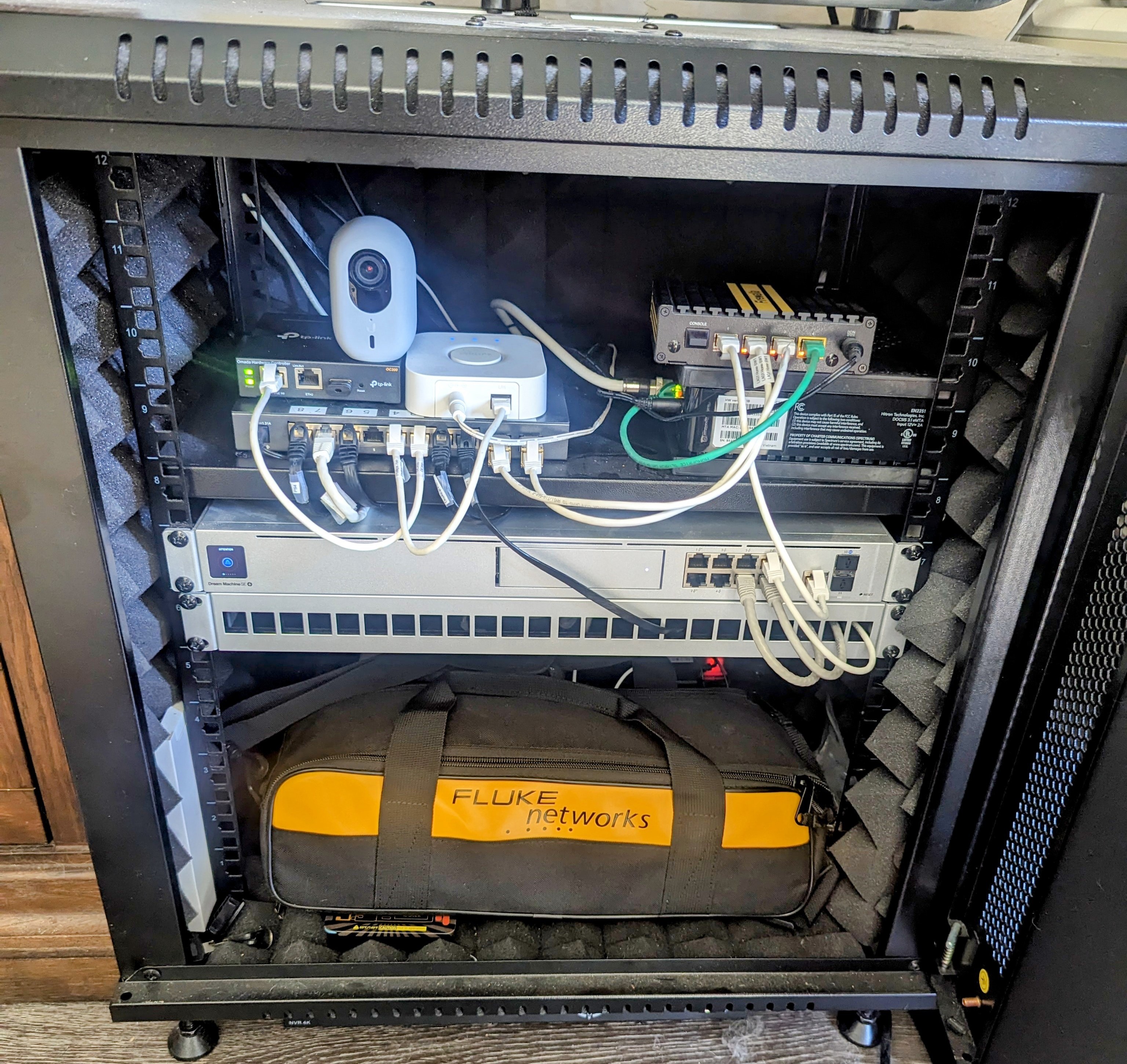
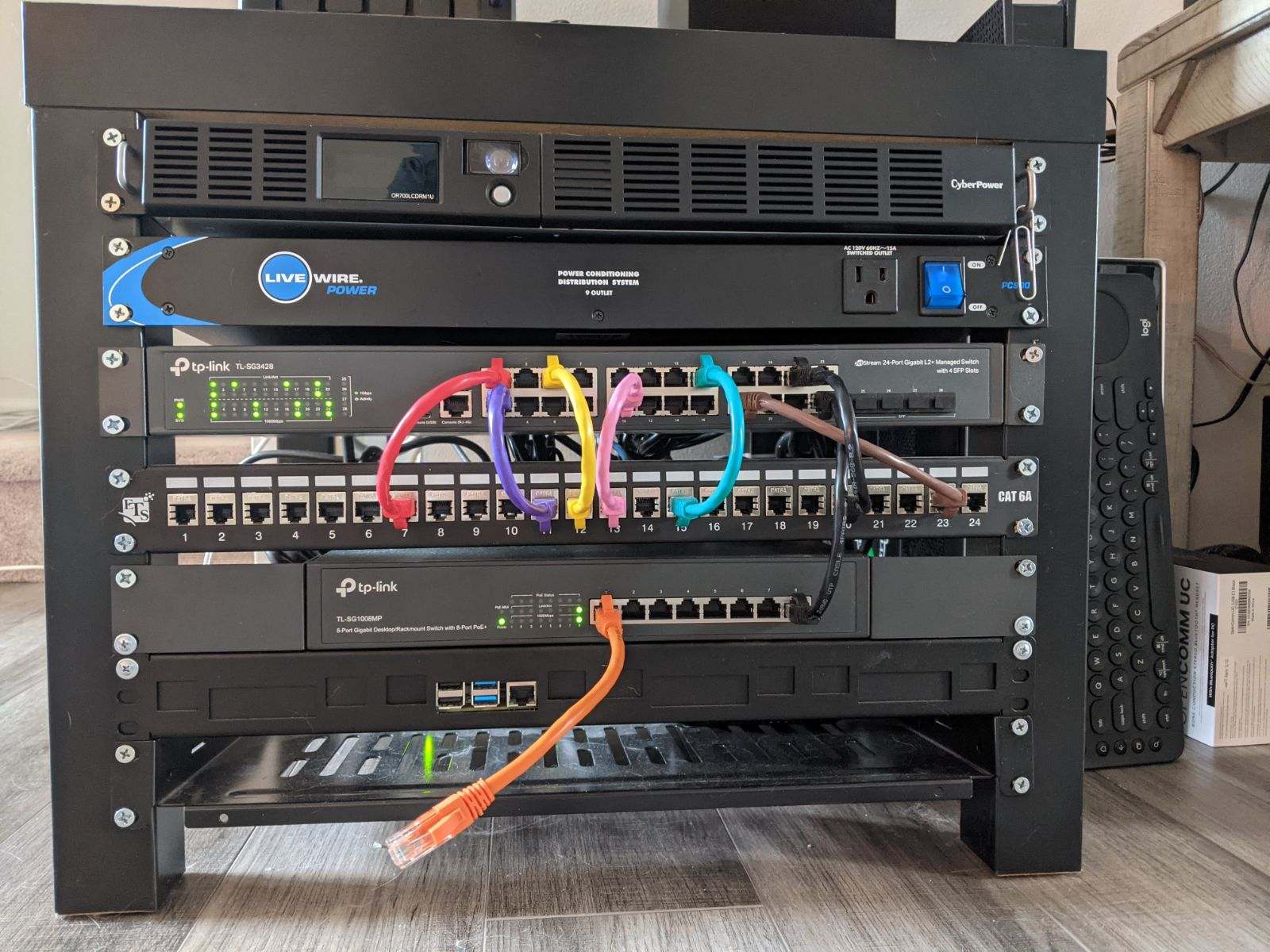
Here is my rack; looking to get a mountable 24 port poe tplink switch to replace my 8 port but still cleaning up. The acoustic foam panels really help to keep noise and vibration down as well as this is currently in my living room. We all can agree these are never complete!
I also keep my MicroScanner, IntelliTone Pro 200, & Remote ID kit handy to save hours of troubleshooting at home and on the job.

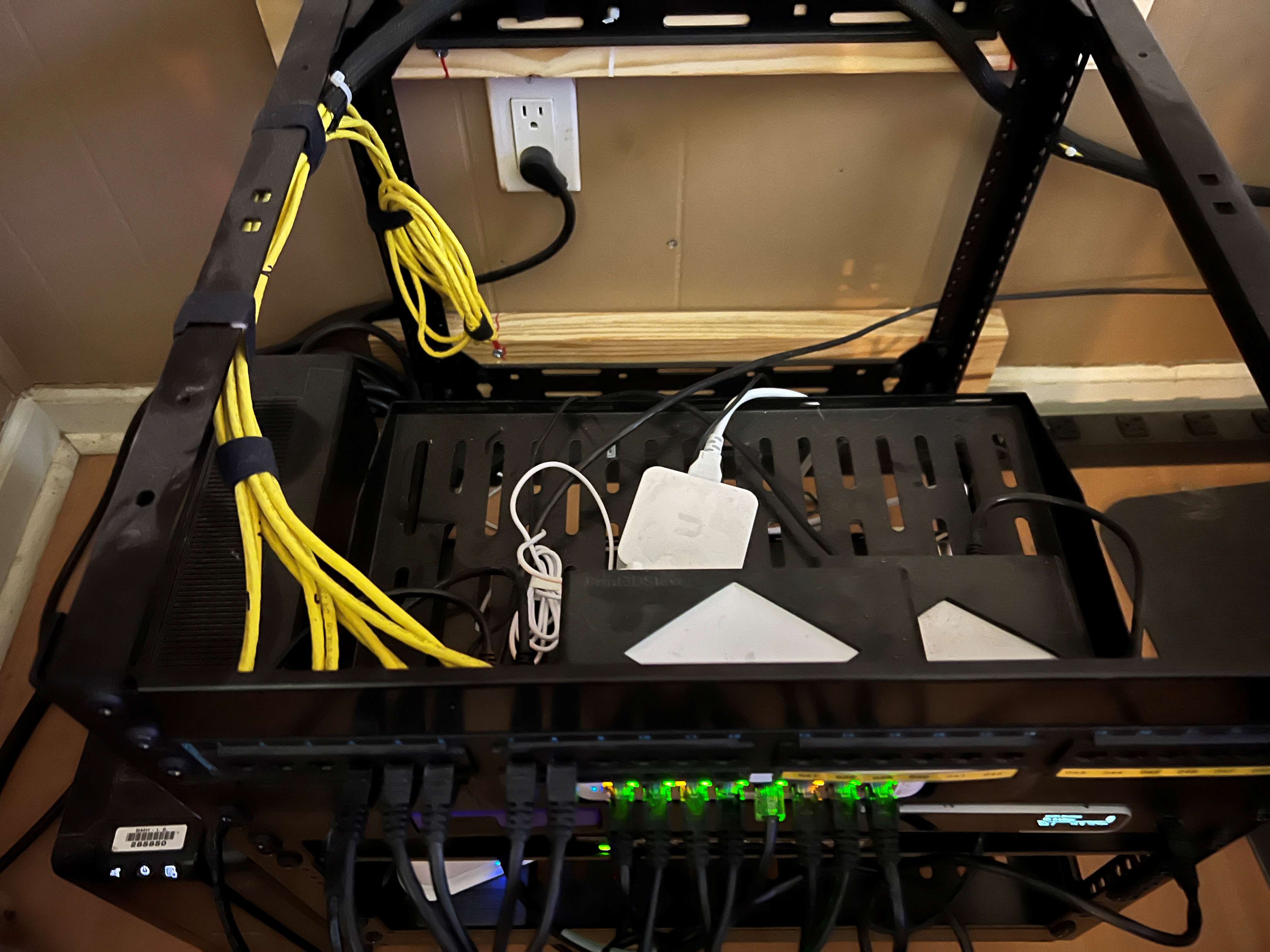


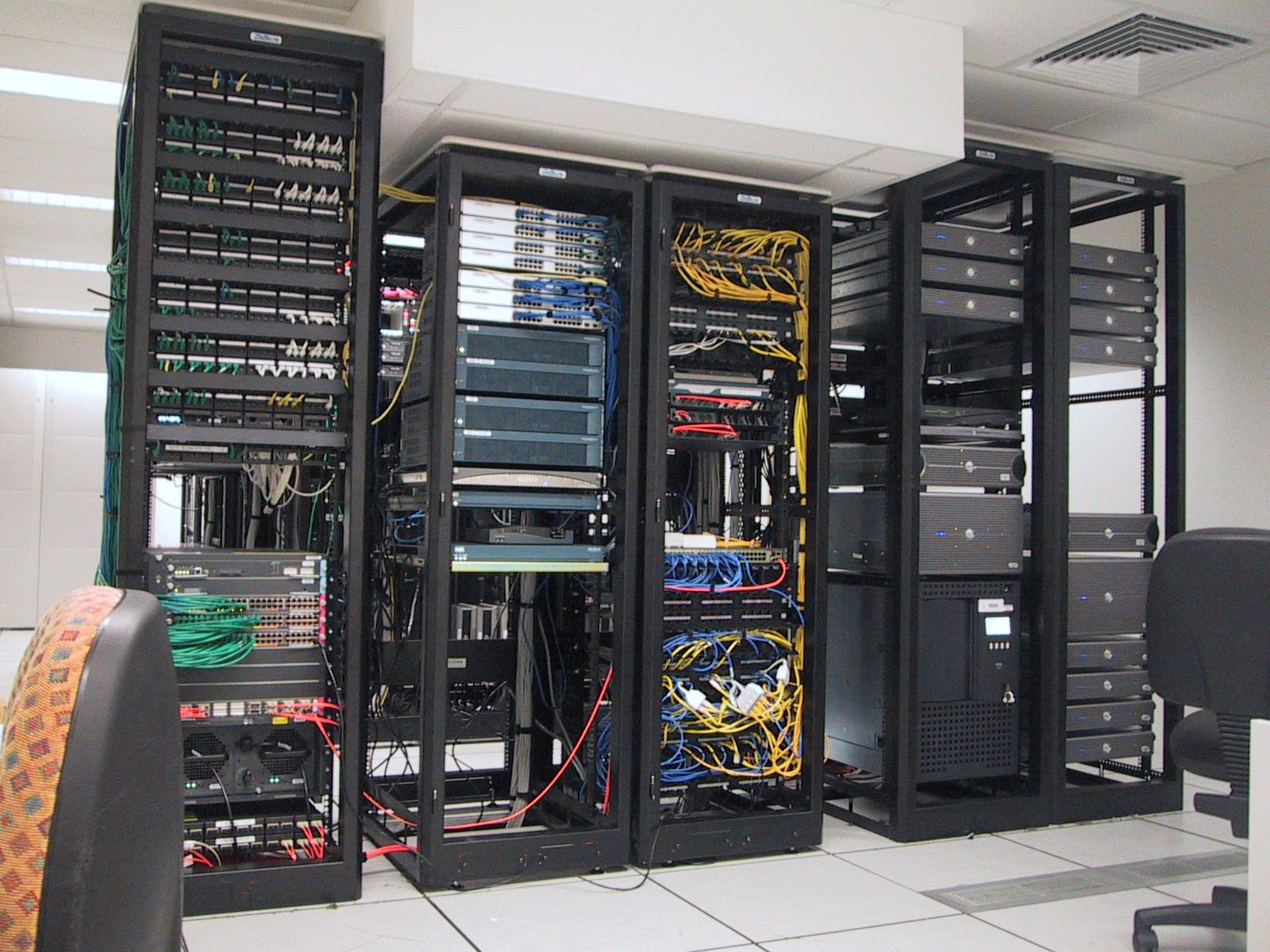


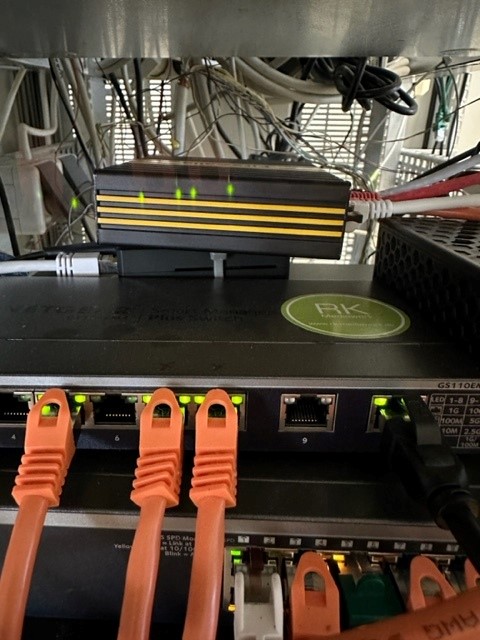
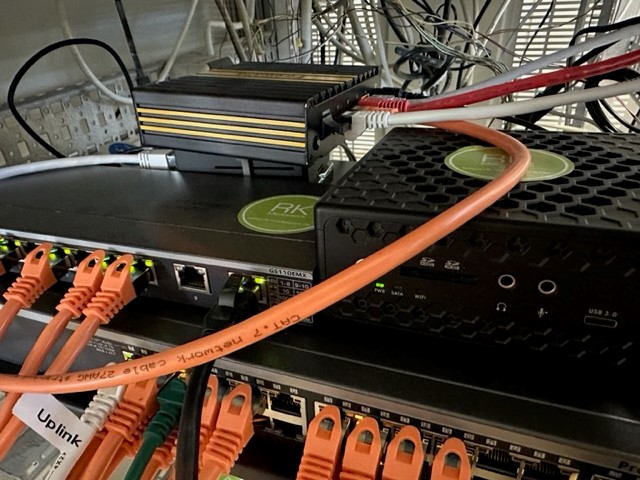
 Home rack, that "runs" the house. 2 NASs running VMs and Containers. Network switches to support hardware for the TVs and Game Consoles. At the top is the Firewalla Gold and AT&T fiber modem.


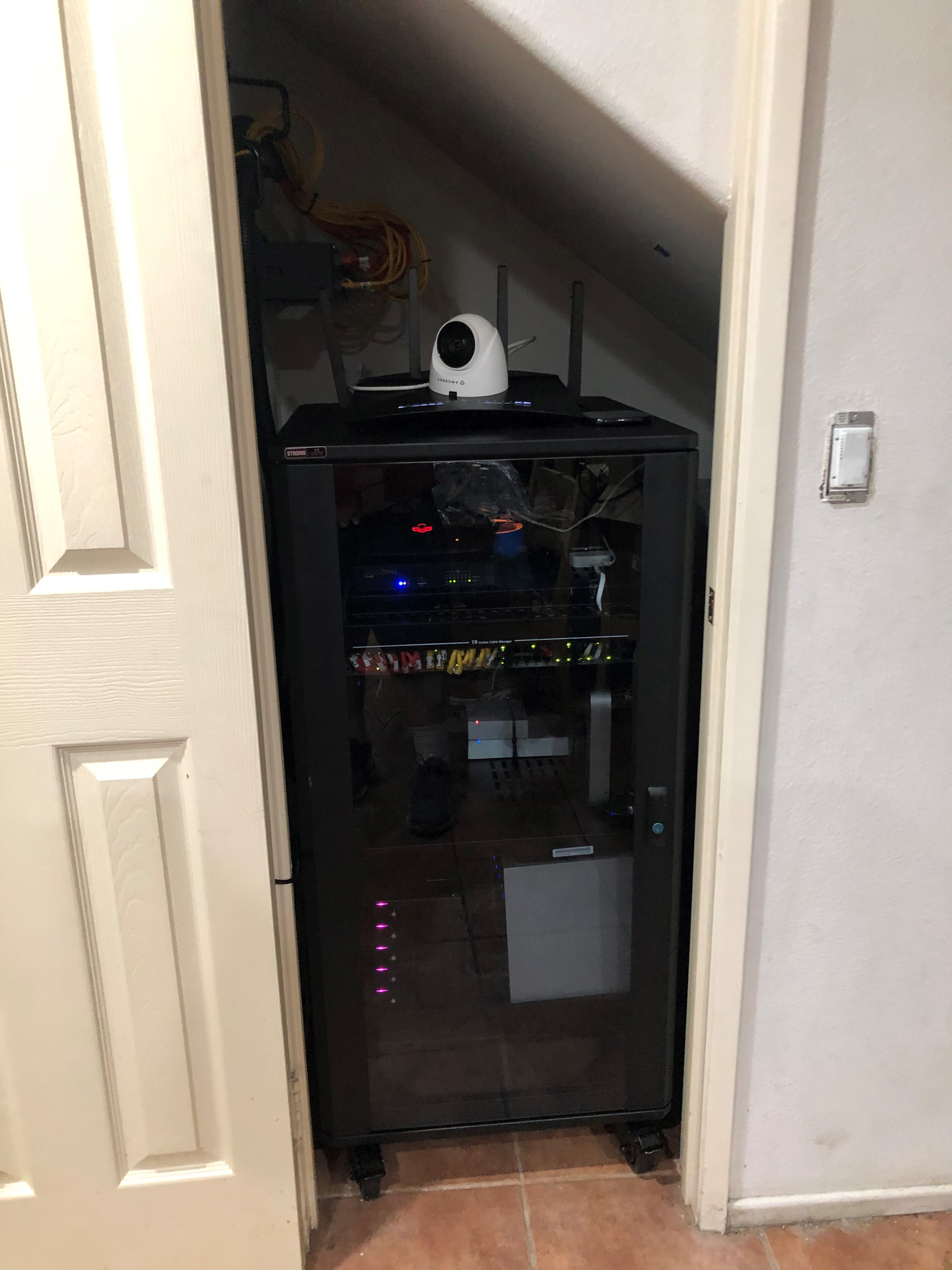


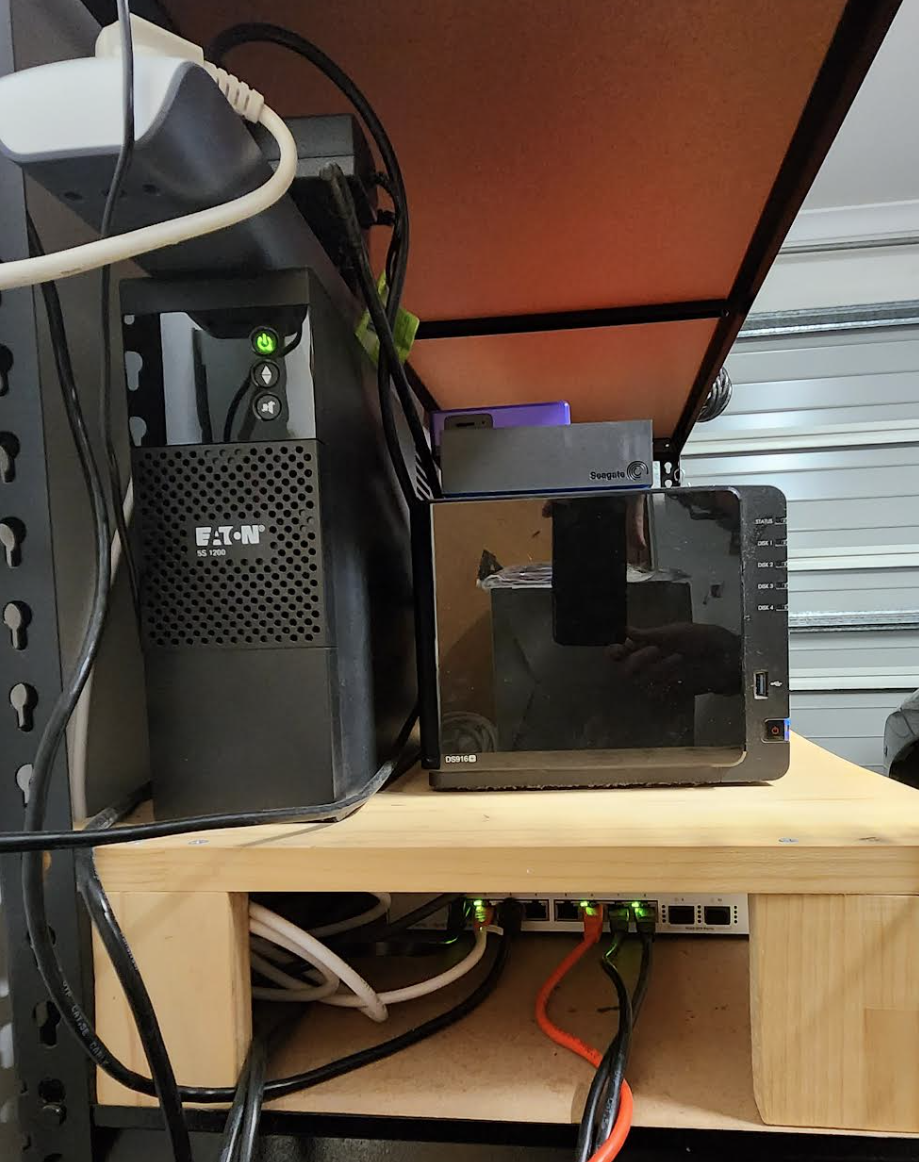
 Always improving and changing things around. Combined house networking, mining, solar storage, and whole house ups.
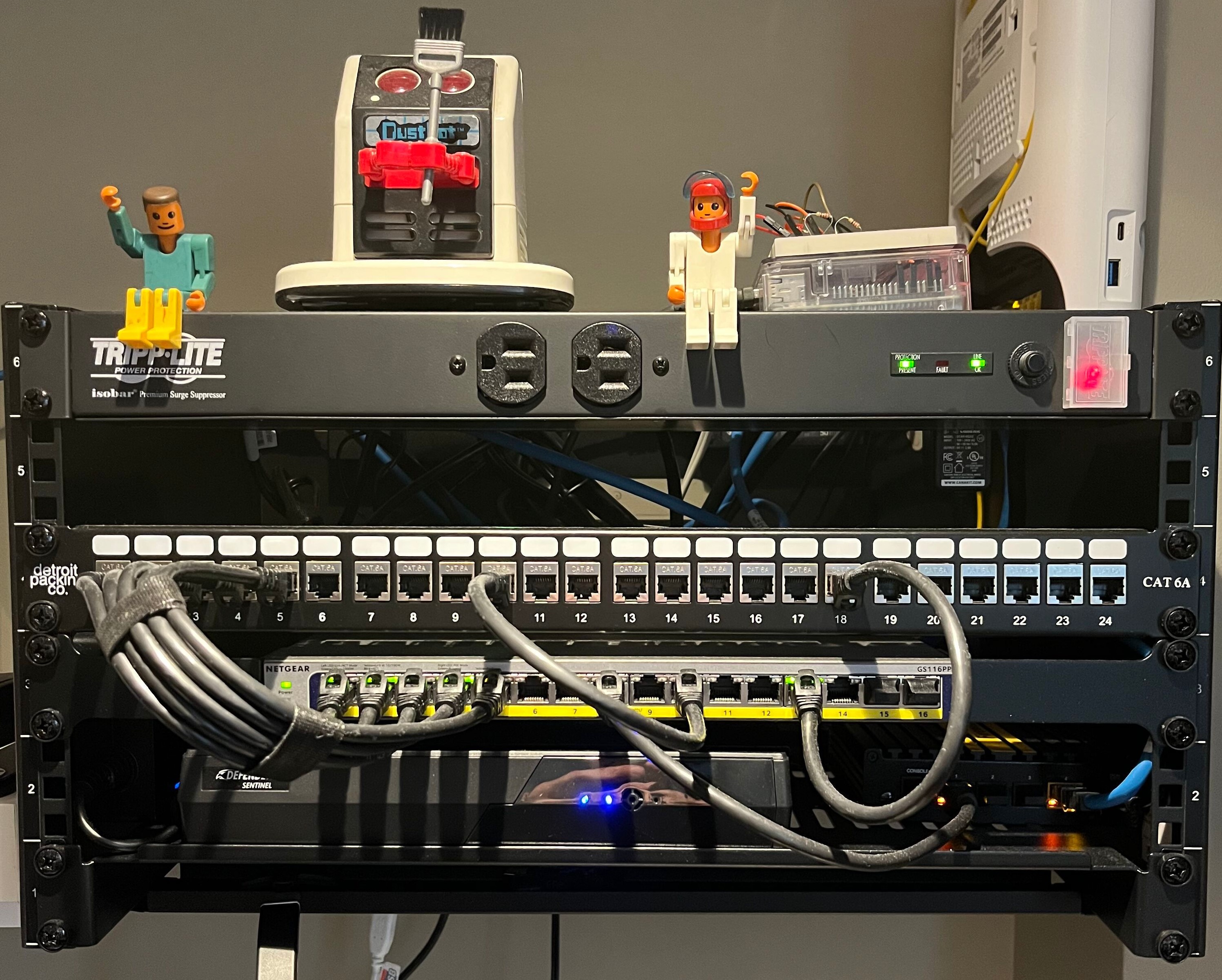

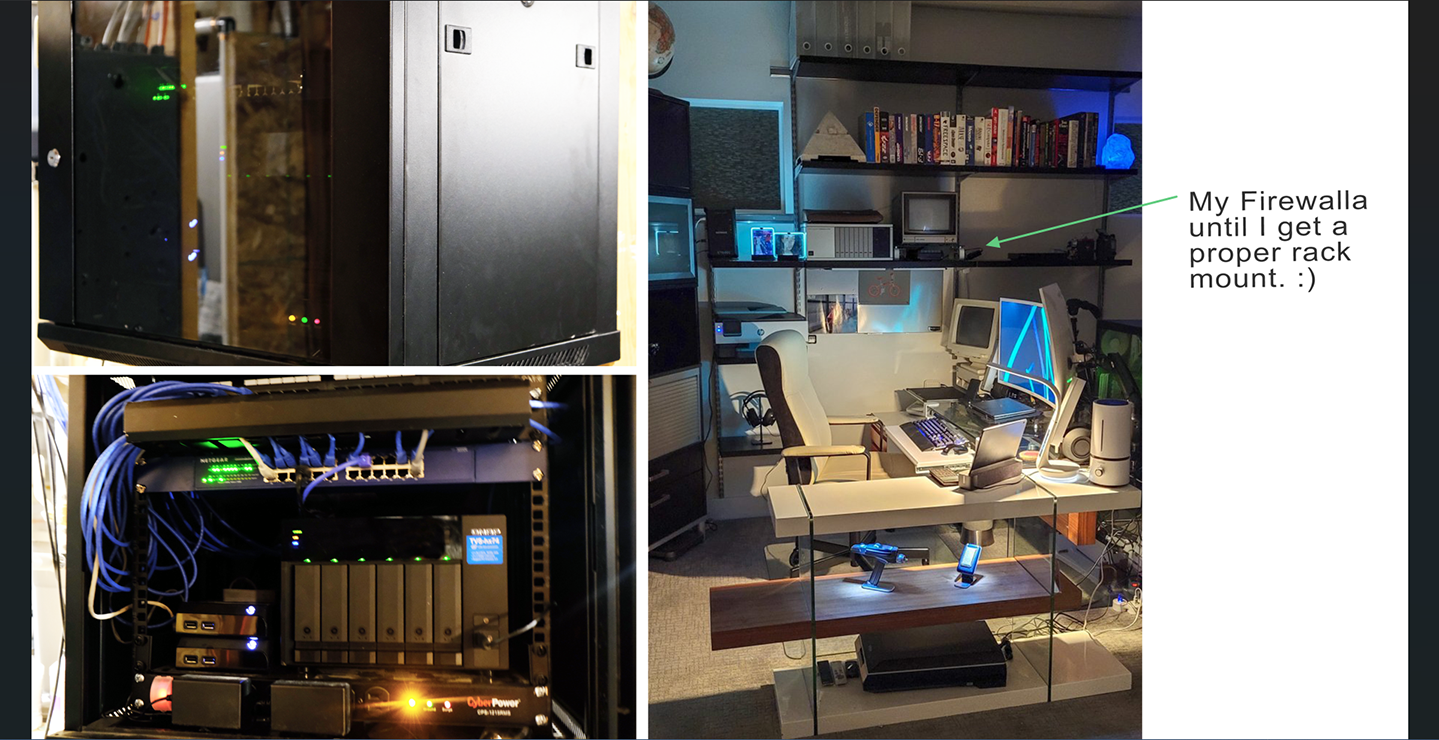





Please sign in to leave a comment.
Comments
84 comments