Firewalla Gold Plus - iPhone and Paypal

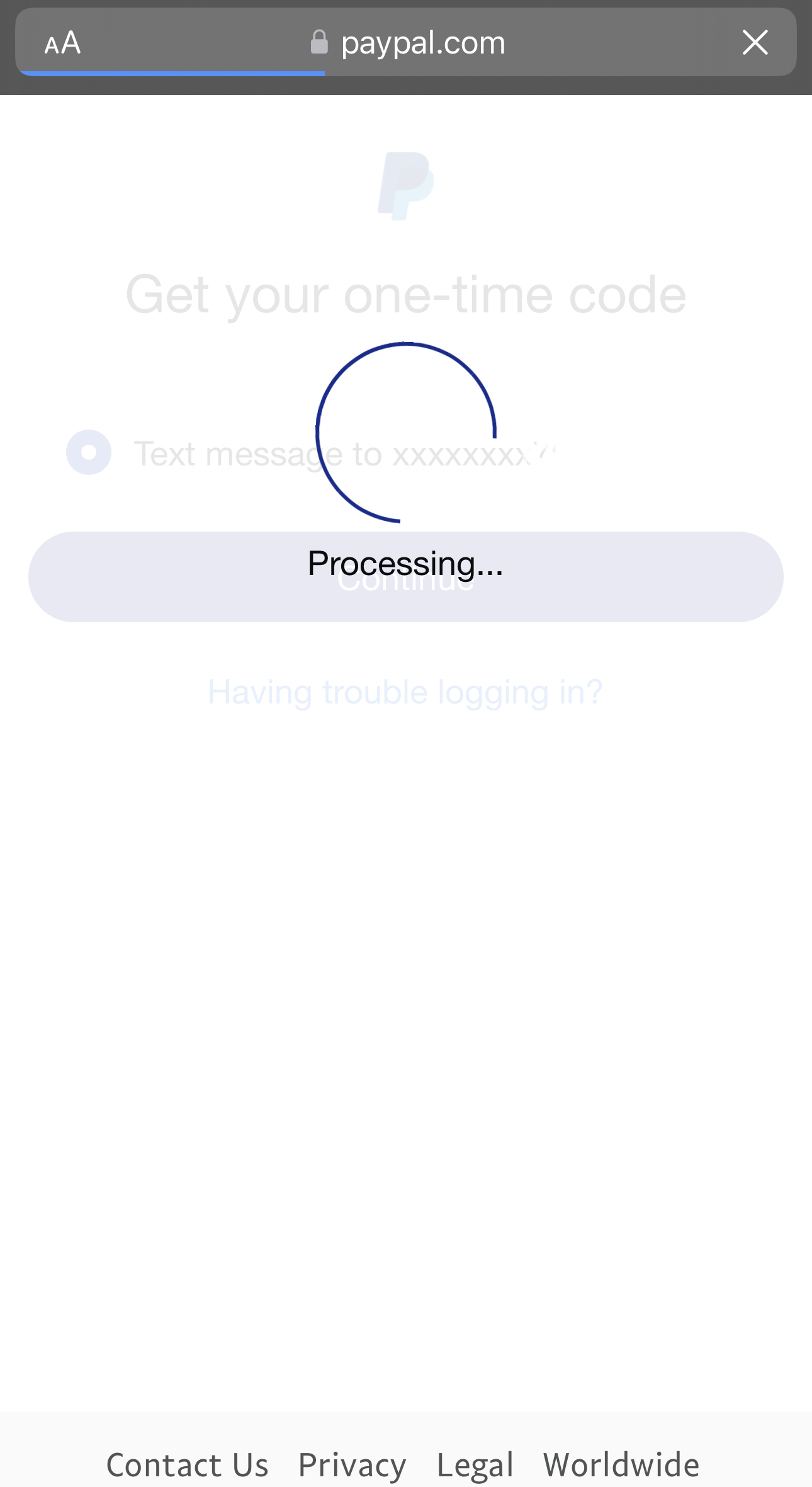
I use 2FA on paypal - when I have my iPhone in my network on wifi it logs me in and takes me to the 2FA screen where it will send a text - only that screen doesn't come up. The attached image is what I see:

I went into flows and watched my phone and saw the following:
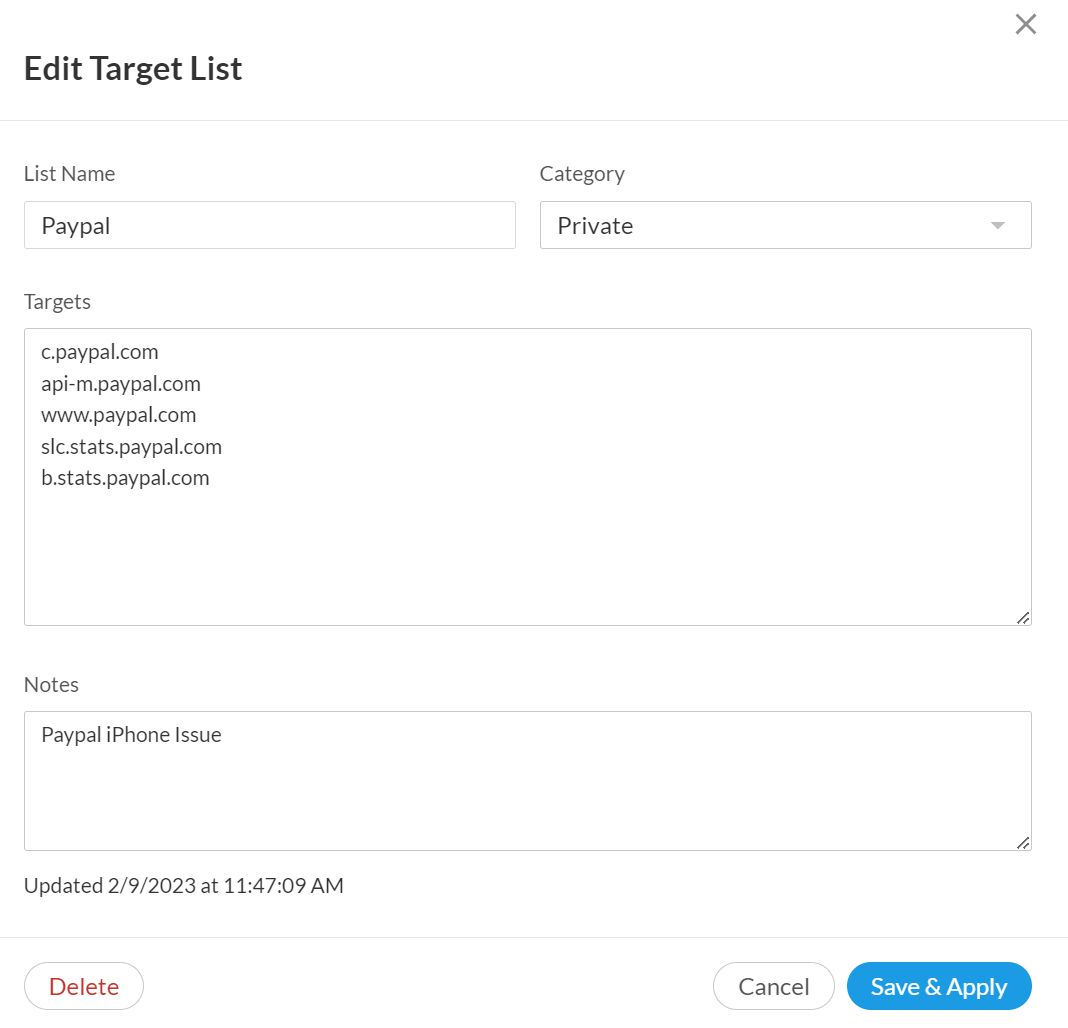
So I created a rule to allow bi-directional traffic to the Paypal target list:

And no dice. I turn off wifi and use the cell service:
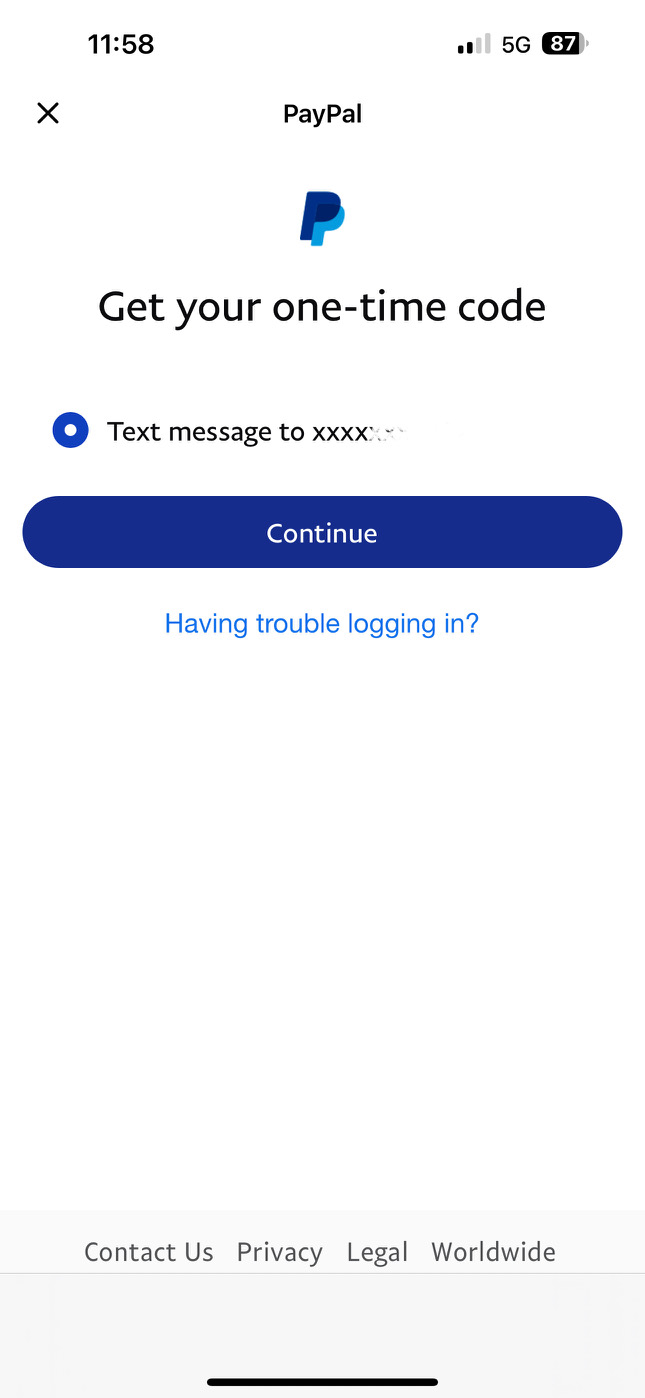
comes up right away - any ideas?
-
Official comment

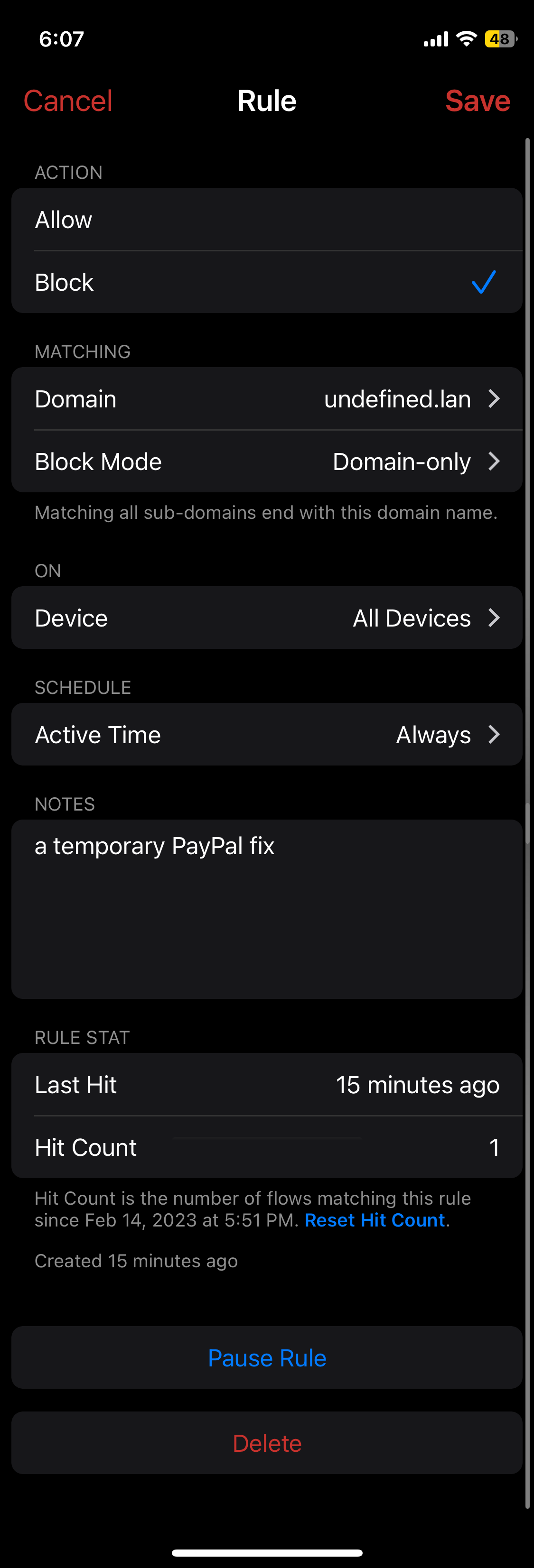
We found the issue and it may be just a Paypal app bug. What happens is, PayPal while doing 2FA always queries a domain name "undefined"[.]lan (or whatever local domain is), and since this is an invalid domain on the LAN, firewalla will not reply. Then ... paypal app will hang there. (we are still trying to understand more on even how to fix this issue ... since Paypal app if funky)
What you can do is add a rule to block "undefined[.]lan" or whatever your local domain is, it will work, for example
 Comment actions
 -

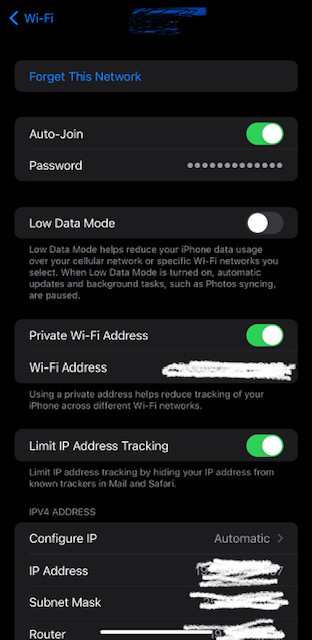
I have tried app and web on iPhone. I just tried it on LTE and it works as expected. When I switch back to my home Wi-Fi (with the FWG as a router), I get the problem (I have Private Wi-Fi Address disabled for the iPhone). Turning on emergency mode also lets me through and I can get the 2FA challenge and get into my account. FWIW, the problem happens not just when logging into your account but also when trying to complete a purchase (since credentials and the 2FA are required then as well) -- which is what I originally hit (I couldn't complete a purchase on the web, then couldn't get in via the app nor then the web).
-
I'm in the US, San Francisco Bay Area. Originally, I had Google DNS (8.8.8.8, 8.8.4.4) but switched to Cloudflare in trying to triage this issue (1.1.1.1, 1.0.0.1). I'm running with DNS over HTTPS as well and originally had all the default servers selected but now just the default Cloudflare and the Cloudflare with Malware server added manually. I have DNS booster turned on for all devices. I have the DoH Servers target list blocked for all devices. I've been running DNS over HTTPS with the DoH Server target list blocked for some time with no issues.
-
The issue is with the app and with the web and seems to be when the 2FA challenge is supposed to be presented. FWIW, it doesn't happen with the PayPal for business app. Only the main consumer app. I have only tested on iPhone and my Macbook Pro. I can reproduce it on the iPhone with both the app and in Safari and Chrome. I can also reproduce it on my Macbook Pro in Safari and Chrome.
-
Thanks, we are still trying to reproduce it. We have something, but not consistently having the issue, so we are not sure if it is the Paypal side, DNS related or just our office space is not working well. (we have one instance, that the 2FA screen doesn't show anything ...)
If anyone using android, please let us know if you have the same issue.
-
This solution appears to work not only for the PayPal app but also for the web (with Chrome and Safari) on an iPhone (haven't tried it on the Macbook). FWIW, it looks like potentially there's necessary Javascript (and the PayPal favicon) being requested (likely due to a bug?) from the "undefined" domain. Thanks for the help.



Please sign in to leave a comment.
Comments
35 comments