Purple not monitoring

I got the Purple yesterday having had the blue for a couple of years. Installed and setup as router with no issues having got my ISP's router switched to bridge mode. All seemed to works as expected but for some reason, around half past midnight last night, Firewall stopped monitoring my connection and my uploads and downloads are at 0. Live throughput continues to show traffic. Firewalla reports that my WAN disconnected for around 4 secs at around the same time, and there were several more disconnects over the next few hours up to 7am.
Rebooting resolved the issue but I'm wondering if this is a known issue?
-

did you look at this https://help.firewalla.com/hc/en-us/articles/4405487405587-Firewalla-Network-Events
This is the network events feature that helps you to diagnose any connectivity problems.
-
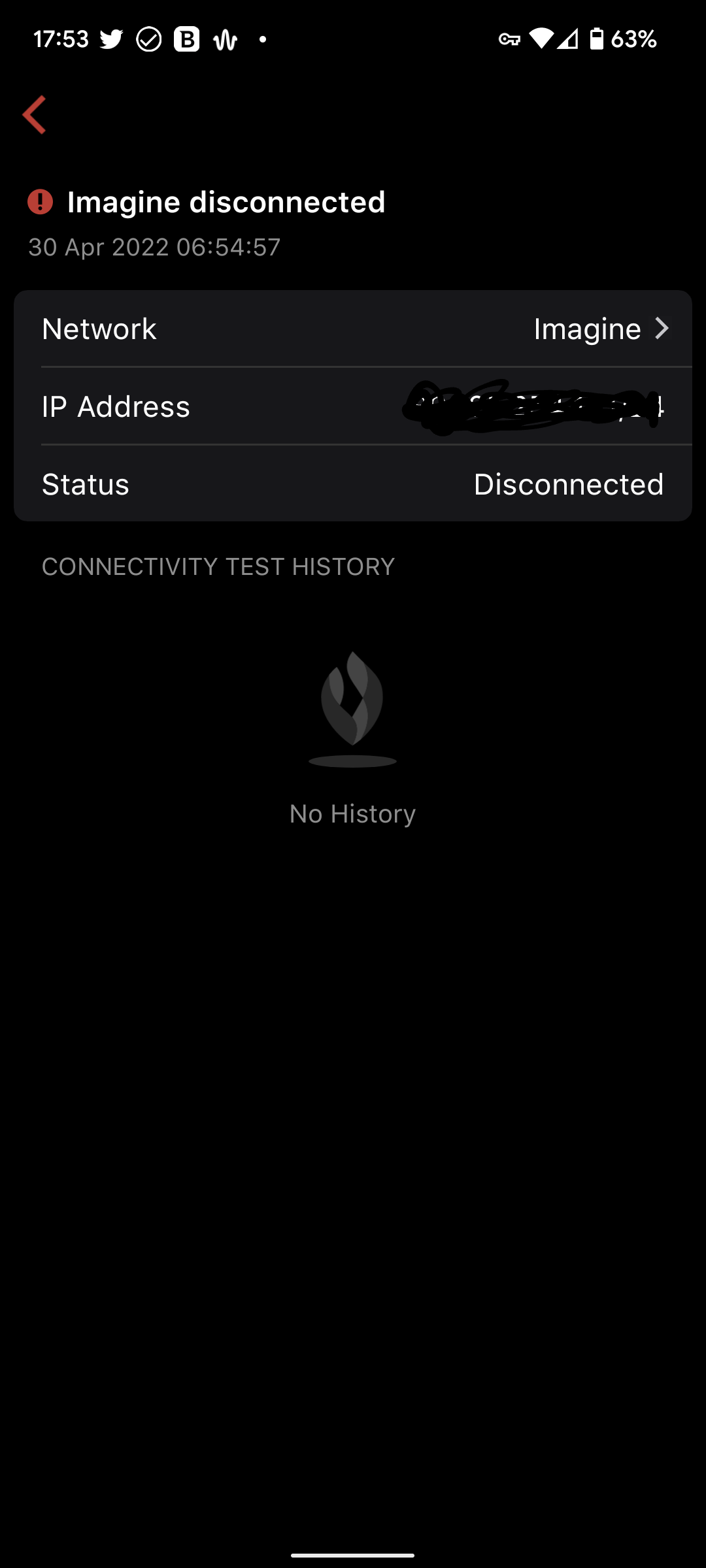
Can you paste the screenshot here after pressing (i)? or you can send to help@firewalla.com as well referencing this thread.
-

@Maurice
This event is probably triggered because your ethernet port is disconnected. Can you find any related events saying "WAN Port is disconnected" right before the wan went down? If you can send an email to help@firewalla.com, our engineers will look into it and help to confirm the issue.
I'm also forwarding your post to the product team and see if we can have a better way to include the "port disconnected" events in the connectivity test history list. Sorry for the confusion.
Please sign in to leave a comment.
Comments
8 comments