Port forwarding and open ports report (FW Purple)

I've received the Firewalla Purple yesterday and have set it up.
I've setup three port forwarding rules so far. And while the thing does seem to work, the results of the Open Ports don't reflect the situation.
As far as I can tell my port forwarding config is identical in all three cases.
I'll attach screenshots below, but here's the summary:
- I've forwarded ports 80 and 443 to one of the devices on my network
- I've forwarded port 32400 to another device on my network
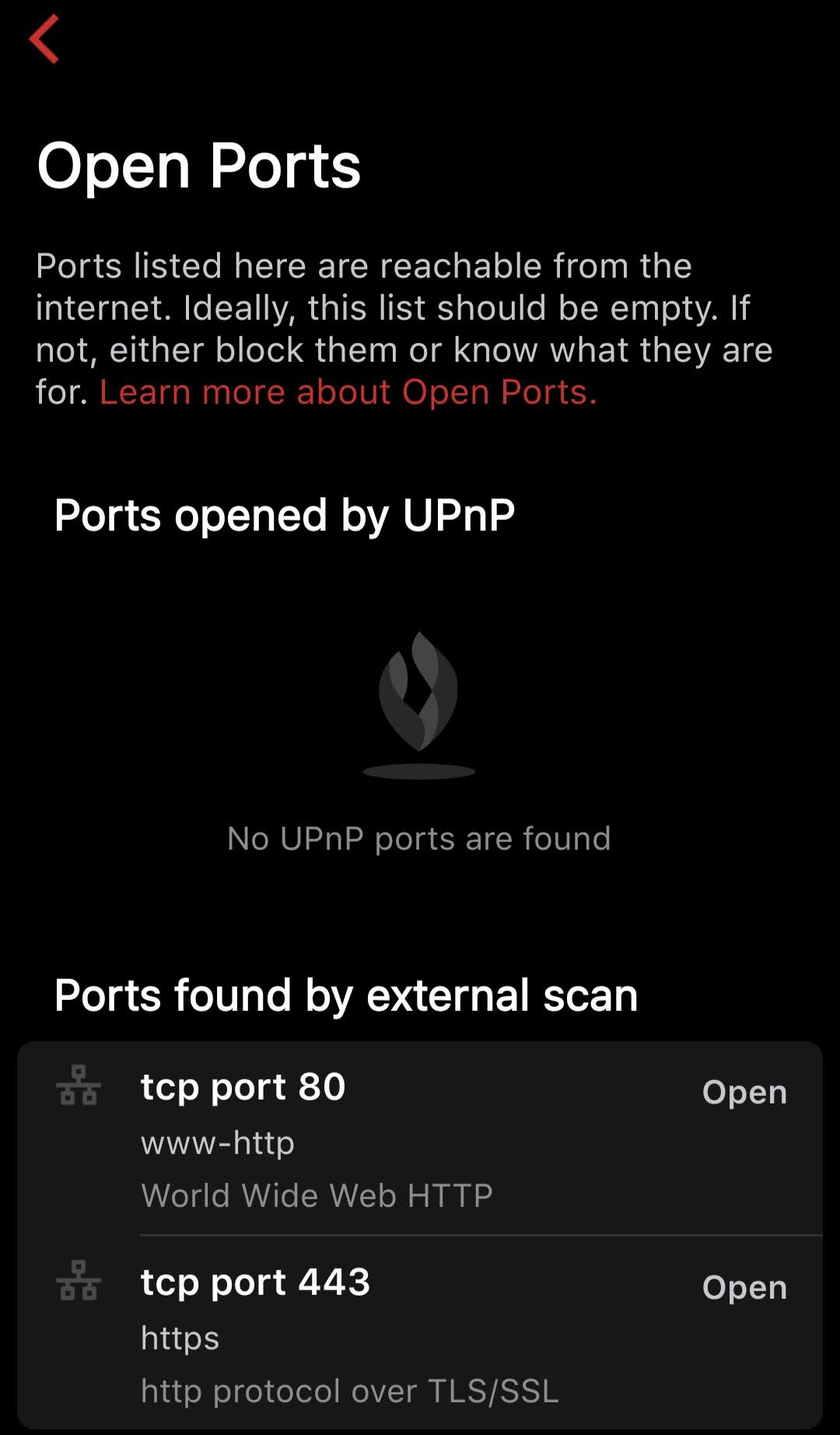
- The Open Ports view only shows ports 80 and 443 to be accessible from outside even though the service on port 32400 also works without any problems
Am I missing something here or does the Open Ports tool not properly show that port 32400 is accessible?
Ports 80 and 443 config:

Port 32400 config:

Open Ports result:
-

I put up a quick little http server on port 32400 to try it out, and see the same that you do, port is open and accessible from outside but not displayed in the scan.
I then tapped on "Learn more about Open Ports" and read firewalla's doc page and it became clear why
Per https://help.firewalla.com/hc/en-us/articles/115004274513-Open-Ports :
External scan ports may be limited due to filtering done by ISP's. The external scan is done by another Firewalla server in the cloud. This server may either do a deep scan or a shallow scan. In shallow scan, it will only scan the well-known ports such as ssh, https, and http.
-
Thanks for the answer. I suspected as much but didn't really want to believe it.
My opinion is that if the tool is not reliable (as is the case here, obviously) then it can annually be worse than not having the tool at all.
Because in this scenario there will always be a nagging question in the back of the mind: "is there another one missing?"
Please sign in to leave a comment.
Comments
2 comments