Computers disconnect on Firewalla Gold with Google WiFi

Most of my devices works well consistently, however, for computers (and only for computers), there will be no network after a while, usually after leaving it on overnight. This will happen with either connection by LAN cable and/or by WiFi.
All other non-computer devices does not have any issues.
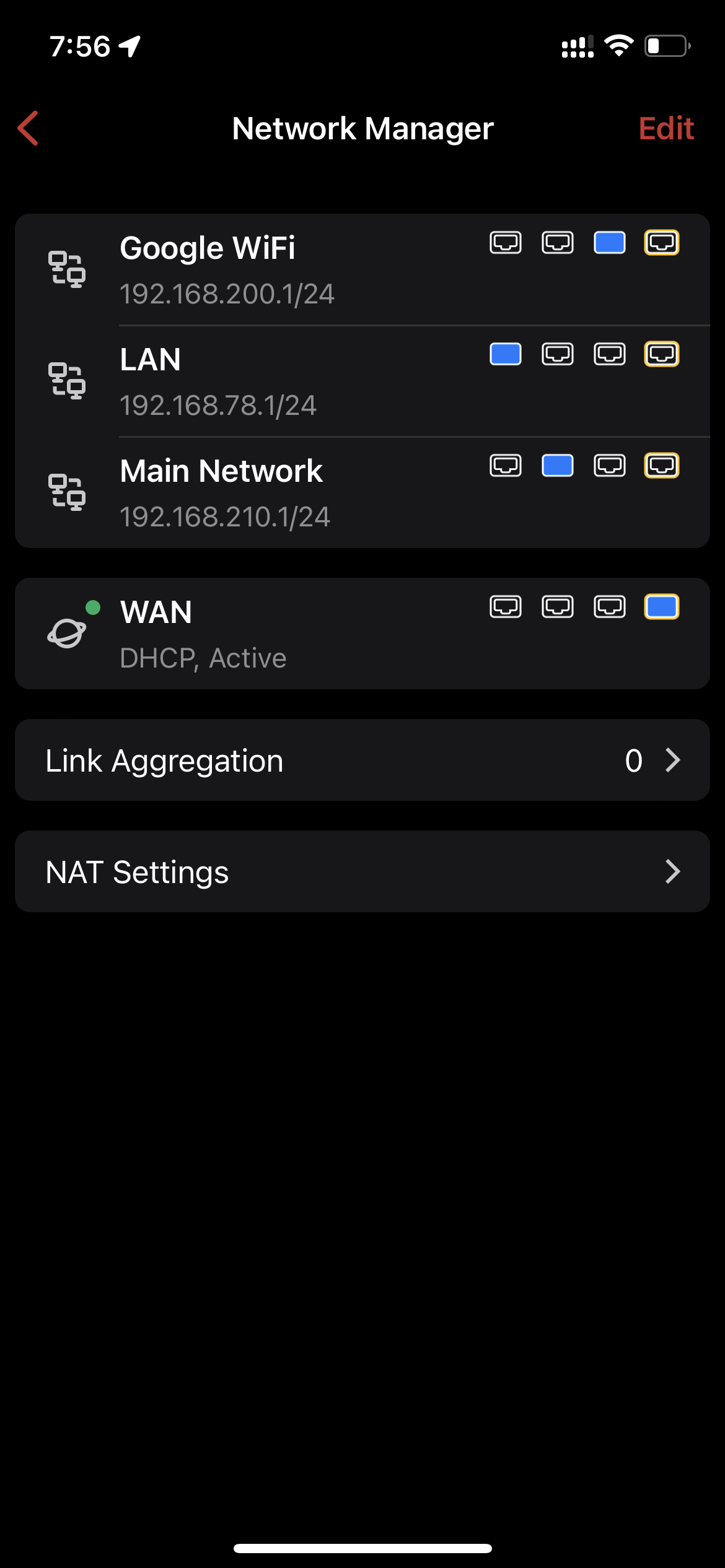
I have setup my network by following the "Solution 2" in the Firewalla setup guide for Google WiFi.
Firewalla Gold Tutorial: Google Wifi or Nest Wifi Mesh network with Gold (Beta) – Firewalla
The IP on my computers are assigned by Firewalla and is 192.168.210.xx.
I do have a Guest WiFi setup on Google WiFi's configuration. So, when the computer has no connection, I will need to change to Google WiFi's guest network to get Internet connection (my computer will then get an IP from Google WiFi instead).
After I reboot my computer(s), this issue will go away (until I leave it on for at least a few hours again).
My router is a Google WiFi AC-1304. I use DHCP on my computer by default. I have Firewalla Gold box version 1.9731 (4c85548a) and NOT on beta program.
Thanks for any input on what I can do to prevent this from happening.
-
Yes, I was following the instruction for the Google WiFi workaround.

I set one computer to use static IP (I picked the same IP that DHCP previously gave me) as shown in above screenshot for Ethernet connection (WiFi is disabled).
This issue still happens after a while though. And while the computer is having this issue, other devices are OK.
Below is the Windows ipconfig info.
Ethernet adapter Ethernet 3:
Connection-specific DNS Suffix . :
Description . . . . . . . . . . . : Realtek USB GbE Family Controller
Physical Address. . . . . . . . . : XX-XX-XX-XX-XX-XX
DHCP Enabled. . . . . . . . . . . : No
Autoconfiguration Enabled . . . . : Yes
Link-local IPv6 Address . . . . . : fe80::a577:3855:4b32:1e86%15(Preferred)
IPv4 Address. . . . . . . . . . . : 192.168.210.168(Preferred)
Subnet Mask . . . . . . . . . . . : 255.255.255.0
Default Gateway . . . . . . . . . : 192.168.210.1
DHCPv6 IAID . . . . . . . . . . . : 704700492
DHCPv6 Client DUID. . . . . . . . : 00-01-00-01-28-9B-26-B5-00-E0-4C-06-29-8F
DNS Servers . . . . . . . . . . . : 192.168.210.1
NetBIOS over Tcpip. . . . . . . . : Enabled -

nope, just got Firewalla Gold and trying to setup using method one and running into similar issue.
it works fine for few hours, but then everything stops working, Google wifi shows white solid line (as if all is well) on all 3 of my mesh, but no internet; while firewalla has no rules or hits at all.
this is most annoying, I have been trying for a solid week to fix this issue.

Please sign in to leave a comment.
Comments
6 comments