Show us your Firewalla, and Win BIG!

Our contest "Show us your Firewalla" ending 11:58 PM December 2nd (US Pacific Time) is now closed.
We love this contest! We are going to make this a monthly event! We will pick (one) winner per month for a random gift (a firewalla product). The next one will be in January 2022! So update yours or add new ones!
Winners December 2nd 2021 (Pacific Time)
- https://help.firewalla.com/hc/en-us/community/posts/4410590732179/comments/4410664913555
- https://help.firewalla.com/hc/en-us/community/posts/4410590732179/comments/4410584107155
- https://help.firewalla.com/hc/en-us/community/posts/4410590732179-Show-us-your-Firewalla-and-Win-BIG-?page=2#community_comment_4410641483923
- https://help.firewalla.com/hc/en-us/community/posts/4410590732179/comments/4410593327379
- (tied as a fourth place) https://help.firewalla.com/hc/en-us/community/posts/4410590732179/comments/4410840331795
As we gear up for the release of Purple, we want to see Firewalla's in the wild. So we are running a photo contest, to demonstrate small network is fun, exciting, and NOT boring!
Here's how it works.
- Post photos here, in this thread, of your network set up including at least one Firewalla. No need to be pretty, sometimes functionality will win!
- Include what mode you are running (Router, DHCP, Simple, or Bridge).
- Optionally, add a network diagram showing your network topology.
- Optionally, if you are doing anything cool, let us know too.
If you are just browsing, please find the best (you define what's best, and can vote more than one) and then vote it up by clicking on the up arrow next to the image. (down arrow also work to downvote)
If you are voting make sure you scroll to the next page, there are lots more awesome designs.
Login is required for voting.
Based on the number of votes received from the community:
The first prize will win a Firewalla Gold.
The second prize will win a Firewalla Purple.
The third prize will win a Firewalla Blue Plus.
The fourth prize will win a Firewalla Red.
The contest will run from now until December 2, 2021 11:59PM Pacific Time.
Important: Please do not post any sensitive information. Any submissions require that you agree to allow us to use your photos in any future marketing materials.
Please only post your network here.
-

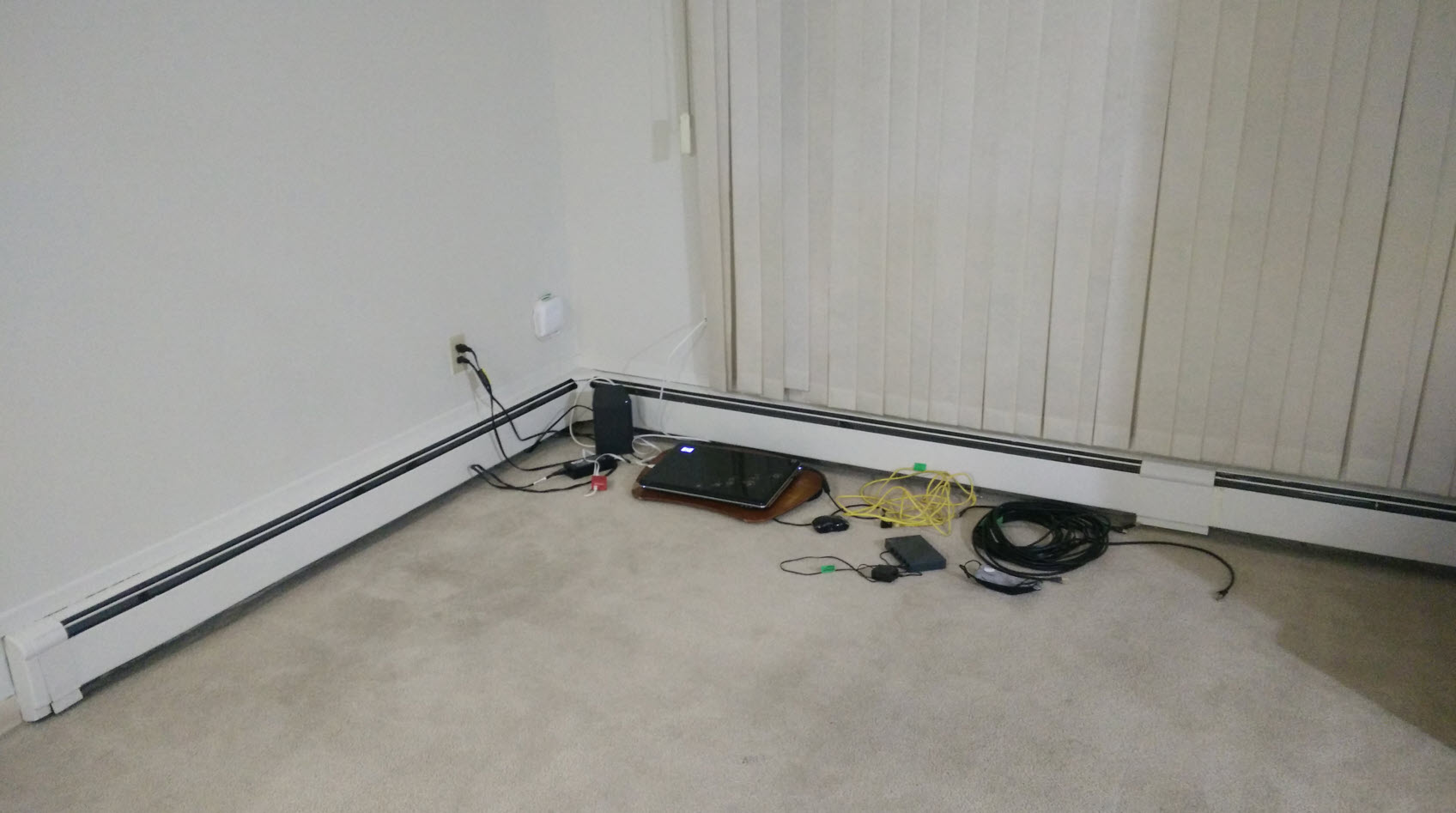
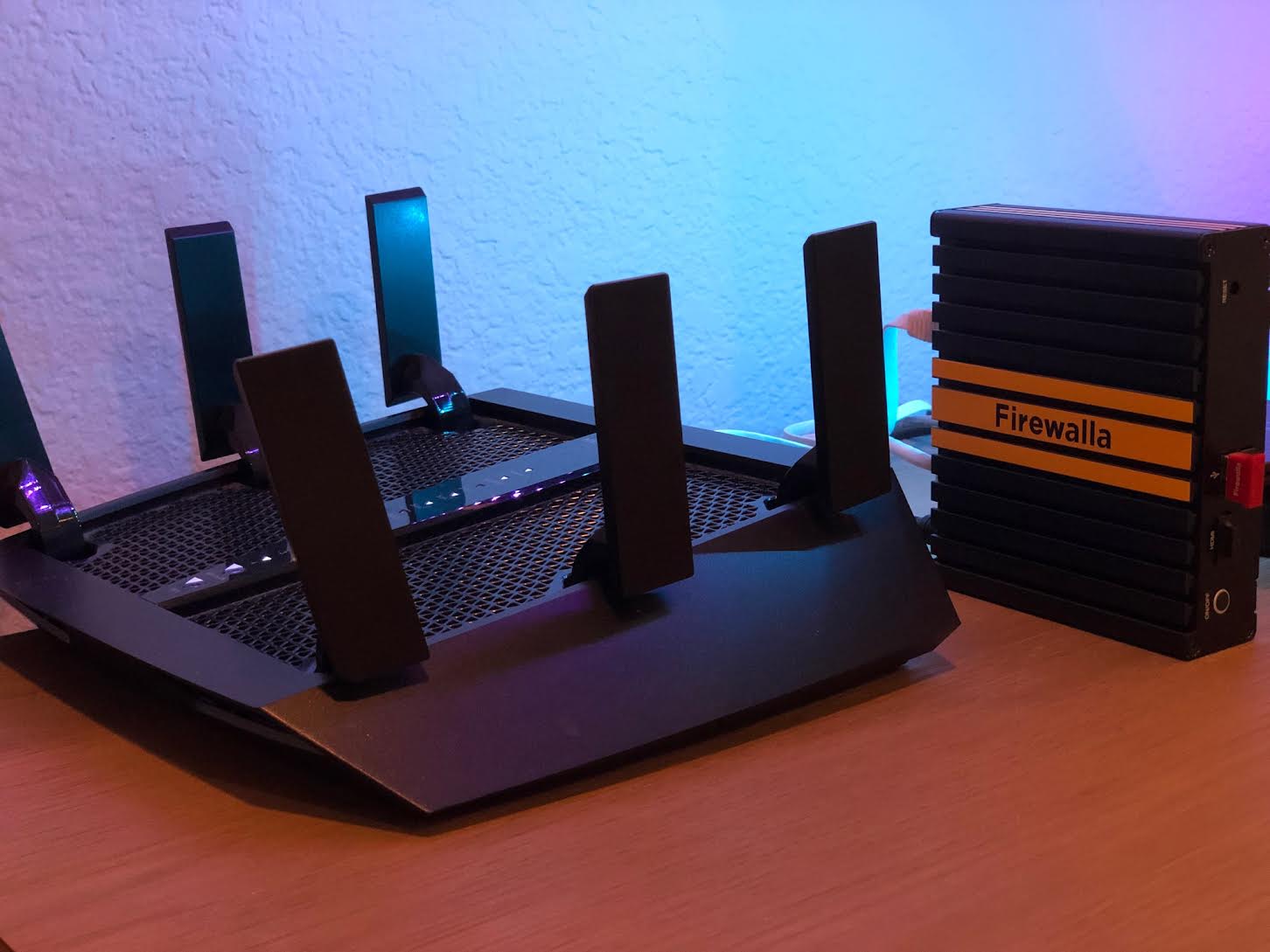
Original Kickstarter back 475 (from Oct 2017) checking in with my Original Firewalla Red!
I wish I could take a prettier photo, but I was (still am) busy with a move. Just had to snap a quick photo of my initial hook up, its temporary until I get everything else set up and waiting on some more cables due to layout of new place but probably wont have everything settled until after the competition.
Anyway, point is - first thing I set up in my new place after getting the internet hooked up is my Firewalla Red (in simple mode) and beside it is an old laptop which is primarily set up as a pihole with unbound. My wife and I work remote so needed to set it up and work off of wifi until we can get everything else in order (thats why network switch is not hooked up yet). I would love a firewalla to handle my new fiber connection (750 mbps) and can handle pihole to eliminate this old laptop.
Best wishes to all in the competition!
-

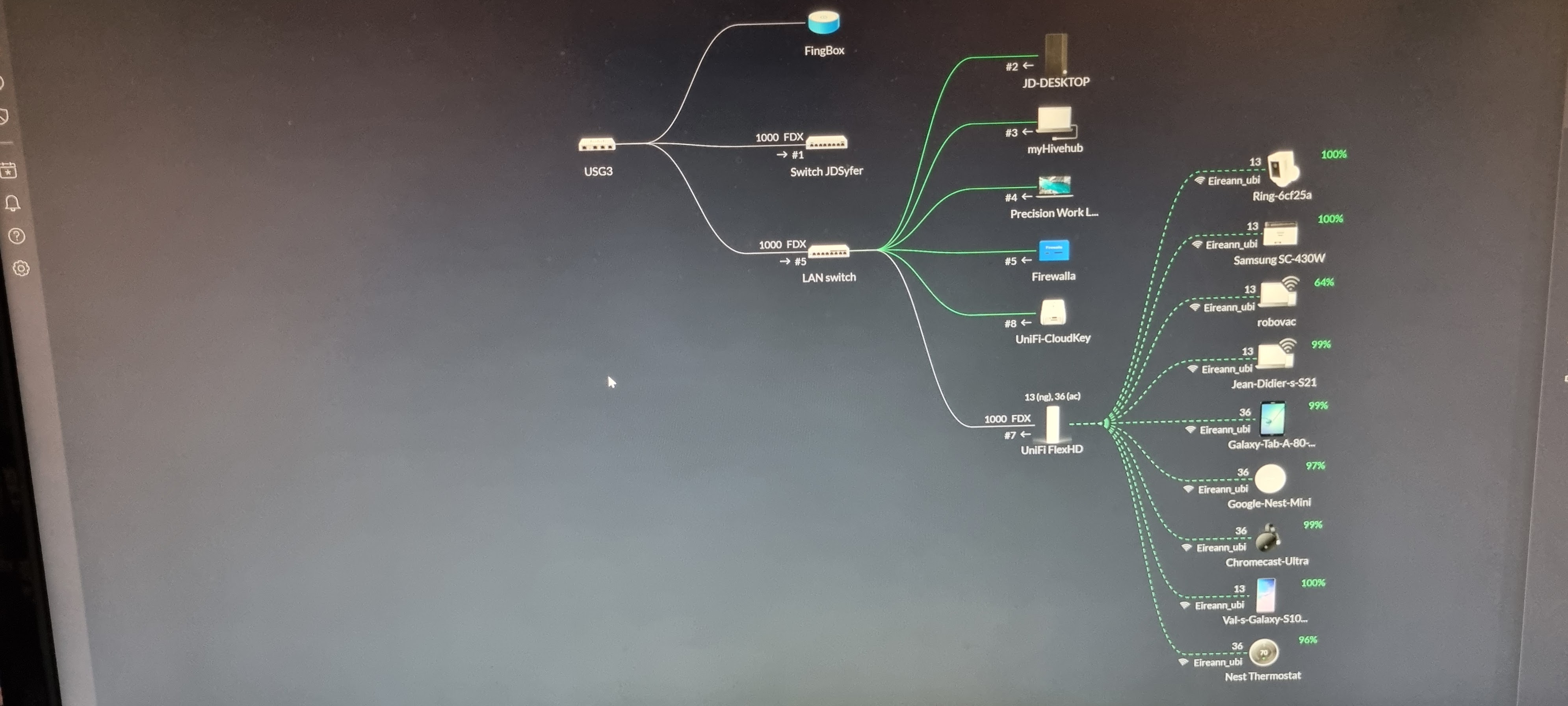
Nothing much here; Firewall Blue (which replaced the Red); running off a PoE injector hooked up to a Unifi PoE 8-port Switch. for a while it was working with the late Syfer. now handling it all like a big boy on its own ! off a 500 Mb/s line.
These days the fingbox only use and usefulness is to run scheduled speedtest on a daily basis and providing a monthly report of those with all averages and all, beside monitoring the line's uptime from outside my network.
SUGGESTION: Given the Firewalla already reports local outage to itself, why not make that a feature to report network uptime on a monthly basis ?? @Team_Firewalla ? Thoughts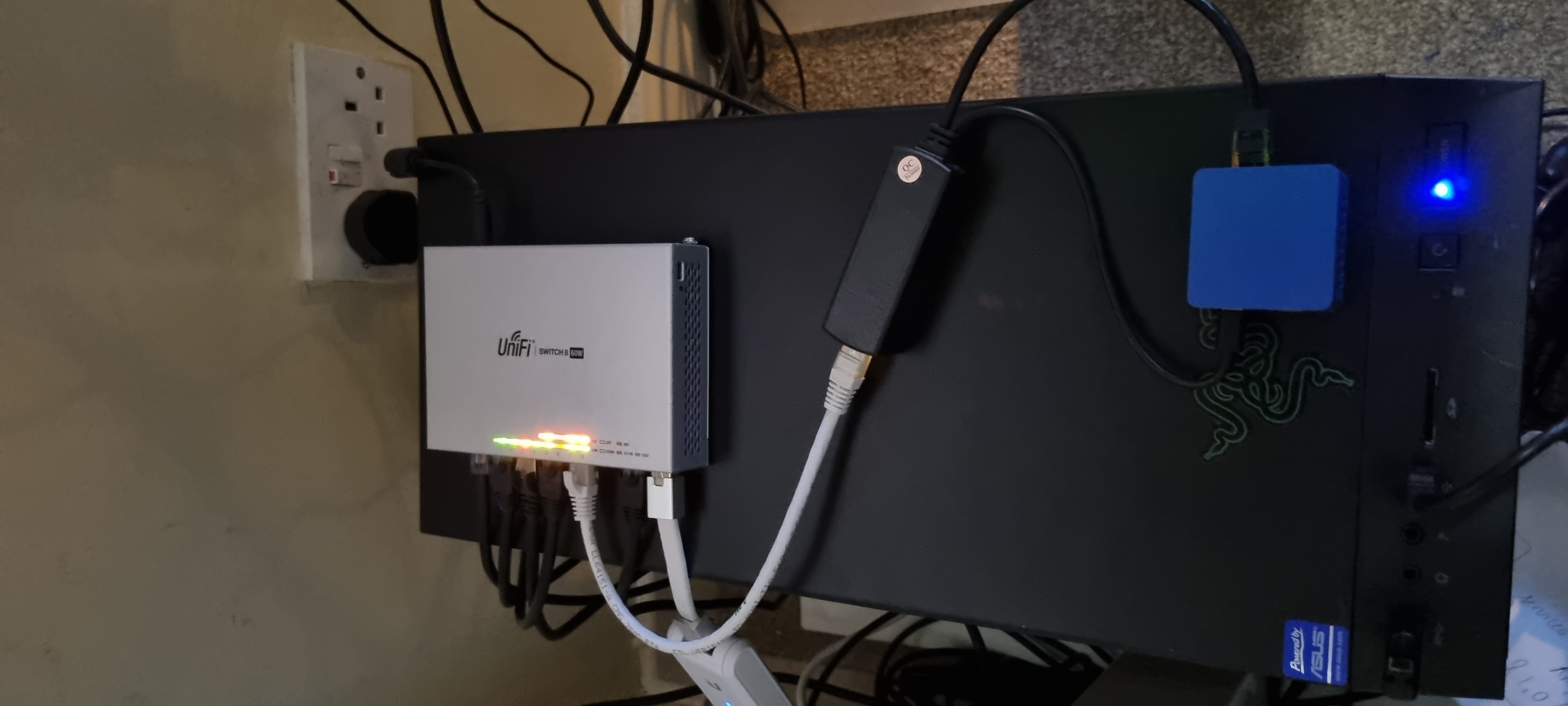
-

Pro tip: if you're trying to set up a user account and keep getting errors, you need to enable cookies for this site for it to work.
Here is my middling setup compared to the rest. At least the dusty core part of it. A simple, flat network design. Yeah it's not case hardened, but my house isn't Fort Knox either. The Arris cable modem is in bridge mode, connects to the FWG in router mode, and finally to the ancient USR 24 port Gb managed switch everything sits on that goes to everything else under my roof. In the middle is my NAS, used both as a file share/archive, and a big honkin Plex server. We are avid TV watchers here.
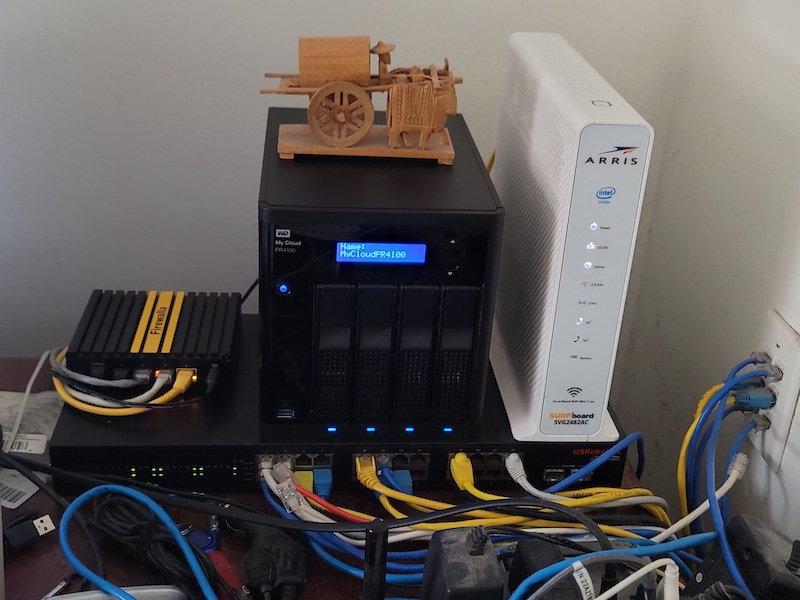
I've lived here long enough to remember when cat-5 was the fastest sensible wiring to use, and there's a drop in every room that matters. Most of those have a 4 or 8 port unmanaged Gb switch to support more than one thing if needed, and it usually is. Just about everything I use daily is on a wire.
In the hallway, dead center of the house, I have an Engenius EAP-1750 smoke detector style wifi AP. Good coverage out to the boundaries of the property and supports two of the four streaming TVs and dozens of other gadgets without skipping a beat. It's getting long in the tooth tech wise, so it probably will get upgraded to a wifi-6 capable model near term.
There's much I'd like to do with this setup someday, but I'm a chronic procrastinator that believes in the theory, "if it ain't broke, don't fix it." So I don't. I've considered subnetting IoT gadgets, doing fiber for the uplink from the 24 port core to my living room switch, guest wifi, and so on. Just haven't had any issues as-is, so those things are still on my to-do list, probably forever.
The Firewalla Gold has exceeded expectations. There is at least one or two TV streams running through it 18 hours a day, sometimes up to four. Looking just now there was 36 devices connected. When my wife and our lodgers get home, that number jumps up to 50-ish. Looking at the statistics, it's doing a great job of blocking bad guys, all the while supplying adequate internet goodness. I work away from home at times, and the VPN has been solid as well as port mapped services like the Plex. Probably the best edge device I've had on my desk in 20+ years, and a great value at that!
-

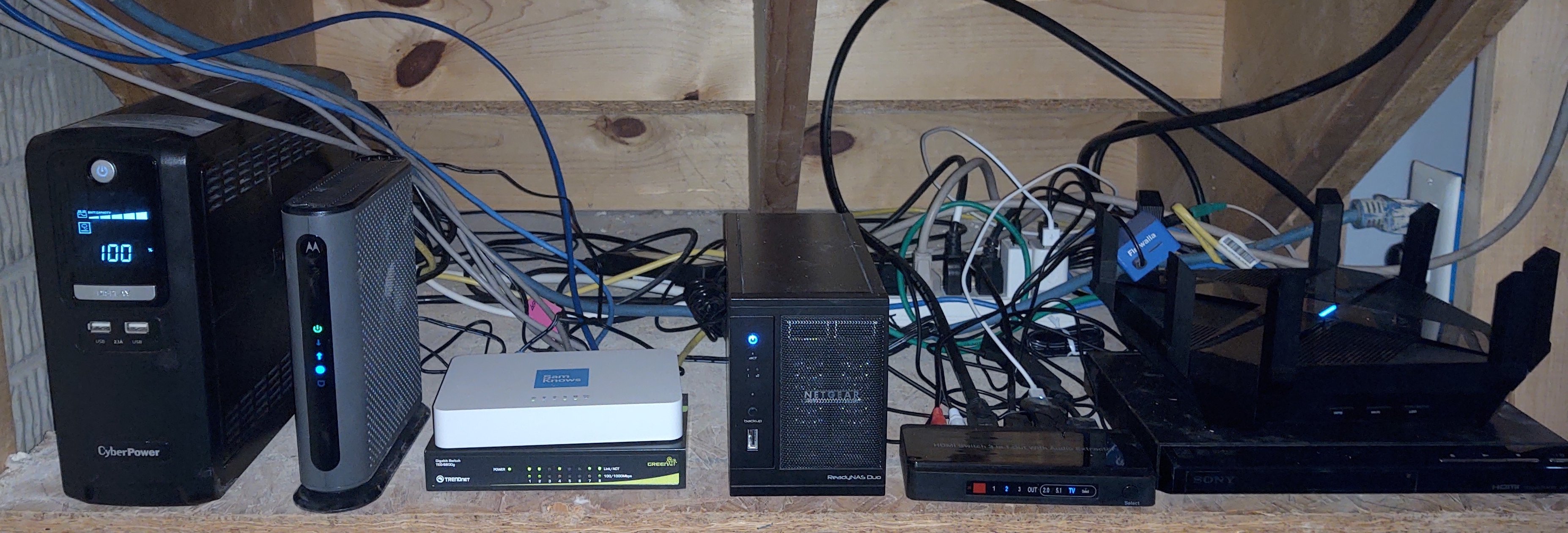 Except for the Firewalla Blue running in simple mode (between one of the wifi antennas), everything on my network (this shelf under a stairway) is recycled/donated equipment. UPDATE: Since the original post, I've been able to kick off a program helping youth learn hardware and software basics/repair. The Firewalla allows me to provide safe filtered WiFi for anyone attending classes!
 -

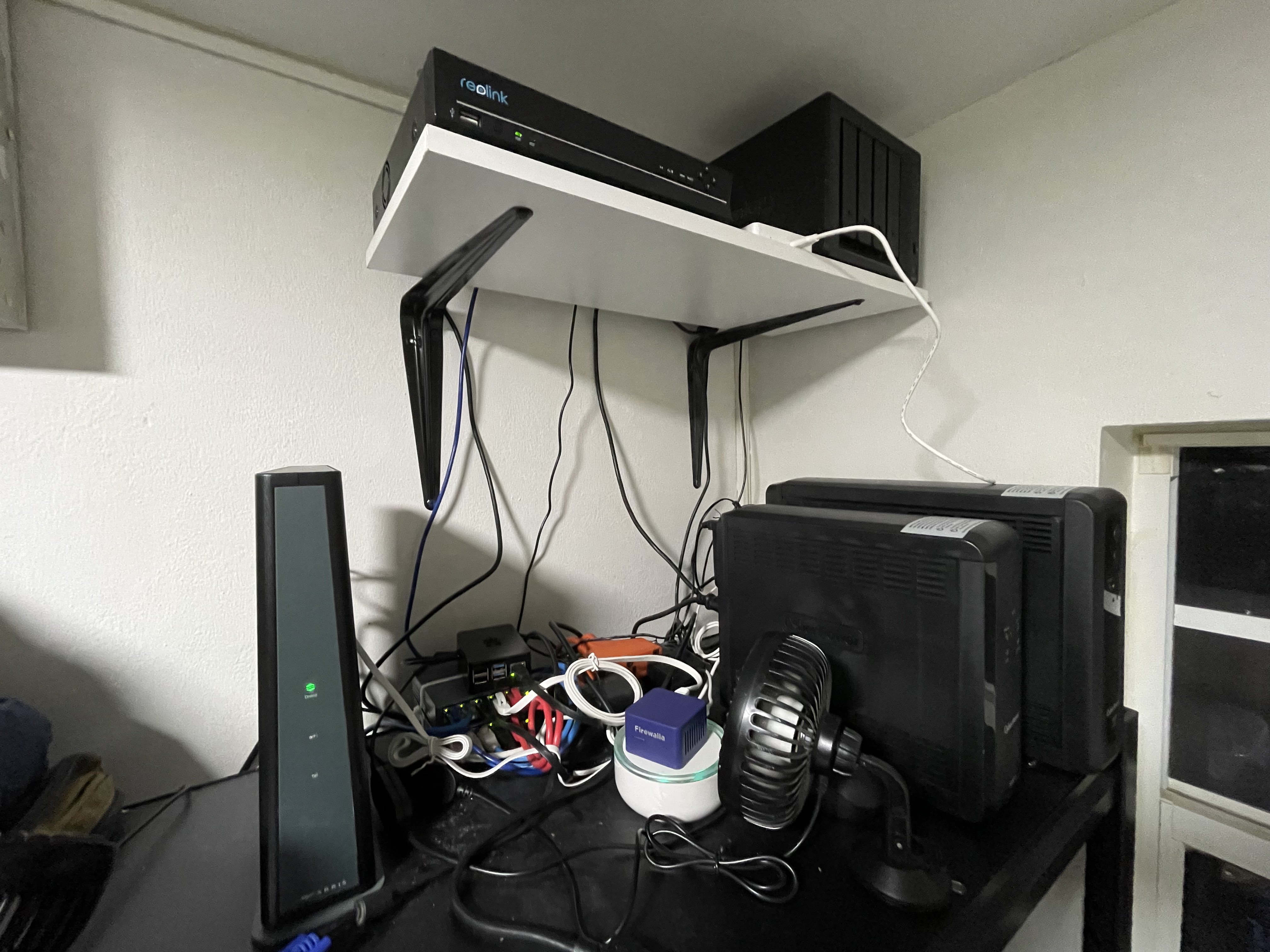
This is my small home network.
Running my Firewalla Blue+ in DHCP mode. I also still have a Fing for the speedtest reports and WoL feature.
I use the VPN feature in my Firewalla to connect to my network which I find more secure instead of doing port forwarding. Which is fantastic.
For WiFi I use the Apple Airport Extreme which I will soon replace with a Unifi UAP WIFI 6 Pro.
Since this room has no ventilation, I have this USB powered Fan to keep things COOL :-)
-

Firewalla Blue Plus in DHCP mode. The smallest piece of the setup, but definitely the most important one!
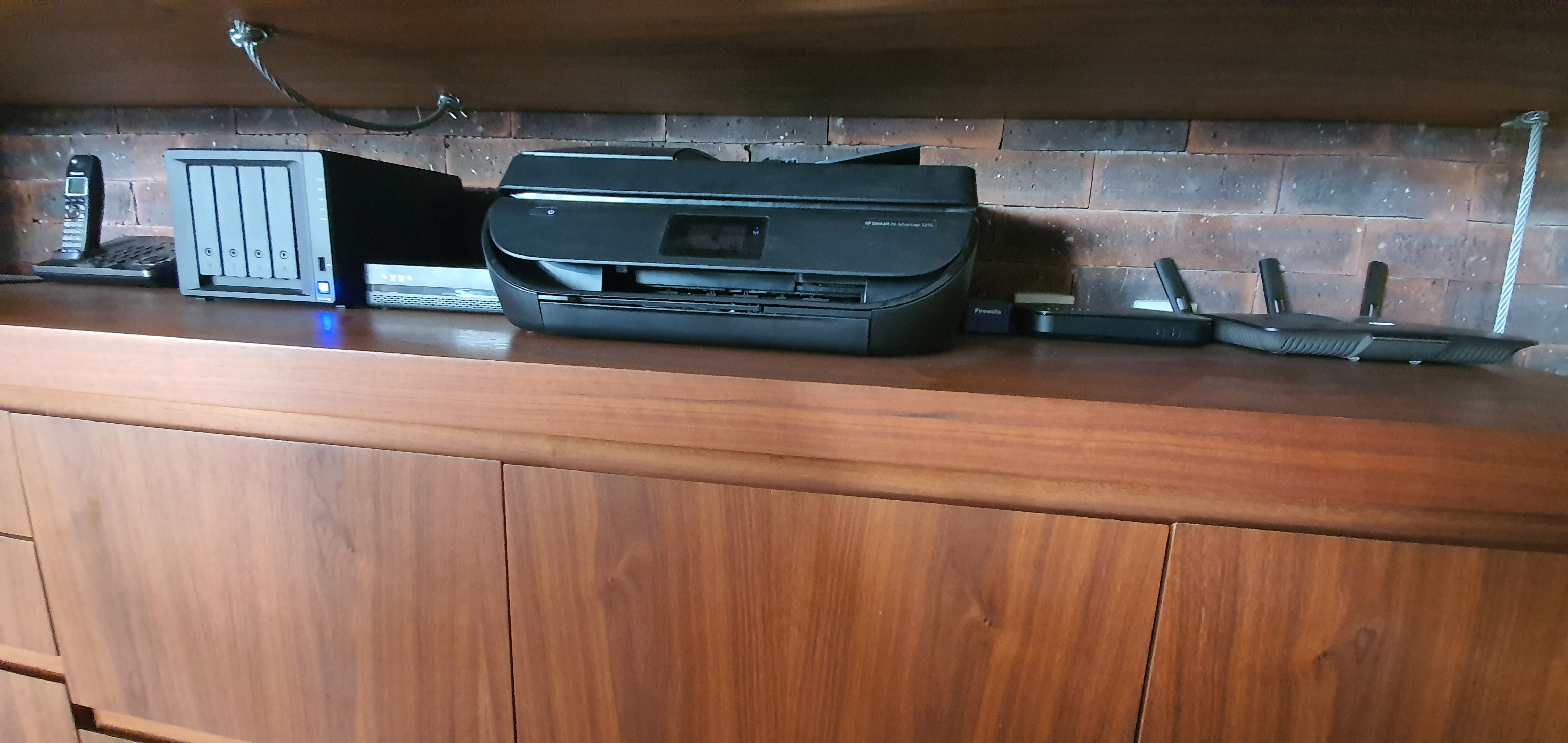
I have three network segments. The outer one if the one configured by the cable company, where the TV decoders sit in. The second is the a segmentation of the first one and the internal network and the third one is where I actually I have all my gear setup, including over 100 IoT and automation devices. -

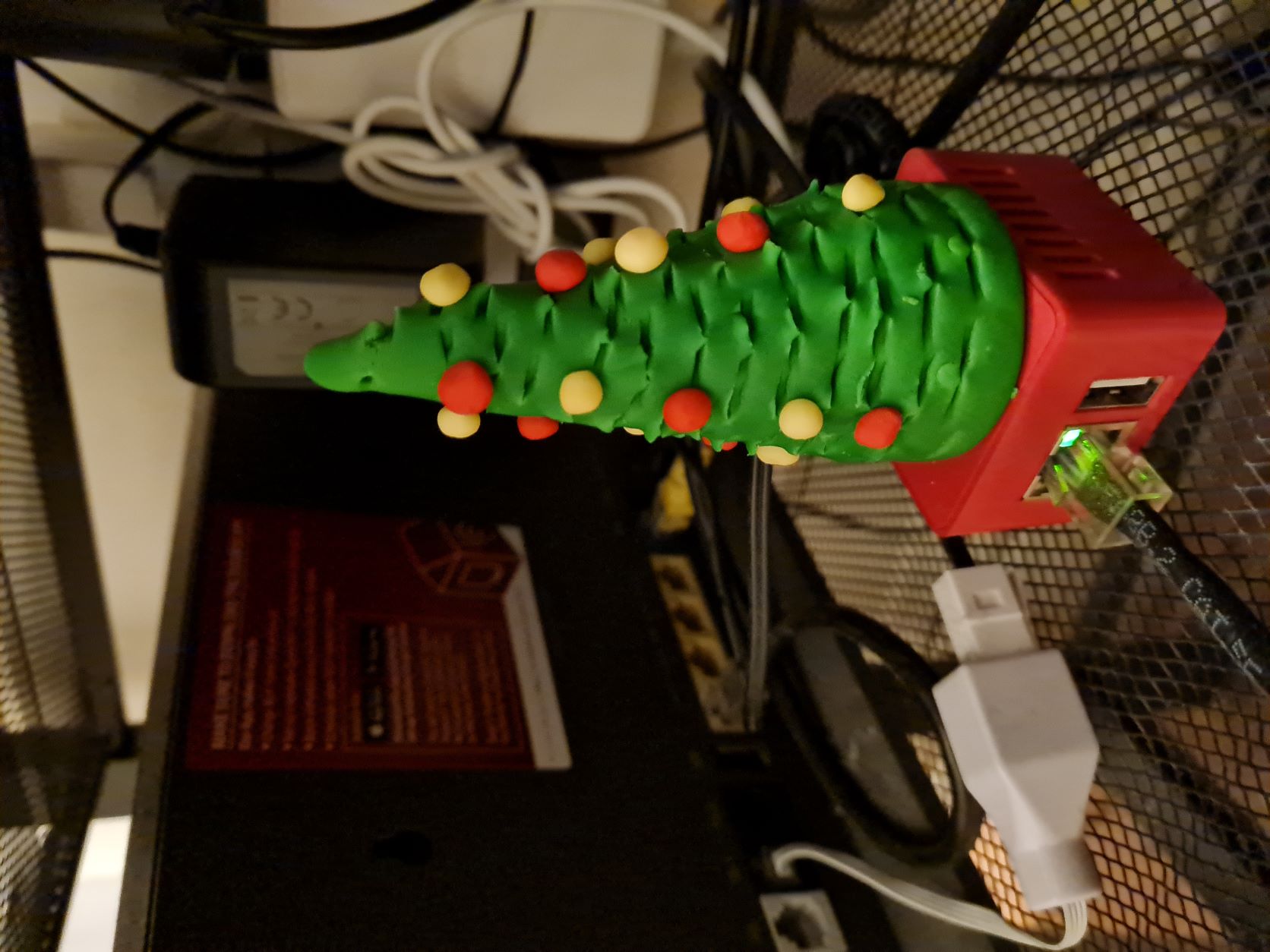 My setup is rather simple but very affective, Firewalla RED, is connected to my 500 Gbps internet connection in DHCP mode. My network consists of two segments, one that should pass through Firewalla and second that shouldn't (my office laptop and me and my wife's mobiles) apart from it we use different policies based on various options available in Firewalla. Such, as time limits, access to different sites. Firewalla has been brilliant in providing us safe and secure internet, but as the internet speed is getting I feel that I must upgrade mine and there can't be another change but to Win it. So, looking forward to upgrade my existing one with a new Firewalla Purple as a result of this contest :-).
 -


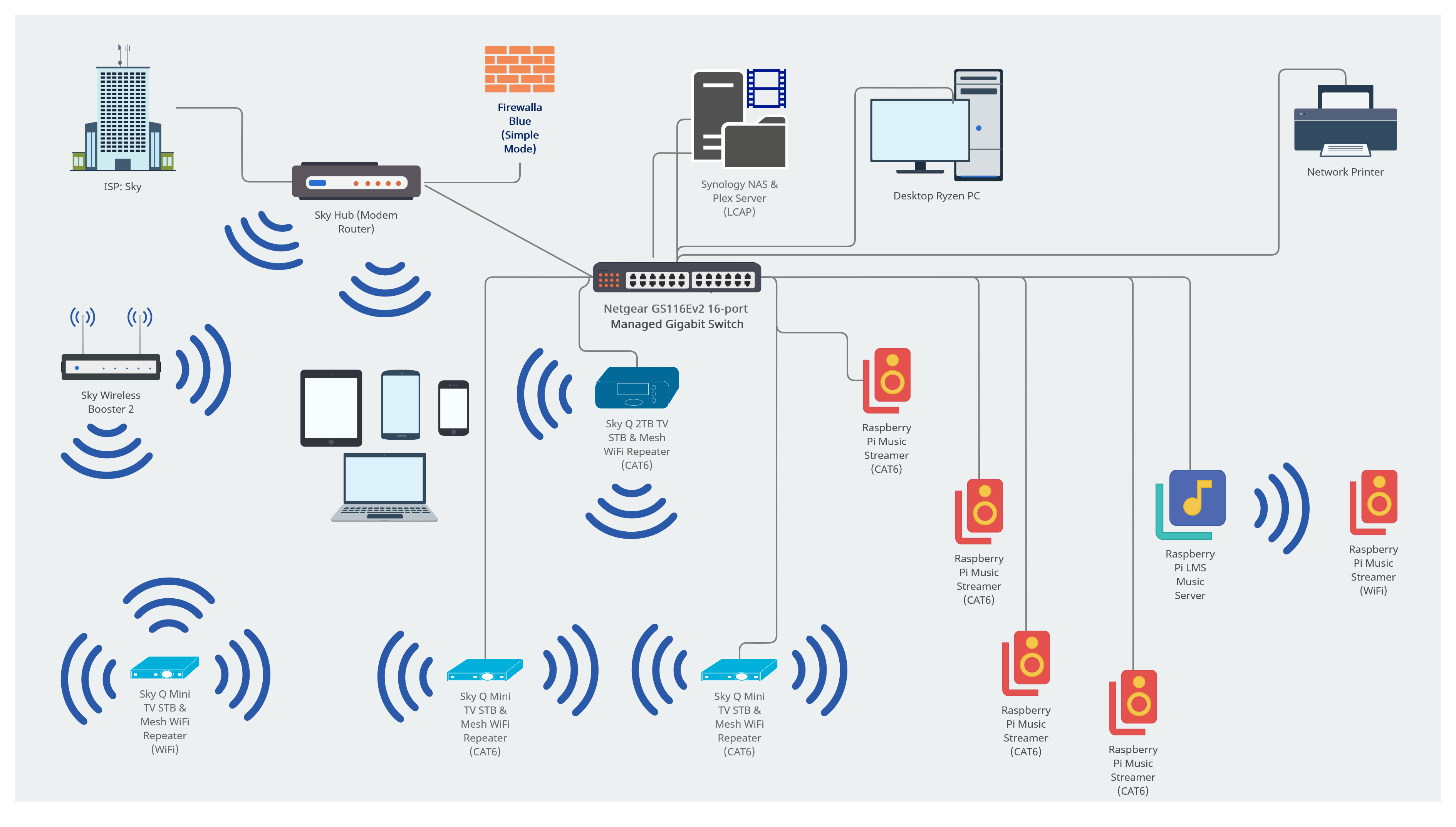
Had fun putting this together! Firewalla in Router Mode. Blog post here: https://lightw8.blog/firewalla-purple-25-gbe-and-wi-fi-6-aps-a-late-2021-home-work-networking-setup-that-wont-break-the-bank-or-your-spirit -

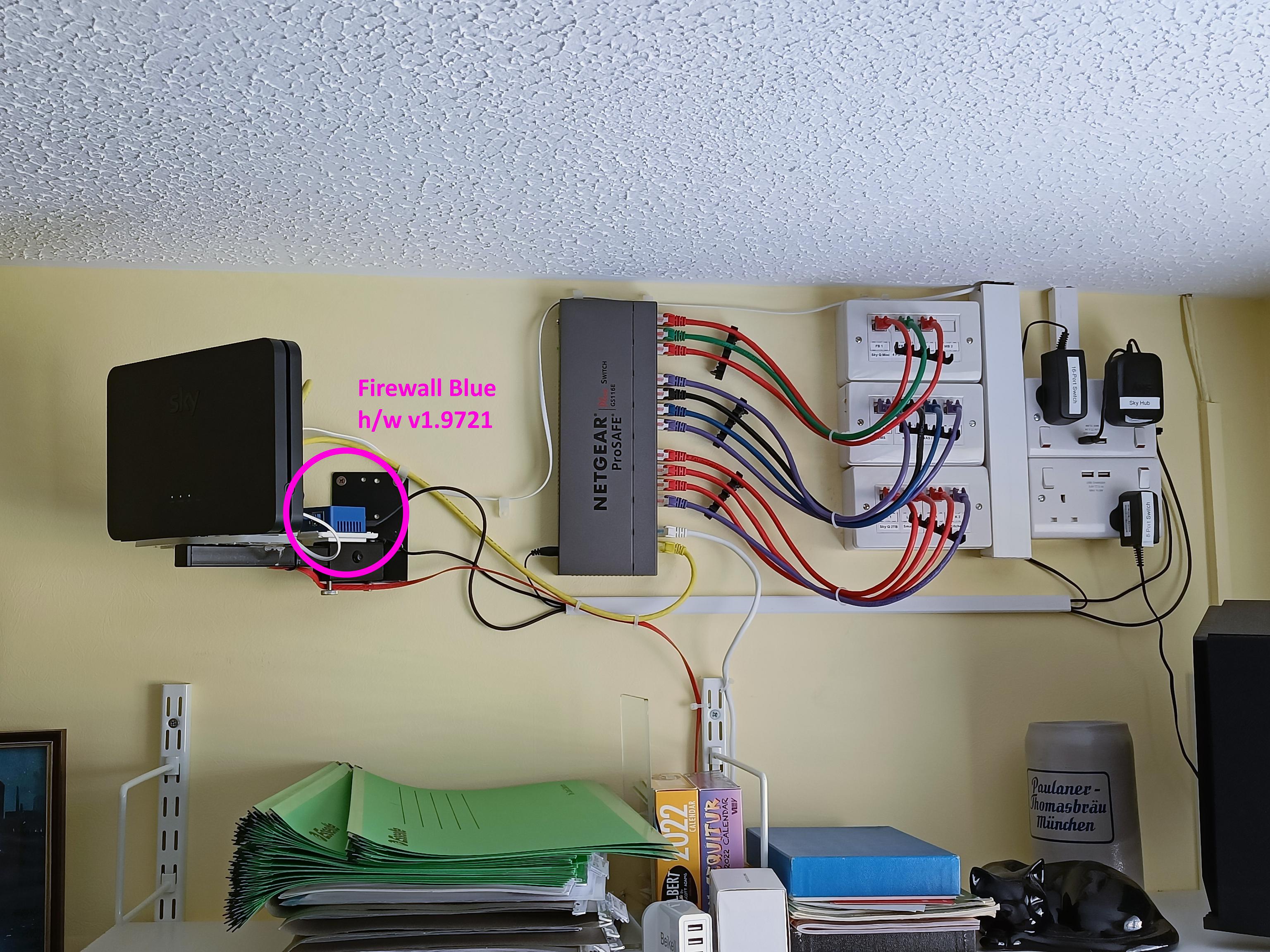
Last year I was finally able to run CAT6 throughout my house and for the first time I have a 'proper' network to play with !
As you can see in my main photo, I have been able to centralise most of my networking kit in my office, high enough up the wall to be safe from accidental damage but completely accessible if required. The ISP-supplied hub sits on a modified speaker wall mount bracket, which has also provided a handy spot to mount my Firewalla Blue.I'm currently using a Firewalla Blue in Simple mode, but I intend to replace this with a Purple next year so that I can use it as my modem, deprecating my ISP-supplied 'hub' (SR203: a customised Netgear) to just WiFi duties (it forms part of a WiFi mesh network with my Sky Q TV STBs and that works fine, so no need to replace it). My current Firewalla Blue has been brilliantly solid, but it's hardware revision 1.9721 so it's EoL and doesn't get any more feature updates, hence time to upgrade.
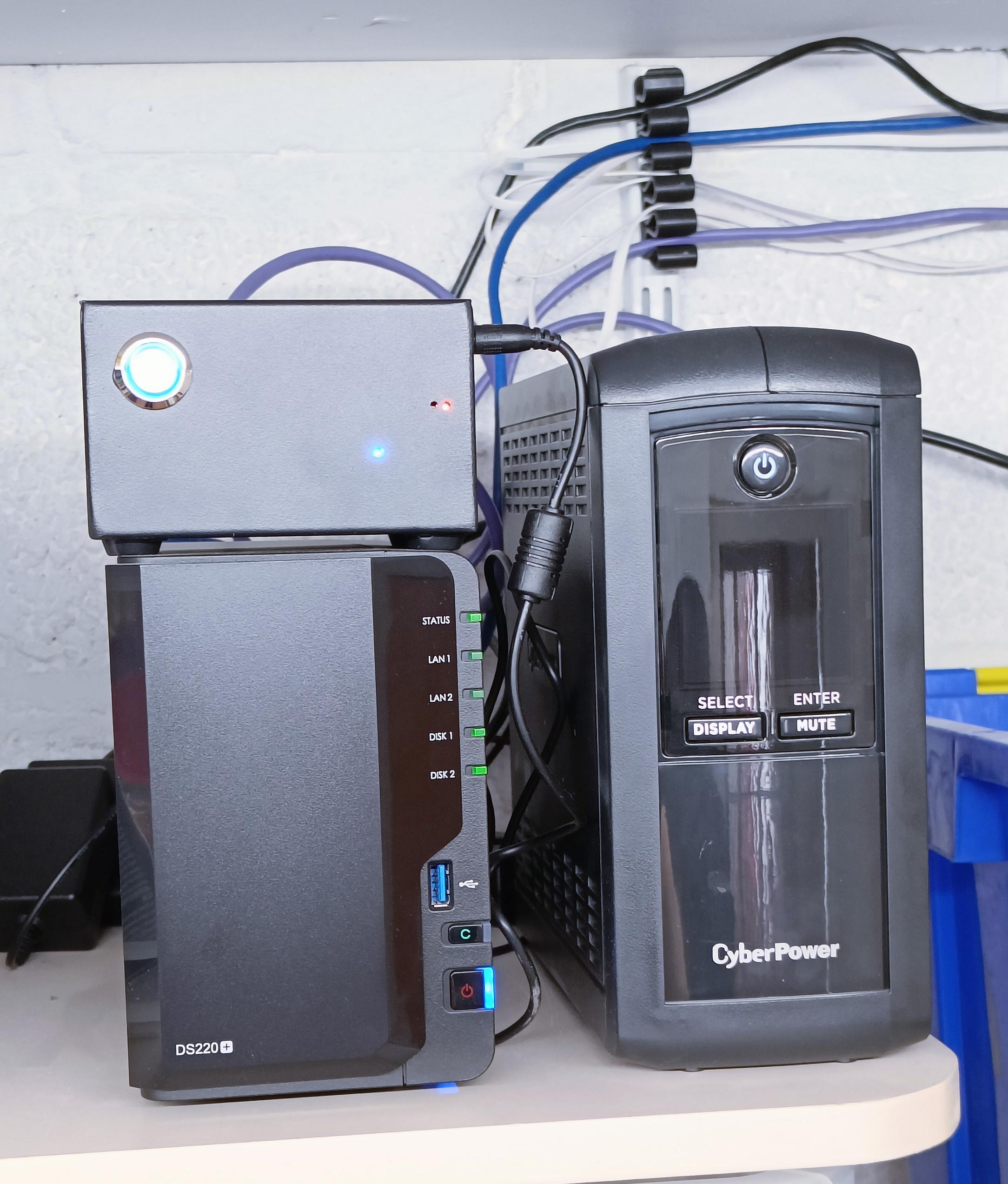
I've just today upgraded to a managed Netgear switch (GS116Ev2) so that I can enable Link Aggregation Control Protocol (LCAP) and connect to my Synology NAS (downstairs in the garage / utility room) with 2 CAT6 cables; it's only a 2-bay NAS so there's no speed benefit but it should make the link more resilient.
Tomorrow I shall be setting up port-based VLANs so that I can separate my Sky Q devices, LMS Music Streamer devices etc into more secure groups and limit any interaction between them. It'll also allow me to designate the CAT6 access in my spare bedroom as a Guest VLAN.
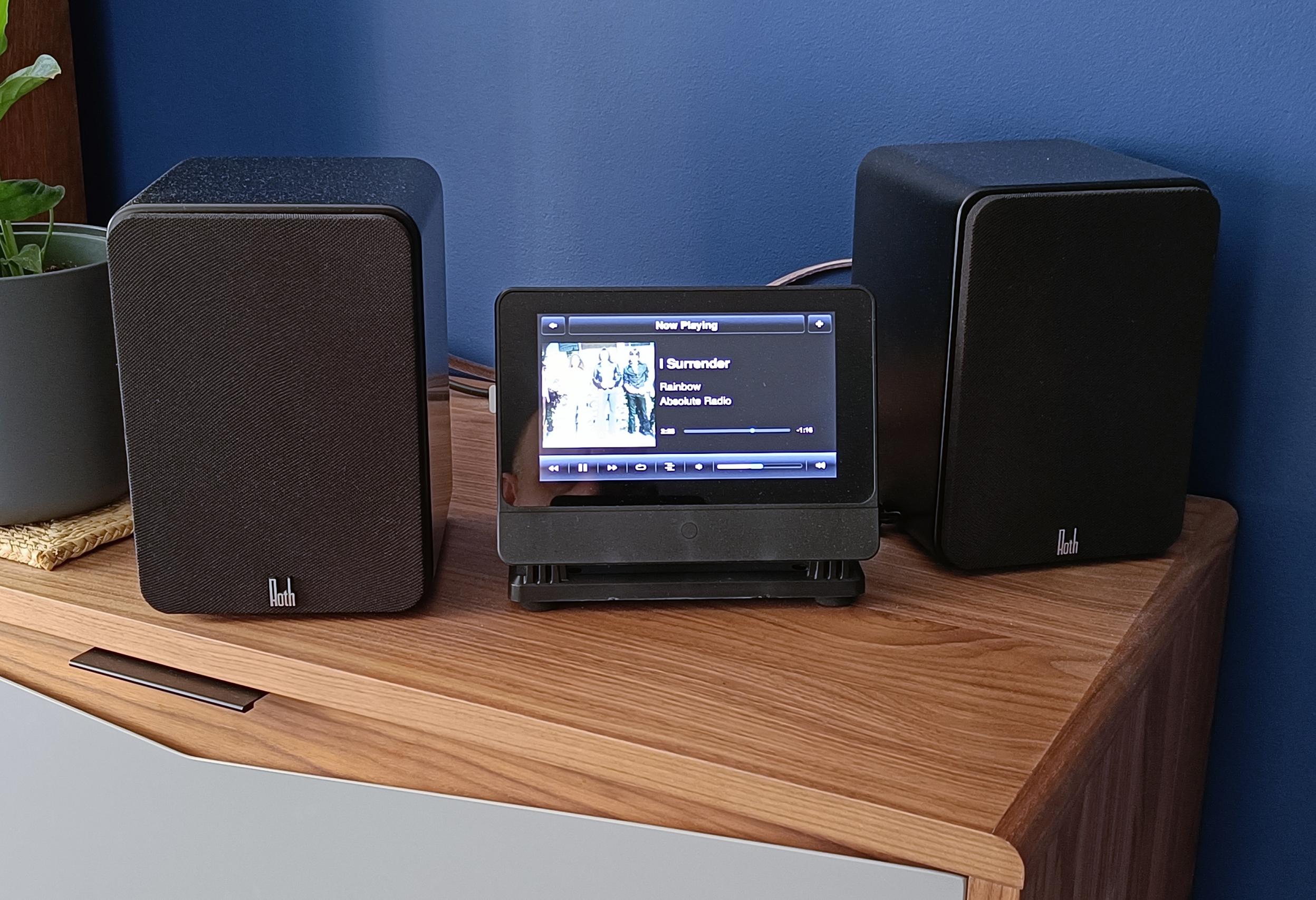
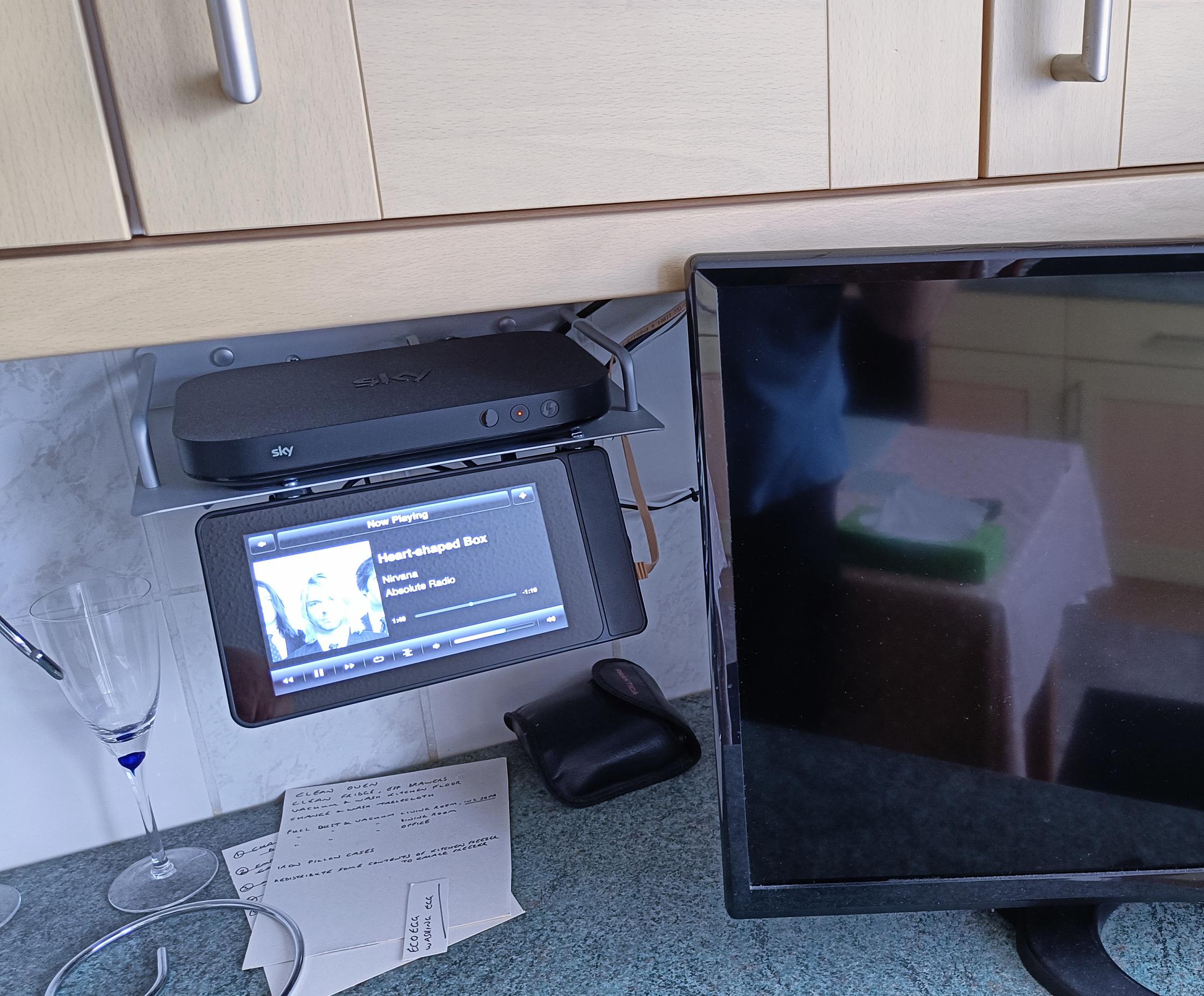
The other photos show the Raspberry Pi-based LMS Music Server, sitting on top of my Synology NAS and beside the UPS dedicated to protect both of them. There are the two Music Streamers that I've built so far (I've also got a venerable Logitech SqueezeBox Touch that I've had for over a decade and now I can finally use its full capabilities as a network player); I have two remaining streamers to finish building to complete the LMS music network - that's what Winter Projects are for.
My network topography diagram is correct as of today but will inevitably be changed and tweaked again in the future as I set up the VLANs and generally decide what else to throw into my network !
-

Just extended the deadline for voting and entries to December 2, 2021 11:59PM Pacific Time. Friends and family members are all welcome to vote! Remember, to protect votes, login is required.
And for all of you submitted entries, thank you! We are inspired by you ... making networking exciting ...
-

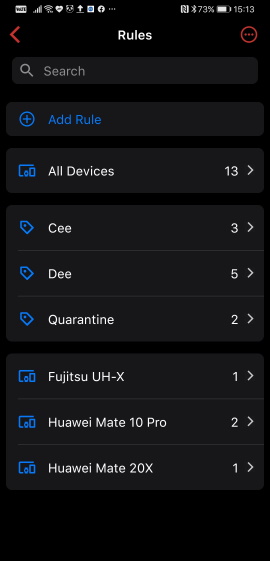
Nothing special for my setup. I use Firewalla Gold in Router mode to manage my home networks. All 50 clients connect to WIFI AP. I use Firewalla Gold to make rule to specific time that allow to use the internet by device group also block some content from kid devices.
Physical View
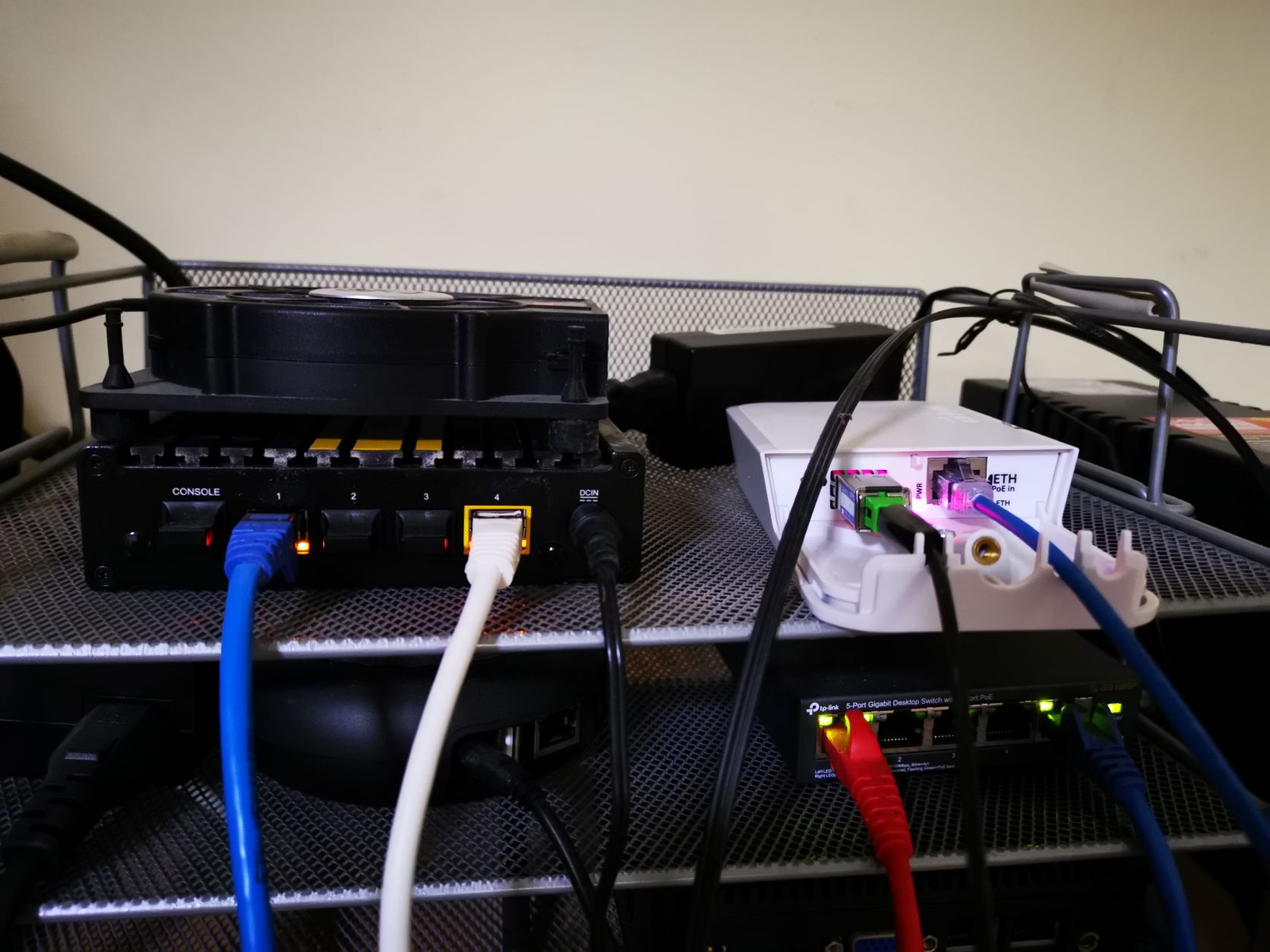
Network Diagram

Rule configuration
-

Late to the game.
just moved to a new home and was having cables run
Verizon FIOS ONT in garage --> Basement -- > Firewall Gold Router mode- Unifi 24 POE, Rooms --> 3x nanoHDs, 3xUnifi 5 port switces, 2x Unifi 8 port switches - all powered over POE from Unifi 24. 20 Cat 6 runs to different rooms
LAB VLAN uses its own AP for testing (belkin, orbi or anything else as i need for that week). Could be in bridge or router mode with double NAT
8 VLANs (home, IoT, Internet only for DVRs, IP Cameras, My Work, LAB, Wife's work and Guest). Strict rules to restrict trafic between VLANs, only allowing traffic as needed (home to IOT for Sonos, Hubitat... Guest, Work to Home for Printer access). Most of my 80+ devices have reserved IPs
Will install 16 PoE IP cameras when the weather gets better. using Ring and Blink cameras for now. Synology 5 bay with LACP will also go in the basement along with a UPS and all Video HW (apple TV, DVR, Media Server, my lab servers)...
Still need to get a rack and plywood to wall mount the switch/firewalla along with my Wyrestorm Home Video distribution system over IP.

-

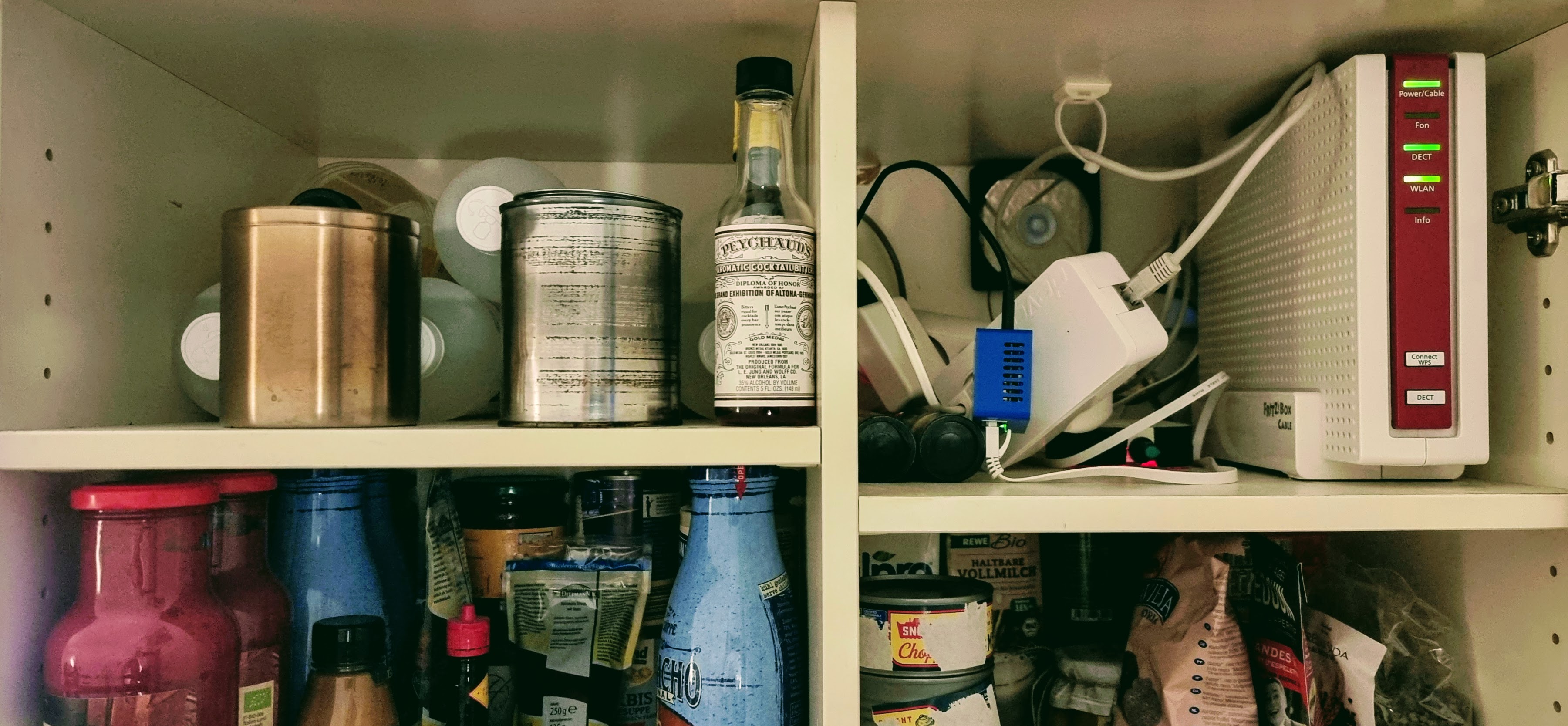
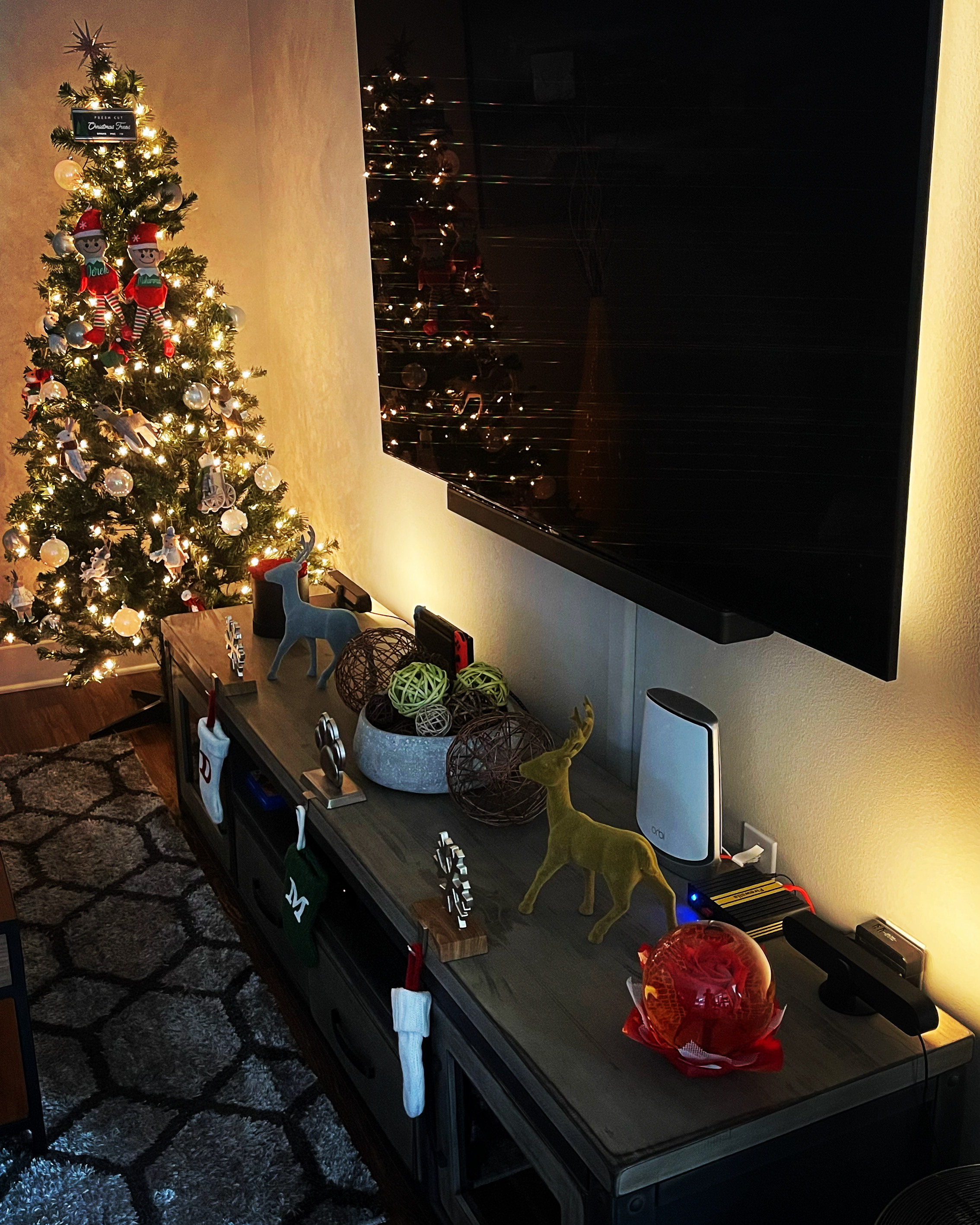
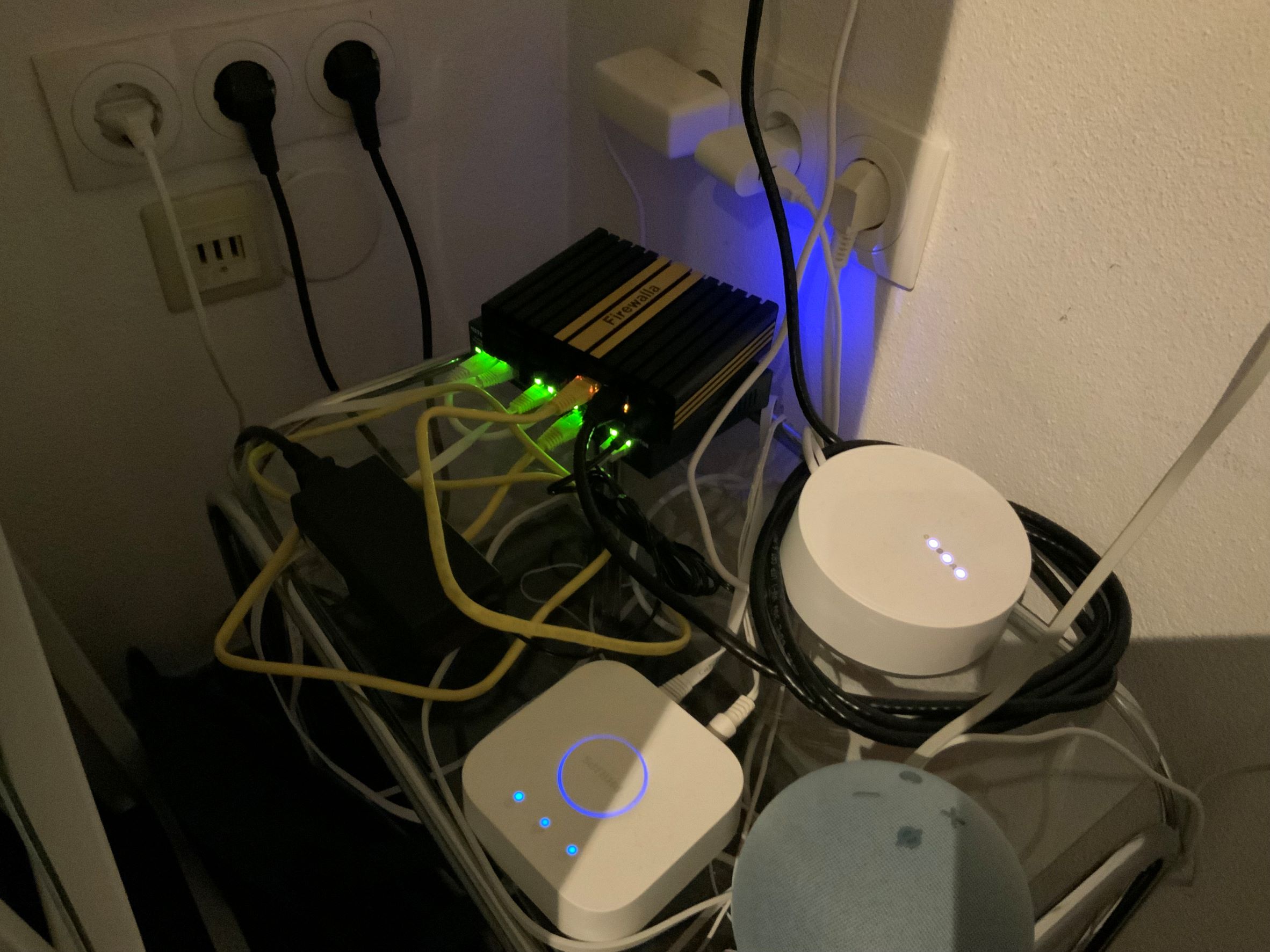
Oh my - where to start! We live in an apartment in Frankfurt, Germany - meaning that the building is quite old, walls are thick, and the plugs are NEVER where you need them. This means my cable modem has to terminate in the living room, as that's where the only DVB-C connection is found. Vodafone delivers a solid 550Mbits which has saved our bacon during the work/study/everything-at-home times.
The Blue shares an IKEA Bonde shelf with my AVM cable modem, backup LTE modem, the Devolo powerline adapter, a simple 12v hand-made extraction fan, and some wine bottle lights as last-minute gifts.
The rest of the setup has Blue's address space inside of the AVM subnet, causing less problems and making the FritzBox less twitchy in the long run. A bevvy of wired APs (read: long drill bits) over GigE and some lone powerline APs round out the network.
The rest of the shelving is our out-of-kitchen pantry for canned and bottled goods, some pasta, and my Vieux Carré bitters :-) Having everything out of sight is a big WAF driver.
-

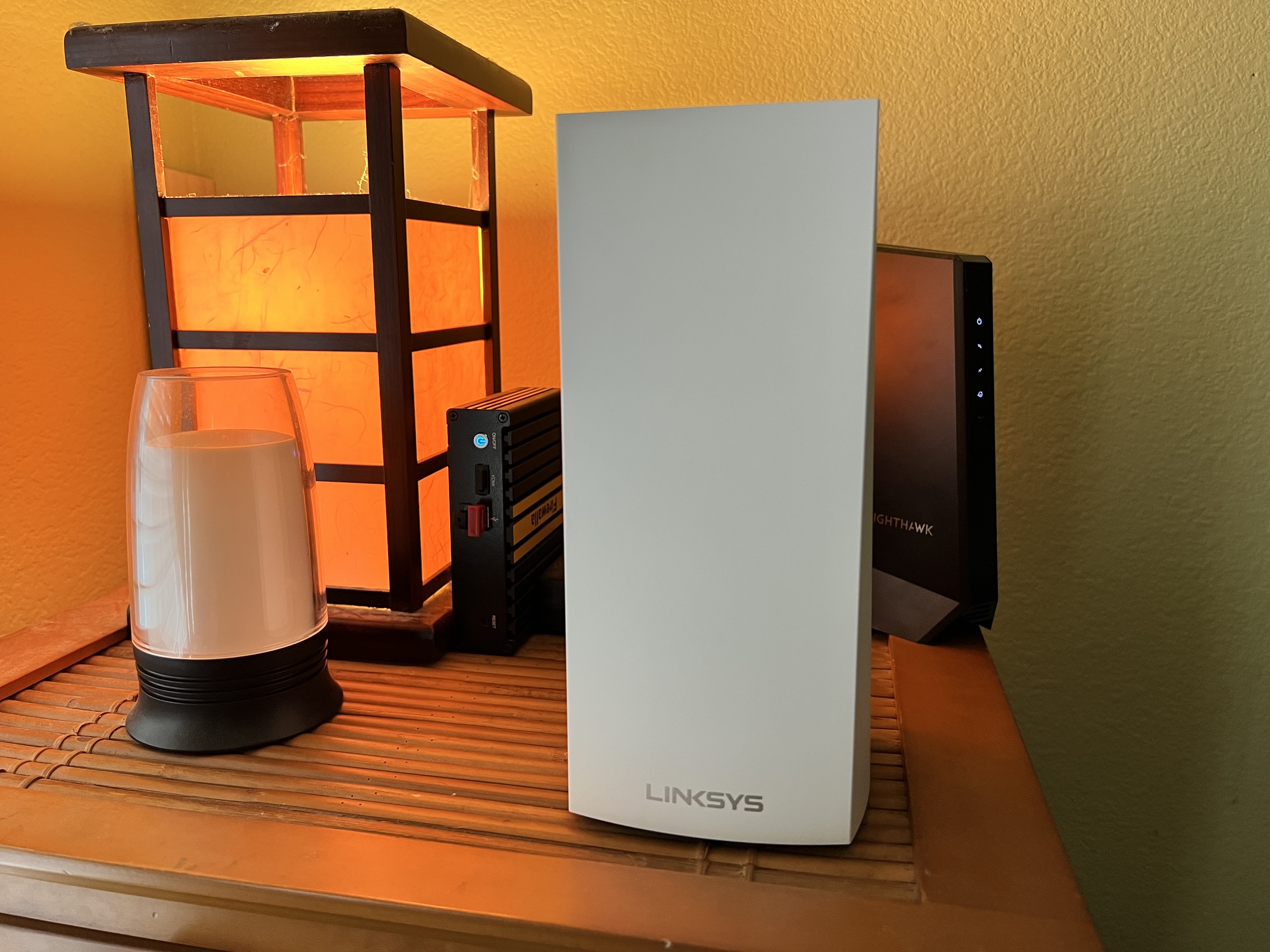
 Well let me tell you, I am new to all of this and trying to get a picture of my Firewalla is not going to sell...so it is a small white box, plugged into usb port running to my modem. I do not know anything about the configurations! All I know is that I love this little beast. I purchased it on kickstarted and would love to save up for a new one...perhaps gold would look fantastic?! I think it is is on simple? I just followed the instructions and have not really messed with it too much. What I do know is that it is more than a network protector it is a marriage saver too!!! It works great to disable game playing or netflix on my husband when I want a cuddle or some attention. It also works great for blocking certain items on youtube to make it safer browsing for the kids. I LOVE IT> When I figure out how to post a pic I will add it but until then visualize a beauty of a little box mixed up in a bunch of chaotic cords guarding our computers! THANKS FIREWALLA and crossing fingers to be picked for this amazing draw!
UPDATE...added a pic and take note the pride I have in this unit...Ive even kept the protective cover on it to keep it clean! Lol!
-

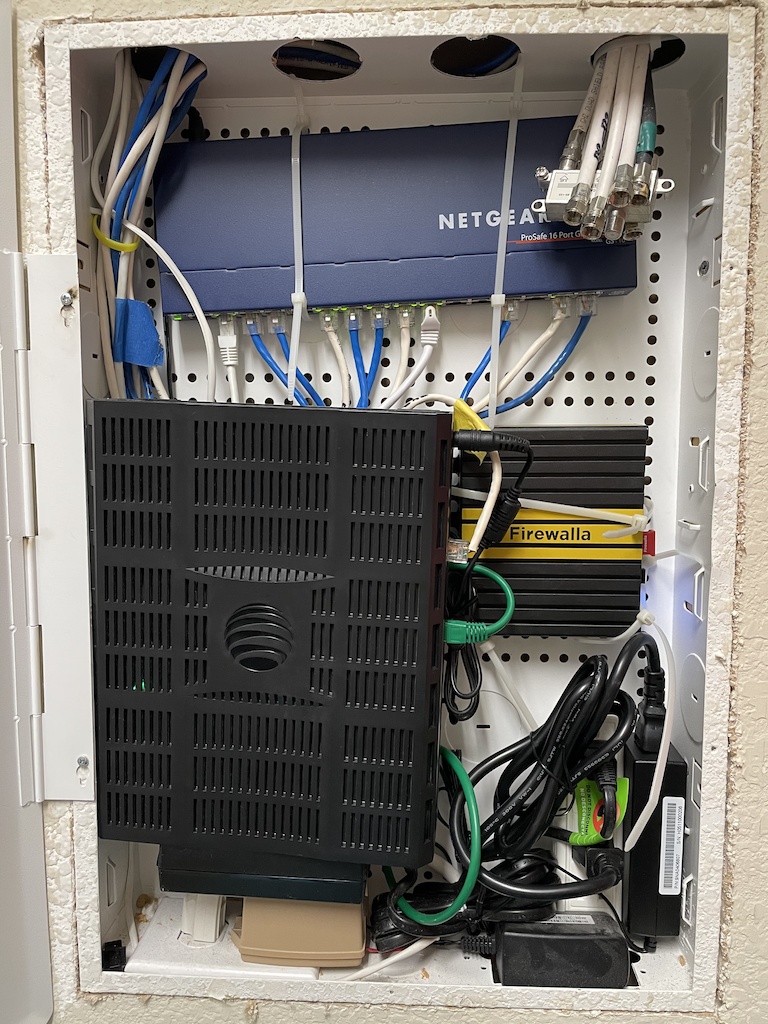
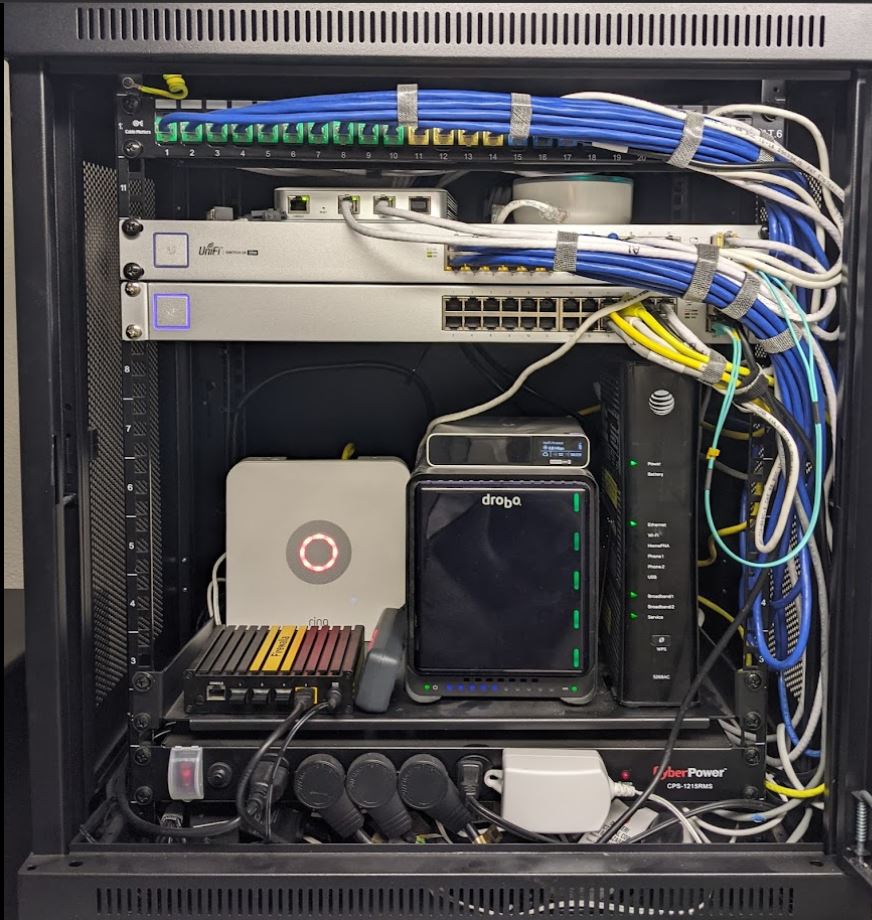
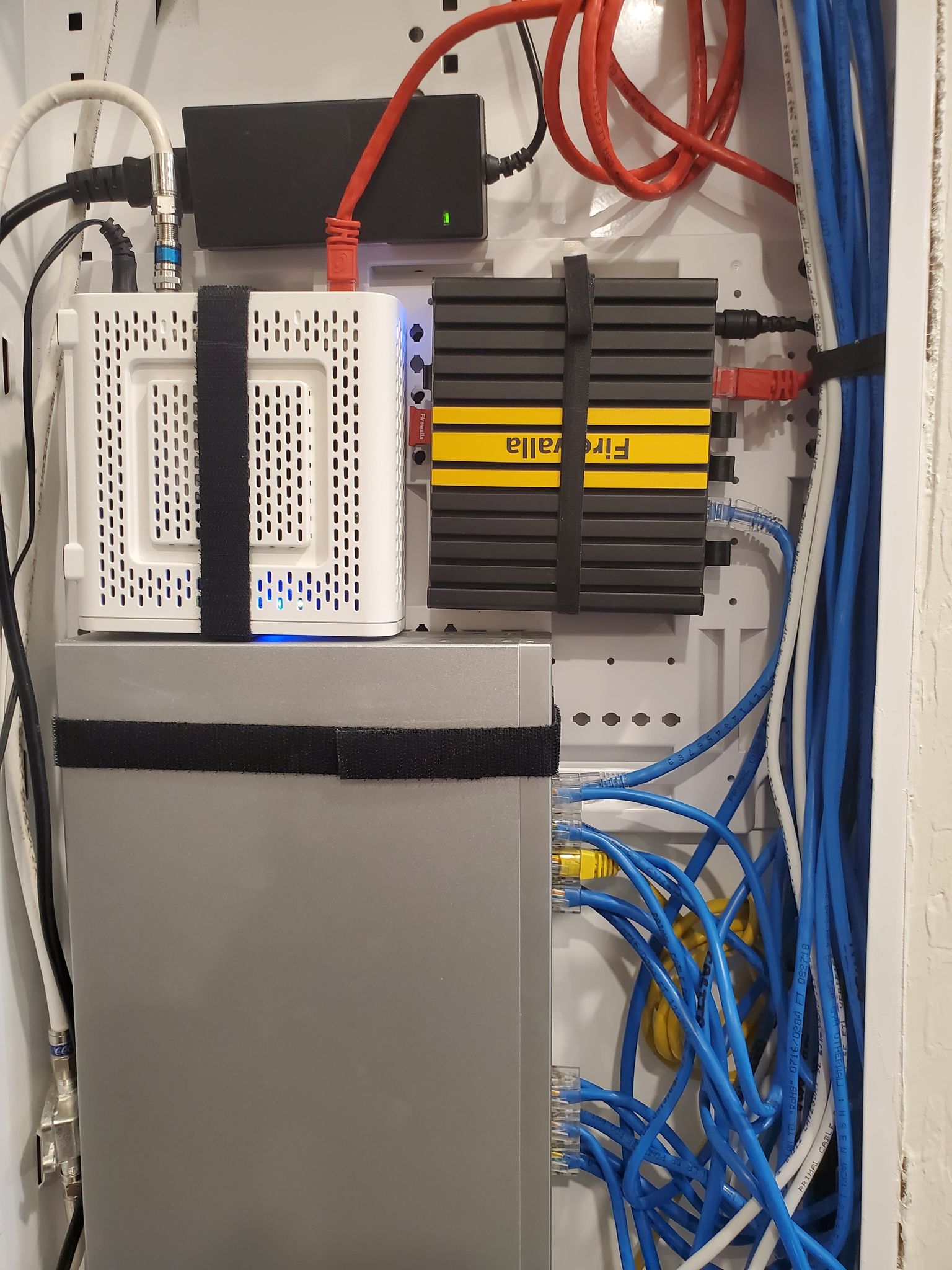
I have installed the Firewalla Gold appliance both in my home and Office and have both sites connected thru a VPN. The application is very good, intuitive and easy to use. One of my favorite function is the Quarantine, which immediately isolates any new device. It is fast and reliable. I have used them for many months now. In both locations, the appliances are set as Simple Mode. Thank you Firewalla Engineers for making such a good product.
Office picture (Firewalla Gold at the bottom)
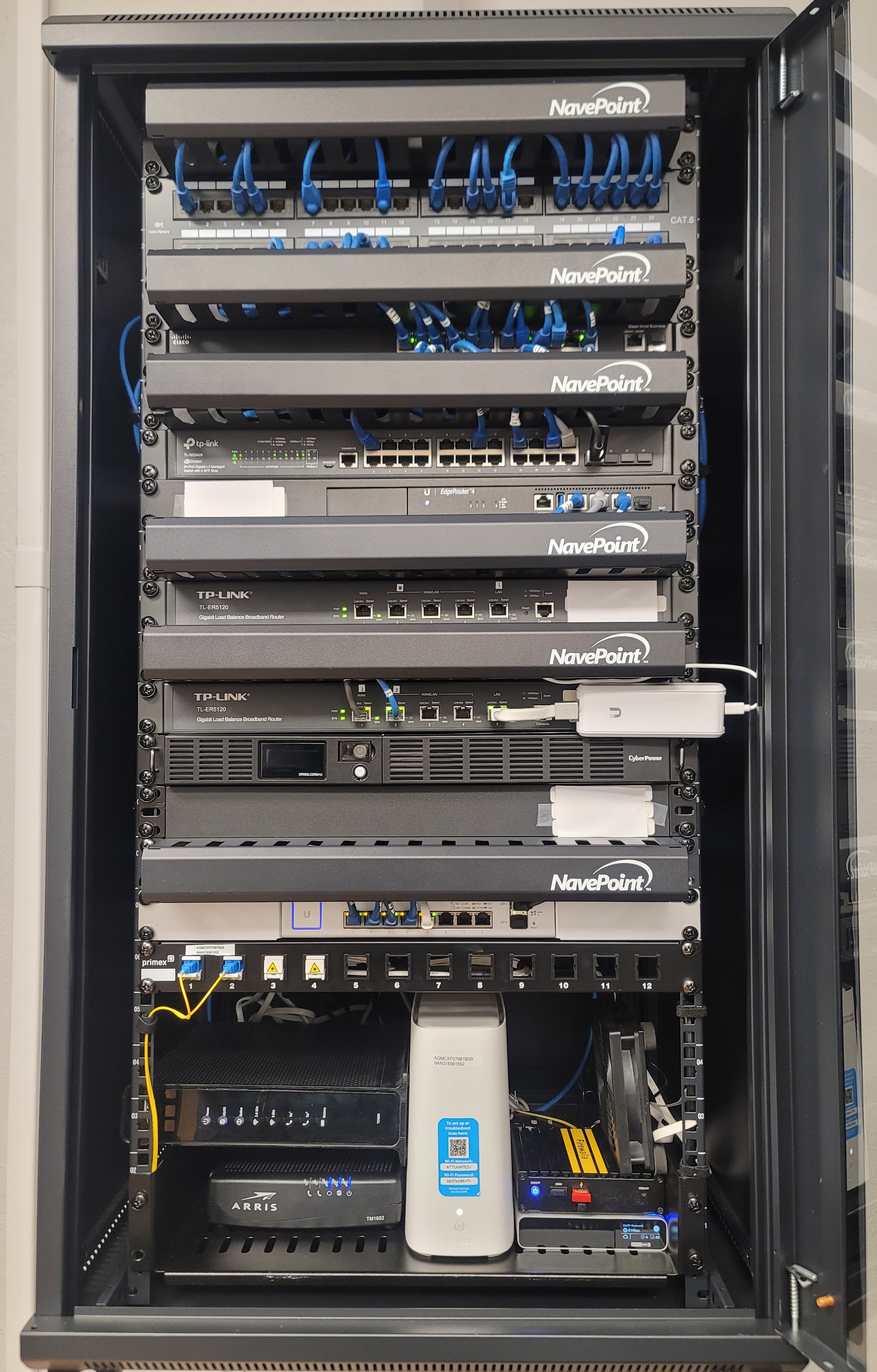
At Home: (Firewalla Gold at Top)

-


I'm a InfoSec engineer/PenTester and this is my ScriptKitty complaining that the Firewalla is too small to sleep on. It is very important for me to keep my work setup separate from my home network. I use the Firewalla Gold in router mode to segment all my work devices into it's own VLAN, the "work" ethernet port leads to a managed switch. The "home" port leads to another switch with some connected Orbi mesh devices setup in bridge mode. My WAN is Mr. Elon Musk's Starlink (due to the fact that I live in a secluded area).
The wire management is always a challenge, I'm constantly testing out new devices and fishing wires in and out of the area. -

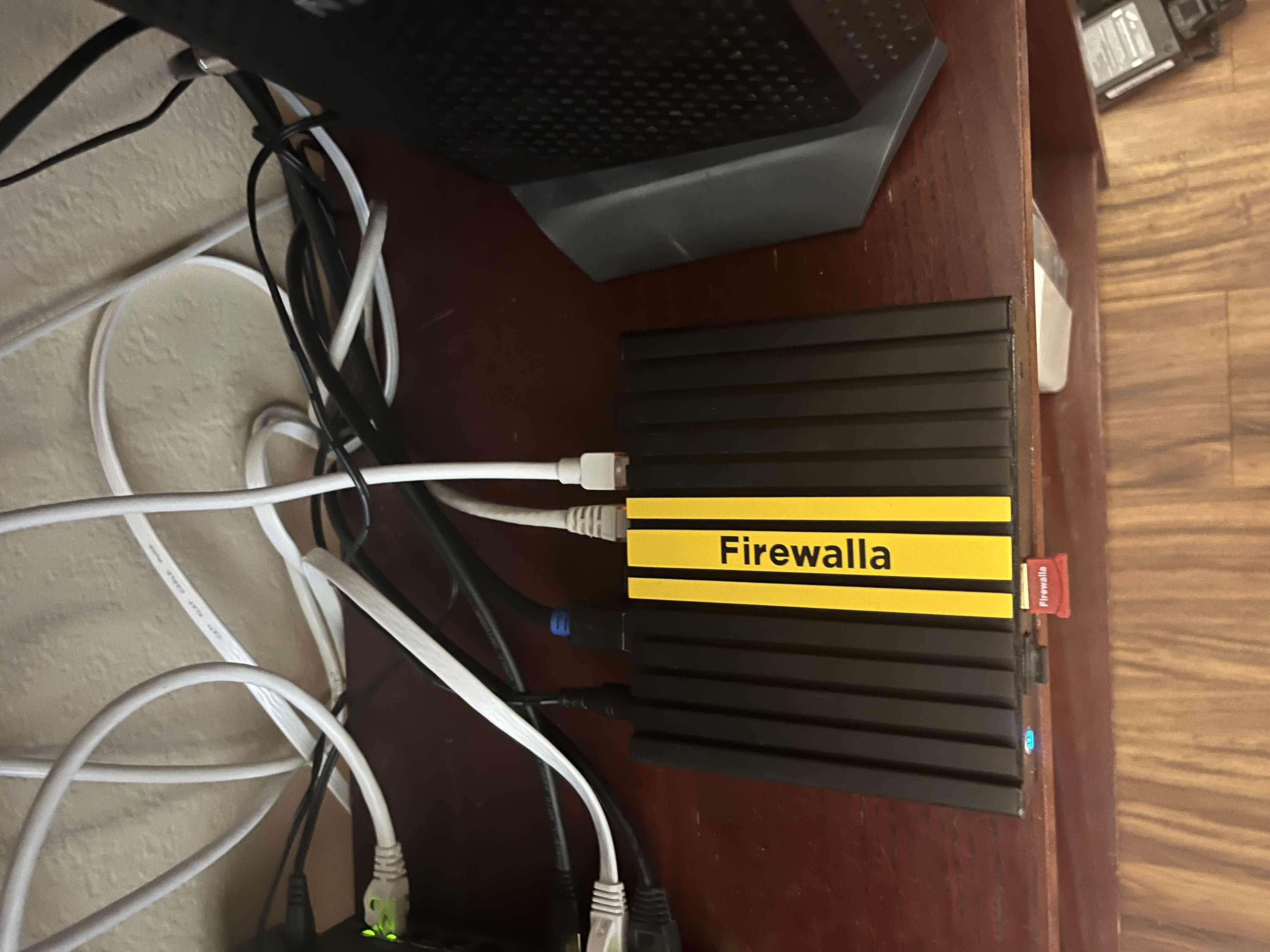
I'm running Gold in router mode. I have Xfinity 1gig line coming into Firewalla. I'm running Eero Pro 6 mesh in bridge mode. For Firewalla setup I have 1 port going to the Eero Pro 6 mesh "general" home network for typical devices. I have network segmentation setup for another port for my IoT devices. Those are connecting from Eero Pro mesh network setup. I also have Nord VPN setup for VPN client mode and I have my IoT devices connected to Nord, as well as some of my general network devices. I'm also using OpenVPN for VPN Server setup for when traveling or out of the house VPN. In total I have 55 devices running through the two networks setup on Firewalla.
-

Firewalla Blue Plus simple mode. Luck and Fortune was needed after a NAS ransomware attack two years ago. That's when I got my Firewalla. My network has been worry-free ever since. Simple network with 27 typical clients. I'm upgrading to 1gig service after my cats bring home the Gold!

-

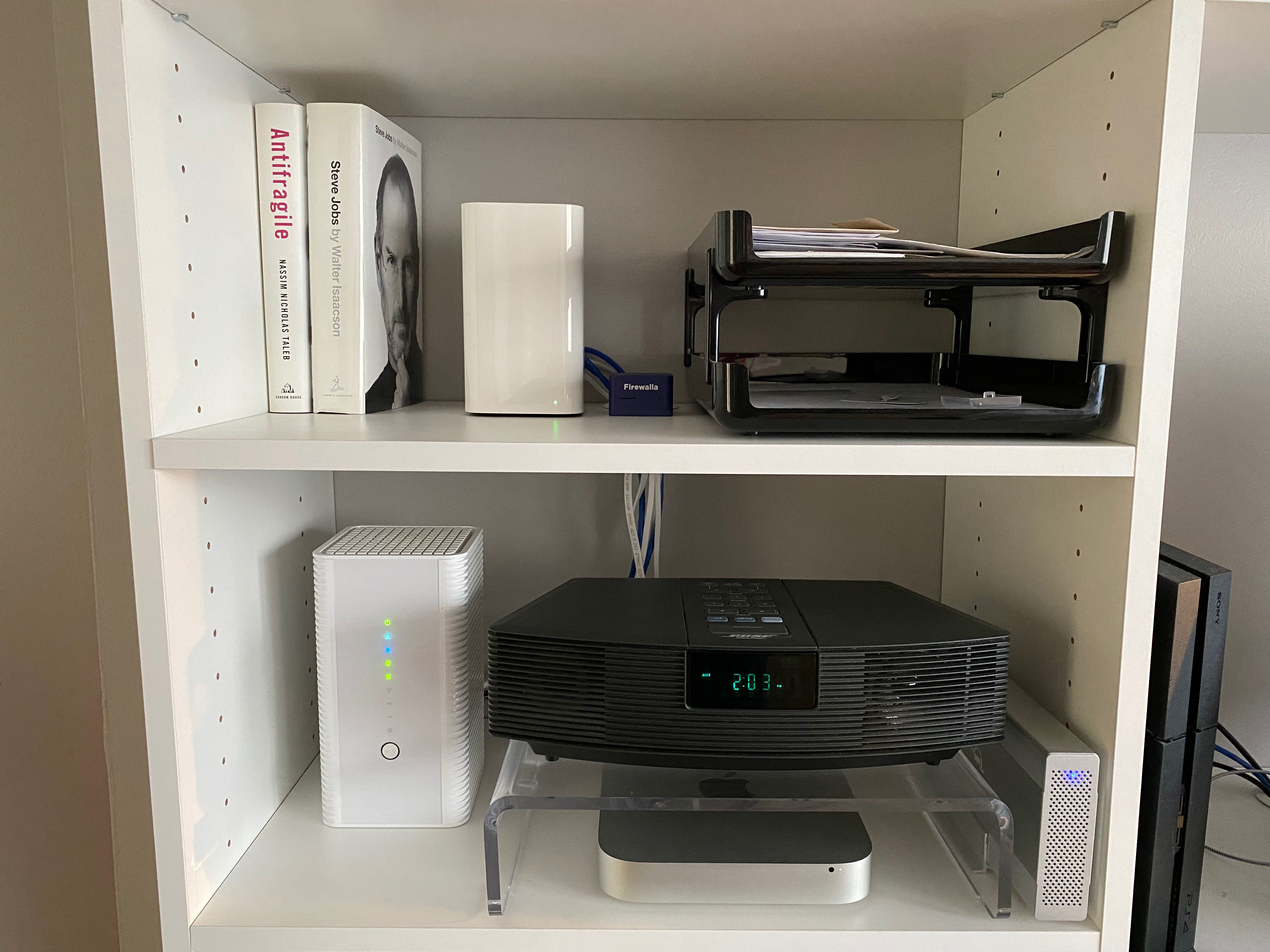
Firewalla Blue Plus operating in Simple mode, connected to an AirPort Time Capsule. The AirPort Time Capsule serves as the router, and the cable modem is in bridge mode. (Yes. I have trusted all my network security to Firewalla!) Completing out the picture are a late 2012 Mac mini - connected to an OWC Mercury Elite Pro external HDD, a Bose wave radio that acts as the speaker system, and a first generation PS4.
-

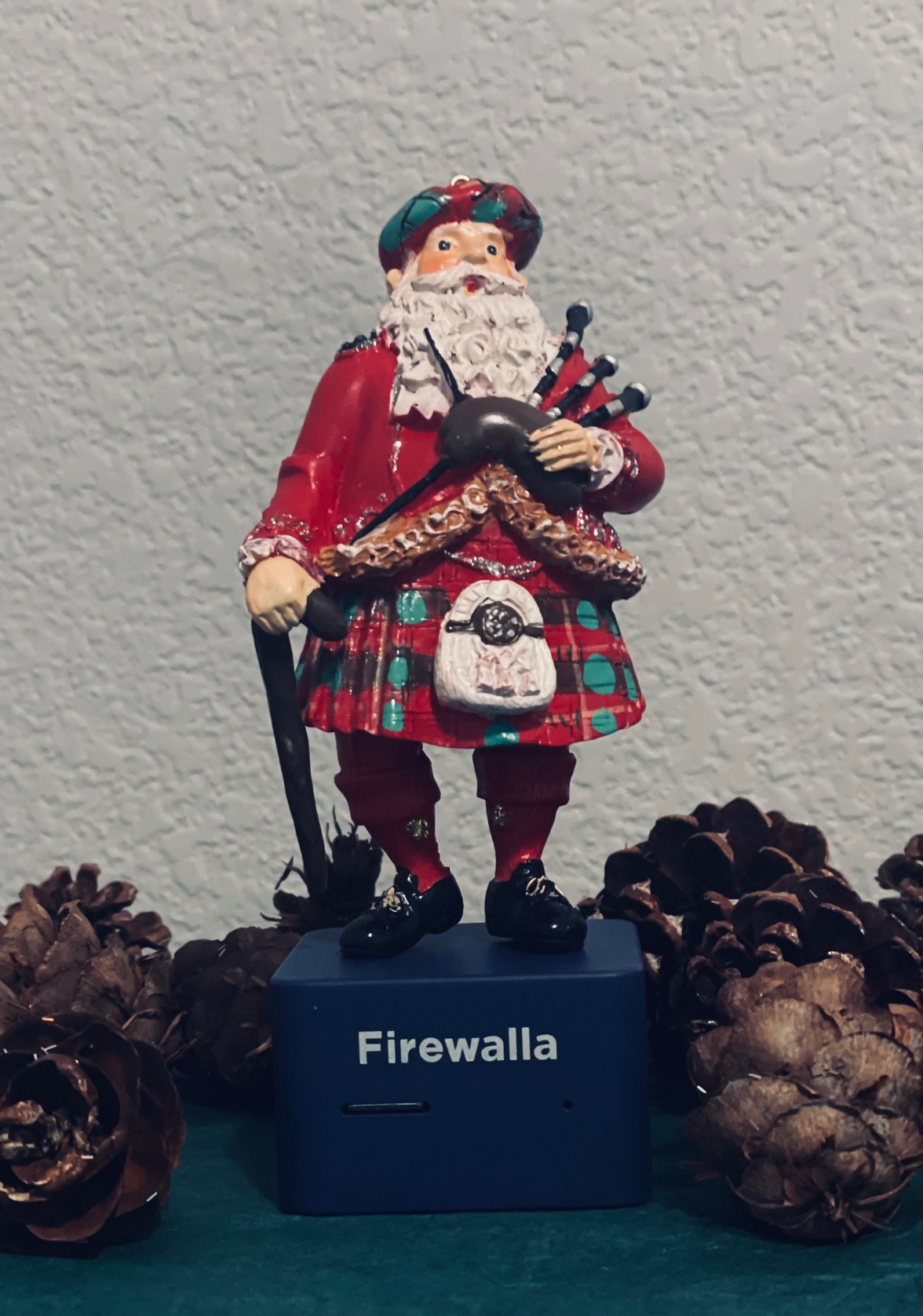
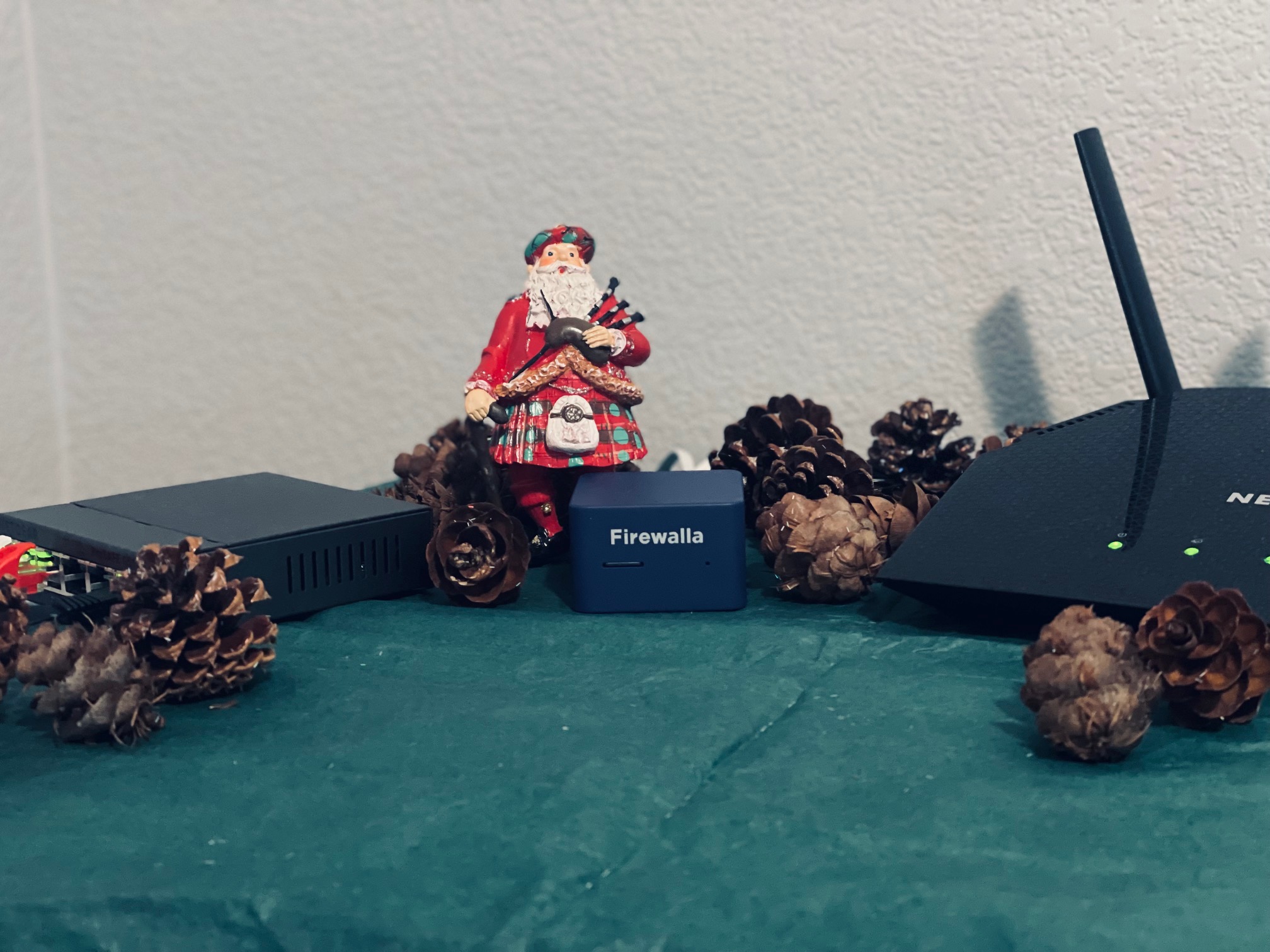
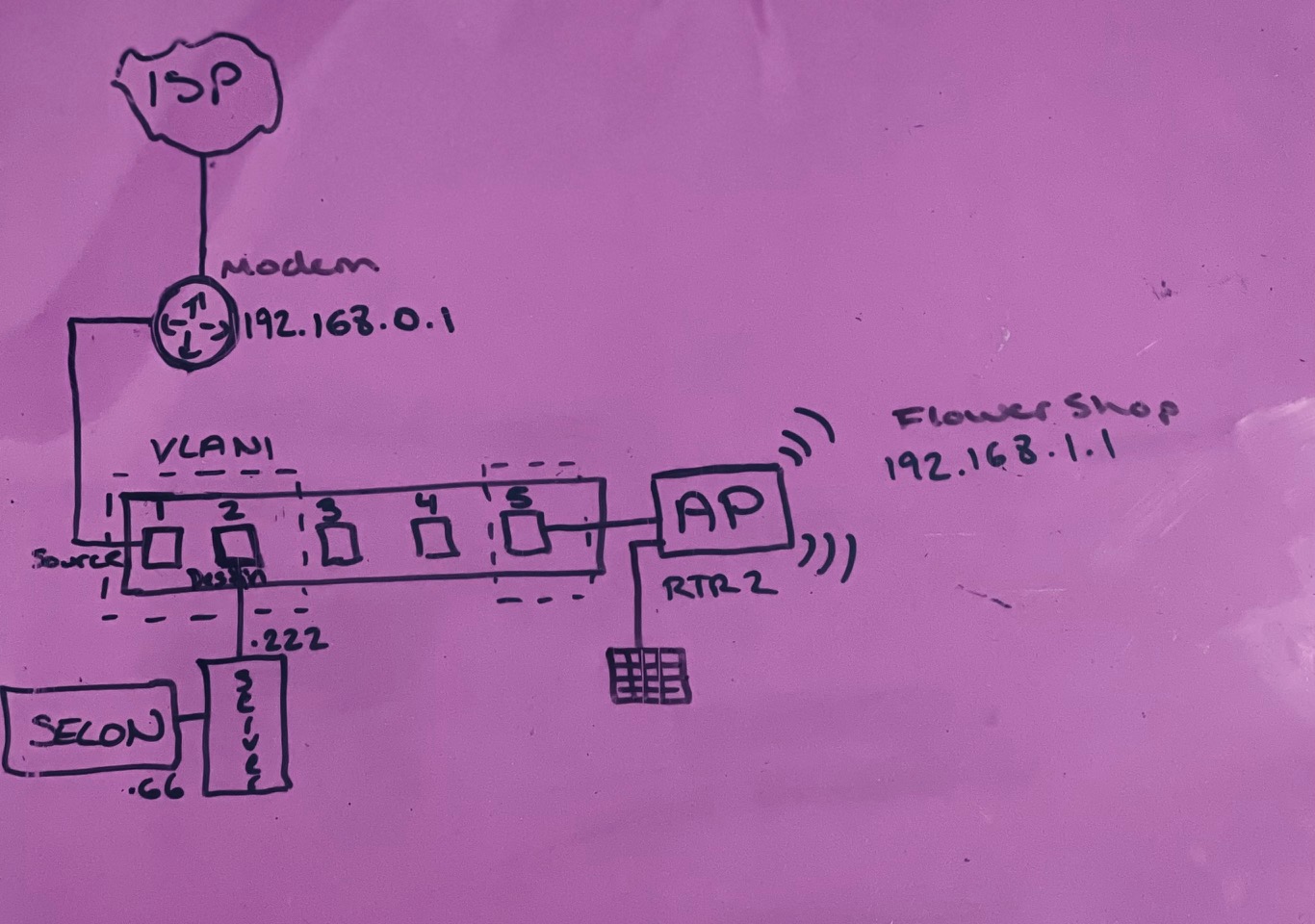
I have a Firewalla Blue in DHCP mode. My network is as follows ISP > Modem > Netgear GS105E Switch > Firewalla Blue > Netgear Router. I have a Dell server connected to the switch with security onion logging traffic. I absolutely love my Firewalla. It has been the best choice for easily managing my children's internet activity. I'm hoping to upgrade soon. <3









Please sign in to leave a comment.
Comments
165 comments