CRC Errors indicative of bad switch?

I am no where near being a network expert, so please be gentle. For a few months now, we have had a spotty network, both hard wired and wireless. Works fine until it doesn't, and when it doesn't, it is painfully slow. I have a GS308E Netgear gig switch that has some reporting. I reciently noticed we have some CRC Error Packets and I am wondering if this proves anything for my network issues. See snapshot below:

So, now that I have documented CRC errors on multiple ports, does that help with diagnosis? Does this mean the switch is bad? Or is this a fiber internet issue? I was thinking bad cable, but nearly all the ports have errors, which confuses me. Here is my network tree:
Fiber modem (500/500) - This is only a modem, not a router. Fiber port, ethernet port, and telephone port
|
Firewalla Purple (DHCP Host)
|
Netgear GS308E 8 port switch
|
- input
- Mesh AP network (linksys MX4000)
- Unmanaged 8 port switch
- Unmanaged 8 port switch
- empty
- empty
- NAS
- Security Cams
There are more devices, but just wanted to show the top section I am working on. All cabled with CAT6 shielded cable for the most part. Any help is greatly appreciated. I am attaching some setting screenshots from the GS308E if that maybe helps.
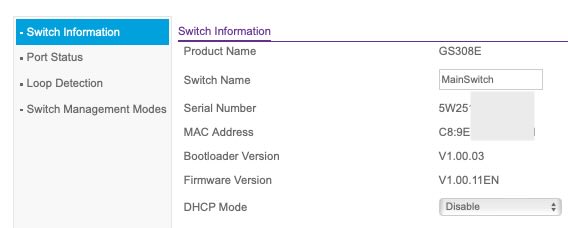
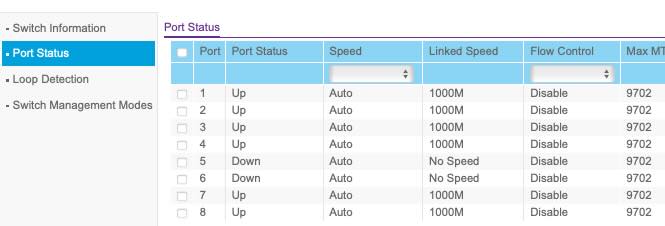

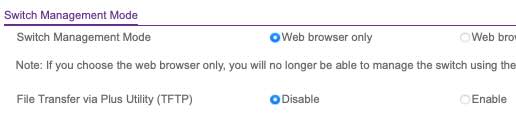
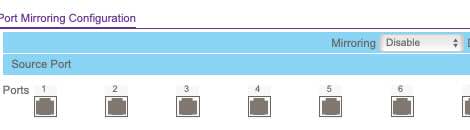
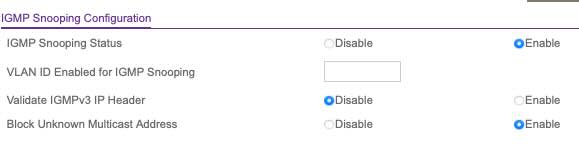


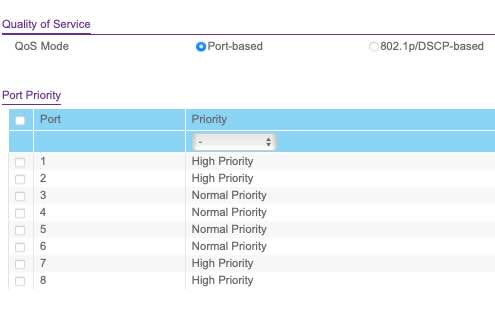
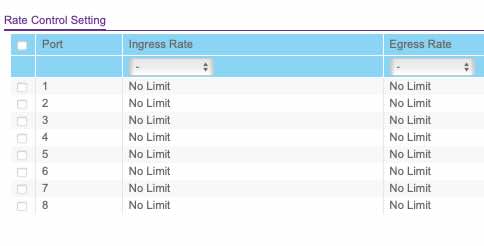
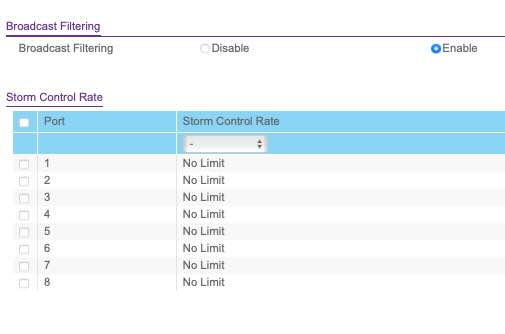
-
CRC errors can be from so many things
That is what I was afraid of. The problem is, our network at times gets so stuck/slow that it disrupts our small business, especially the security cameras. I am going to run some new cable to try and remove some of the hops to see if anything improves. This has been an ongoing pain for a few months now and it is only getting more frequent. I have 2 last questions:
1. With almost all the used ports reporting errors, could this mean it can be an issue with the cable coming into the switch? Or even the cable coming from the modem or firewalla? Just trying to narrow down my possible variables.
2. I am thinking of replacing this 8 port switch with a Ubiquiti Pro Max 16-Port switch so I can get a little more reporting and flexibility. I have never used one before but would this be a worthy $280 upgrade to get more information on the network and what might be the issue?

Please sign in to leave a comment.
Comments
3 comments