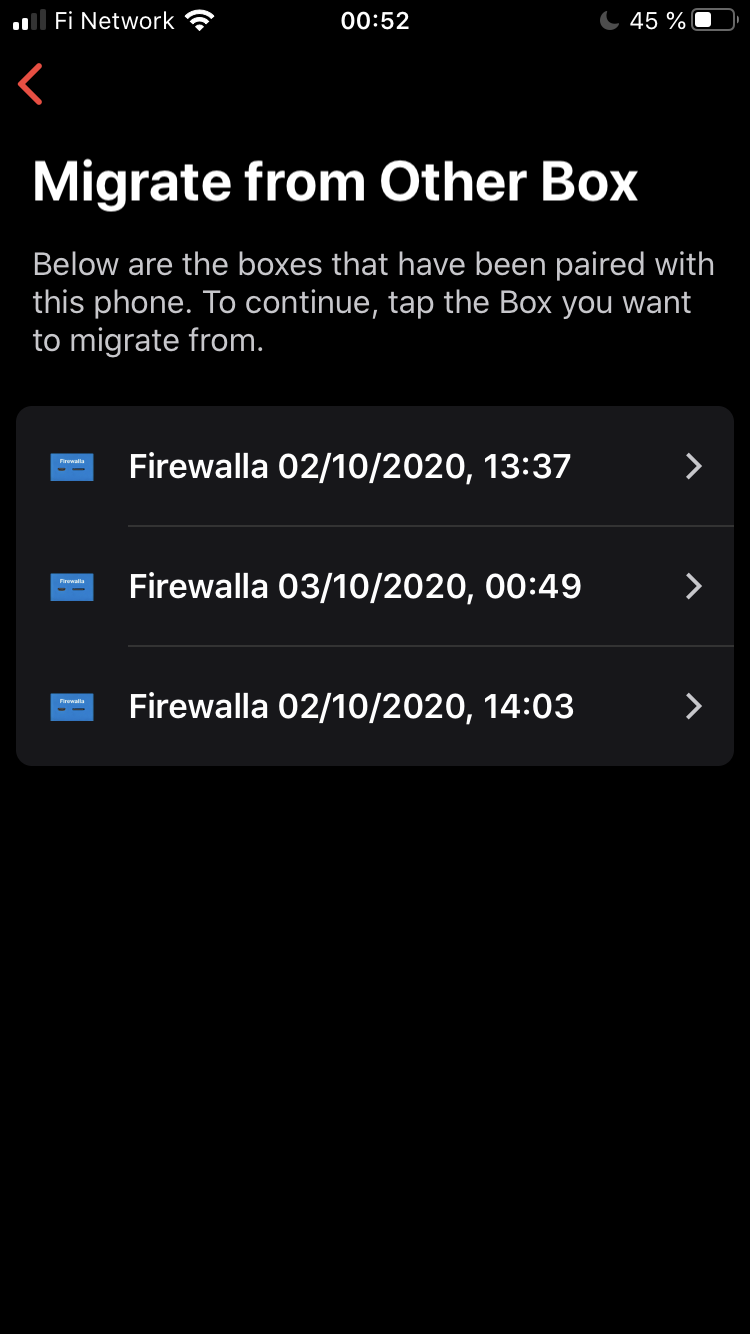
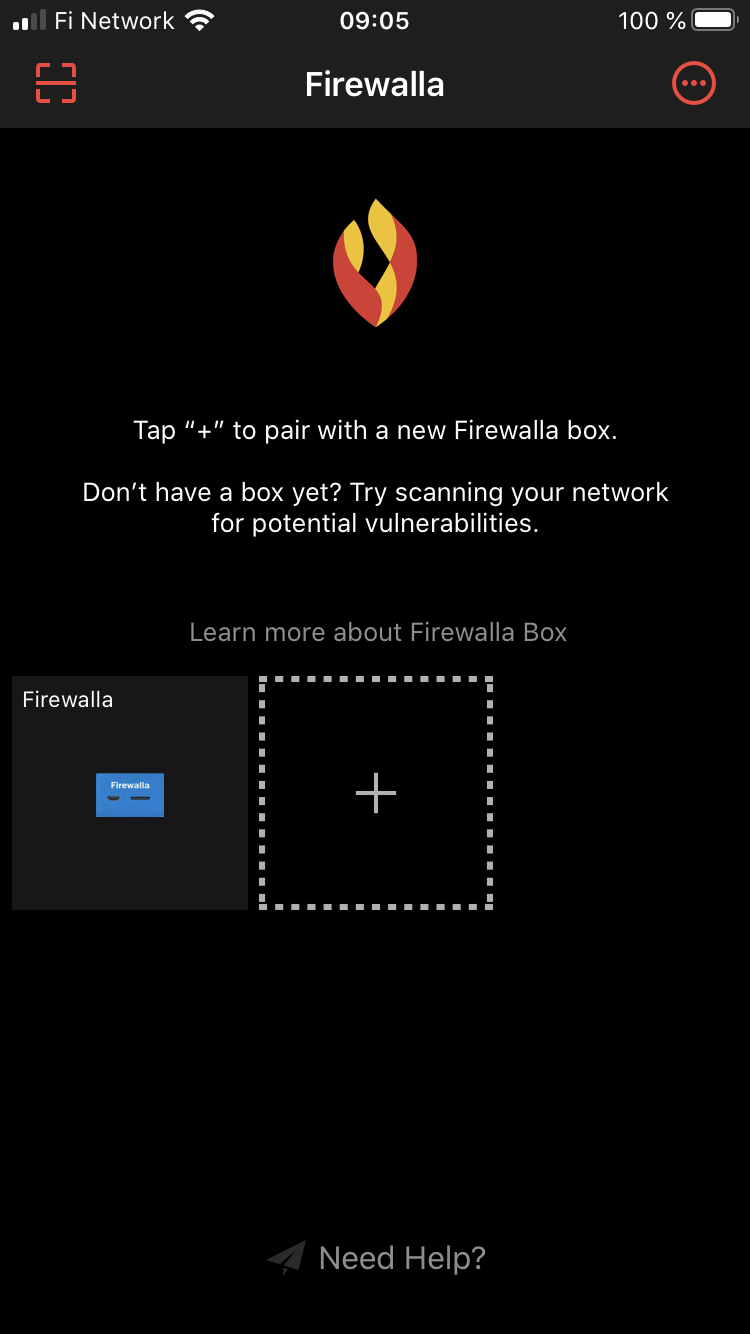
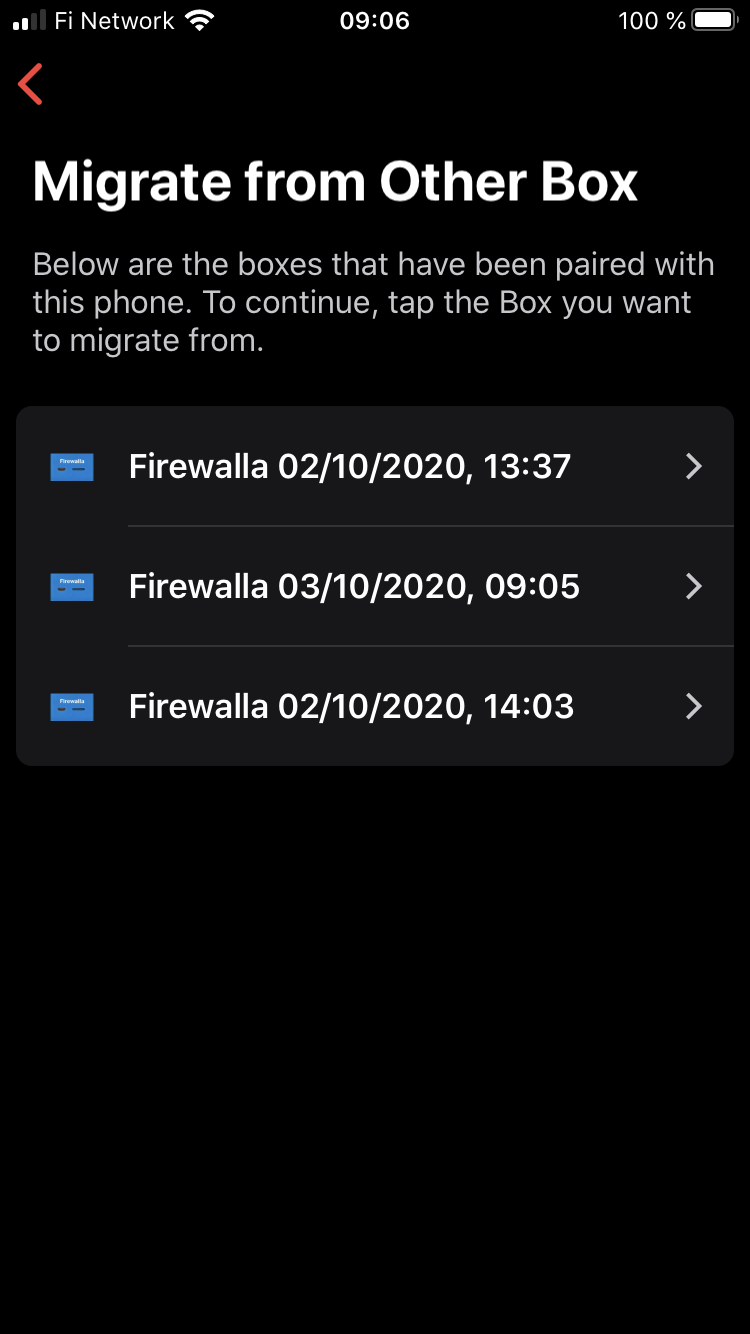
Several boxes... can be removed?

Comments

4 comments

  • Avatar
    Support

    Launch the app, and then at the main screen, tap and hold the firewalla box that's not paired, and choose "unpair this box" to remove it from your app

    0
    Comment actions Permalink
  • Avatar
    AzagraMac

    Only one box appears on the main screen, but then I get 3

    0
    Comment actions Permalink
  • Avatar
    Support Team

    It's a multiple snapshots of your single box data. It's an app display bug, will be fixed in new release 1.40.

    1
    Comment actions Permalink
  • Avatar
    AzagraMac

    Ah, ok. Thank you very much.

    We are waiting for the 1.40 version of the App

    0
    Comment actions Permalink

Please sign in to leave a comment.