Same VLAN different Firewalla Ports

I have noticed that if the same VLAN is connected to 2 ports on the Firewalla Gold, no multicast requests are forwarded via the FW. (Sonos are not found this way) It also requires a rule for the communication of the clients on port 3 that they can communicate in the same VLAN. That shouldn't be the case, should it?
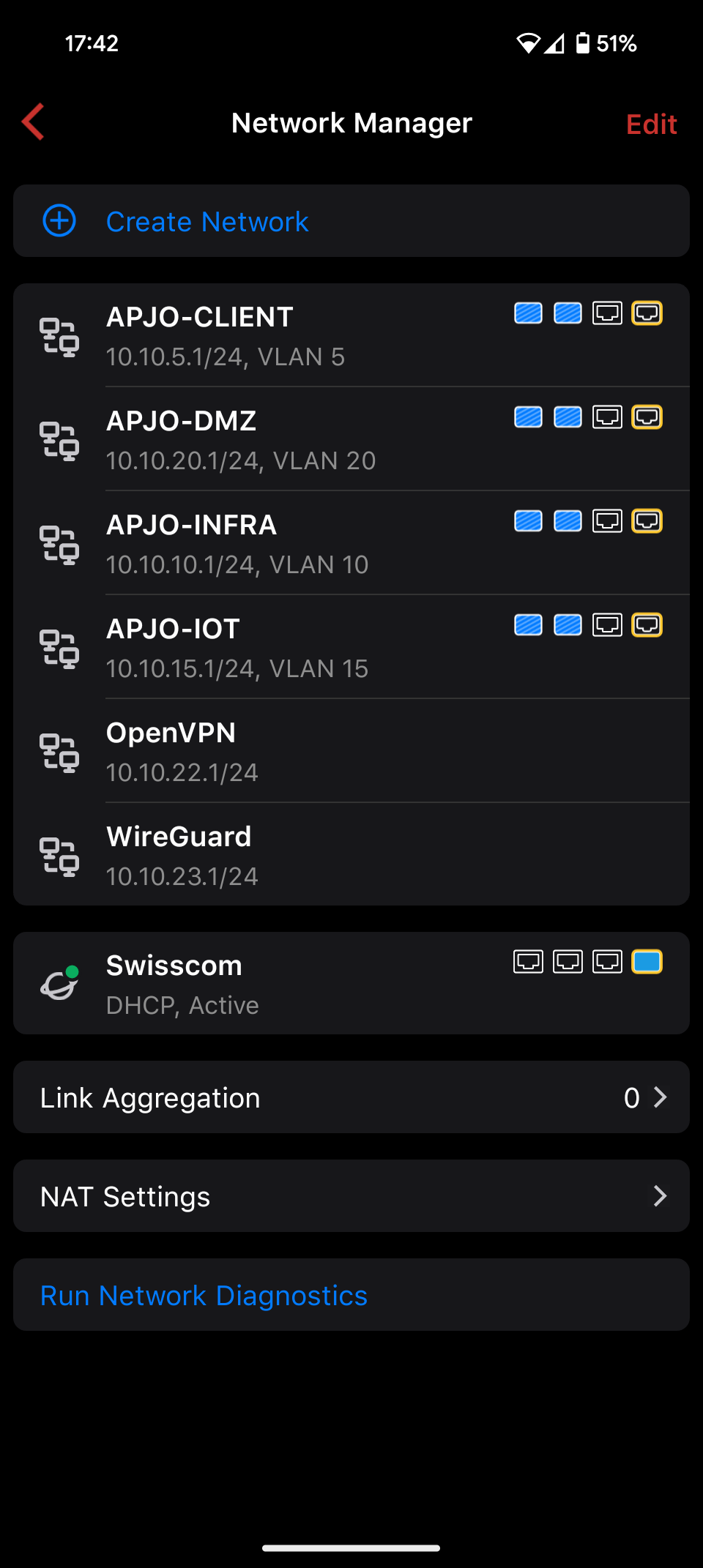
-
It doesn't matter.
On the one hand, Sonos are not recognized. On the other hand, it could not be printed. But if I create a rule that the printer can be accessed from the same VLAN, it works.Topography:
Port 1: Switch 01 (1 AP, several devices wifi and lan)
Port 2: switch 02 (2 AP, multiple devices wifi and lan)

Please sign in to leave a comment.
Comments
4 comments