Creating an IoT group which is isolated from rest of LAN

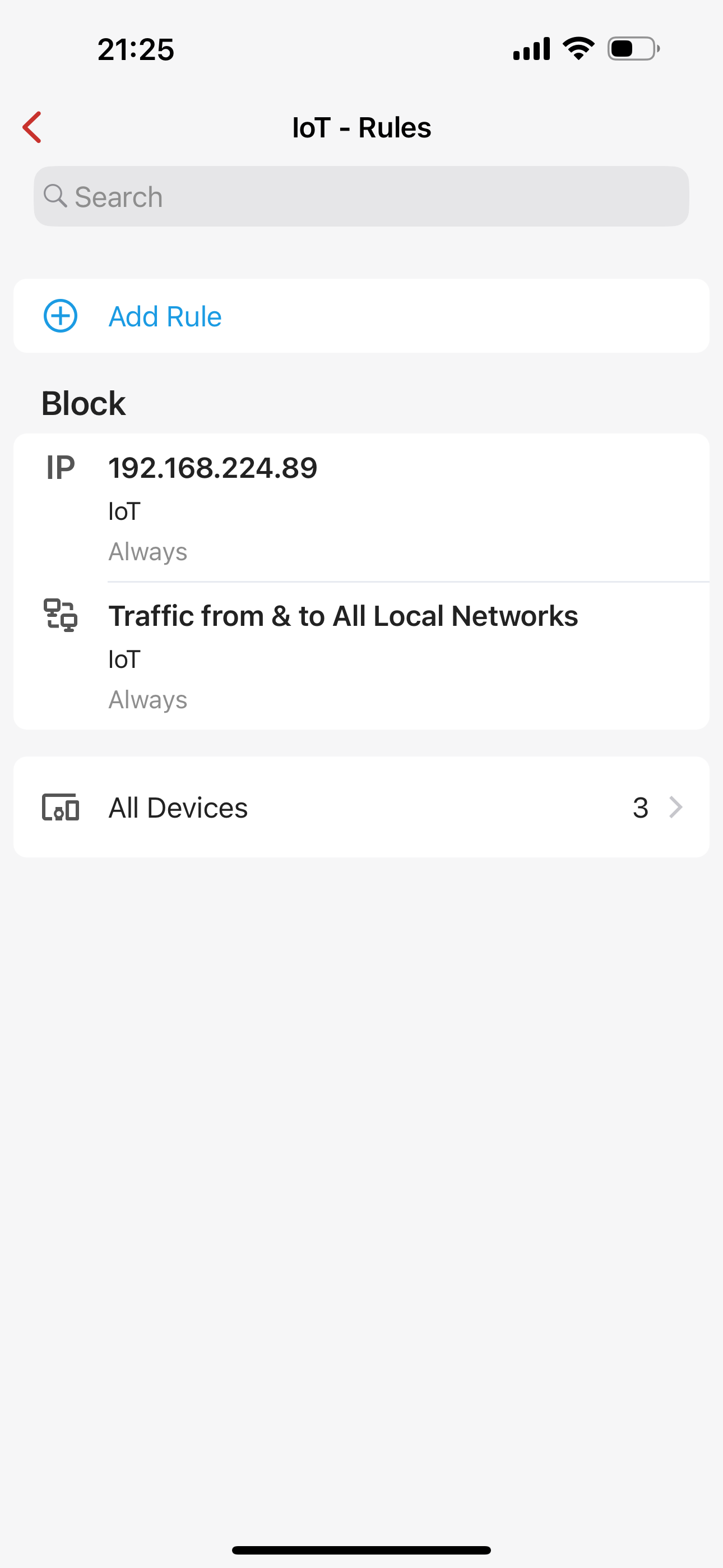
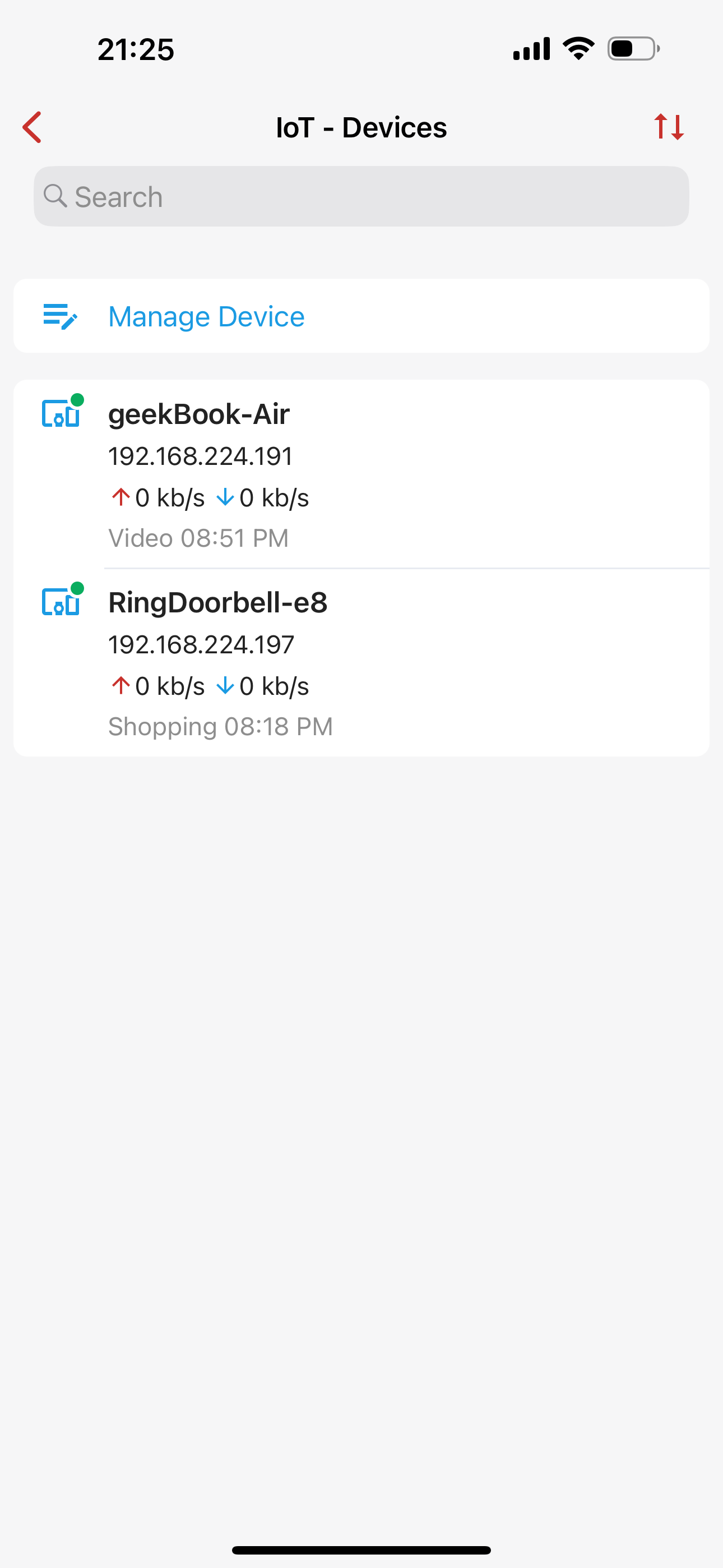
I have a single LAN on the Firewalla Gold. I created a group called IOT and added my laptop and a Ring Doorbell.
The configuration is simple, Ethernet WAN into the Firewalla, and a LAN out to my WiFi access point in bridge mode. The Firewalla is in Router mode.
I created two rules:
Block Traffic from & to All Local Networks
and
Block IP 192.168.224.89
I tested the following from my laptop geekBook-Air to see if the rules work.
- Printed to a networked printer, and it was successful. Result: Printed Successfully
- Pinged 192.168.224.89 Result: Received a ping response.
-

If you want to block LAN access between devices, you will need to use network segmentation to do it. "Groups" are mainly used to control network layer access to the internet. More details on network segmentation here https://help.firewalla.com/hc/en-us/articles/4408644783123-Network-Segmentation
Please sign in to leave a comment.
Comments
1 comment