Turn off flow logging?

I'm brand new to Firewalla. I have a teenager and frankly, don't want to see what they're looking at on the web when I view the flows in the last 24 hours. Is there a way to turn off that logging?
I'm thinking about how Pi-Hole gives you an option to essentially turn off all logging but allows you to continue to block things.
-

You can turn monitor off;
tap on devices->[their device]->monitoring off
The Monitoring button is used to control whether the device is monitored by Firewalla or not. When turned off, no traffic to that device can be monitored, flows will not be recorded, and no connection can be blocked by Firewalla.
-

This would be an interesting feature... have all the "safety features" ON but exclude specific devices from the main flows screen/view... So keep network protected... apply all my rules... but don't show me what device X and/or Y etc are doing or any details of the data flows.
Something like Silent/Blind Protection.
Turning off monitoring is not a solution here I guess.
Could be related... Details on "What happens when Monitoring is off, or Emergency Access is on?":
-
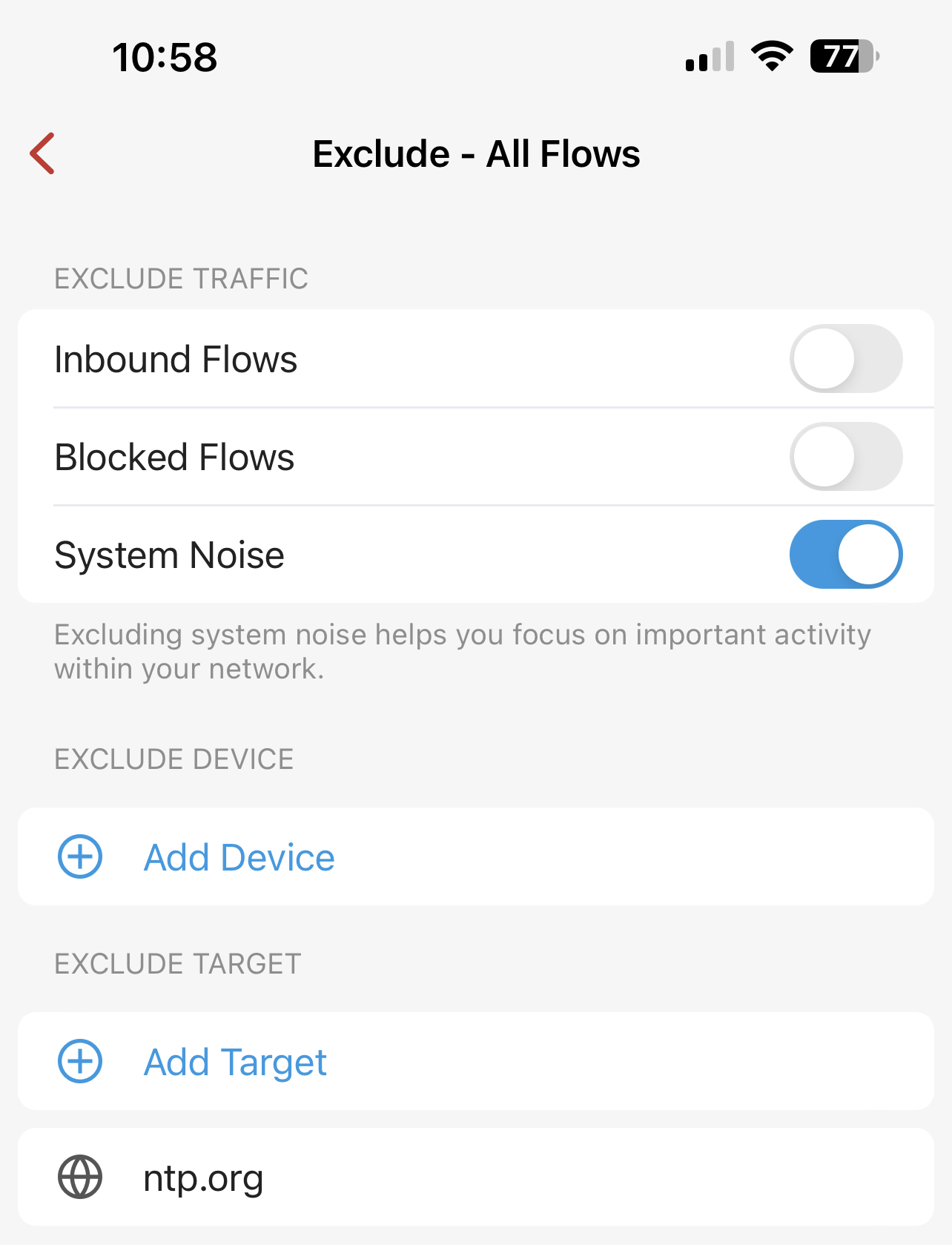
I think the way Pi-Hole handles this is great. You can adjust the levels of logging to see what's getting blocked, etc. Flip a toggle when you're having problems to see what's going on, flip it off when you're satisfied.
I agree, turning off monitoring is not ideal. There should be some level of granularity in determining what gets logged without compromising functionality.
-

Unfortunately, this update doesn’t solve the issue I think OP is asking for.
I am also interested in managing a network for others in my household, but want to give them their own privacy. I want to be able to hide all traffic logging for a vlan, but still have firewalla perform rules and blocking on it. I would expect logs to be less descriptive, ex “an egress request was blocked” instead of “an egress request to ‘website domain here’ was blocked’.
-

Hi @Zach @Todd W, i have put a request in at Feature Requests akin to Zachs comment above for a privacy mode on devices that protects privately. If you are interested please upvote there. https://help.firewalla.com/hc/en-us/community/posts/1500001208721/comments/54682572705043
-
This can only be done if you use the MSP (it has a proper login that's recoverable if anything went wrong). It has the "no-flow" seat (not expensive, $1 per month) that will allow you to manage but not "see" flows. (you still need a plan to drive it) https://help.firewalla.com/hc/en-us/articles/25037436951699-Firewalla-MSP-Managing-Seats#h_01HKTV8M5XXSKHSNWE90B07KZ3
-
The main issue is that we don't formally have a recoverable admin user on the phone side to provision these permissions. (A small business of less than 50 people probably doesn't need this.) So the function to limit permissions can only be done by an admin user via the MSP, which can safely do many things, because that account can be recovered.
This means, it is possible to have MSP manage the fine-grained controls, but we are unsure how many are requiring this type of granularity



Please sign in to leave a comment.
Comments
21 comments