Outgoing activity blocked, how to further investigate?

I regularly get 'device is accessing malicious site <some IP>' messages for my Ubuntu 20.04.2 LTS box. Obviously Firewalla is just looking at this from the outside, but I can't seem to find traces of this activity on the machine itself.
Now I wonder:
- What's so malicious about this particular activity? It would be really nice if Firewalla could tell why a certain IP is on its block list. This might give a hint as to the source of the call in question.
- I've not been able to catch the outgoing request that's being blocked, on the Ubuntu side. I must admit that I have more of a Windows than a Linux background. I found some suggestions on the web to use netstat or tcpdump, but neither have been able to show the communication Firewalla is catching. As such it's very hard to pinpoint exactly where these outgoing calls are coming from, any suggestions on how to approach this?
- If I had to guess I am most suspicious of my NodeRED docker container used for my home automation; some of the devices communicate with their manufacturer's cloud/servers and NodeRED would be communicating with those as well to work with the devices, however this would not necessarily be suspicious activity and blocking it could cause problems in my automation. I'm also not seeing those devices being blocked, but I could imagine that communication to run through NodeRED exclusively. I may also simply have made a wrong guess.
Thanks for any help and suggestions!
-

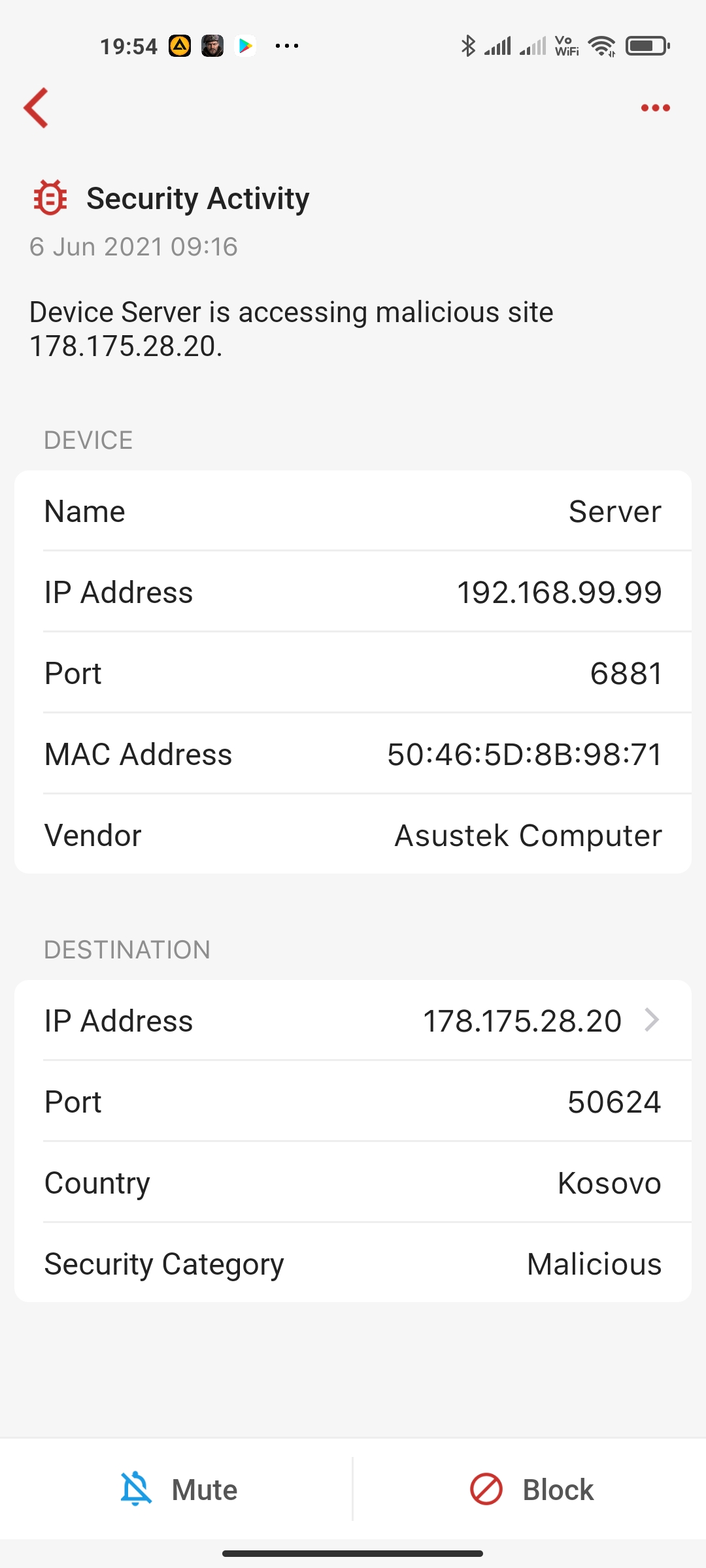
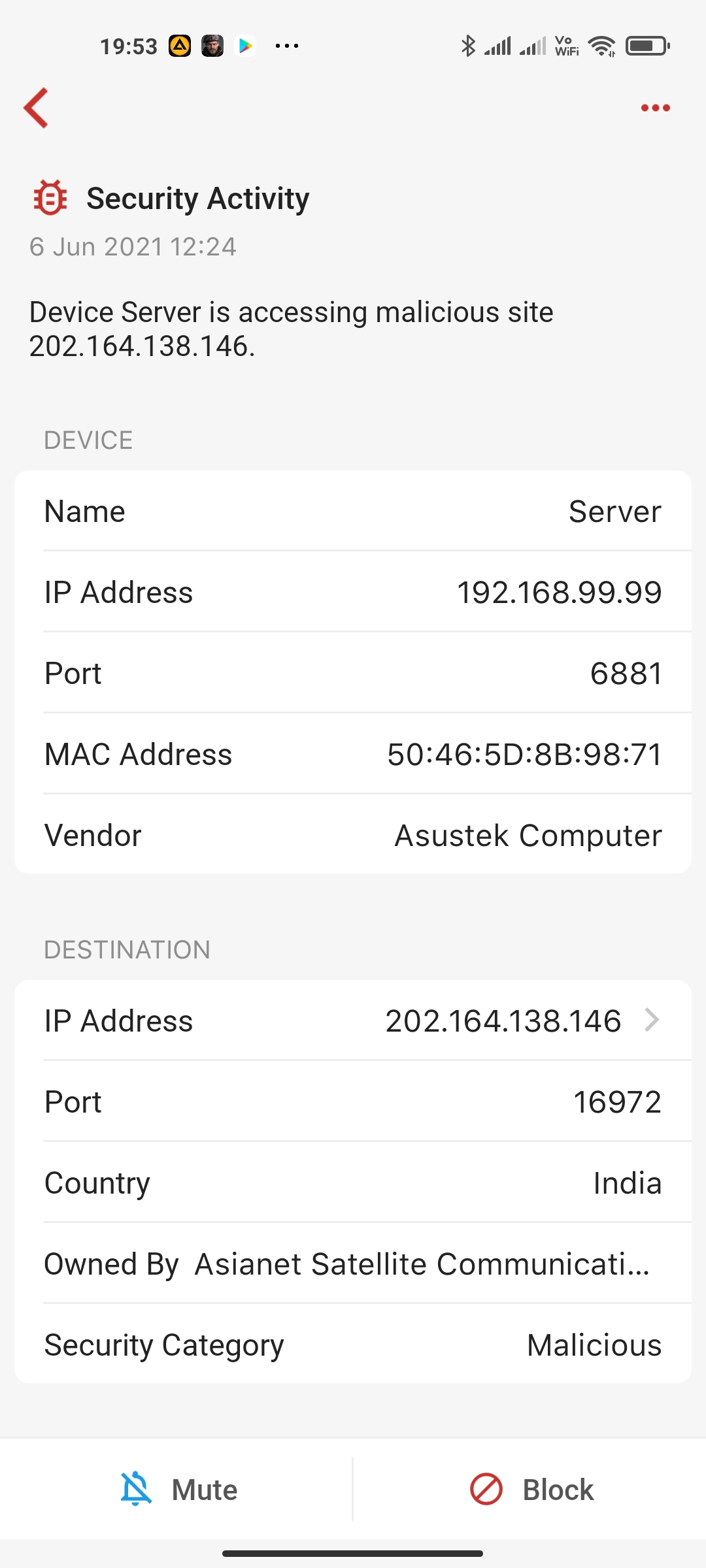
The first thing is always tapping into the alarm and see the details. There you will see where this IP is at, what protocol it is. Firewalla fires up the alarms based on the site's reputation. For example, one of the most common Linux malware alarms is related to NTP. (port 123)
NTP is a way for Linux (and many other things) to sync time. And due to how the protocol works, it will pool many servers (thousands). And at times, some of the IP addresses from these servers are with lower reputation scores. In this case, we just alarm, and you can just block it (or ignore it).
-
It was not actively doing anything with BitTorrent at this time, but yes, that sounds plausible for these warnings as indeed there is a bittorrent client on it and maybe it communicates even when inactive. I can't check if older warnings were on different ports, though I thought they were. I'll come back if/when I have examples on different ports.

Please sign in to leave a comment.
Comments
4 comments