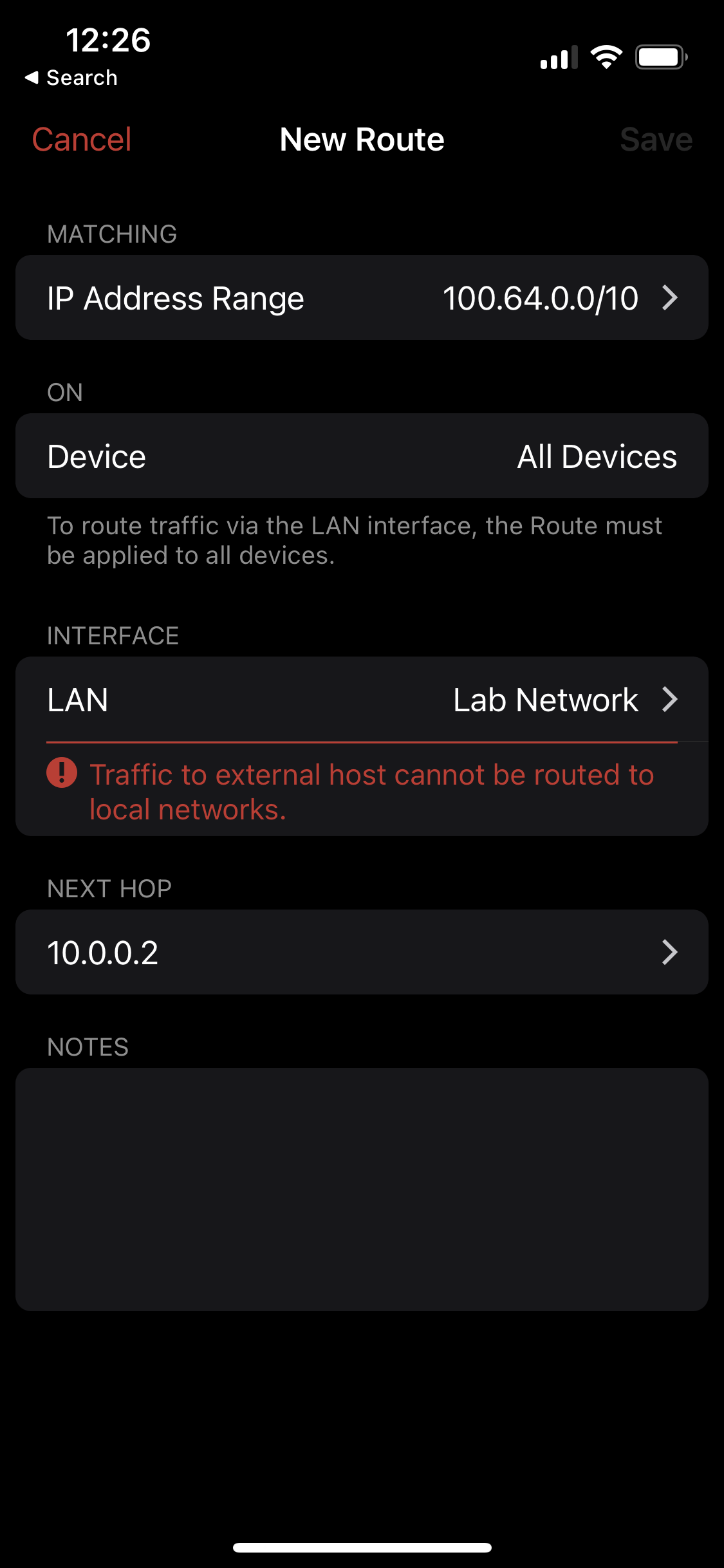
Unable to add a local route to LAN 100.64.0.0/10

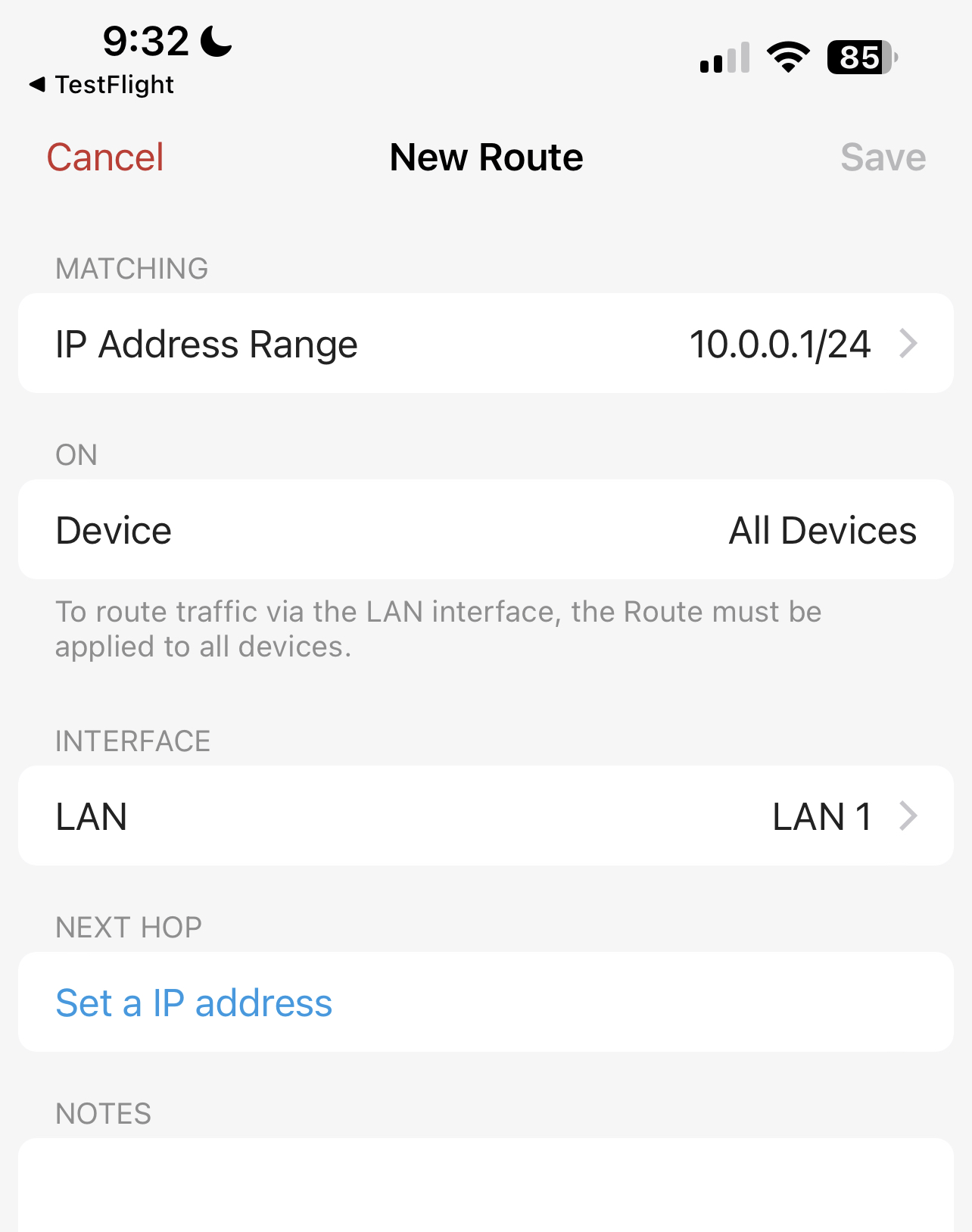
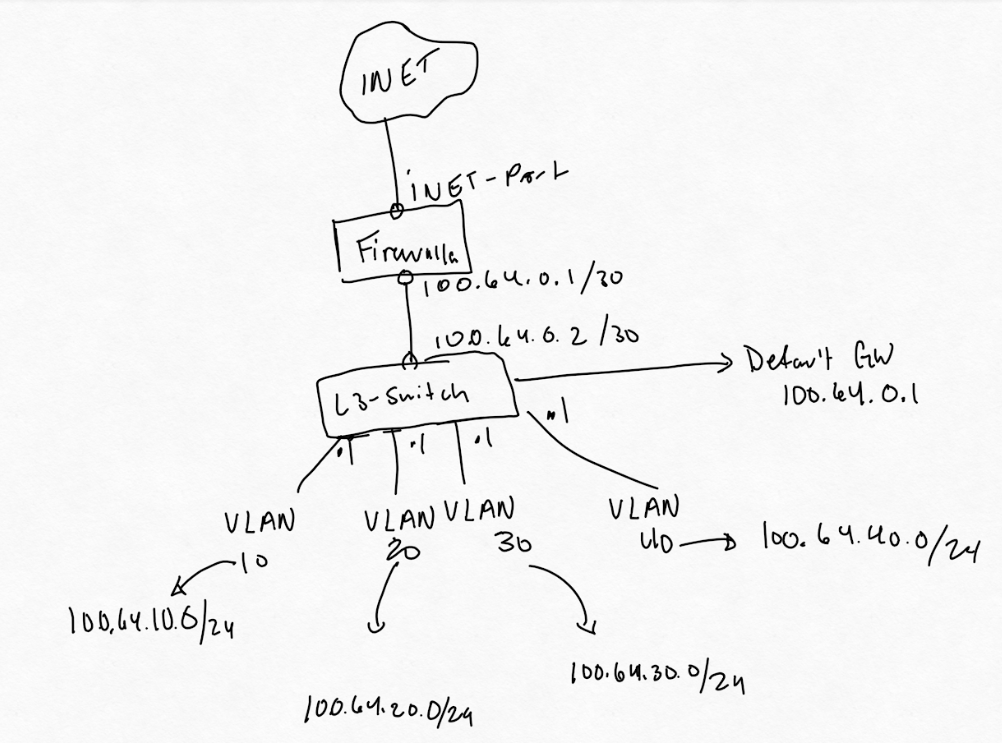
I am in networking and security field and find that RFC1918 addresses are used by clients. So to avoid this I started using 100.64.0.0/10 based on RFC6598. Prior to getting a firewalla I was able to add a route to my basic vyos router. Transitioning to my firewalla I found that it doesn't allow me to add the same route. so I had to re-IP my home lab network.
-

I am not a provider and I NAT my devices to my public address provided by my ISP. The thing about the shared address is it is not Routable like RFC 1918 addresses.
 Shared Address Space is similar to [RFC1918] private address space in
   that it is not globally routable address space and can be used by
   multiple pieces of equipment.
-
https://datatracker.ietf.org/doc/html/rfc6598
   This document requests the allocation of an IPv4 /10 address block to
   be used as Shared Address Space to accommodate the needs of Carrier-
   Grade NAT (CGN) devices.  It is anticipated that Service Providers
   will use this Shared Address Space to number the interfaces that
   connect CGN devices to Customer Premises Equipment (CPE).

   Shared Address Space is distinct from RFC 1918 private address space
   because it is intended for use on Service Provider networks.
   However, it may be used in a manner similar to RFC 1918 private
   address space on routing equipment that is able to do address
   translation across router interfaces when the addresses are identical
   on two different interfaces.  Details are provided in the text of
   this document.

Please sign in to leave a comment.
Comments
9 comments