Purple won't obtain IP from cable modem, laptop connected to modem will

Can't figure this out. It's almost like the firewalla can't grab the ISP's address via DHCP but two laptops I have on me will. Purple shows blinking red status light.
Not sure what to try
EDIT: I run network diagnostics and the "Ethernet Port (WAN)" says "connected" but "Obtain IP address" fails
-
I have retrieved the Purple from the other location. I've added it to my network here (home) and it does the same thing. It blinks red.
I can get the Diagnostics to run and I get this:
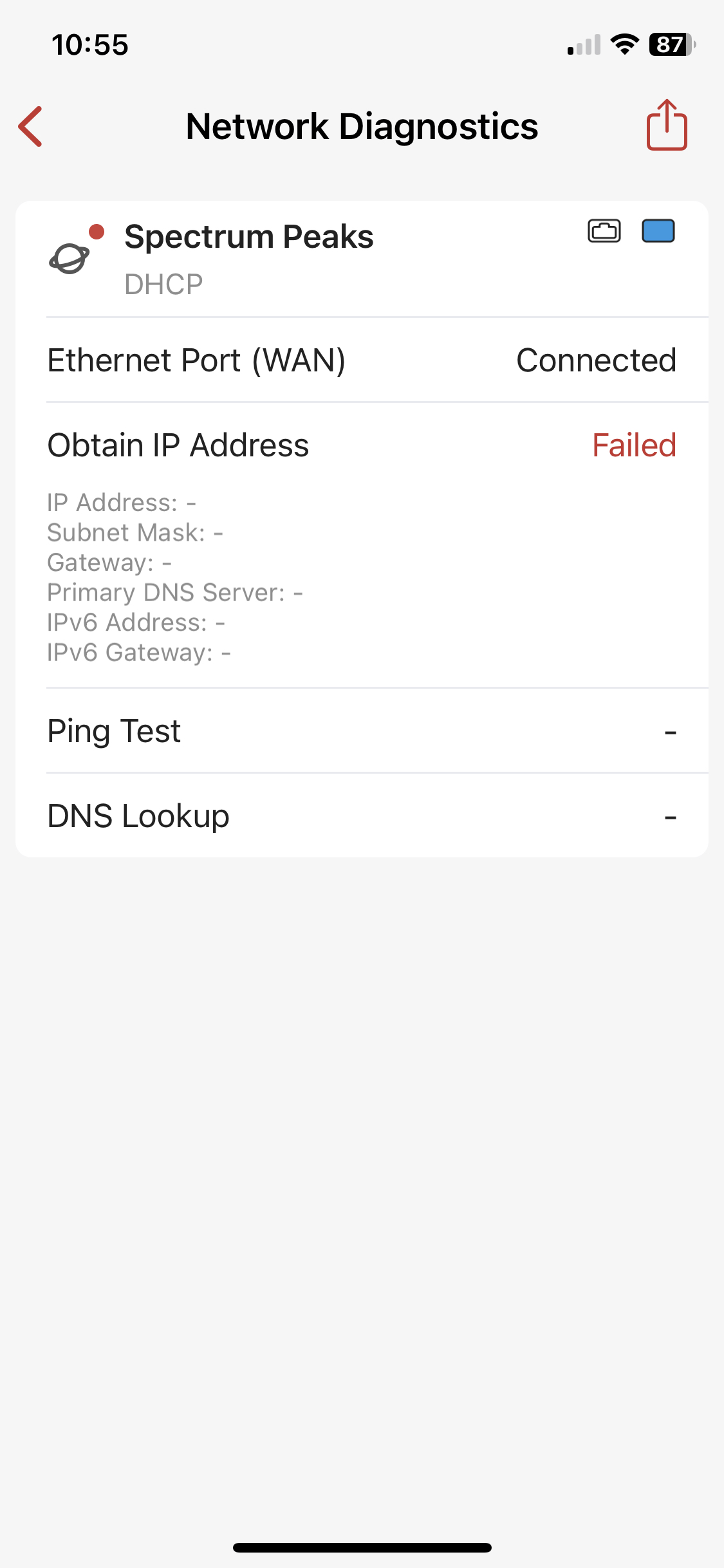
Just to be complete: this Purple is on my home network which is manage by a FWG. The cable used is the same cable that works fine with a laptop.
-
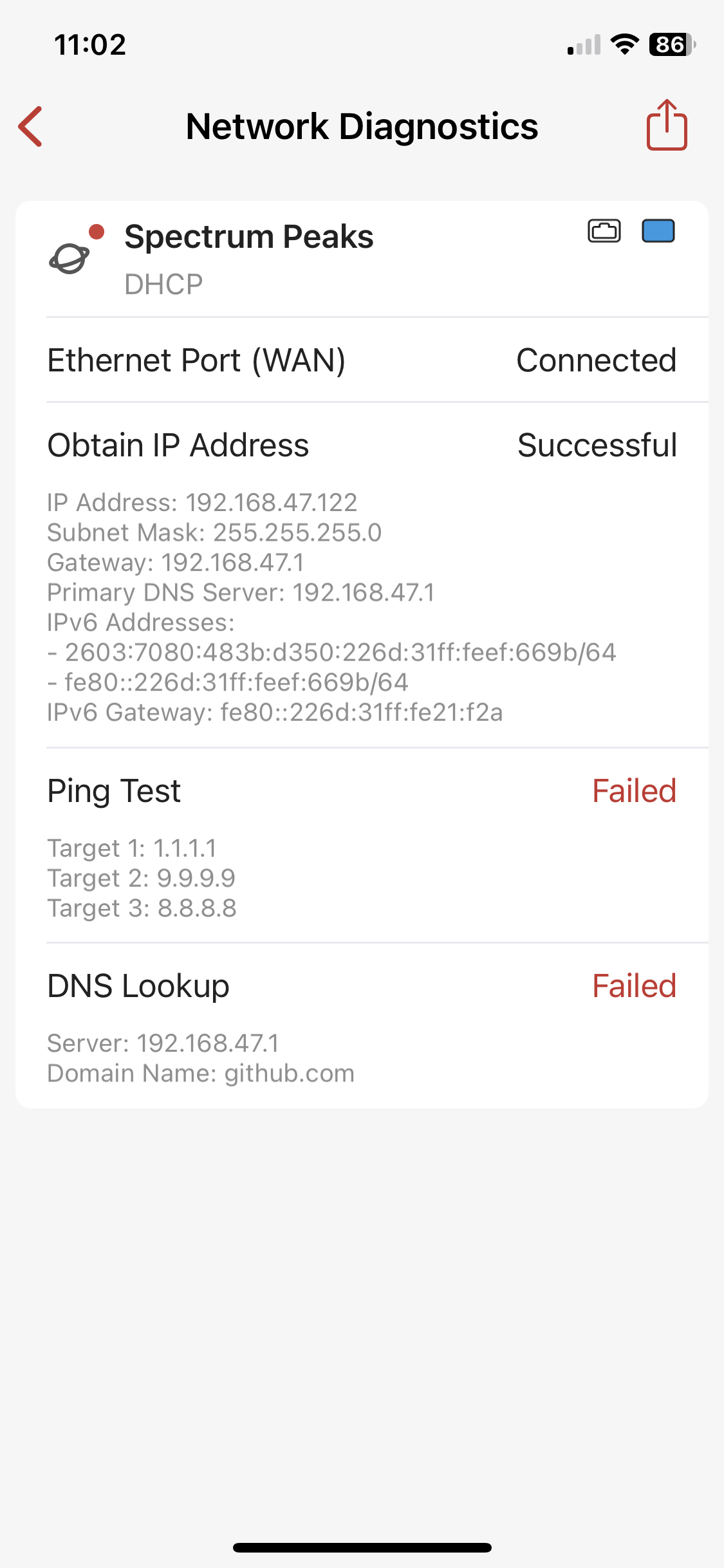
The resolution was that I worked with support and my box had a bad ethernet port. It was under warranty at the time and they swapped it out.
That was 2 years ago and the replacement Purple has been rock solid ever since.
I believe they isolated it to a batch of serial nimbers, but not 100% sure.



Please sign in to leave a comment.
Comments
7 comments