Force a particular device (or an entire VLAN) to use VPN tunnel to the other location?

I've got an OpenVPN tunnel to my other (US) location, which works fine [Big win for Firewalla!], but I'd like to be able to:
1) Assign my Apple TV to use _only_ that VPN. Not allow it to use the VPN, but force all traffic over the VPN, so it thinks it's in the US. Under VPN Client->Apply To I have My_LAN (71 devices) selected, but that's clearly an 'allow', not a 'force'. I tried also selecting "AppleTV" in that menu, but that's apparently another 'allow', and not a 'force'.
2) Make everything on a particular VLAN use the VPN tunnel. I have a separate SSID on my WiFi system, which is assigned to a particular VLAN, and I've like to be able to (for instance) connect to that WiFi 'name' and talk to (for instance) my US bank or utility provider or other 'us only' services.
I have to guess this _can_ be done, but how? Many thanks in advance for any hints!
-

Can you paste your configuration screen? "allow" is in the rules ... and if you want to route, you should use routes. So I am not sure if you are using the right "button". Routes for networks can be done here https://help.firewalla.com/hc/en-us/articles/360061592433-Firewalla-Policy-Content-Based-Routing
"Matching Traffic to Internet ON Network [VLAN] Interface [VPN]..." will route traffic from VLAN network to VPN
-
I set up an iPod Touch as a testbed, disabled MAC randomization, and confirmed the IP address (192.168.0.121).
When connected to the LAN that has the VPN tunnel, traceroute to a device on the other end of the tunnel shows the connection goes through 10.155.120.1 (the VPN tunnel).
Traceroute to Google DNS (8.8.8.8) shows the traffic going through my ISP (192.168.3.1)
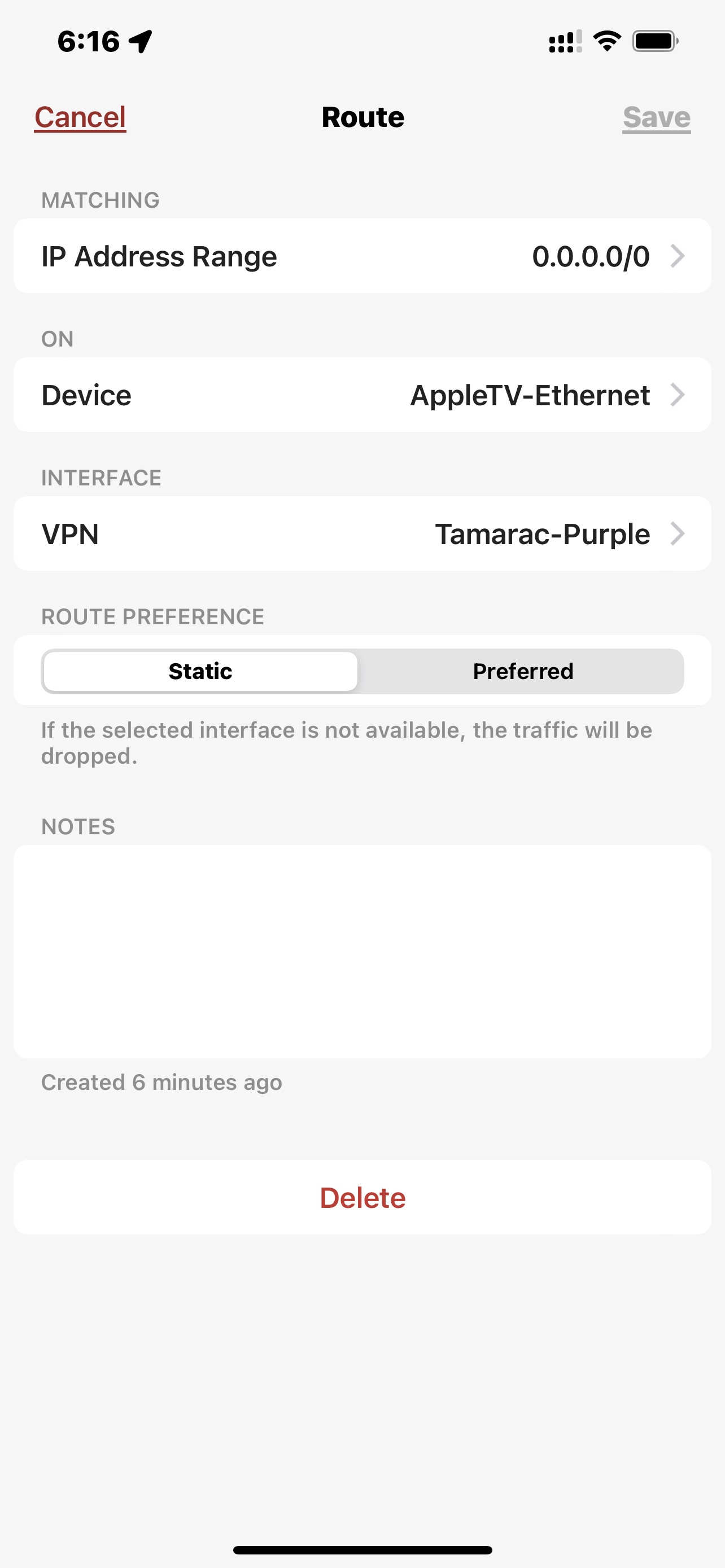
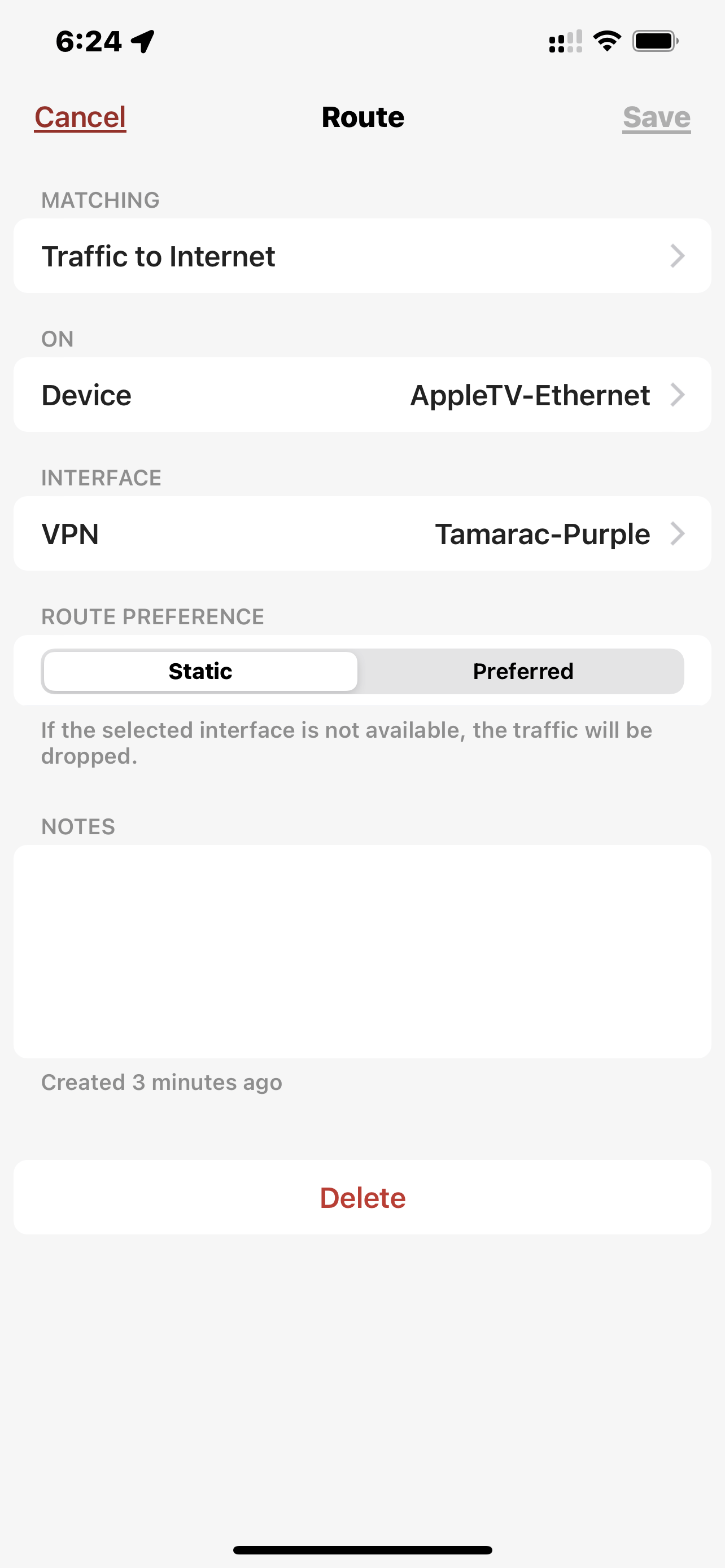
I created a new Route:
Routes
(+) Add Route
Matching: Traffic to Internet
On: iPod-touch (192.168.0.121)
Interface: (VPN) Tamarac-Purple (OpenVPN)
Route Preference: Static
<save>
traceroute still shows the traffic going through 192.168.3.1 (my ISP).
I installed OpenVPN on the iPod-touch, turned on the Tamarac-Purple VPN, and now traceroute shows my traffic (as expected) going through the VPN (10.155.120.1) as expected.
What am I doing wrong?
Please sign in to leave a comment.
Comments
5 comments