Firewalla Purple: Windows VPN works. Android VPN fails. 100% of the time.

Longtime Firewalla Purple owner here. tl;dr: I'm trying to get my Android phone to access anything (local network, internet) after connecting to Firewalla VPN, and after three hours of troubleshooting, I'm asking for help from this community. I already tried Google, AI, and this forum.
# Android VPN File, note there are some redactions
[Interface]
PrivateKey = REDACTED
Address = 10.200.241.2/32
MTU = 1412
DNS = 10.200.241.1
[Peer]
PublicKey = REDACTED
Endpoint = REDACTED.d.firewalla.org:51820
AllowedIPs = 0.0.0.0/0
# Windows VPN file, similar redactions
[Interface]
PrivateKey = REDACTED
Address = 10.200.241.7/32
DNS = 10.200.241.1
MTU = 1412
[Peer]
PublicKey = REDACTED
AllowedIPs = 0.0.0.0/0
Endpoint = REDACTED.d.firewalla.org:51820
Based on my review, the only difference between these is that the IP address from the Android phone is different than the Windows device.
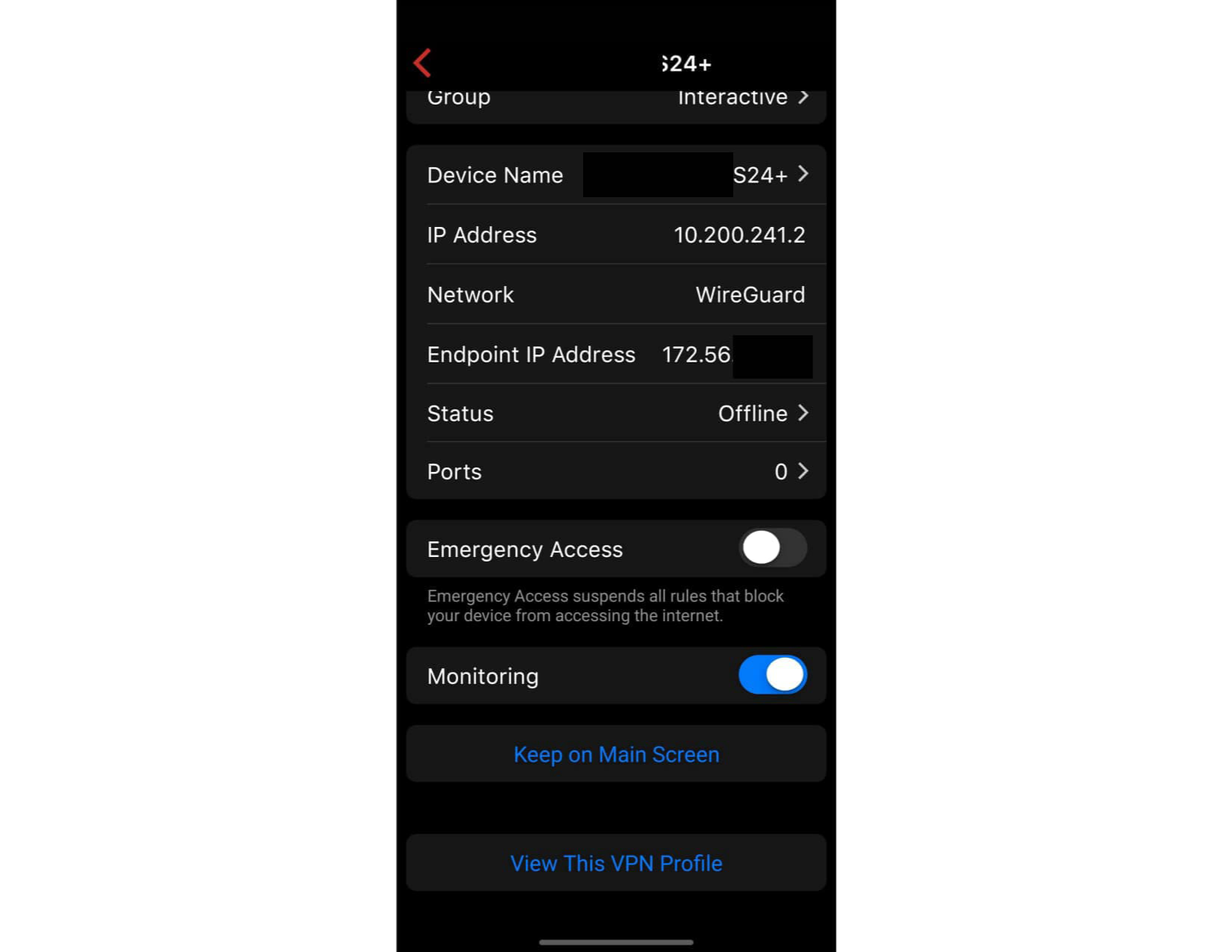
And here are some redacted screenshots removing some device names in the hopes that this helps.
The device that ends with the name "laptop" is the Windows device that *works*, the device with the name that ends with "S24+" is the Android device that cannot connect to local resources or the internet after connecting to the VPN.
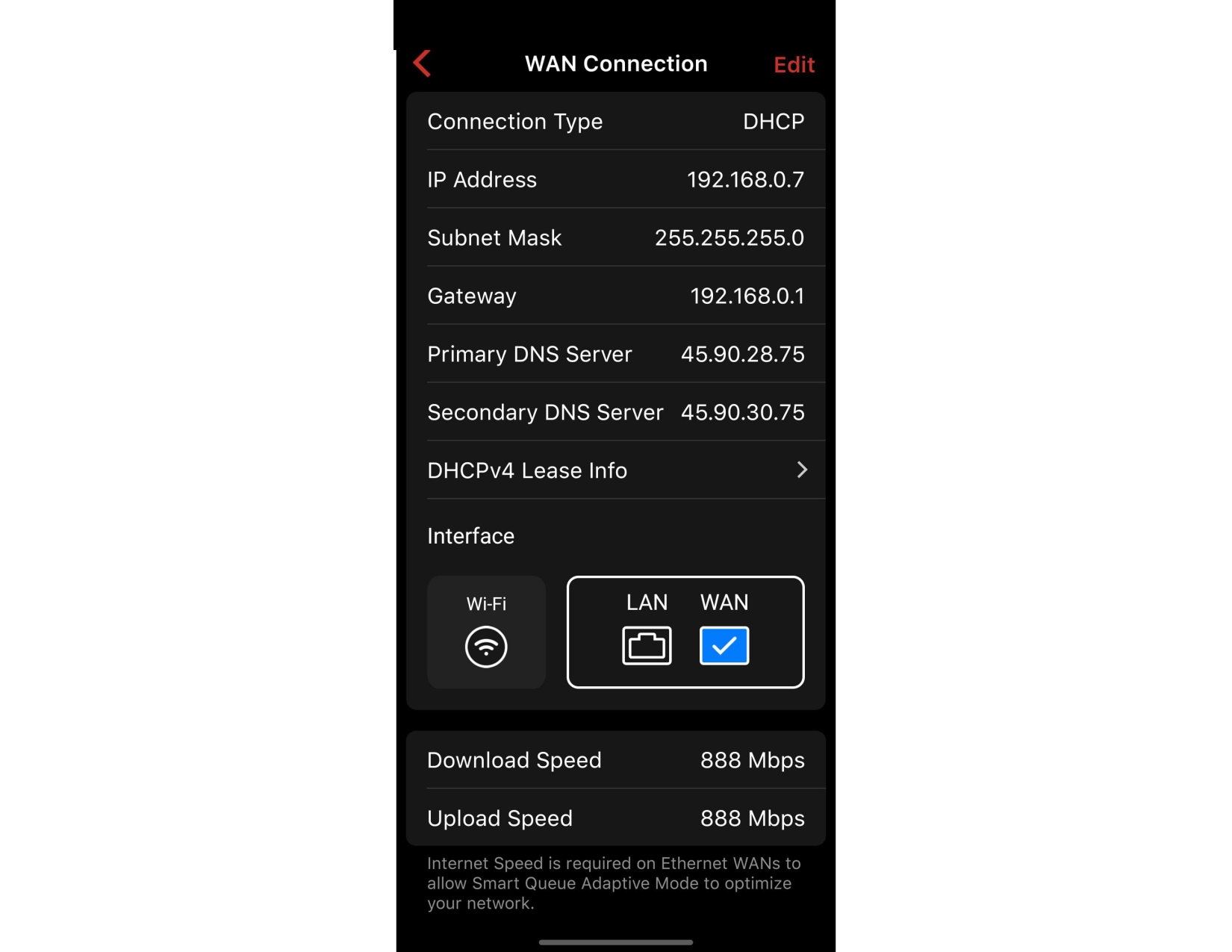
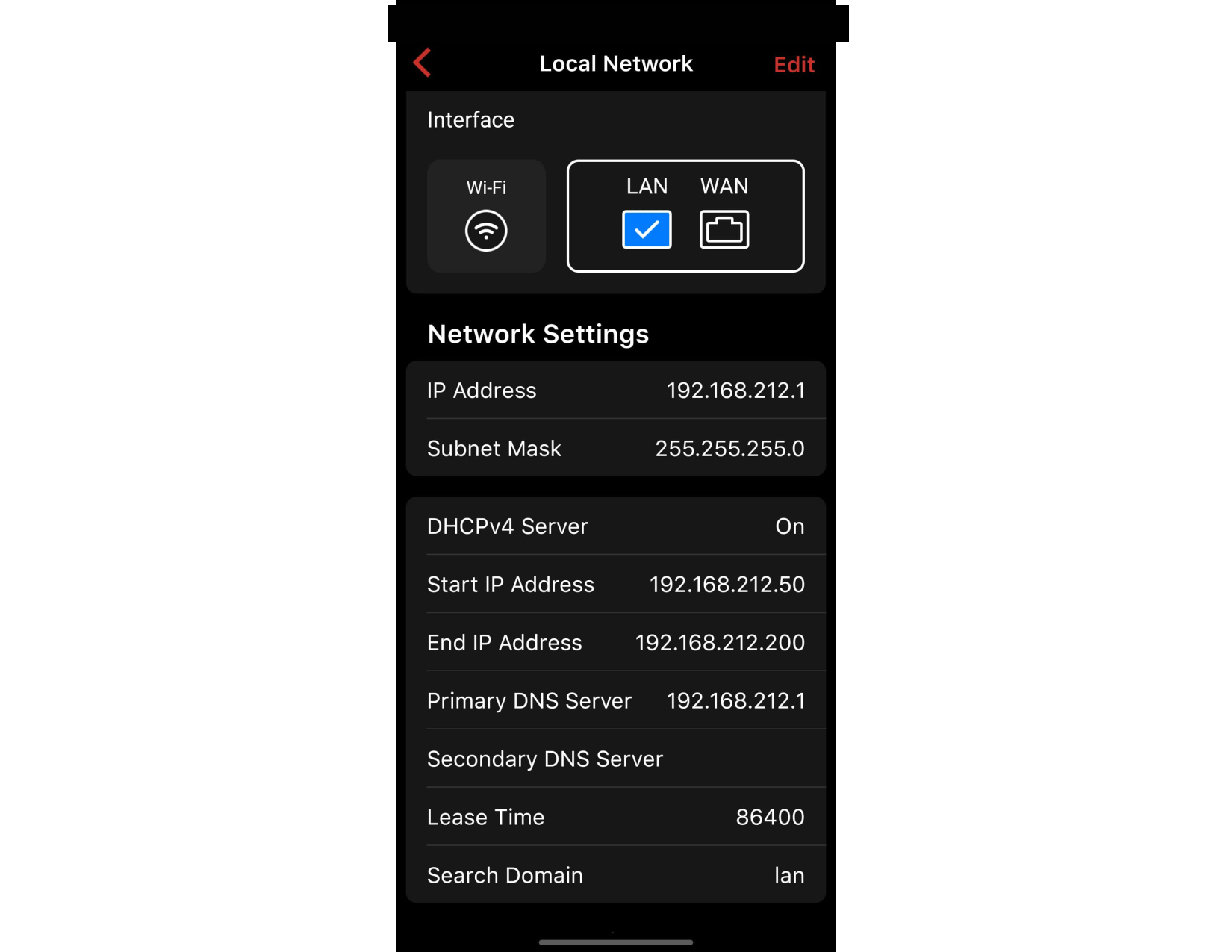
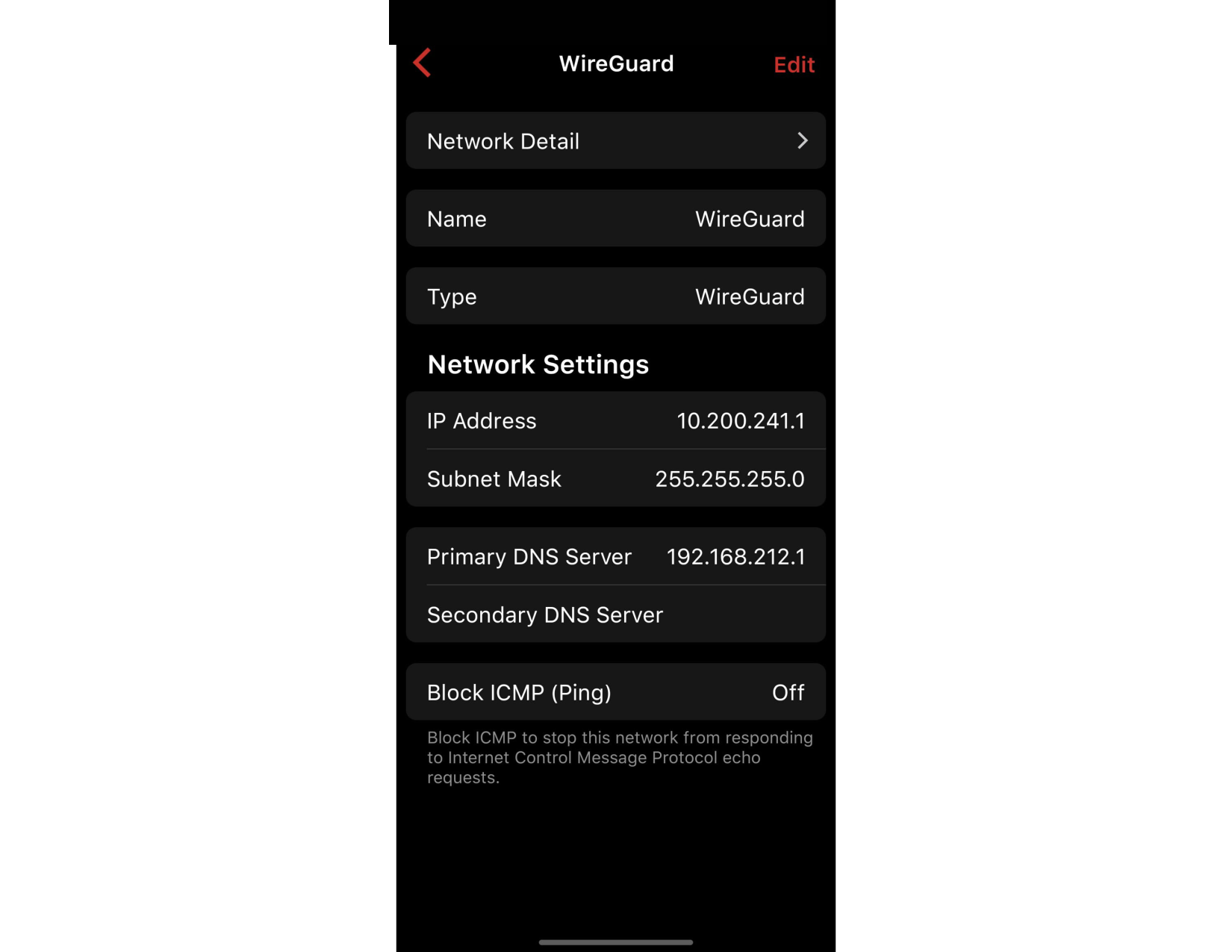
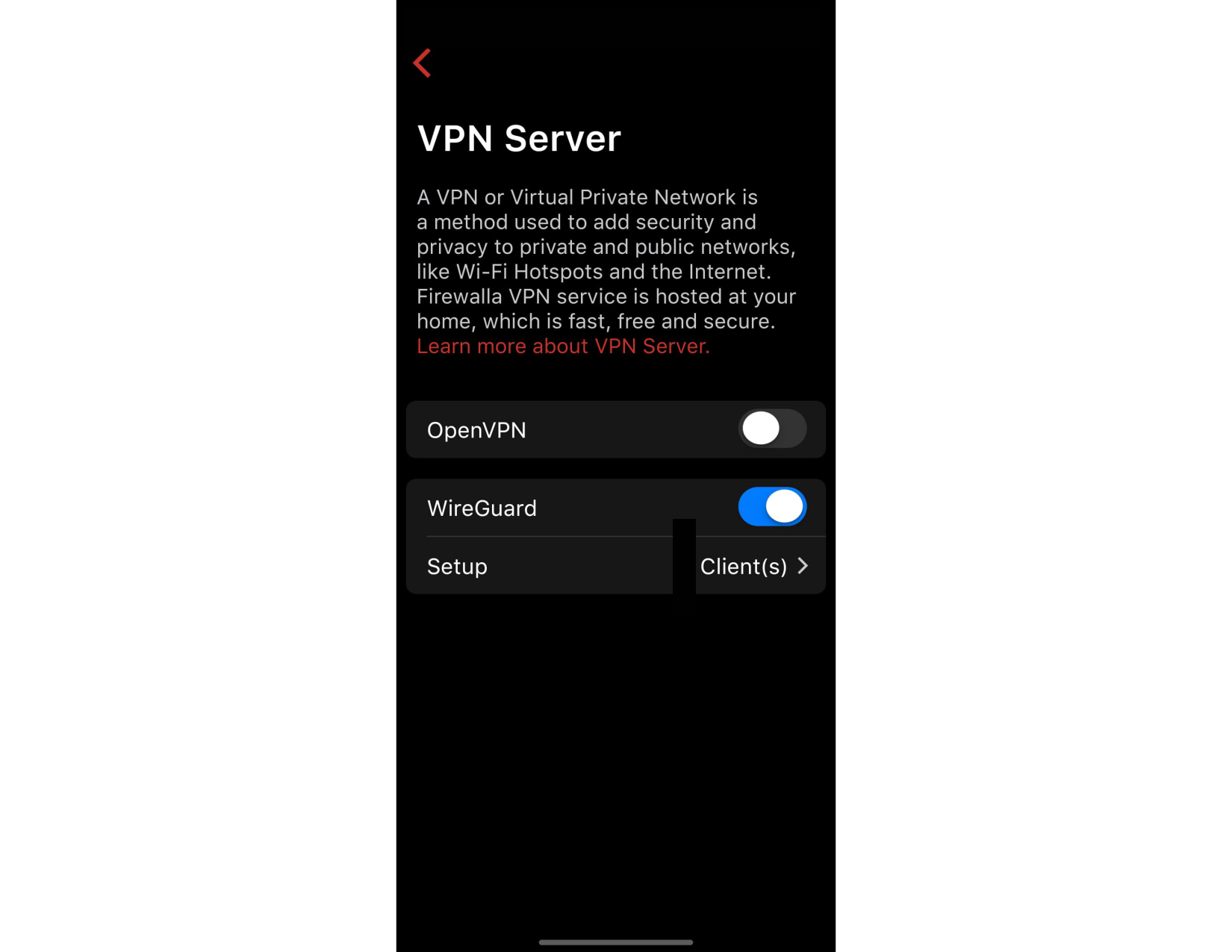

-

Try to remove the profile on your phone and re-add it. If that does not work, please send help@firewalla.com an email, see if we can help you looking inside.
-
Thanks! When I'm on the local network, the IP address resolves as '(computer).local'. When I'm on the VPN, it resolves to '(computer).lan'.
FWIW, my Windows VPN client happily connects to '(computer).local' when both on the local network and on the VPN. And everything else around the local network happily connects to '(computer).local'.
And from the local network, '(computer).lan' doesn't resolve as a valid name.
Suggestions?

Please sign in to leave a comment.
Comments
9 comments