Teslamate running in Docker on FWG

Does anyone here Teslamate running in Docker on Firewalla Gold?
I am not sure how to compose the docker-compose.yaml to incude IP address in the docker network subnet? Any ideas?
version: "3"
services:
teslamate:
image: teslamate/teslamate:latest
restart: always
environment:
- ENCRYPTION_KEY= #insert a secure key to encrypt your Tesla API tokens
- DATABASE_USER=teslamate
- DATABASE_PASS= #insert your secure database password!
- DATABASE_NAME=teslamate
- DATABASE_HOST=database
- MQTT_HOST=mosquitto
ports:
- 4000:4000
volumes:
- ./import:/opt/app/import
cap_drop:
- all
database:
image: postgres:13
restart: always
environment:
- POSTGRES_USER=teslamate
- POSTGRES_PASSWORD= #insert your secure database password!
- POSTGRES_DB=teslamate
volumes:
- teslamate-db:/var/lib/postgresql/data
grafana:
image: teslamate/grafana:latest
restart: always
environment:
- DATABASE_USER=teslamate
- DATABASE_PASS= #insert your secure database password!
- DATABASE_NAME=teslamate
- DATABASE_HOST=database
ports:
- 3000:3000
volumes:
- teslamate-grafana-data:/var/lib/grafana
mosquitto:
image: eclipse-mosquitto:2
restart: always
command: mosquitto -c /mosquitto-no-auth.conf
# ports:
# - 1883:1883
volumes:
- mosquitto-conf:/mosquitto/config
- mosquitto-data:/mosquitto/data
volumes:
teslamate-db:
teslamate-grafana-data:
mosquitto-conf:
mosquitto-data:
-

Are you able to run teslamate successfully? I am able to start teslamte on a different network but couldn't access any of the ports from the host. Ex: http//fiire.walla:4000. I am not sure how to fix it. I tried to run these directly on FWG instead of the subnet, but Postgres fails. Does anyone succeed with teslamate setup on FWG?
-
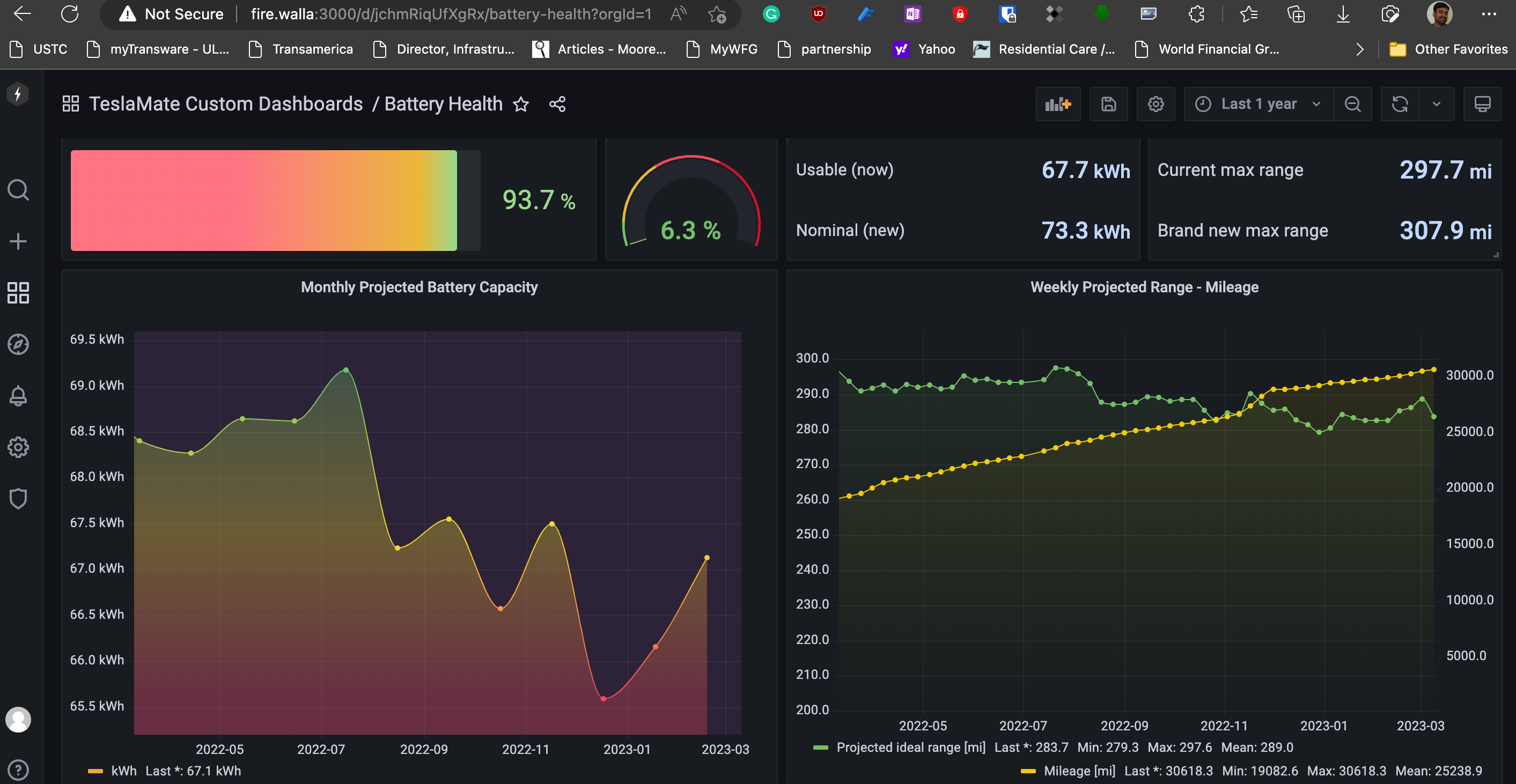
I am using the default one from the site and did the below two commands to get egress and ingress traffic to these containers so that I can reach via browser with port.
sudo ip route add 172.24.0.0/24 dev br-$(sudo docker network inspect teslamate_default |jq -r '.[0].Id[0:12]') table wan_routable
sudo ip route add 172.24.0.0/24 dev br-$(sudo docker network inspect teslamate_default |jq -r '.[0].Id[0:12]') table lan_routable
**Replace your network IPs where teslamate is running.
-

Hi Sundar, I am trying to do the same and was wondering if it'd work running the teslamate and related containers in network host mode? This seems to work for homeBridge (see https://help.firewalla.com/hc/en-us/articles/360053184374-Guide-Install-HomeBridge-on-Firewalla-)
I am a bit nervous with adding manual routing entries to firewalla ...
-
Okay so I utilised the same routing rules that you suggest in this article and that worked fine: I could connect to my Teslamate instance just fine.
Now, the problem is that I would like to make the instance only accessible via VPN or LAN, and not via WAN as it currently is.
Do you also see that your instance is accessible via WAN?
I have a Wireguard VPN setup on the Gold and would like that only devices either on LAN or connected to that VPN can access the hosted Teslamate server on the Gold.
Would you be able to help and suggest alternative route commands that can achieve that?
Note: I have asked @firewalla and they suggested I’d better ask here ;)
Please sign in to leave a comment.
Comments
8 comments