AFP File Sharing Between Local Machines Failing

I've had my Gold for about 2 weeks or so, but I only today noticed that I can no longer connect over my LAN between my MacBookPro and my iMac using File Sharing. The MacBookPro "sees" the iMac as an available server in the Finder, but trying to "Connect As..." fails with this error:
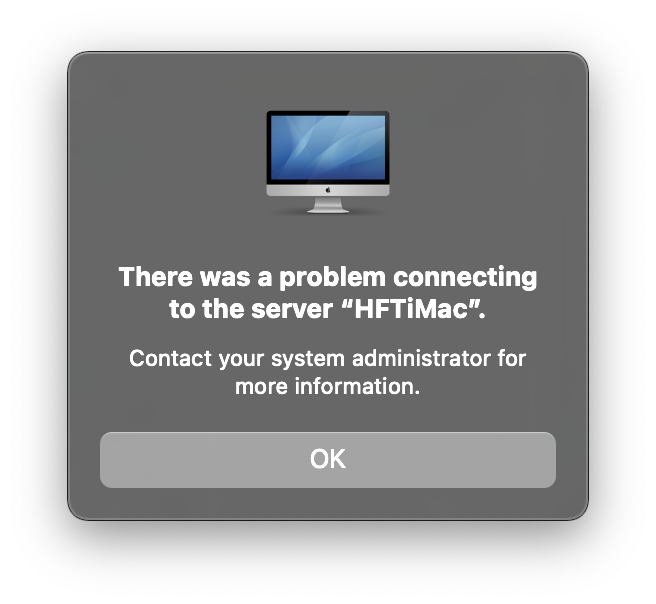
The iMac doesn't even "see" the MacBookPro in its Finder, and trying to connect using Go > Connect to Server fails with a similar error.
Both these machines used to be able to connect over File Sharing with no problems, and System Preferences > Sharing > File Sharing is correctly set up (I believe - it hasn't changed). Curiously, they both *can* connect to each other using "Share Screen".
There is one other potential complication that I'm aware of, which is that the MacBookPro is running macOS 11.0 Big Sur Beta 6 (20A5364e), while the iMac is running 10.15.6 (19G2021).
Any ideas as to what I'm doing wrong would be much appreciated. Thanks.
Please sign in to leave a comment.
Comments
0 comments