Show us your “lifestyle” Firewalla Contest

CONTEST WINNERS ANNOUNCEMENT:
Here’s a big congratulations to the final three winners picked by our team and with some help from the community.
- Winners will be contacted individually about their prizes.
- We will also officially announce the winners via our weekly newsletter!
Thank you everyone who participated! The Firewalla Team loved seeing all your setups and pictures.
First Place: C0pernicus - https://help.firewalla.com/hc/en-us/community/posts/24294588856083/comments/24381853883027
Second Place: Steven Smith - https://help.firewalla.com/hc/en-us/community/posts/24294588856083/comments/24298693452691
Third Place: Eric Nunes - https://help.firewalla.com/hc/en-us/community/posts/24294588856083/comments/24445854363667
*Updated January 29, 2024
As we enter into 2024, we want to see interesting, polished lifestyle photos of your boxes in action! Where is your Firewalla currently set up? What makes it different from the rest?
- A "lifestyle photo" for products refers to neat looking product images that showcases the product in a real-life context or setting, often with the goal of conveying how the product can fit into different use cases.
- Winners will be selected based on presentation.
Entering in our contest is as simple as snapping a good picture and posting it below as a comment! (please login to post) If you're trying to enter the contest from your mobile device: you may need to request the desktop version of this site to see the option to add an image to your post.
The Prize:
- One Grand place winner will win a Firewalla Gold SE + Gold Rack Mount + Wifi SD
- 2 Runner up winners will win a Firewalla Purple SE
We will be picking winners to feature in our promotional content. Your photo may end up being featured on the product page of firewalla.com!
Timing
- We will accept submissions from now until Sunday, Jan 14th, 2024 (last day to submit).
- Winners will be announced 5 days after the submission period ends and will be contacted via email.
Entering:
- Submissions must have at least one Firewalla box in order to be considered.
- Although not necessary to have in order to win, submissions with a Wifi SD or Gold Rack Mount will receive an extra point.
- We encourage all types of UNIQUE setups to apply.
- A small paragraph explaining the “uniqueness of the setup” will be helpful.
Winner Selection:
- The Firewalla team will vote and select the top 3 entries - one grand place winner and two runner up winners
- Promotional content includes: emails, Firewalla articles, product pages
Important: Please do not post any sensitive information. Firewalla is not responsible for any submissions in this forum and the content in the posts. Firewalla reserves the right to remove any submissions that are unoriginal or offensive.
By entering a submission in the contest, you agree to allow Firewalla INC to use your photos in any future marketing materials. By posting/voting here, you will automatically sign up for the Firewalla weekly newsletter.
(We will periodically remove unoriginal or offensive submissions from the comment section)
-

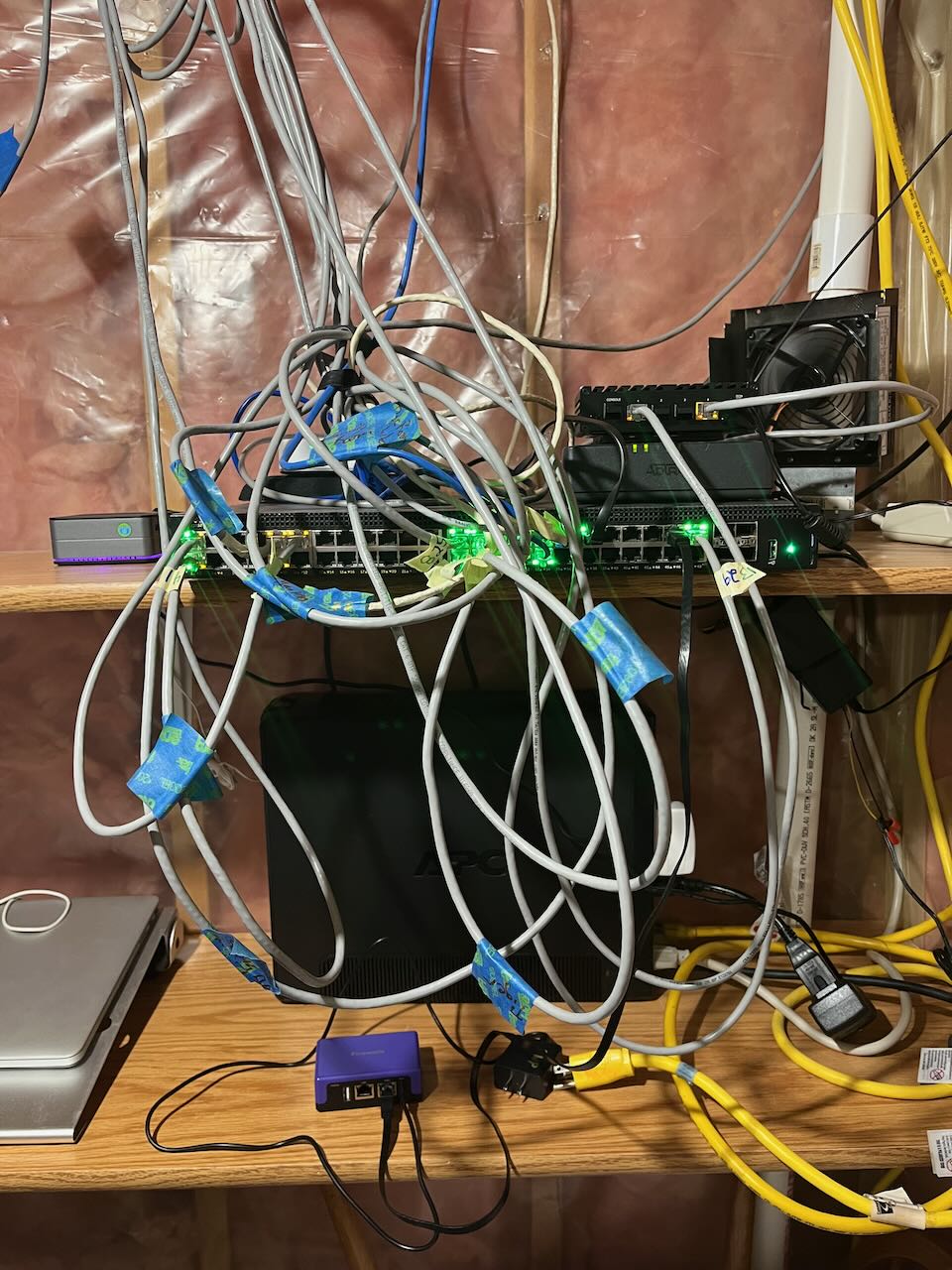
I have my Firewallas down in my basement. I think I should win because I have the biggest rat's nest, and I have two Firewallas in the picture. The Gold is my main and is in the upper right with a fan blowing on it. My purple is lower center and is for backup and travel. Under my FWG is my Fiber ONT. Below that is my 48 port switch. To the left on my switch is a mini PC that hosts my wife's blog. Behind the FWP is my UPC to keep the network running on power failures. Not pictured are my three Grandstream wireless access points and two more servers running various services, including pihole, nextcloud, npm, uptime kuma, and DDNS updater.
-

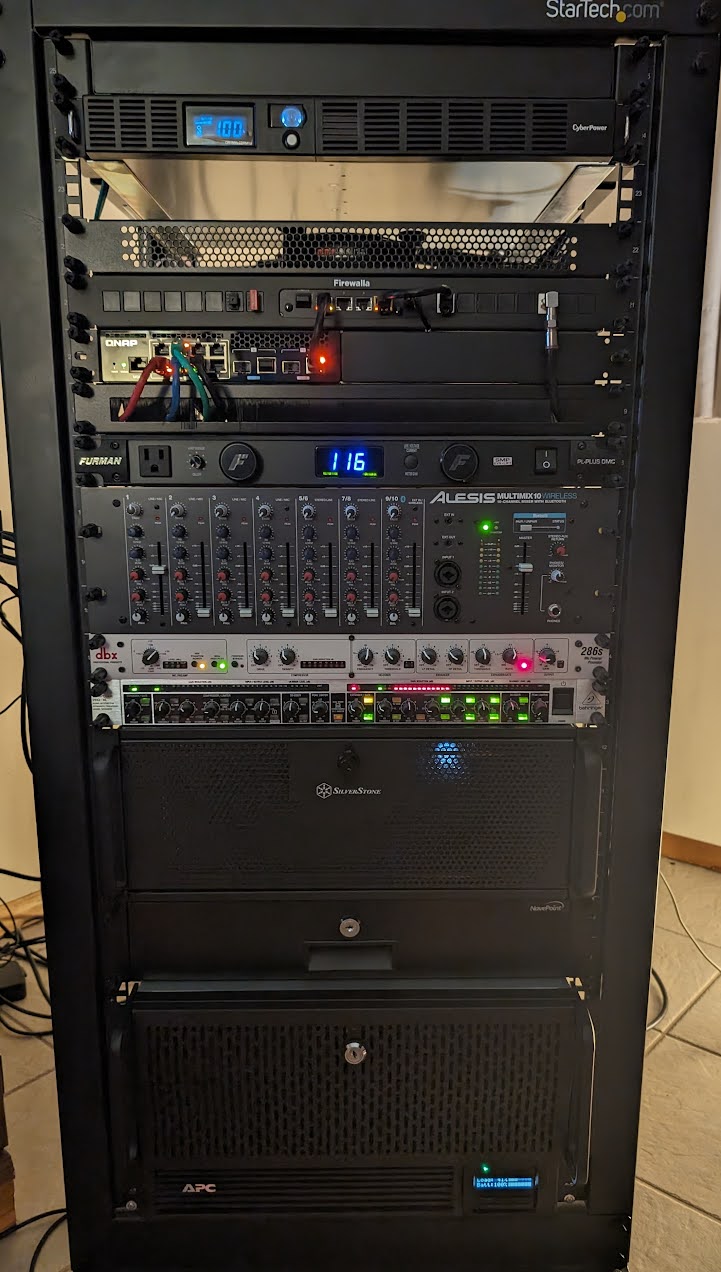
My Firewalla Gold is living its best life in a mixed use homelab that includes my gaming PC, a NAS/Hypervisor running TrueNAS Scale, and some audio equipment. Was so glad that the gold rack mount kit was introduced, it let me integrate it into my setup very cleanly instead of sitting on the shelf I have at the top of the rack. :D
-

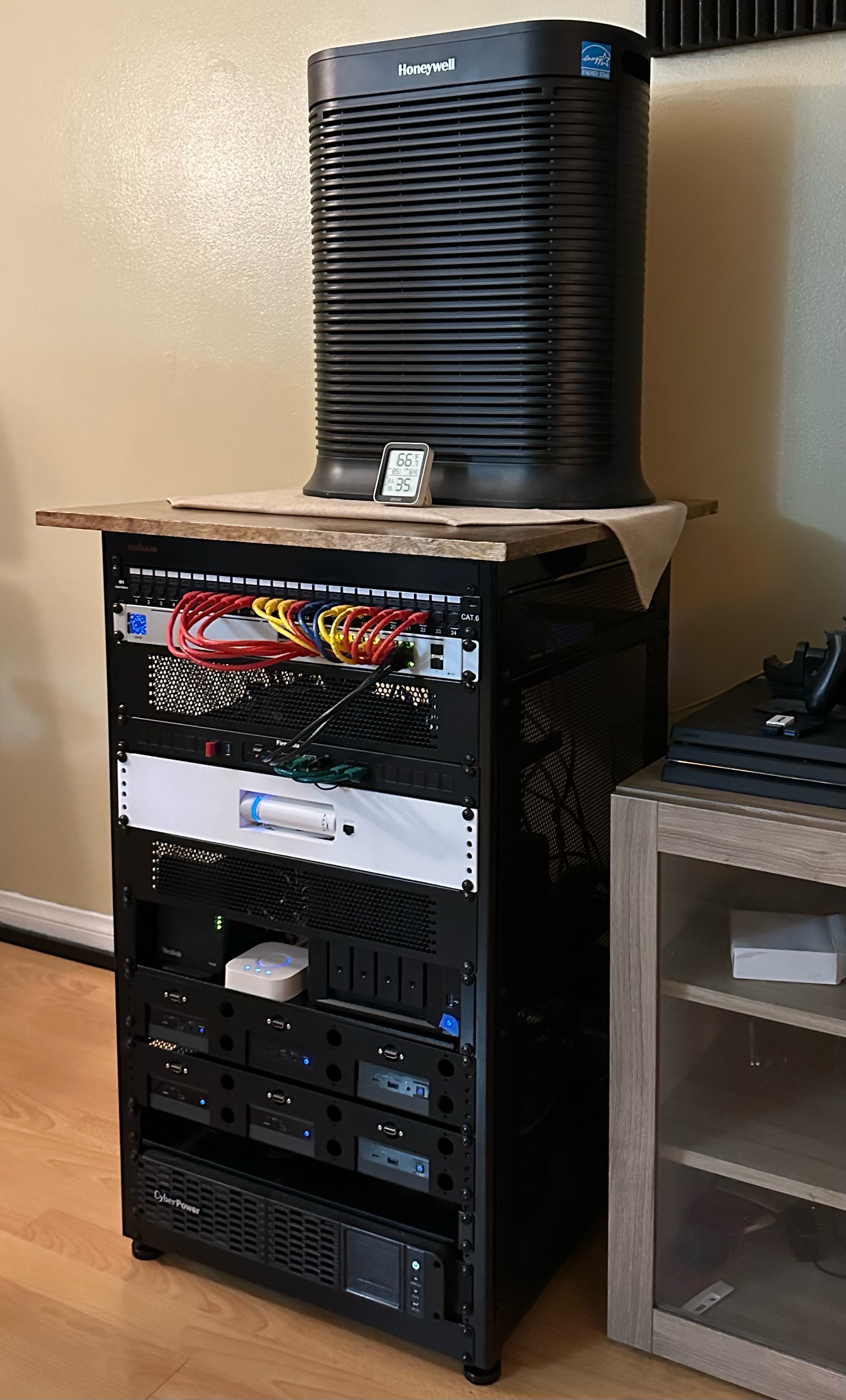
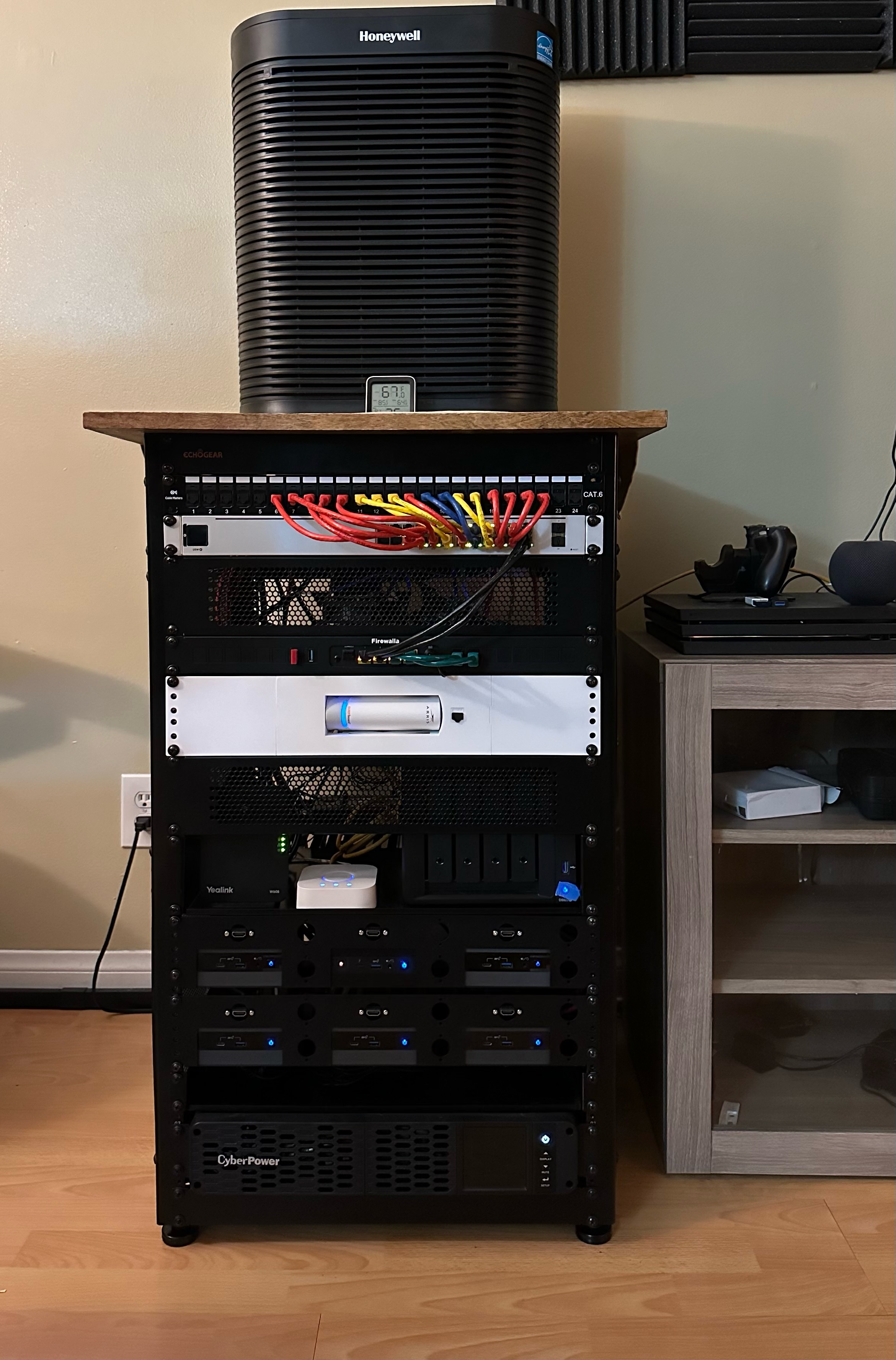
Getting the Firewalla gave me the motivation to build my first home lab rack. I love how easy it was to add VLANs, Firewalla Rules, and VPN. The major selling point of the Firewalla was the integrated realtime data. Thank you for making an amazing product, and I hope and plan on being a long term customer.
-

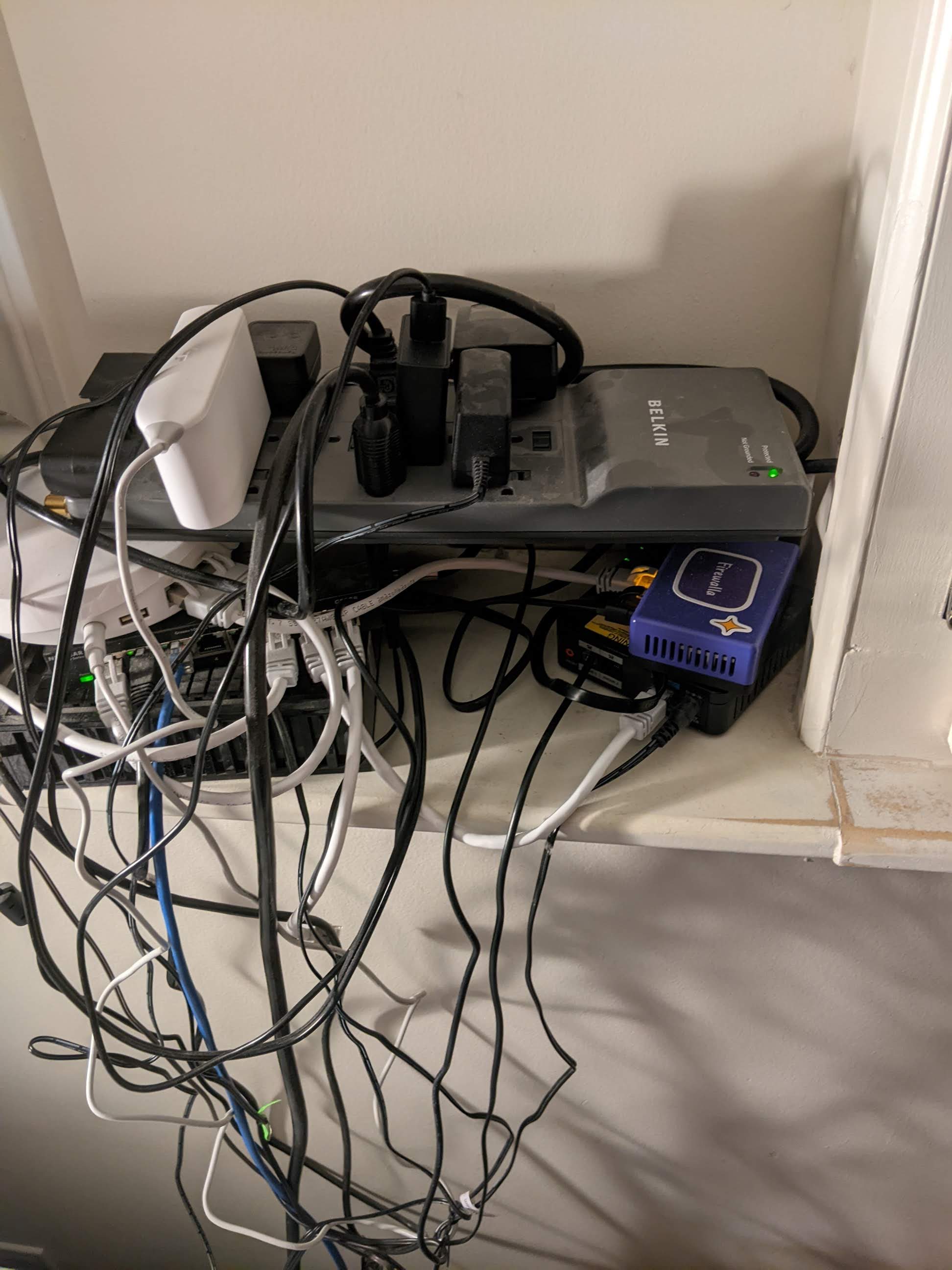
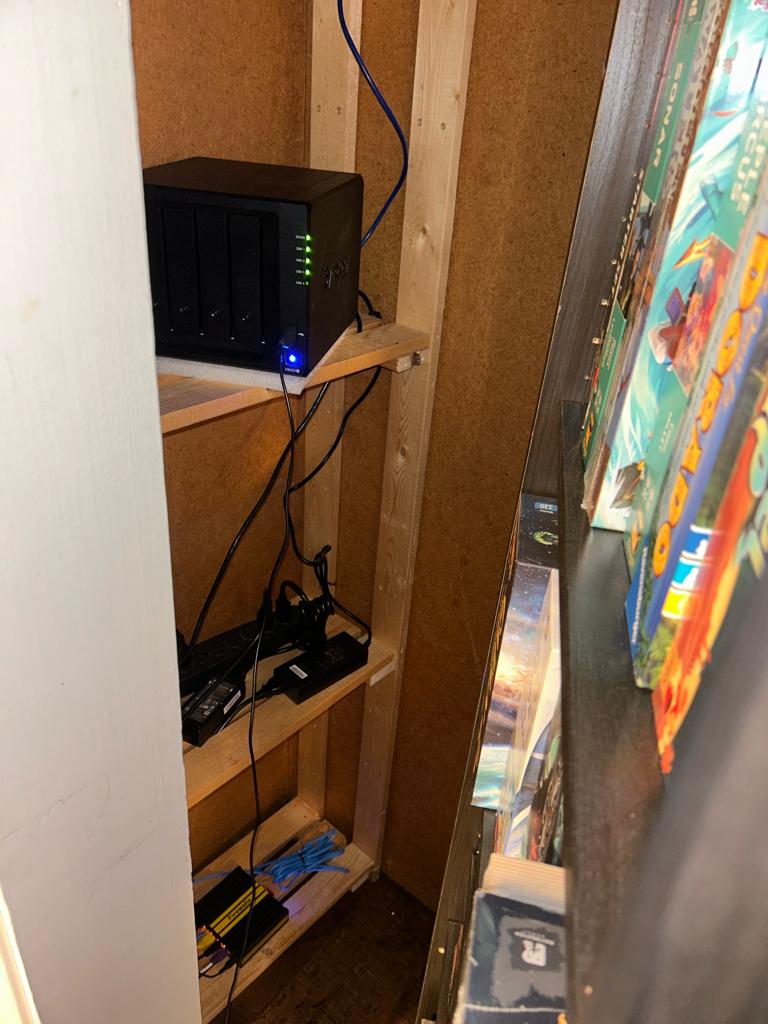
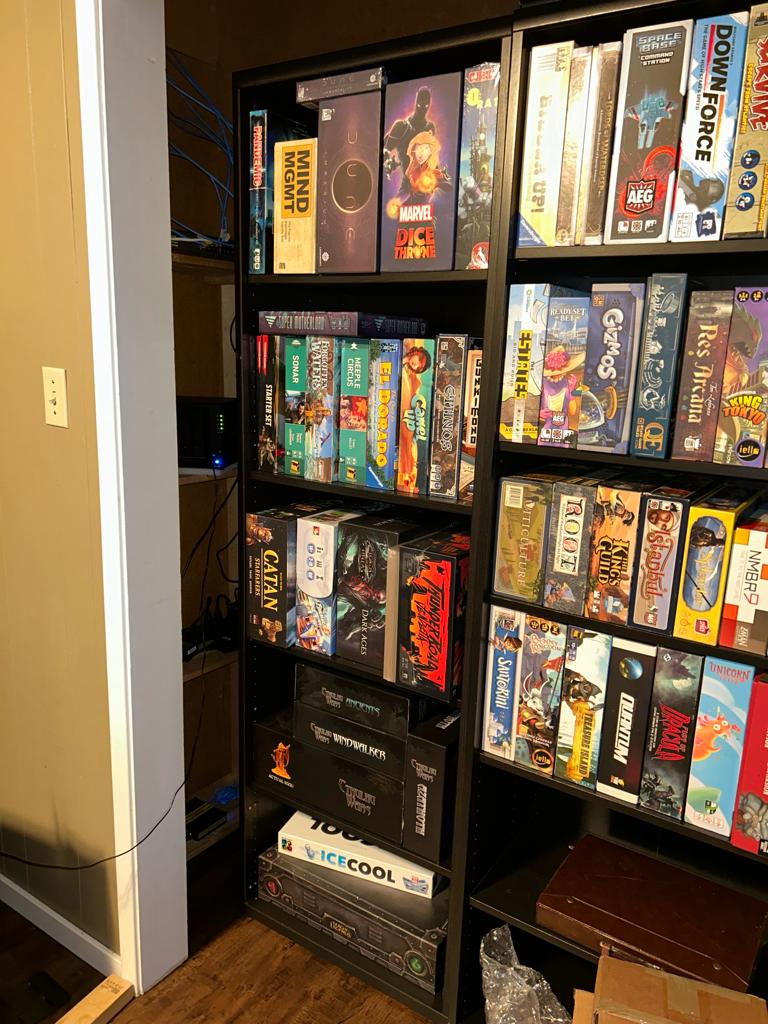
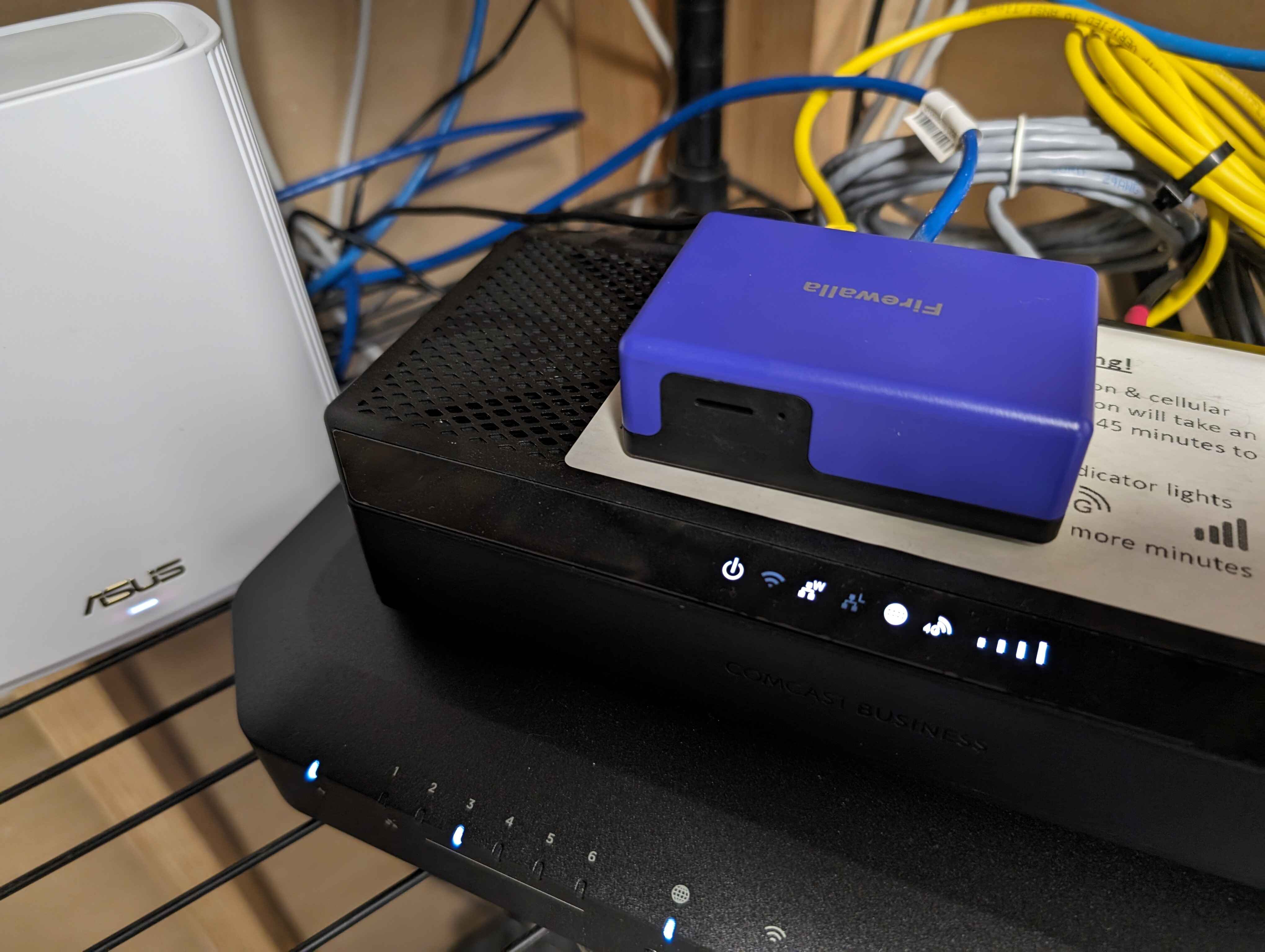
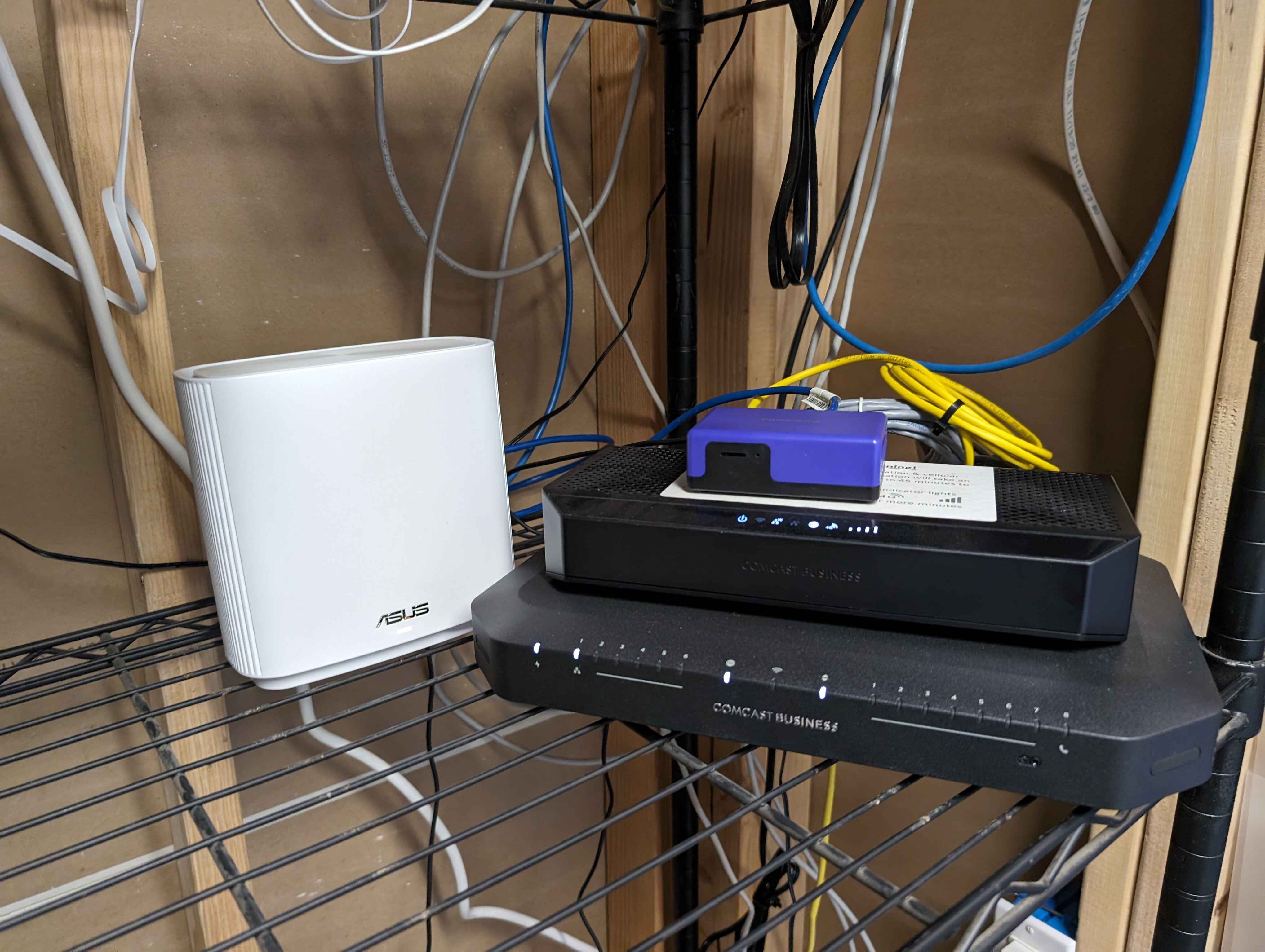
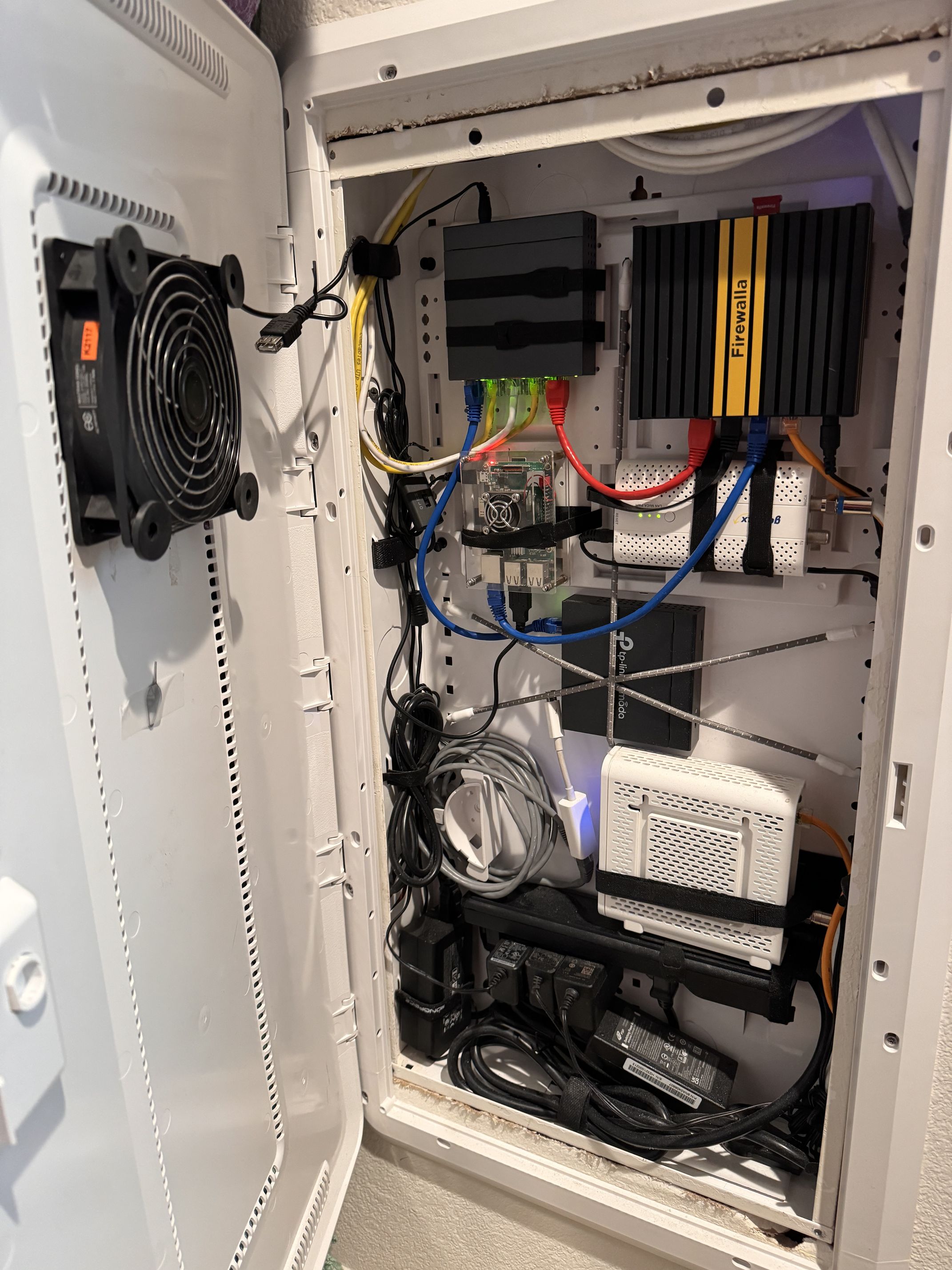
I am so impressed by the other posts here! I wish that I had a set up half as organized as you all! Mine is a very lifestyle of a busy dad trying to make sure the network works for hour family. That cute little firewalla purple is holding the rest of things together. The Deco mesh is in access point mode, there is the ISP provided modem, and a little VIOP telephone box in there. Just out of frame is the NAS. I hope to move all this to the utility room sometime but I need to build up the courage to move cable wires from the ISP to the other room and it terrifies me!
-

My (messy) homelab setup, mostly for tinkering and self hosting for the sake of it.
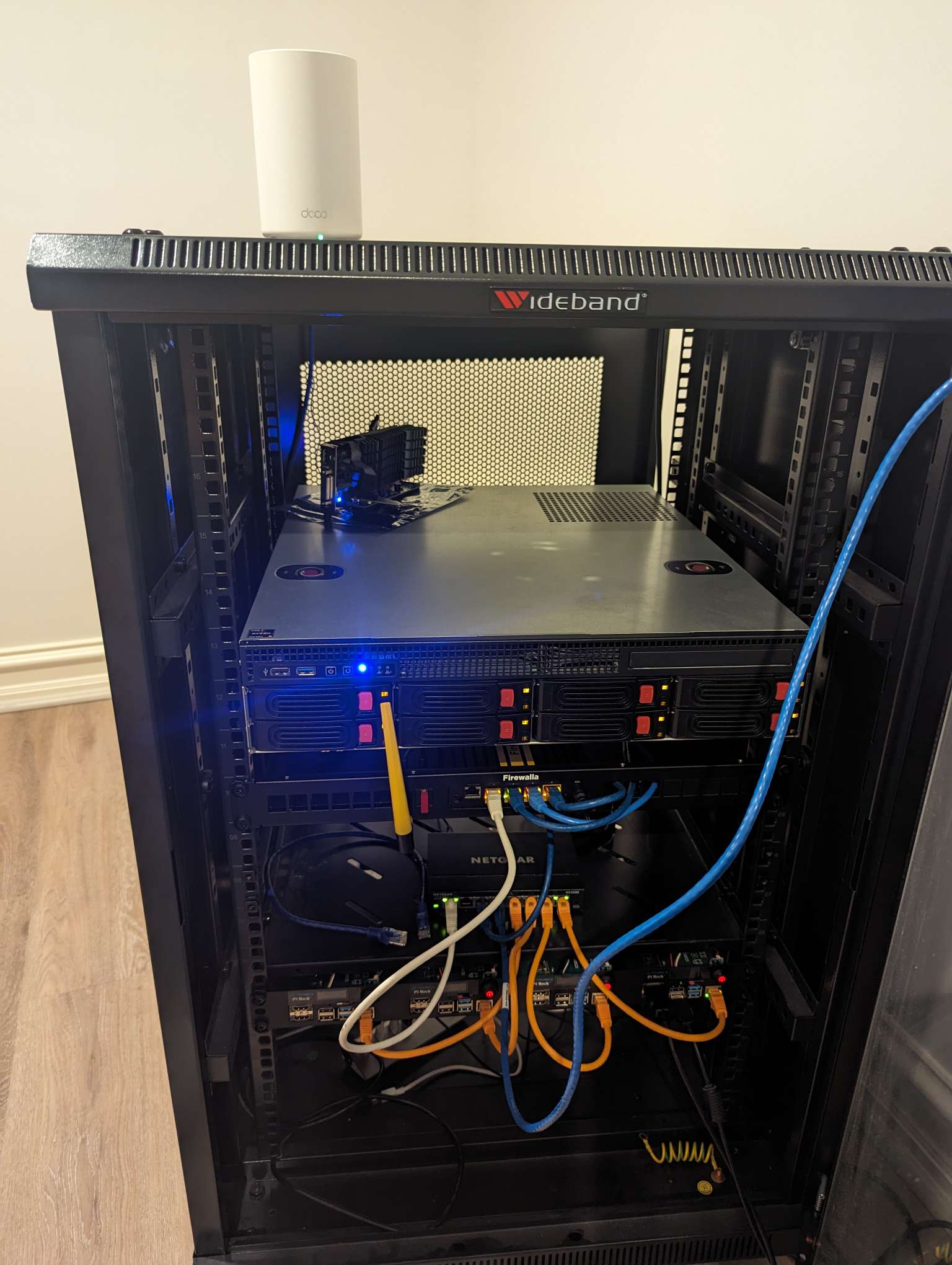
- Firewalla gold+ with wifi module
- NAS
- TP-Link deco in AP
- Raspberry pi 4 cluster
- 8 port smart switch
Raspberry pi and nas all running almalinux, and all services dockerised(want to test out nomad soon).
Using firewalla for it's access management, VPN, adblock, auto quarantine new devices, port forward for self hosted services and https DNS. Being very happy with it so far, was to add a back-up link (4g) for redundancy.
-

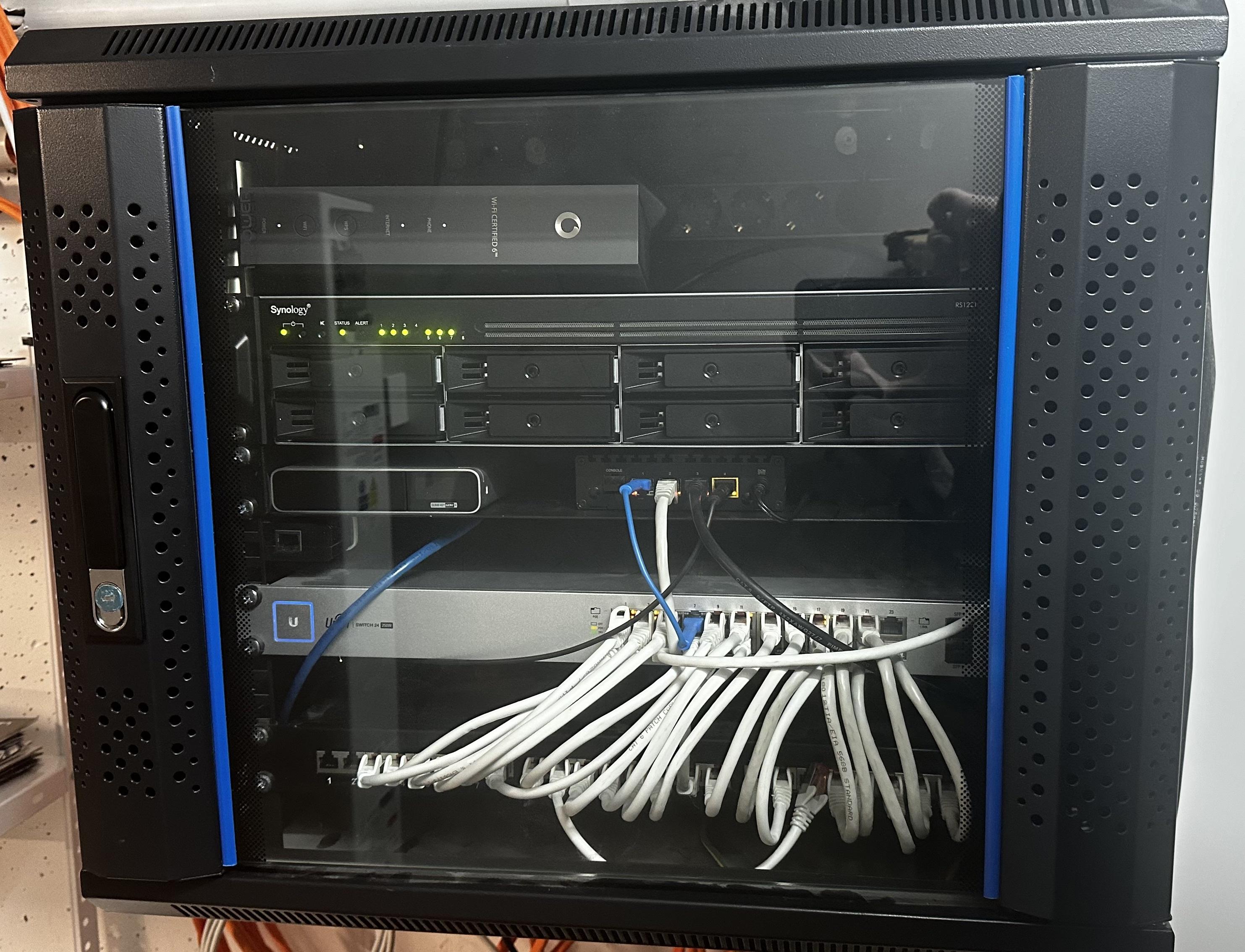
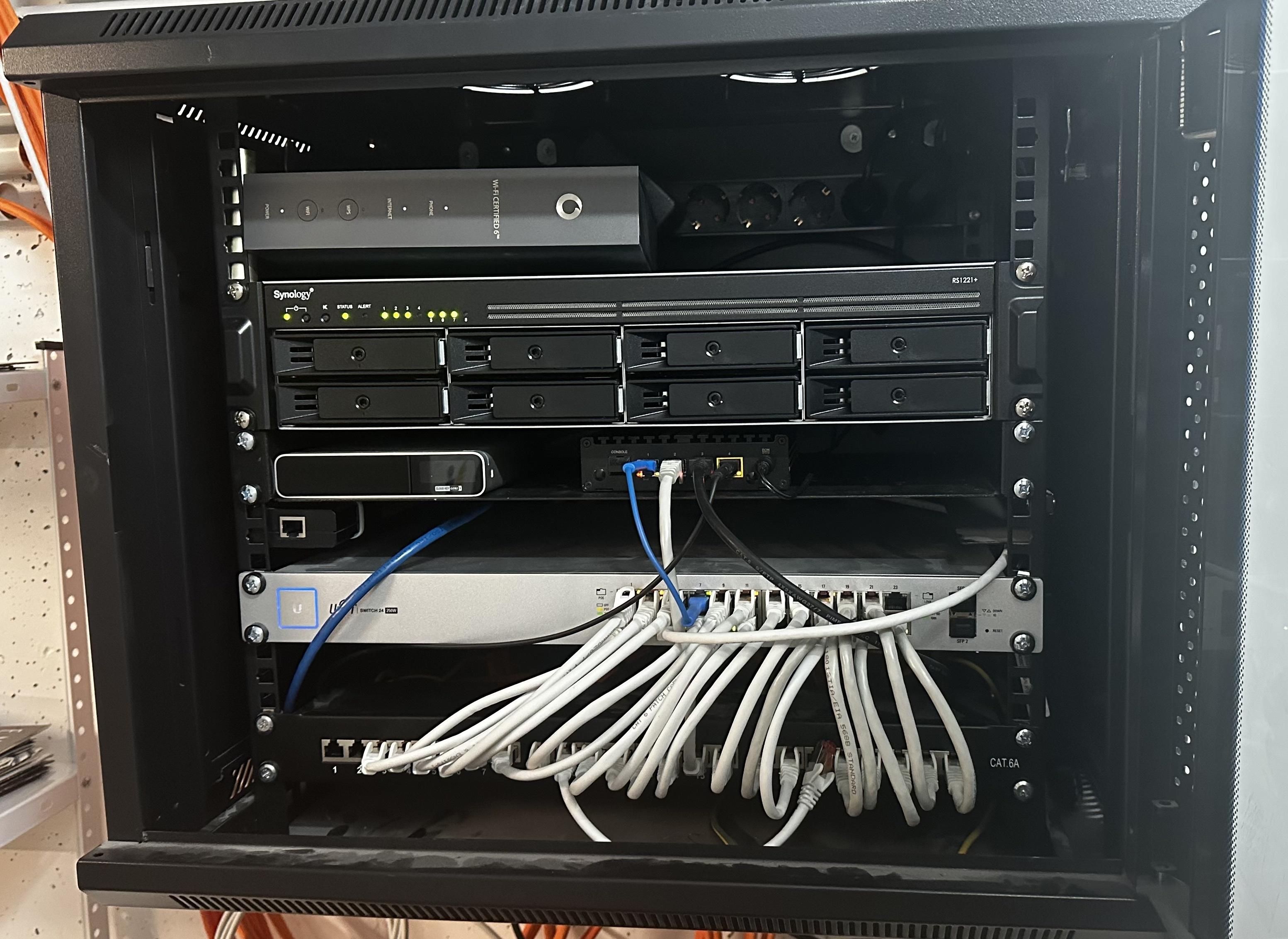
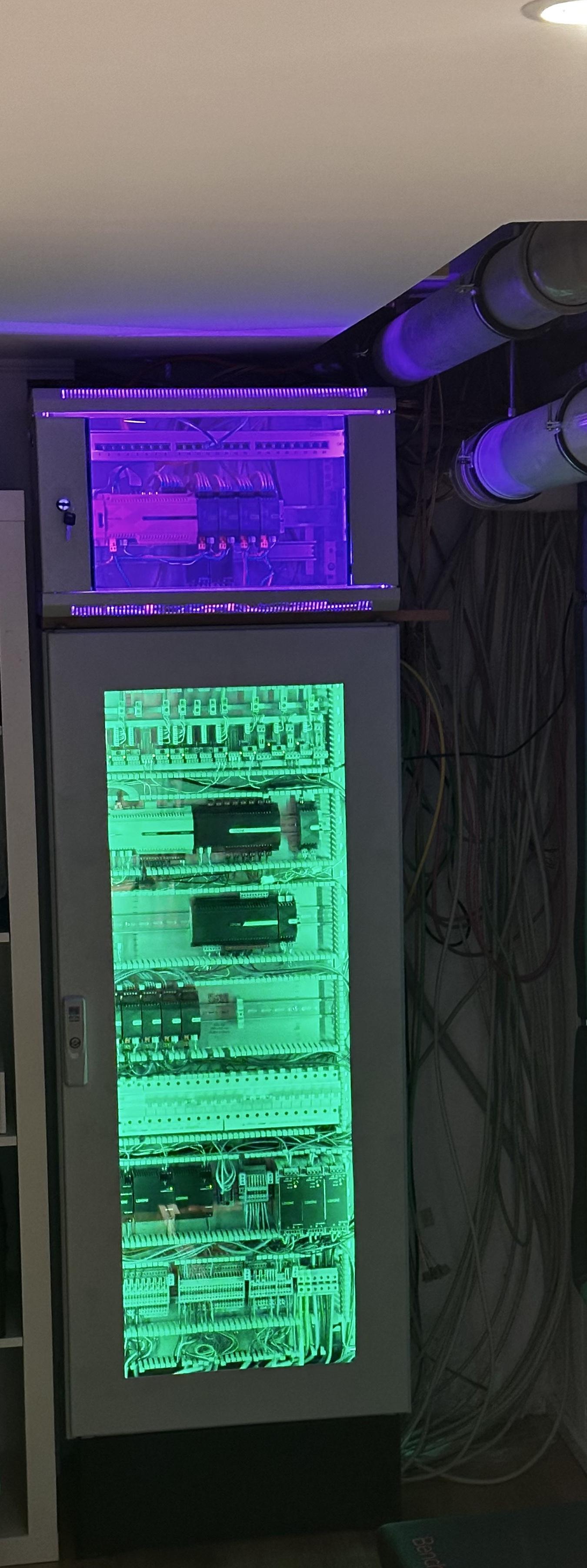
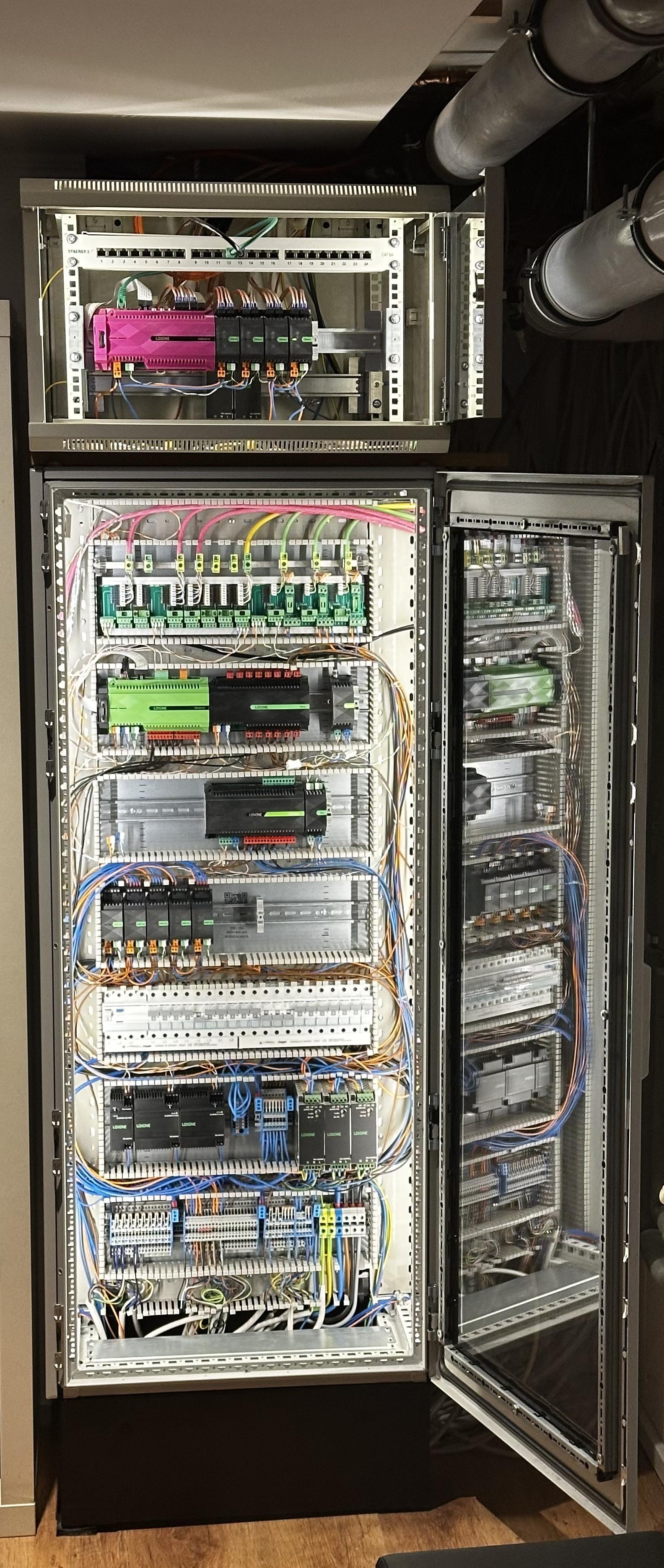
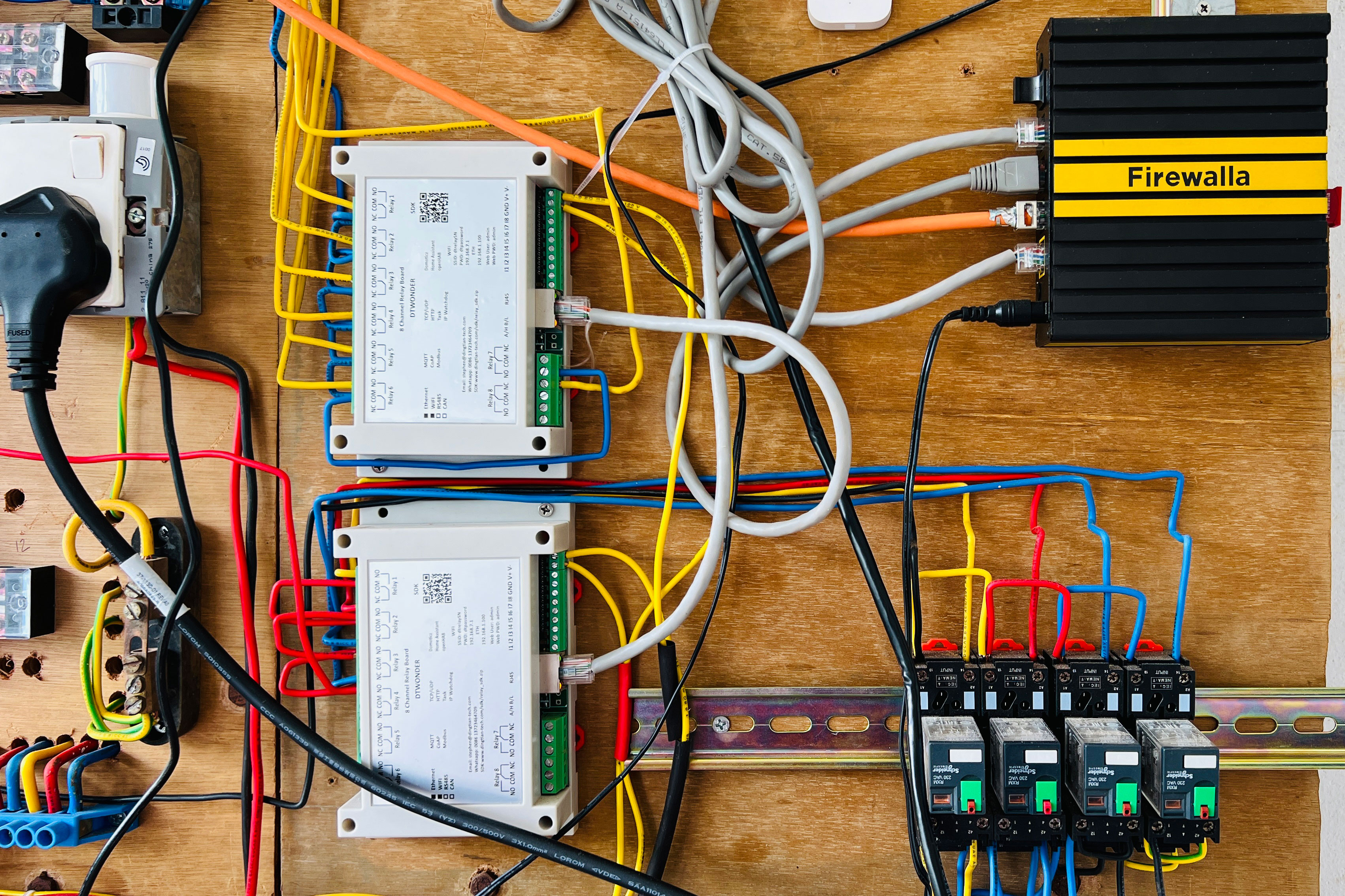
I have two separated racks for network and home automation. On the first two pictures you see from top to bottom the ISP modem running in bridge mode, a Synology NAS with 8 slots (6 slots in use right now with ~60TB), the Cloudkey Gen2+ on the left with a HDD in it to record the streams from the security cameras, the Firewalla Gold on the right, running as router, which I had to mount on this rack since I don't have the Firewalla Gold Rack and then below a 24 Switch fed from a patch panel. (yes, of course there is a documentation on which port is connected to which device (c; )
On the other two pictures you see the servers and relays for the home automation which control the integrated audio system with the audio server at the top and the central control server below handling everything from lights, switches, heating, cooling, humidity, blinds, house access and security alarms.
Nearly everything (that is possible) is connected and powered through CAT7 cables and configured and monitored by the Firewalla Gold. Since I'm working in security and am always working from home I got a ton of work devices and systems for security testing that can easily be separated and completely restricted with the Firewalla Gold from all the other phones, tablets, computers, IoT and home cinema devices, allow-listing only what is needed.
-

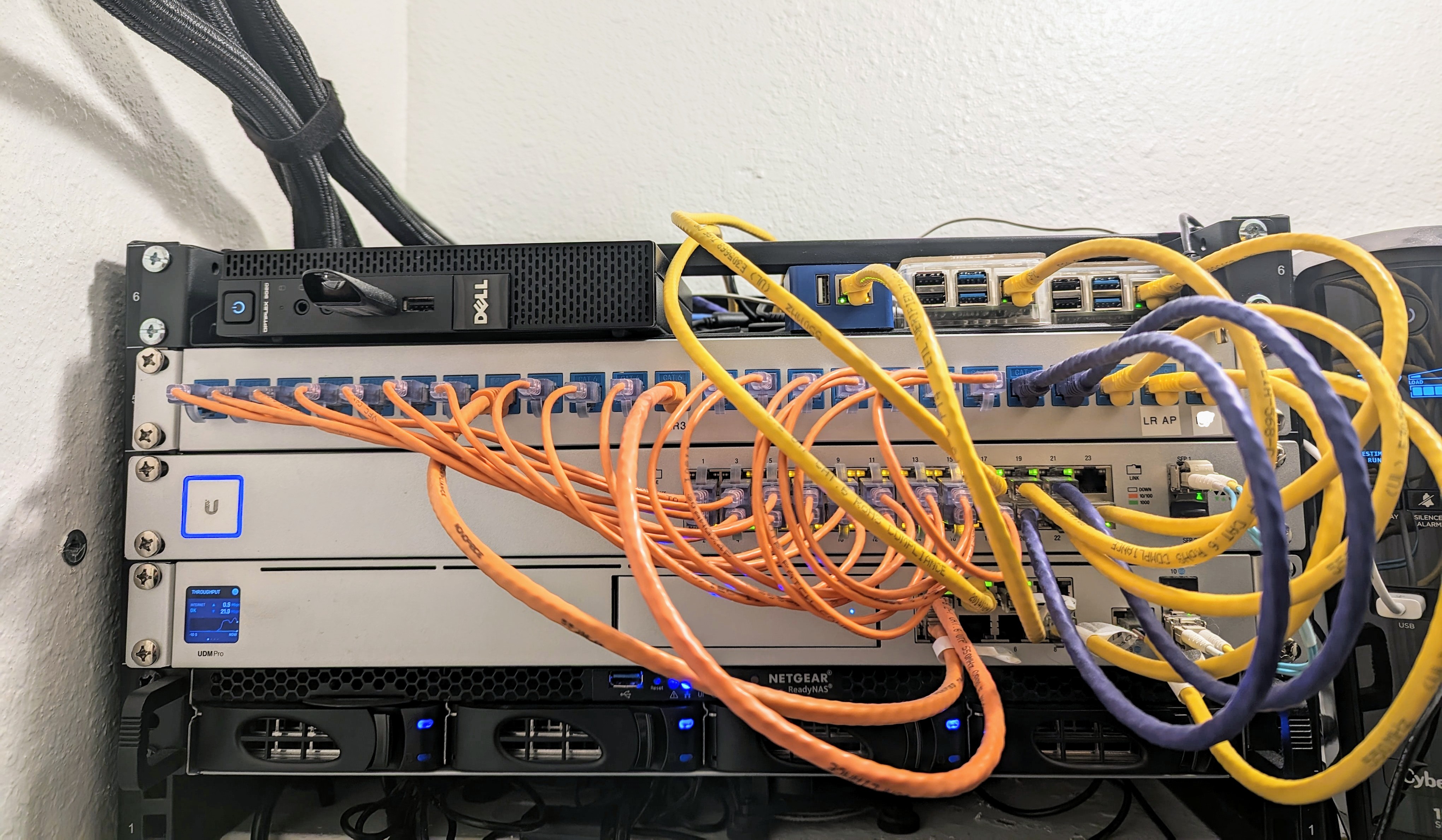
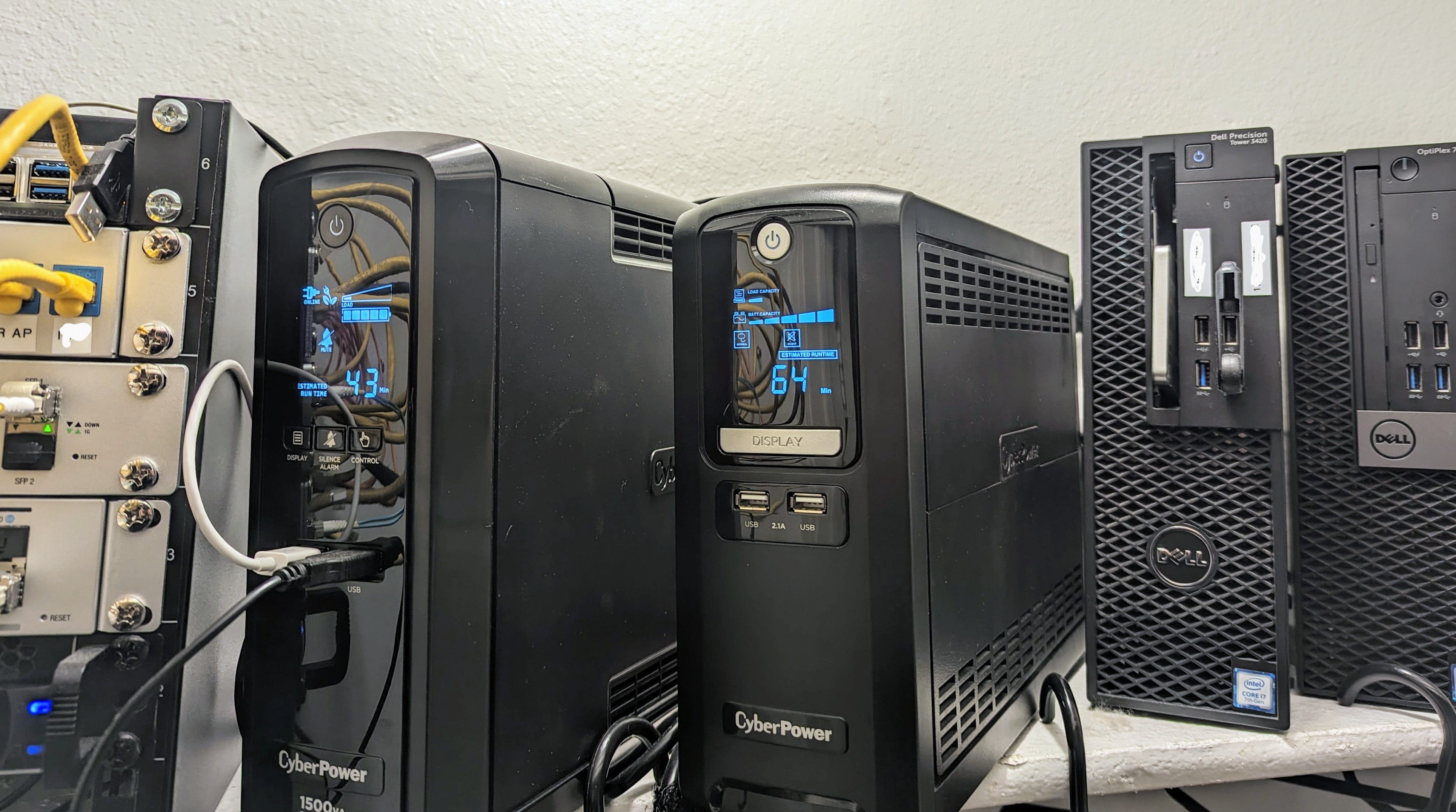
Most of my equipment is in the laundry closet. It is located in the middle of my home, which made routing patch cables easy.
What makes my setup unique is, I not only rely on my network for Internet, but I also run a 24 hour video surveillance system and control many smart devices. 10 Ubiquiti cameras are running on the UDM Pro. Multiple VLANS separate IoT devices, cameras, work devices, guest network, and family devices. A Firewalla Blue monitors the guest network and some devices, it slows internet speeds a bit. The Gold SE or even the Purple would be a much better fit for the speeds my ISP provides. Link aggregation would also be a plus!
Blue Iris runs on a Dell Precision SFF controlling 15 additional IP cameras on my property. Recordings are written locally. Old footage is archived on a NAS which also runs Plex. My NAS is setup for RAID5 with about 30TB of space. Plenty for security footage, media, and documents for all family members. CodeProject AI and Rekor ALPR for 24 hr license plate capture run on a Dell Optiplex SFF. Smart devices like Rachio, Hue, ZWave, and Zigbee devices are all controlled by homeseer running on a Dell Optiplex Micro. All windows and entry doors including the garage have ZWave or Zigbee contact sensors. Zigbee leak detectors are in the kitchen, laundry room, bathrooms, water heater, and AC overflow tray. Zwave speaker/siren for alerts and alarms. Motion sensors are also placed throughout the home. All equipment in the closet is on two UPS backups which gives me roughly 45 minutes. Network equipment placed in other locations are also on UPS backups. This allows some time to get the generator going in the event of long term outages.
-

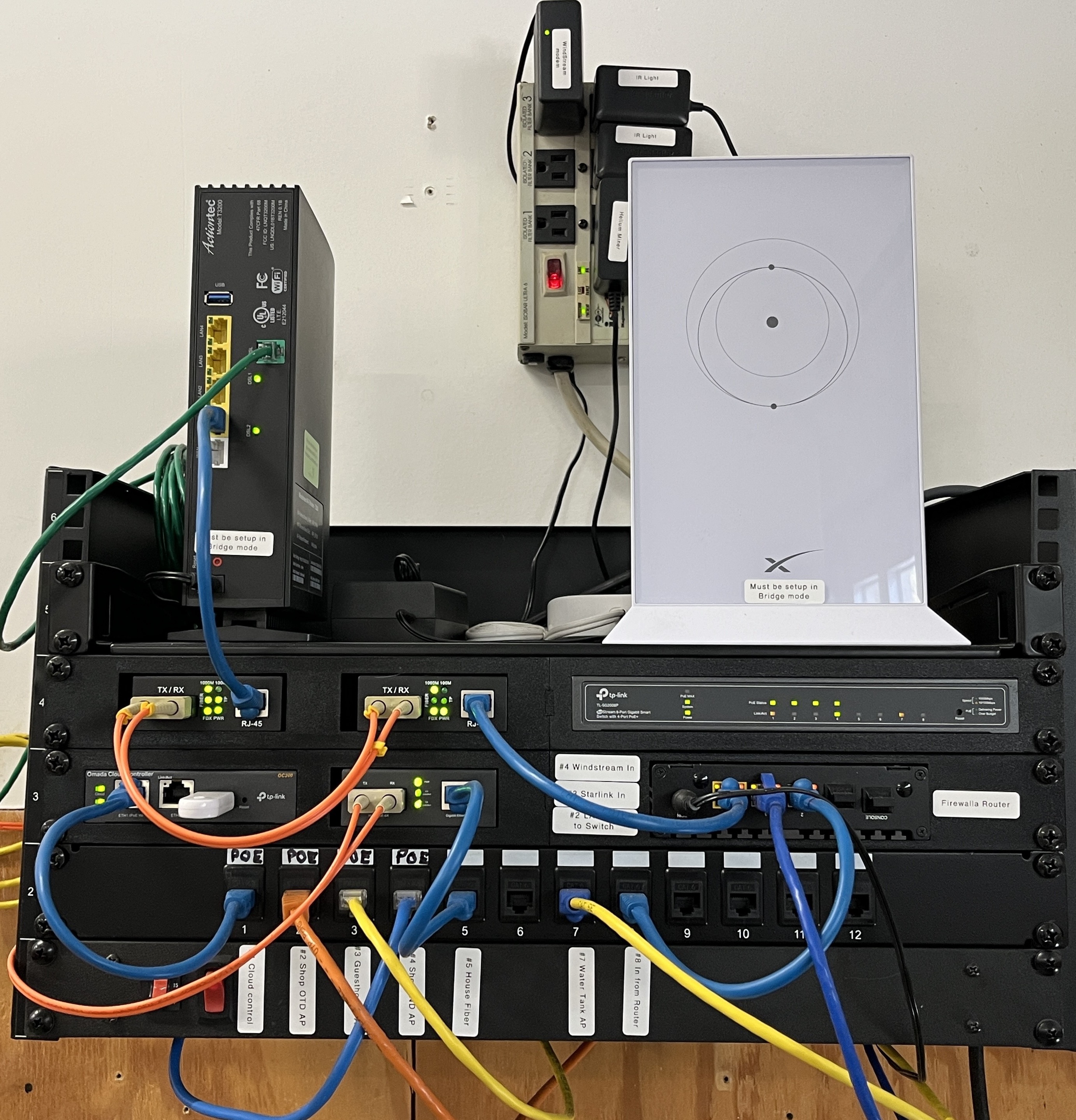
Our Network has grown over time and gotten better. Started out with Firewalla from kickstarter (2017) then Firewalla Gold from Indiegogo. Never looked back, as it dead simple to administer a home network.
Our network extends to cover 2 Acres with full WiFi coverage using TPLink Omada Mesh AP's this works seamlessly with the FireWalla Gold. The Internet is supplied from an old school Copper DSL line (hate it Windstream Sucks) and Starlink satellite based internet (love it). I use the Firewalla in Load Balance mode, and the Gold controls everything. A triple backup is provided by Firewall SD incase the other 2 fail. I have done all the can be done to insure connectability. Lastly I mounted a fan on the Firewalla to keep it nice and cool to help with longevity (running non stop since 2020).
The main rack is in our shop and has a fiber link from the DLS modem to the FireWall Gold to protect it from lightning. Have lost several DSL Modems, but never the Firewall Gold because of the Fiber connection (the ISP did not properly ground the DSL cable). From here it is a combination of hardwired AP's and Mesh AP's, managed switch, a couple of Crypto miners and all the Off Grid power DAQ equipment that supplies power to our Off grid home. A couple dozen wireless cameras supported by long range AP's. All the main shop gear is labeled and tagged so the Wife can work on anything if im gone or dead, because I bought to much networking gear and pissed her off.
The House has a rack that contains managed Switch, some Home automation gear, a LiteCoin Miner and some DAQ raspberry Pi servers. It also supports a file and backup server (Synology NAS). This is fed data from a fiber link from the shop to protect from lightning.
The parental controls, network monitoring, and simplicity of the Firewall Gold is outstanding and anyone can easily master a large network with this little box! Simply amazing.. As of this posting Firewalla is supporting over 123 devices for 2 families, 4 adults 4 kids.
A Firewalla Gold SE would be a welcome upgrade, and I would segment the House from the shop network.
-

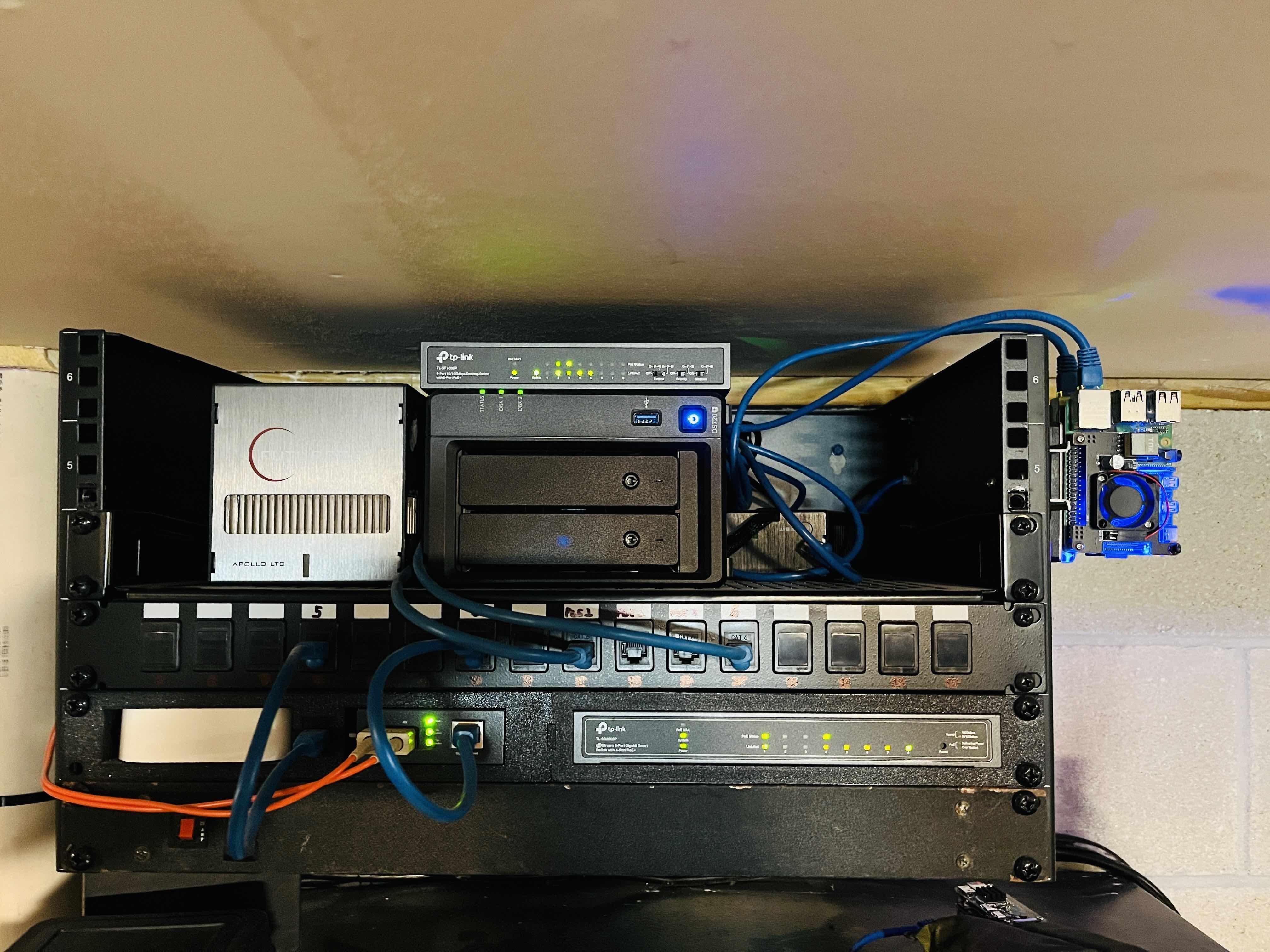
My lab uses a few Firewalla devices:
FWG-Plus - Used for network and lab segments to run various testing scenarios.
FWG - Original - Used for IoT, Regular Traffic, and other hosting things at home
FWP - The purple is used for OOB network management, and primarily as a handy travel companion for hotels and other trips. The simple click vpn (remote and site-to-site) setup is amazing. I connect the network tap to this on plenty occasions for traffic analysis.
FW Wi-Fi SD - used for redundancy during those days there are outages and I have to rely on a separate network.
Awesome devices with extremely useful features.
Good luck to all participants.
-

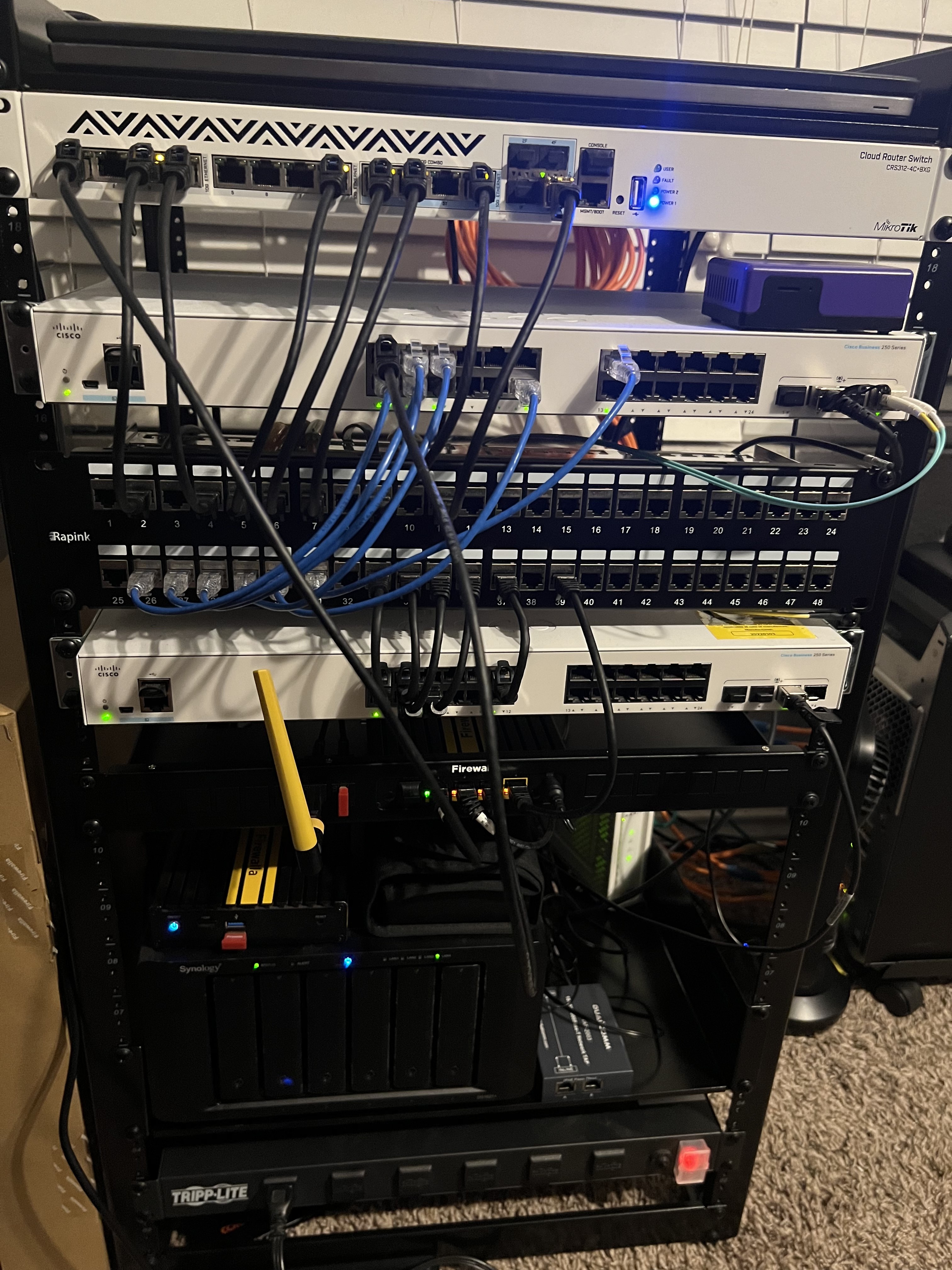
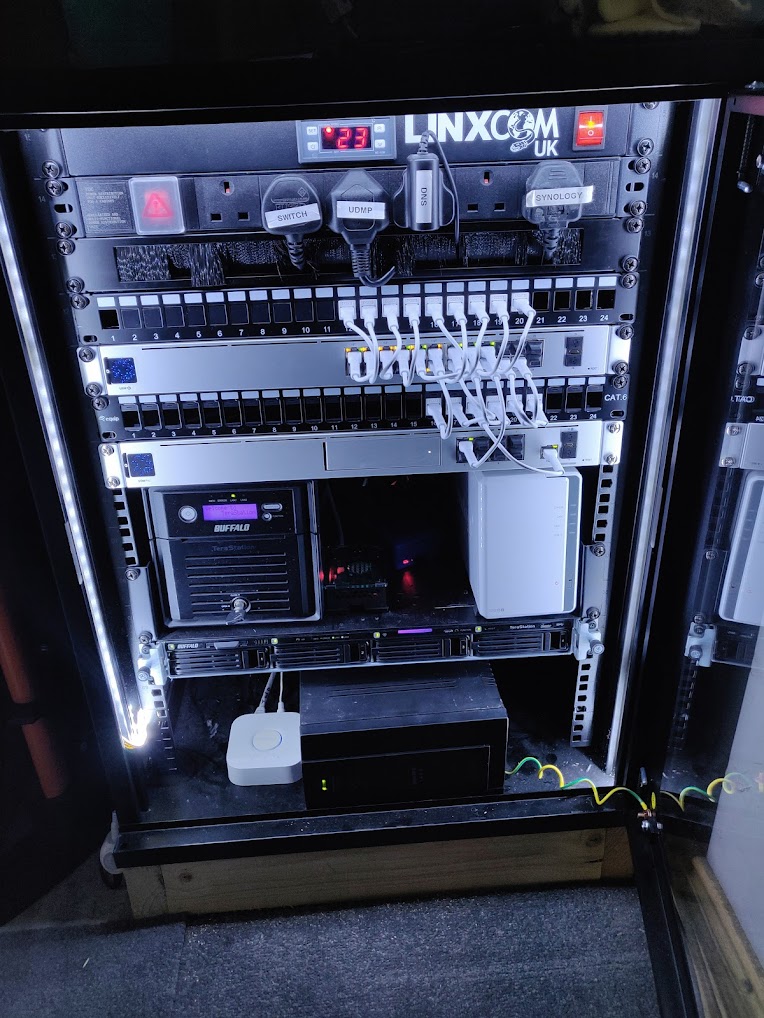
This is a picture of my rack, it doesn't have a Firewalla, I'm a dad and I put all my extra money to my wife and kids, but this is the one thing that I have myself. It's how I spend a fair bit of my time after the kids have gone to bed. It's my little lifestyle treat to myself.
I'd love to get any sort of Firewalla for more granular control but the funds manager (aka "The Wife") won't allow it at the moment. 🤣From Top to Bottom:- Linxcom UK - 1U 19" Rack Mount Thermostatic Fan Tray 2x 120mm Fans
- 6 Port Rack PDU
- World of Data 19" Rack Mount Brush Plate 1u
- Equip Cat6 Patch Panel 24-Port for Keystone Jacks with keystone blanks
- Ubiquiti USW-24-PoE 24 port PoE switch
- World of Data 19" Rack Mount Brush Plate 1u
- Ubiquiti Dream Machine Pro
- Buffalo Technology TS5200D NAS / Raspberry pi4 (x2) powered by PoE / Synology DS215J
- Buffalo Technology WS5400R running server 2016
- APC BX1400IU Smart UPS
- Philips Hue Bridge
-

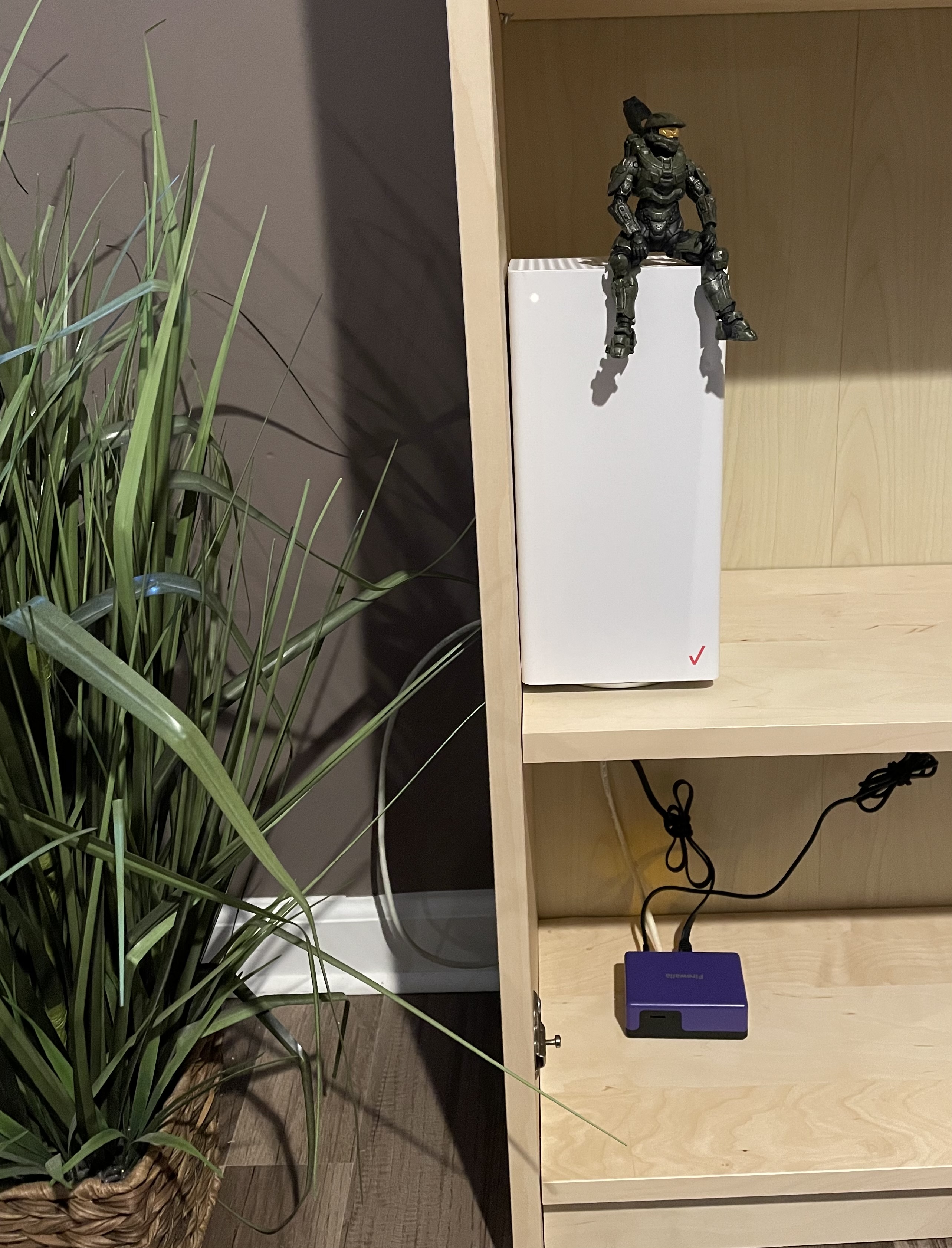
This is my “rack”. A recent upgrade from a sprawling mess on the floor. My setup is unique because while it is organized, functionally it leaves much to be desired. The repurposed Verizon router functions as WiFi AP and switches. Unfortunately when DHCP is turned off it loses a lot of features for whatever reason (big thanks to FW support for helping me get to that point). One of these lost features is the native guest network, so whenever people ask for my WiFi password I turn on a segment from the Firewalla Purple. The 2.4 GHz radio gets excellent range as it turns out - comparable the Verizon AP. I have not upgraded from the stock Verizon equipment because I haven’t yet been able to find an AP that does not look like a spider,(t link ) supports VLANs, and also doesn’t need me to buy into a whole new system ( Ubiquity). In short, I am holding onto for a Firewall AP.. .and I wait…
Should I be favored with the grand prize, I will see if the FW rack mount fits inside the cabinet, which will be a fun project if it does as I build up courage to cut holes in the wall, with the wife’s permission, for a proper network cubby more centrally located in the home.
-

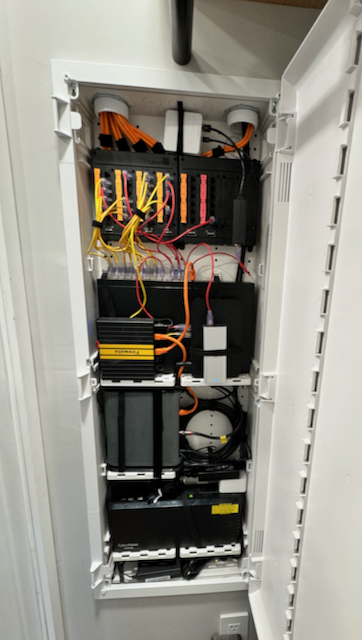
Just got mine all wrapped up even though it's too late it's worth a look.
Leviton 42" Plastic structured media cabinet
APC-UPS with surge protected outlet
Coax cabling to Motorola modem
Firewalla router, Cisco Meraki VPN, Ubiquiti Controller
Netgear 24 port POE Switch
36 Netwrok ports through the house
Lutron Lighting hub
-

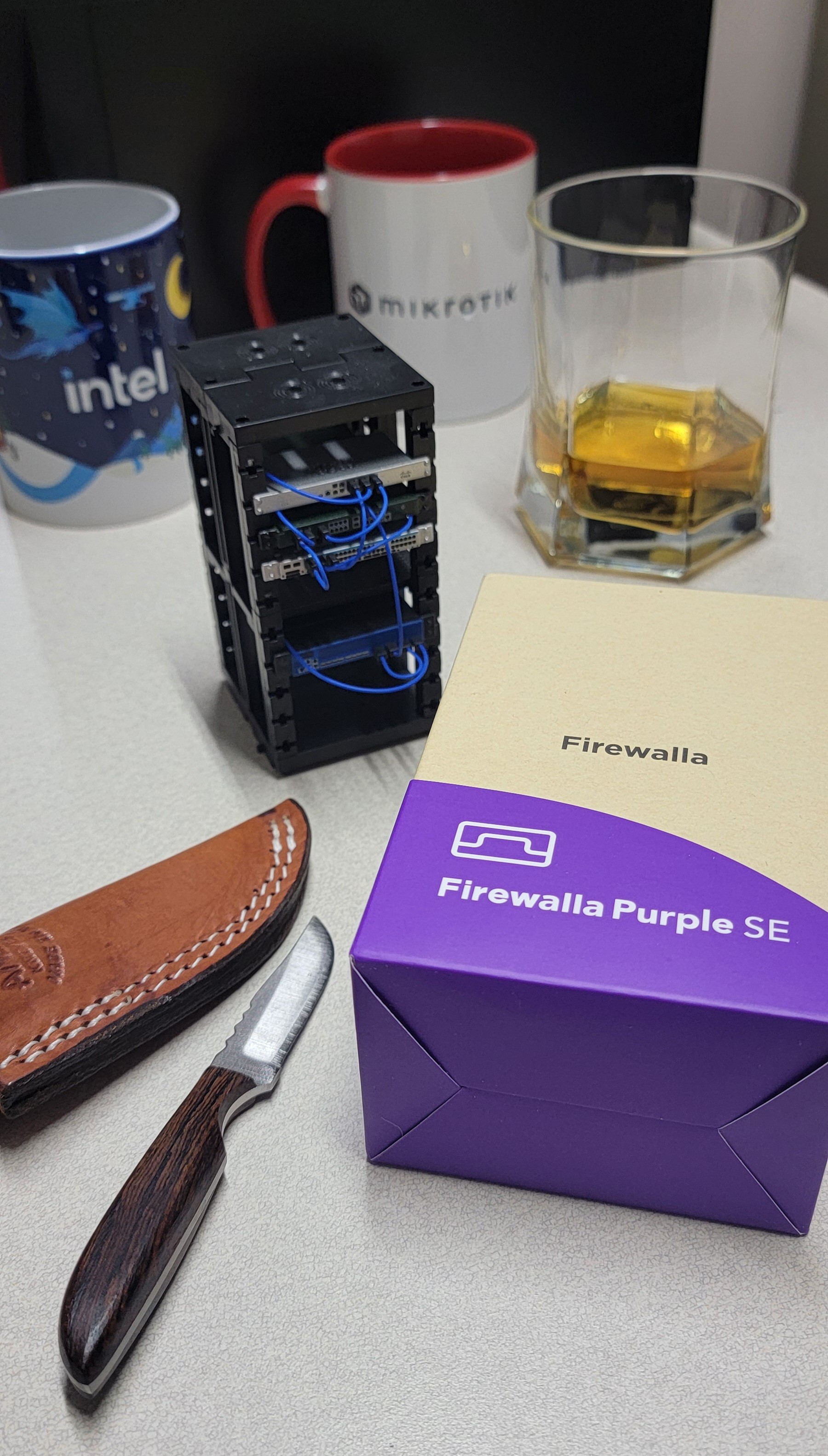
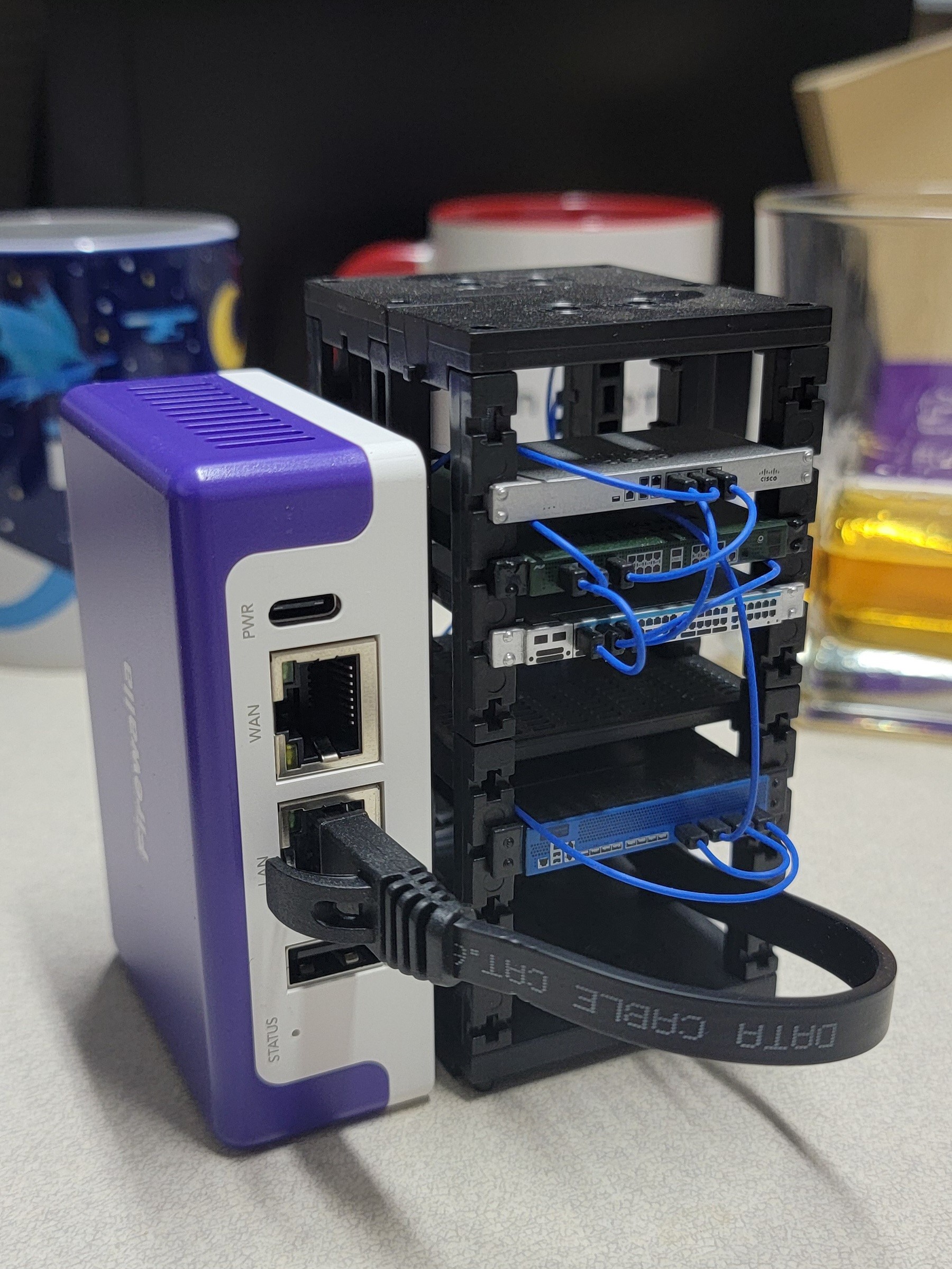
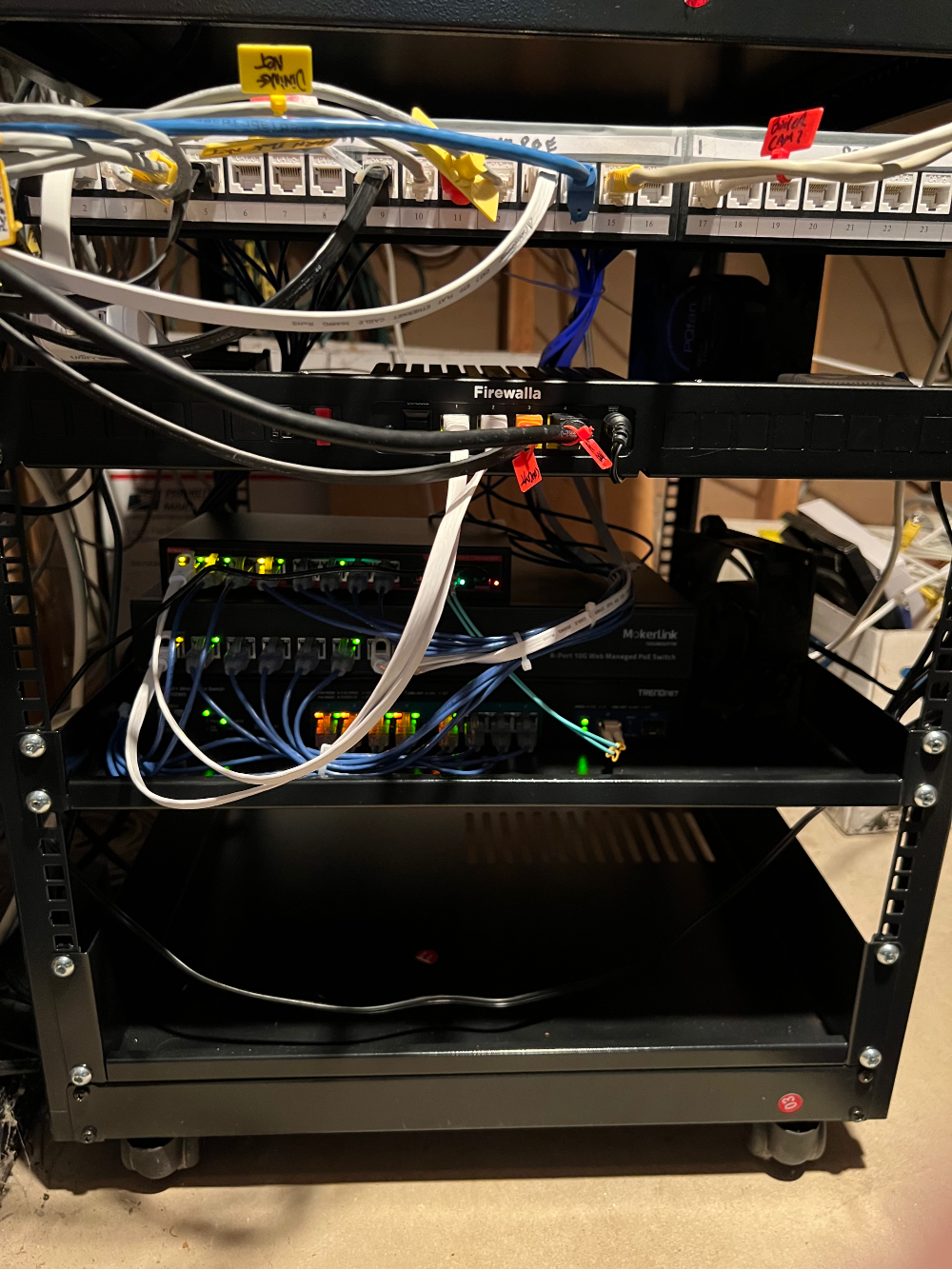
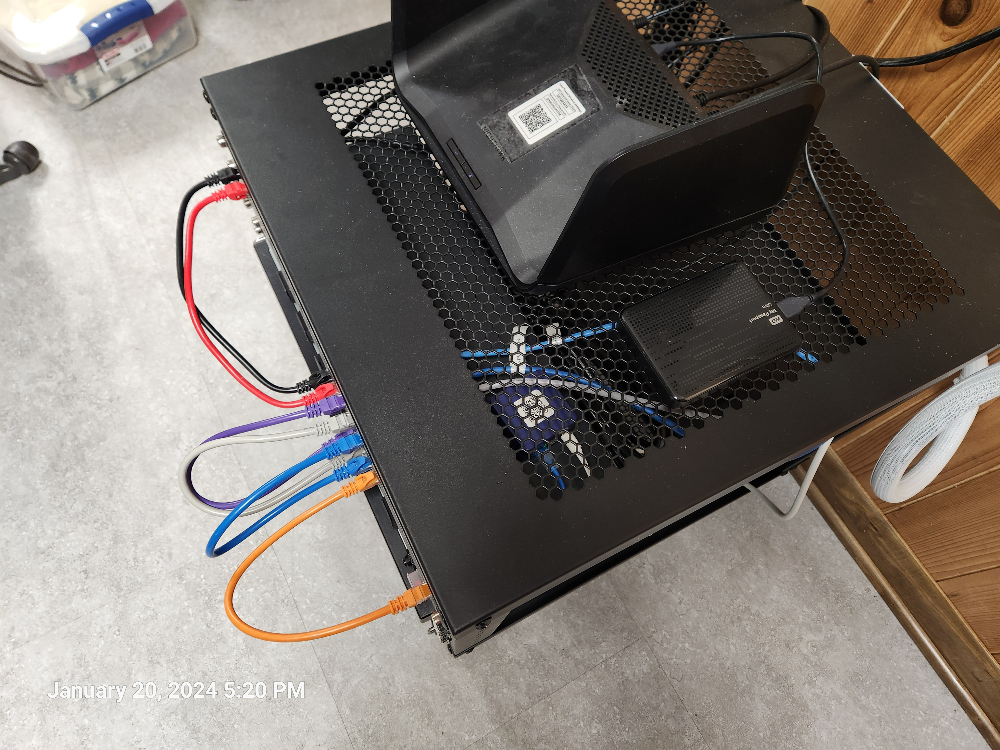
Thought y'all might appreciate this clean rackmount installation before/after. The Purple SE is a little bigger than I expected, but it still works for my "small network".
I just got my first box today, and I've already ordered a Gold SE. Official testing will commence over the weekend.
-

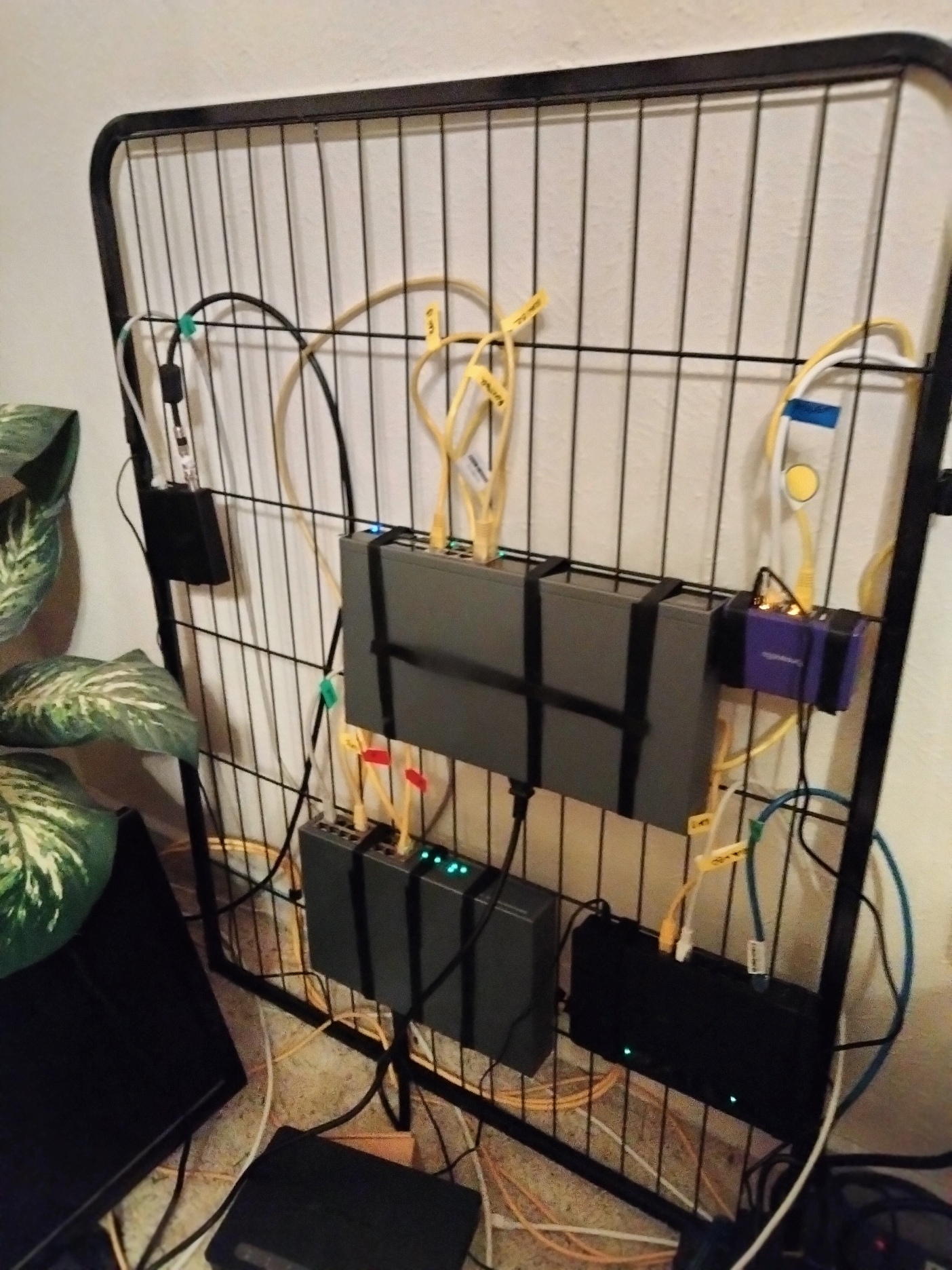
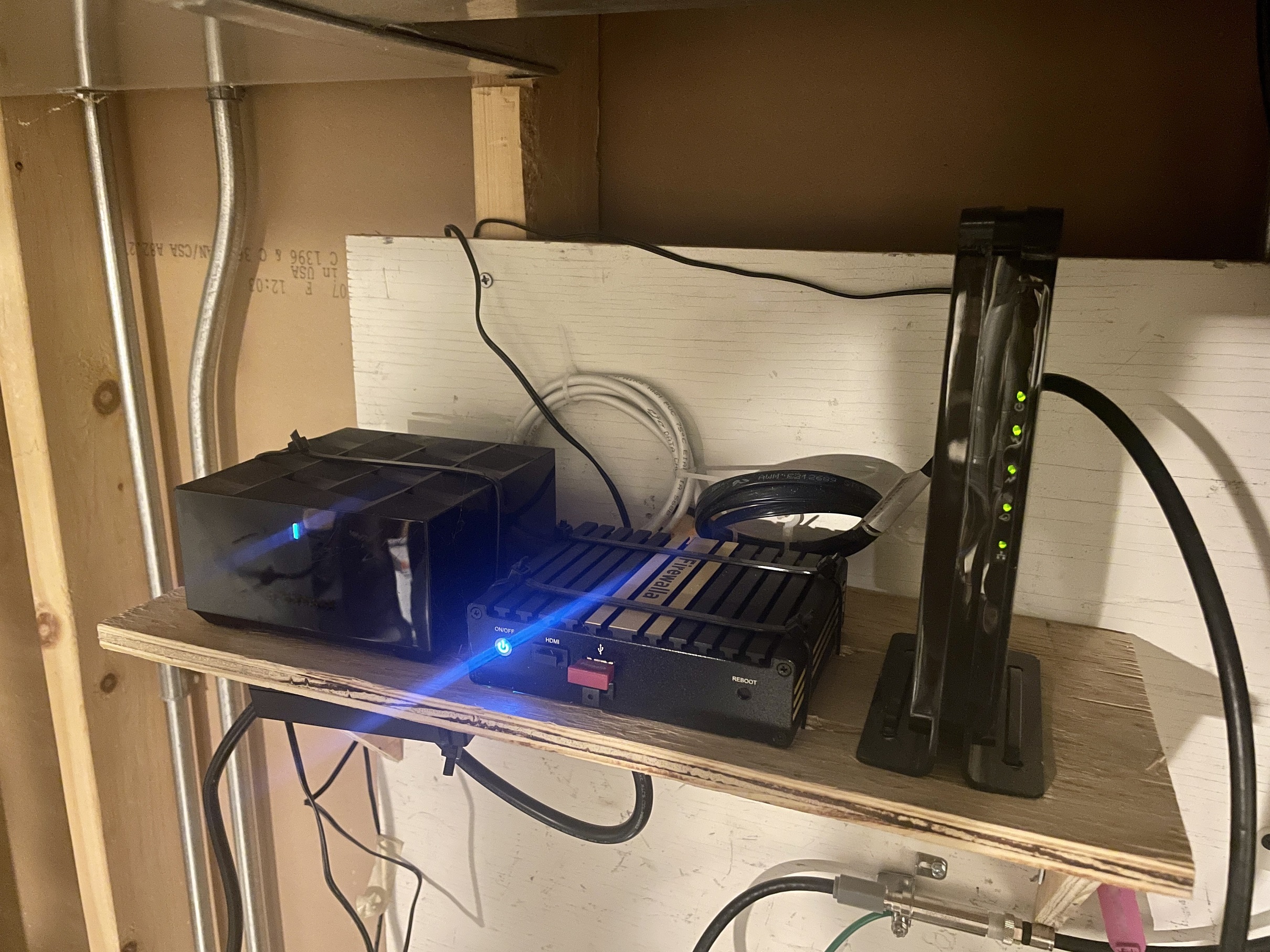
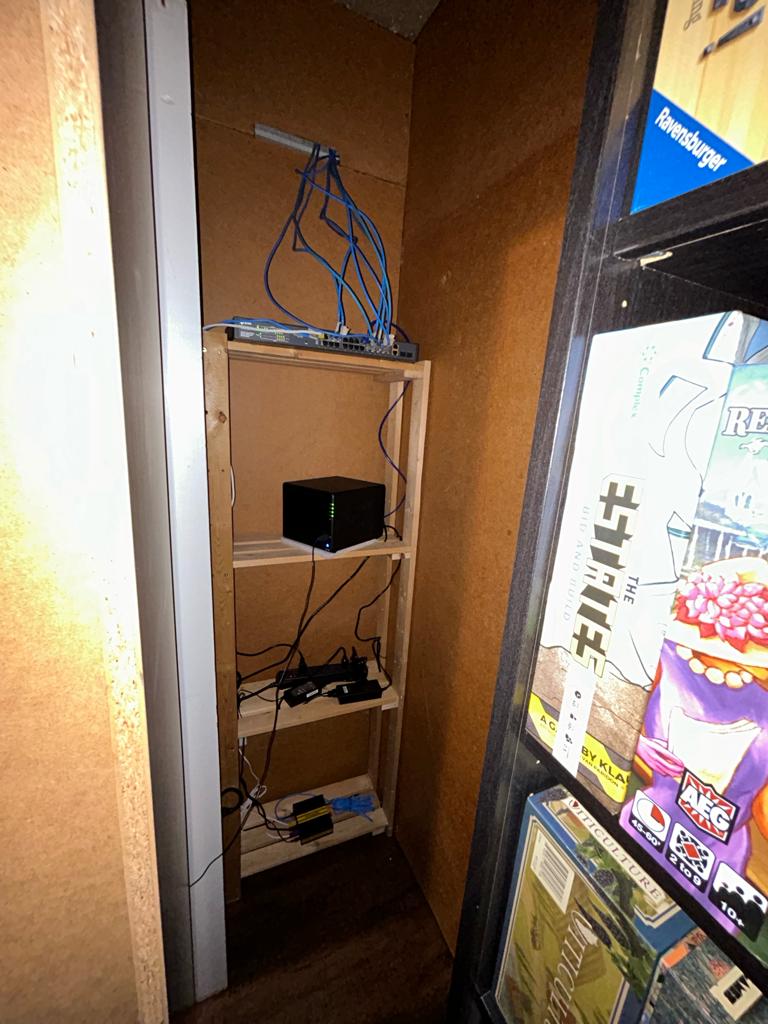
Firewalla has been an indispensable keeper of the peace for our "dog park" network. Firewalla makes configuration straight forward and simple right out of the box. We appreciate the user interface and alerts, as well as the tools that test and verify the performance and reliability of the router and network security. In our experience with Firewalla, we see a rare company that owns accountability for its product and implements the best practices for continuous improvement. With our Firewalla, we can rest knowing the Sheriff is always on the job. Our Firewalla Purple is mounted with velcro straps on a repurposed modular puppy kennel wire panel in my wife's canine grooming parlor. When complete, the panel will be hung on the wall at my standing comfort height using a 2-pin hinge setup that is offset from the wall on a 4-inch boxed truss so that the panel can be swung 180 degrees for convenient and ergonomic access to both sides of the panel for maintenance and dust cleaning, and the cords can be run to the floor or ceiling through the truss. Our dog park network follows the Firewalla Purple VLAN configuration guideline utilizing a layer 3 switch to segment the dog park into 4 subnets for primary/admin, guest/internet gaming, security/surveillance and lab/sandbox functions. It took us just over a minute to configure Wireguard VPN on the Firewalla Purple user interface so we can access an HD Homerun local TV streaming appliance to watch our grandson's televised high school football games when we are not in town. The Firewalla Purple does an awesome job protecting our cable internet service with backup fail-over via wifi connection to our backup cellular Internet service that's in our RV parked outside. Power is supplied to the doghouse panel from 2 separate UPS units that have automatic voltage regulation capabilities. One UPS provides power for Firewalla Purple, modem and layer 3 switch. The second UPS provides power for remotely located POE devices and access points in other dog park areas. Devices are attached to the wire panel with cable ports upward, and the devices are spaced with a cage bar above to route and support cables plugged into the upward ports. I will likely flip the panel upside down when I hang it on the hinges so that the ports will be downward.









Please sign in to leave a comment.
Comments
53 comments