Ad block allow rule override help

Hi community,
I am very new to Firewalla Puple, but having a weird issue I hope you can help me with. I have Ad block (strict) enabled on all devices. I appreciate that this blocks sponsored links in Google (e.g. search for veuve clicquot champagne > sponsored links on "googleadservices.com" do not work). I've added a custom "allow" rule to allow this domain on all devices. On one of my MacBook Airs, I can now click on sponsored links, however on my wife's MacBook Air she stills gets DNS failures when doing the same thing. I've flushed DNS on her MacBook and rebooted etc to no avail.
In the Firewalla logs I see that "www.googleadservices.com" is blocked by ad block for my wife's MacBook Air, yet at the bottom of the screen on the iOS app it offers me "Undo Allow" - so seemingly aware of my "allow rule" and offering me the option to undo it!
I can't explain why it's working on one device, but not the other. My understanding is "allow" rules always take precedence over things in the ad block.
Any help appreciated!
Thanks,
Mark
-
So I was able to self-solve this. Two things:
- Don't enter the "www." subdomain - just do "googleadservices.com"
- It doesn't appear that "allow" rules override ad block when applied to "All Devices". If instead I set up rules on individual devices or device groups then this worked correctly. It seems like a bug that it doesn't work at the "All Devices" level
-
@Firewalla today I tried refactoring my 3 "allow" rules for various Google Sponsored links into a Target List via the web interface as I wanted to have a single place to manage the allow list of sites, rather than applying N domains to N device groups as I had previously. I set up the following target list:
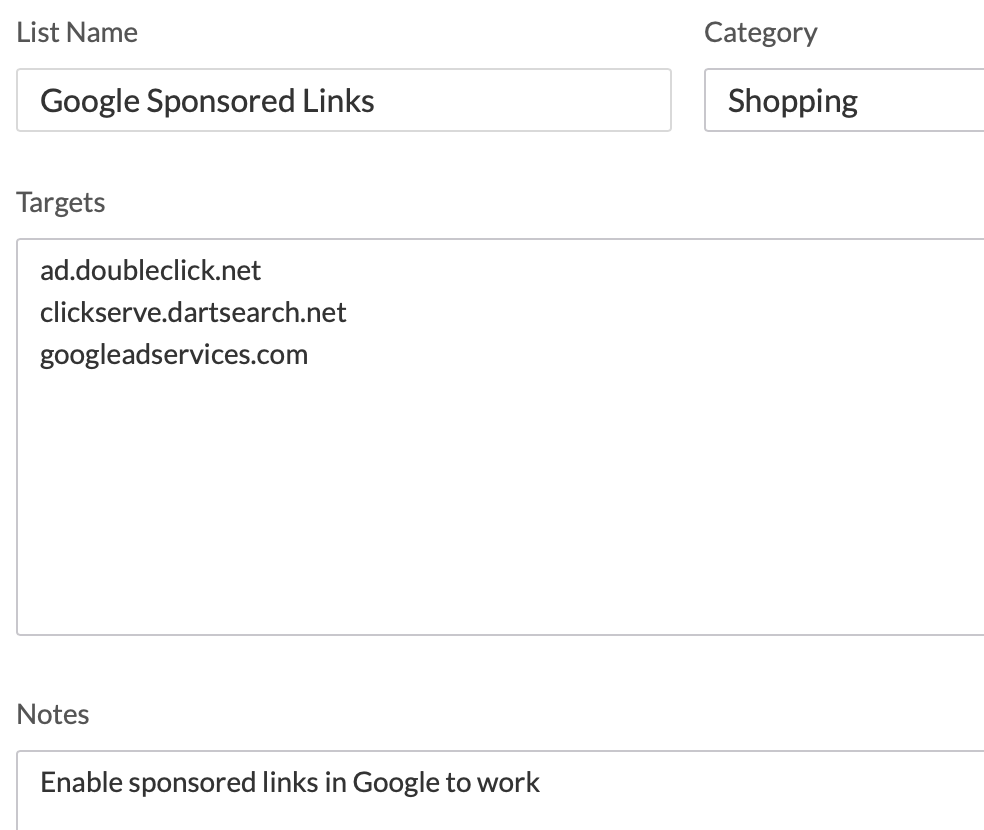
I then removed the individual rules that allowed each of the above sites from two of my device groups and instead applied the above target list to those device groups in "allow" mode:
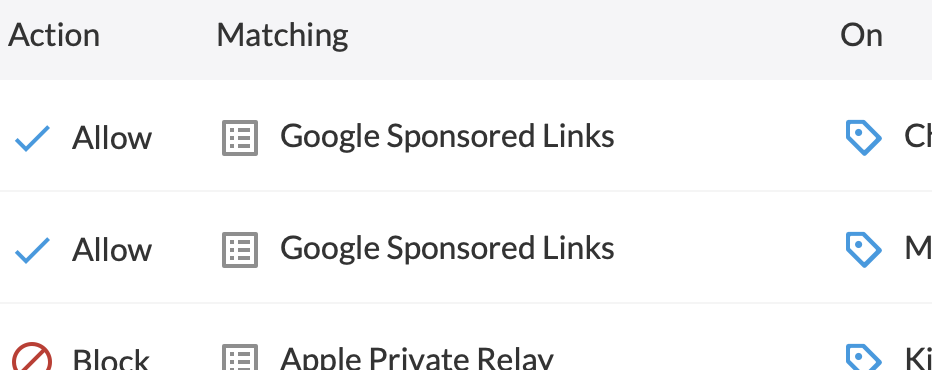
Despite flushing DNS on the devices in the device groups a few times the above is not working. Using my same "veuve cliquot champagne" example as in the original post, when I click on Google Sponsored Links, the DNS lookup is blocked.
My target list has the following:
ad.doubleclick.net
clickserve.dartsearch.net
googleadservices.comThe links I'm trying to click are "...googleadservices.com/.....".
Any idea what's up? So far it seems that I can only override system-wide ad blocking rules, by specifying device-group level allow rules for each domain. It is not working with target lists.
-
Was able to self-solve this one too after digging in Reddit for a bit.
Seems for target lists, one needs to prefix the domains with *., e.g.:
*.ad.doubleclick.net
*.clickserve.dartsearch.net
*.googleadservices.comWith that in place my target lists to allow traffic (and override Ad Block defaults) now work when applied to device groups.
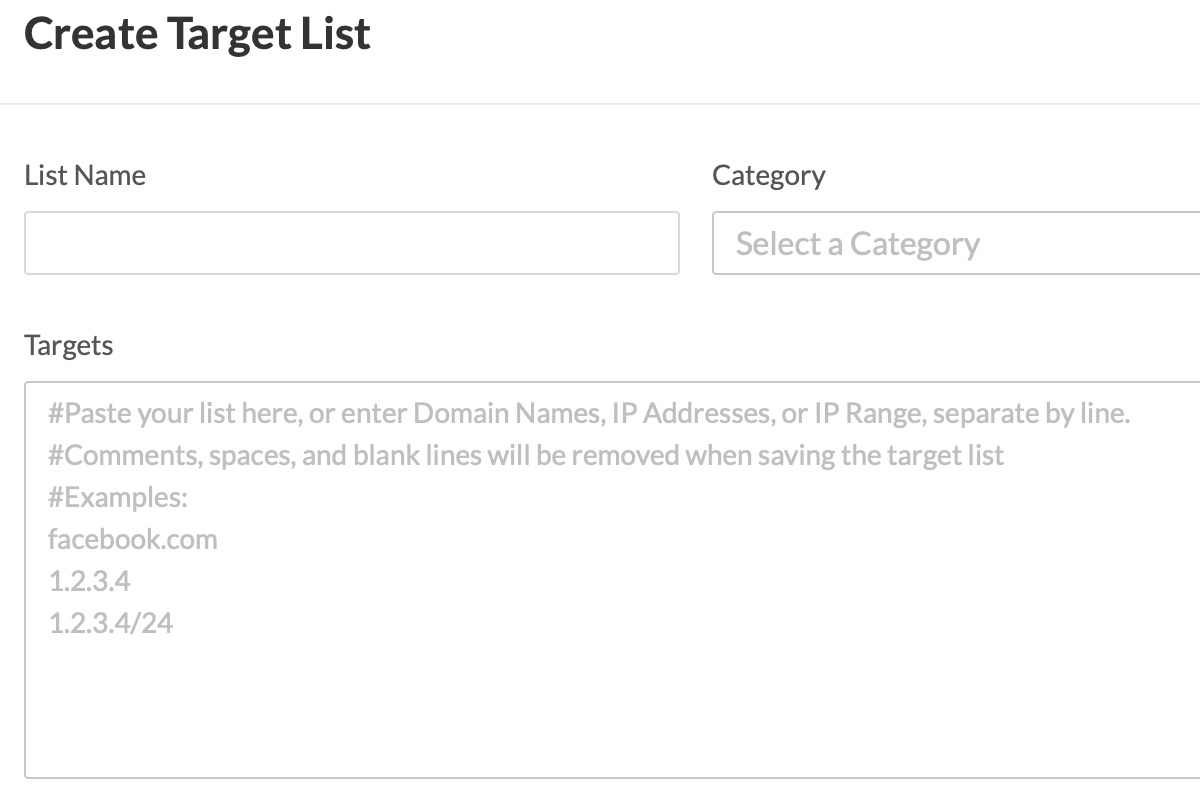
I think the UI should be a little clearer in my opinion, since the examples (screenshot below) don't show the asterisk:
-
To be fair the documentation about target lists here does mention the need to prefix with *.


Please sign in to leave a comment.
Comments
7 comments