Assign a different IP address to a device

I have several devices in my network that I need to reference by IP address.
1 example is a wireless camera. I have several other devices that access the video feed by IP (ie: rtsp://192.168.0.44/video). Other examples are several smart switches which can be controlled by my Hubitat Hub.
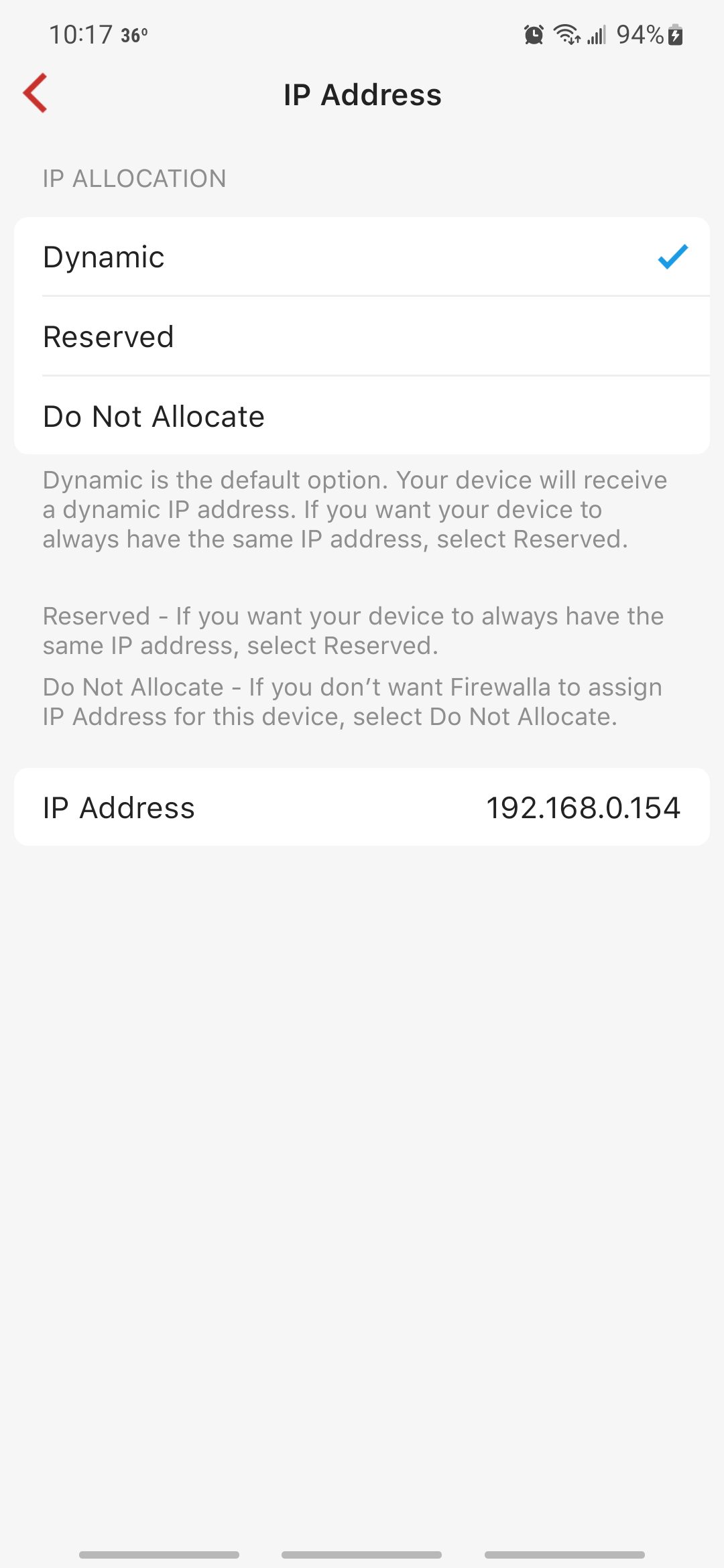
I see how to reserve a device's *current* IP address (I'm using DHCP) but I don't see any way to change the IP address. I realize I'd have to restart the router before the new address would get assigned but this was something I could do with my Orbi mesh router so I was just hoping it'd be here too)
-- I'm using a purple SE in router mode
thanks,
joe
-

Joe, after you tap the “Reserved” selection, the item at the bottom of the page will change to “Reserved IP Address”. Tap the address and on the next page you can enter the address you desire for the device. Back out of these pages and restart the device to have it acquire and use the new IP address.
Please sign in to leave a comment.
Comments
3 comments