How do I unblock blocked IP adresses with Gold?

Hello support,
I have spent two,weeks trying to figure out why I cannot see content I paid for on this certain site and I believe I have the answer- FirewallA
So simply how do I toggle off single blocked lines???
I am NOT GOING THRU THE CHECKLIST
I know what I want to toggle and will keep the IP address and if it dont fix the problem I will manually add the rule again.
Thx,
Very Frustrated In Ephrata
-

@Hoby is correct. Please do not unblock these unless you know what you are doing. These blocks are stateful blocks from the ingress firewall. more on this https://help.firewalla.com/hc/en-us/articles/360049856394-How-to-Secure-Your-Network-with-Firewalla-Part-3-Protect
-
Alright, then just to test my thery I temporarily put the emergency access into effect and the content of the site loaded correctly. Is there a Firewalla tutorial on how to find the actual IP or URL of the site only? I had an issue awhile back like this with Facebook, but identifying what to unblock then was easy and obvious.
-
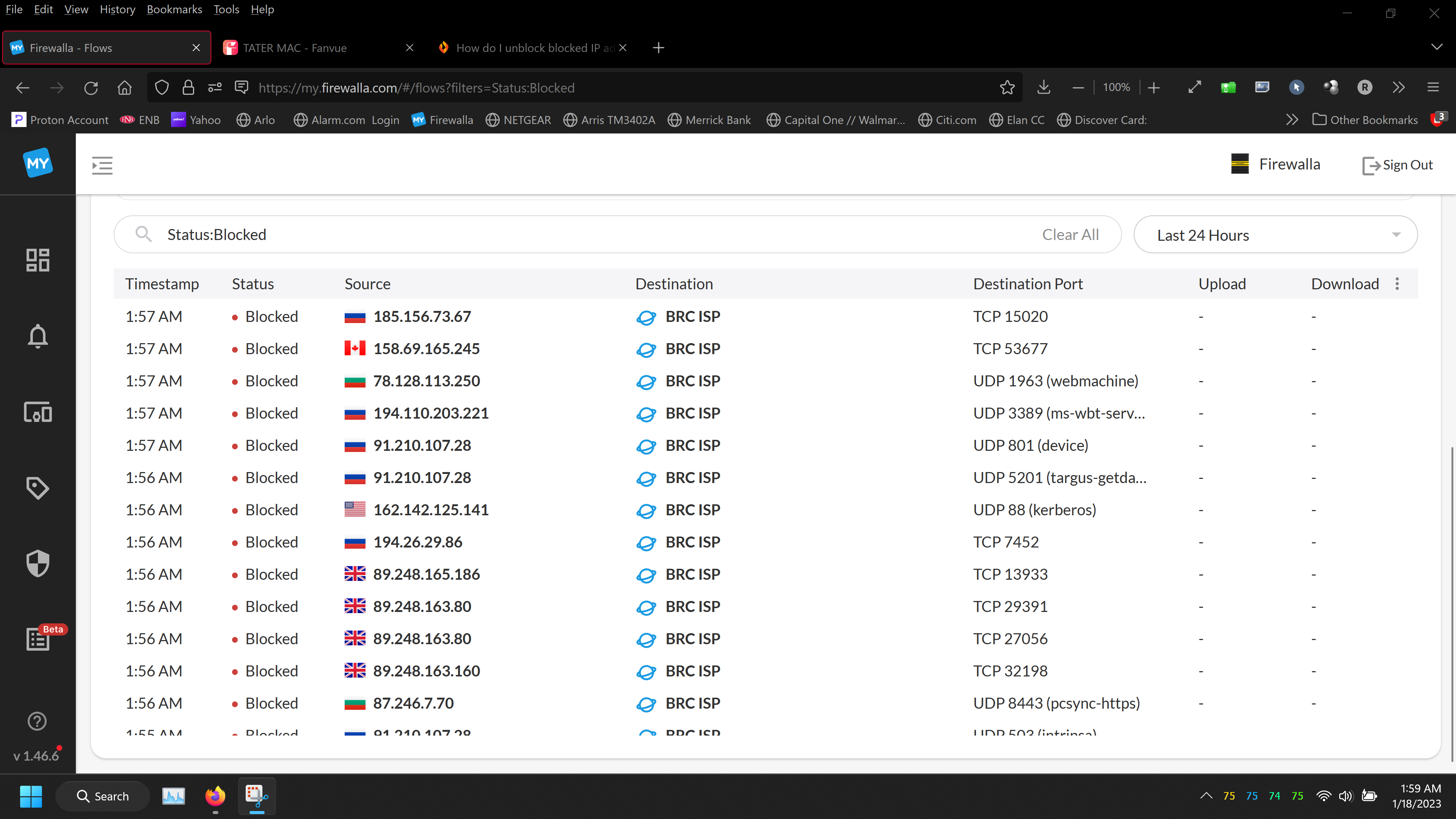
One way you can do it is, to access the site; when it is blocked, open the firewalla app, tap on devices, tap on the device visiting and getting blocked. Tap on network flows, and then look at what is being blocked. Then tap on that entry, and diagnostics should tell you what cause the block. (you can also allow that site manually)
more directions here https://help.firewalla.com/hc/en-us/articles/360050255274-What-to-do-when-you-can-t-access-certain-websites-

Please sign in to leave a comment.
Comments
7 comments